


Nutshell vs. Copper CRM: Vergleich und Expertenbewertungen für 2026


When sales reps are stuck digging through cluttered pipelines, updating spreadsheets by hand, or bouncing between disconnected tools just to track a lead, deals start stalling fast. A CRM that’s supposed to organize your sales process can easily become the reason opportunities slip away in the first place.
If you’re feeling stuck between Nutshell and Copper CRM, you’re not alone. Maybe you want sales tools that don’t overwhelm your team, or you’re trying to make sense of which CRM software actually supports your sales process without adding friction. Both promise straightforward pipelines and integrations, but the experience and real value can look pretty different once you dig in.
In this article, you’ll get a side-by-side comparison—including pros and cons, use cases, pricing, security, and usability—so you can pick the right fit with confidence. I’ll help you see past the surface and decide which one deserves a spot in your tech stack.
Nutshell vs. Copper CRM: An Overview
Nutshell
Copper CRM

Warum Sie unseren Software-Bewertungen vertrauen können
Seit 2022 testen und bewerten wir RevOps-Software. Als RevOps-Verantwortliche wissen wir selbst, wie kritisch und schwierig es ist, die richtige Software-Auswahl zu treffen. Wir investieren in gründliche Recherche, um unserer Community fundierte Kaufentscheidungen zu ermöglichen. Wir haben mehr als 2.000 Tools für verschiedene RevOps-Anwendungsfälle getestet und über 1.000 umfassende Software-Bewertungen verfasst. Erfahren Sie, wie wir Transparenz gewährleisten & unsere Software-Bewertungskriterien.
Nutshell vs. Copper CRM Pricing Comparison
| Nutshell | Copper CRM | |
|---|---|---|
| Free Trial | Free demo + 14-day free trial available | Free demo + 14-day free trial available |
| Pricing | From $13/user/month (billed annually) | From $9/user/month (billed annually) |
Nutshell vs. Copper CRM Preise & versteckte Kosten
Nutshell verwendet ein gestaffeltes Abonnementmodell, bei dem sich der Funktionsumfang mit höheren Stufen erweitert, während die Preisgestaltung von Copper CRM ebenfalls stufenbasiert ist, sich aber auf Benutzerrollen und Integrationsmöglichkeiten konzentriert. Beide bieten monatliche oder jährliche Abrechnung an, und es können zusätzliche Kosten für Add-ons, Implementierung oder erweiterte Integrationen anfallen – insbesondere, wenn Ihr Team mehr Automatisierung oder Support benötigt.
Um das beste Preis-Leistungs-Verhältnis zu finden, sollten Sie Ihre aktuellen und zukünftigen Prozessanforderungen den gestaffelten Funktionen jedes Anbieters zuordnen und prüfen, in welcher Stufe die für Sie unverzichtbaren Tools oder Integrationen enthalten sind. Ich empfehle, besonders auf das Kleingedruckte zu achten, etwa auf Mindestanzahl an Nutzern, Einrichtungsgebühren oder Einschränkungen beim Support, denn diese Details können entscheidend sein, wenn Ihr Team wächst oder sich verändert.
Nutshell vs. Copper CRM Feature Comparison
<div class="slate-p" data-slate-node="element" data-block-id="VN05wKggYa" data-slate-fragment="JTVCJTdCJTIyY2hpbGRyZW4lMjIlM0ElNUIlN0IlMjJ0ZXh0JTIyJTNBJTIyQm90aCUyME51dHNoZWxsJTIwYW5kJTIwQ29wcGVyJTIwQ1JNJTIwb2ZmZXIlMjBwaXBlbGluZSUyMG1hbmFnZW1lbnQlMkMlMjBjb250YWN0JTIwdHJhY2tpbmclMkMlMjByZXBvcnRpbmclMkMlMjBzYWxlcyUyMGF1dG9tYXRpb24lMkMlMjBhbmQlMjBpbnRlZ3JhdGlvbiUyMHdpdGglMjBlbWFpbCUyMGFuZCUyMGNhbGVuZGFycy4lMjBZb3UlRTIlODAlOTlsbCUyMGZpbmQlMjB0YXNrJTIwYXNzaWdubWVudCUyQyUyMGJhc2ljJTIwd29ya2Zsb3clMjBhdXRvbWF0aW9ucyUyQyUyMGFuZCUyMG1vYmlsZSUyMGFjY2VzcyUyMGJ1aWx0JTIwaW4lMkMlMjBtYWtpbmclMjBpdCUyMGVhc3klMjB0byUyMHN1cHBvcnQlMjBldmVyeWRheSUyMHNhbGVzJTIwd29yayUyMG5vJTIwbWF0dGVyJTIwd2hpY2glMjBDUk0lMjB5b3UlMjBjaG9vc2UuJTIyJTdEJTVEJTJDJTIydHlwZSUyMiUzQSUyMnAlMjIlMkMlMjJpZCUyMiUzQSUyMmtoNHNWZGN0czUlMjIlN0QlMkMlN0IlMjJjaGlsZHJlbiUyMiUzQSU1QiU3QiUyMnRleHQlMjIlM0ElMjJXaGF0JTIwc2V0cyUyME51dHNoZWxsJTIwYXBhcnQlMjBpcyUyMGl0cyUyMGZsZXhpYmxlJTIwcmVwb3J0aW5nJTIwY3VzdG9taXphdGlvbiUyMGFuZCUyMGl0cyUyMGRpdmVyc2UlMjBob3N0JTIwb2YlMjBzdWl0ZXMlMjB0aGF0JTIwYWxsb3clMjBmb3IlMjBzZWFtbGVzcyUyMHNhbGVzJTJDJTIwbWFya2V0aW5nJTJDJTIwYW5kJTIwZW5nYWdlbWVudCUyMCVFMiU4MCU5NCUyMGFsbCUyMHdpdGhvdXQlMjBsZWF2aW5nJTIwdGhlJTIwcGxhdGZvcm0uJTIwTnV0c2hlbGwlMjBpcyUyMGlkZWFsJTIwZm9yJTIwdGVhbXMlMjB0aGF0JTIwd2FudCUyMGElMjByb2J1c3QlMjBhbGwtaW4tb25lJTIwcGxhdGZvcm0lMjBjYXBhYmxlJTIwb2YlMjBzdXBwb3J0aW5nJTIwdGhlJTIwZW50aXJlJTIwc2FsZXMlMjBwaXBlbGluZSUyMGFuZCUyMHN1cnJvdW5kaW5nJTIwd29ya2Zsb3dzLi4lMjBDb3BwZXIlMjBDUk0lMjBzdGFuZHMlMjBvdXQlMjBmb3IlMjBpdHMlMjBkZWVwJTIwR29vZ2xlJTIwV29ya3NwYWNlJTIwaW50ZWdyYXRpb24lMjBhbmQlMjBhdXRvbWF0ZWQlMjBkYXRhJTIwY2FwdHVyZSUyQyUyMHBlcmZlY3QlMjBmb3IlMjB0ZWFtcyUyMHdobyUyMGxpdmUlMjBpbiUyMEdtYWlsJTIwb3IlMjBHb29nbGUlMjBDYWxlbmRhciUyMGFuZCUyMHdhbnQlMjB0aGVpciUyMENSTSUyMHRvJTIwZmVlbCUyMGludmlzaWJsZS4lMjIlN0QlNUQlMkMlMjJ0eXBlJTIyJTNBJTIycCUyMiUyQyUyMmlkJTIyJTNBJTIyVk4wNXdLZ2dZYSUyMiU3RCU1RA==
| Nutshell | Copper CRM | |
|---|---|---|
| API | ||
| Data Export | ||
| Data Import | ||
| External Integrations | ||
| Multi-User | ||
| Notifications | ||
| Third-Party Plugins/Add-Ons |
Nutshell vs. Copper CRM Integrationen
| Integration | Nutshell | Copper CRM |
| Google Workspace | ✅ | ✅ |
| Microsoft 365 | ✅ | ❌ |
| QuickBooks Online | ✅ | ✅ |
| Slack | ✅ | ✅ |
| Mailchimp | ✅ | ✅ |
| HubSpot | ❌ | ✅ |
| ❌ | ✅ | |
| Xero | ❌ | ✅ |
| API | ✅ | ✅ |
| Zapier | ✅ | ✅ |
Beide Tools decken die wichtigsten Integrationen wie Google Workspace, QuickBooks, Mailchimp und Zapier ab und bieten API-Zugriff, wodurch sie für gängige Workflows gut geeignet sind. Copper CRM hat die Nase vorn bei speziellen Integrationen für Google-First- und Xero-Nutzer, während Nutshell besonders durch Microsoft 365 und individuellen Verbindungen über seinen App-Marktplatz und die API hervorsticht.
Nutshell vs. Copper CRM Sicherheit, Compliance & Zuverlässigkeit
| Faktor | Nutshell | Copper CRM |
| Datenverschlüsselung | Verwendet TLS 1.2 für die Verschlüsselung während der Übertragung und AES-256 für gespeicherte Daten. | Verschlüsselt Daten während der Übertragung und im Ruhezustand gemäß Industriestandards. |
| Regulatorische Compliance | Entspricht DSGVO, PCI DSS, SOC 2 Typ 1 und US-Datenschutzgesetzen mit klaren Benutzersteuerungen. | DSGVO-konform mit zusätzlicher SOC-2-Zertifizierung für erhöhte Sicherheit. |
| Zugriffskontrollen | Bietet anpassbare Benutzerrollen und Berechtigungen. | Stellt detaillierte Berechtigungseinstellungen und Team-Freigabekontrollen bereit. |
| Backup & Wiederherstellung | Tägliche automatisierte Backups mit multi-regionaler Redundanz. | Regelmäßige Datensicherungen mit robusten Notfallwiederherstellungsverfahren. |
| Aktivitätsprotokollierung | Protokolliert Benutzeraktivitäten und Zugriffsprotokolle zu Prüfzwecken. | Führt detaillierte Benutzeraktivitätsprotokolle für Systemaudits. |
Nutshell und Copper CRM sind in Bezug auf Sicherheit, Zuverlässigkeit und administrative Kontrolle weitgehend vergleichbar und bieten den Schutz, den die meisten Unternehmen von einer modernen CRM-Plattform erwarten. Die Benutzererfahrung und das Maß an Kontrolle ähneln sich in beiden Systemen sehr.
Nutshell vs. Copper CRM Benutzerfreundlichkeit
| Faktor | Nutshell | Copper CRM |
|---|---|---|
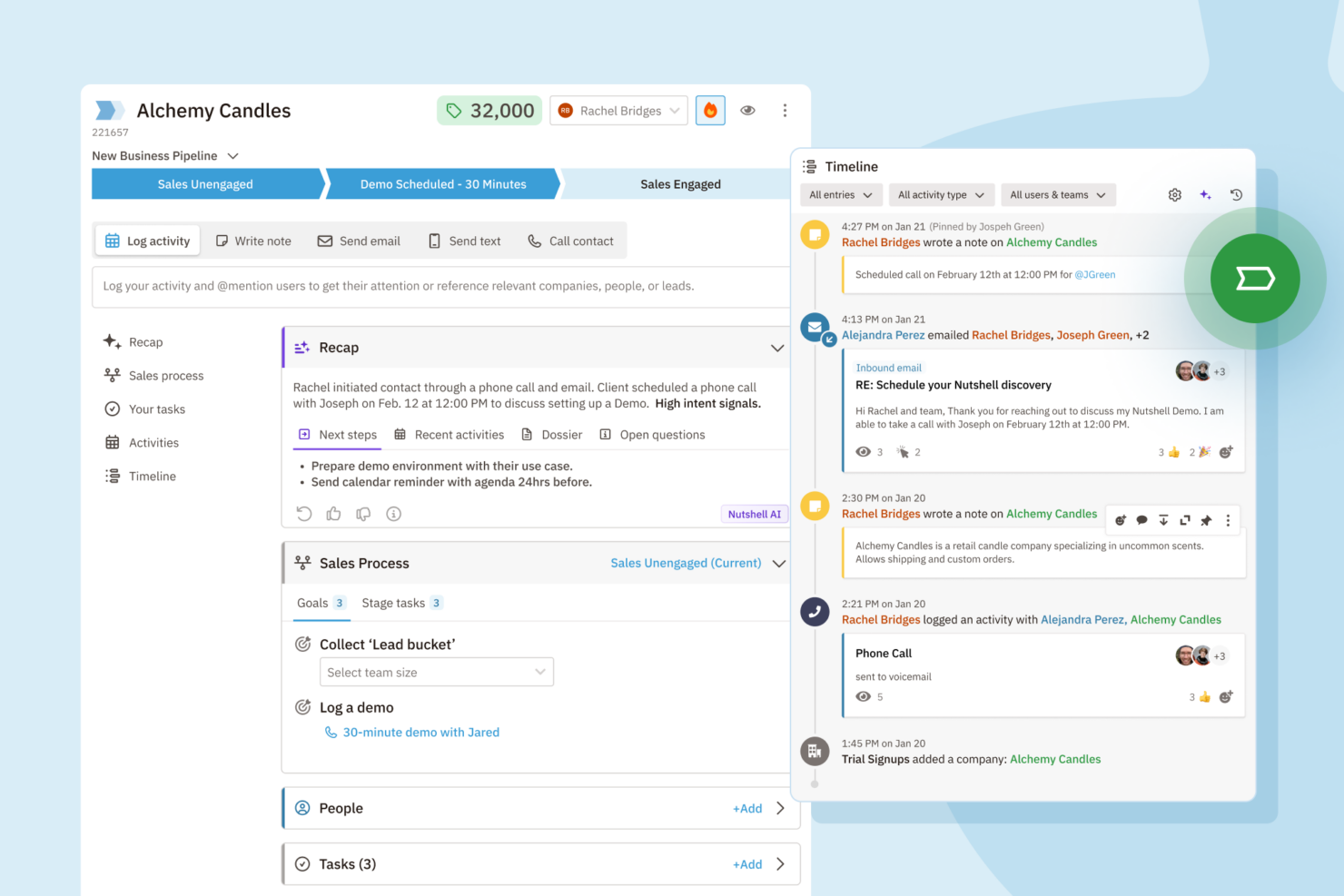
| Benutzeroberfläche | Übersichtliches, intuitives Dashboard mit Drag-and-drop-Pipelines. | Google-ähnliches, minimalistisches Design, das sich in Workspace nativ anfühlt. |
| Onboarding | Angeleitete Einrichtung, einfache Importoptionen und hilfreiche Tooltips. | Nahtlos mit Gmail, dazu In-App-Anleitungen für den Start. |
| Anpassung | Flexible Pipelines und Felder ohne steile Lernkurve. | Einfache Anpassungen mit starker Ausrichtung auf Google-Integrationen. |
| Mobile Erfahrung | Voll ausgestattete Apps für iOS und Android. | Mobile App ist eng mit Google Tools integriert. |
| Kundensupport | Schneller E-Mail-/Chat-Support und ein ausführliches Hilfezentrum. | Reaktionsschneller Support mit zusätzlichen Ressourcen für Workspace-Nutzer. |
Beide Tools sind einfach einzurichten, aber Copper CRM überzeugt Nutzer, die ein Google-natives Erlebnis suchen, während Nutshell durch freundliches Onboarding und leichte Anpassbarkeit punktet. Ich empfehle Copper CRM, wenn Ihr Team hauptsächlich mit Gmail arbeitet, aber Nutshell ist die bessere Wahl für Teams, die schnelle Erfolge und wenig technischen Aufwand möchten.
Nutshell vs Copper CRM: Pros & Cons
Nutshell
- Sales automation workflows handle multi-step processes effectively
- Implementation and onboarding are streamlined for rapid deployment and adoption.
- Responsive support team resolves most issues promptly
- Nutshell isn’t as customizable as other enterprise solutions
- Marketing capabilities isn’t as robust as a dedicated marketing platform
- Limited native enterprise integrations
Copper CRM
- It integrates seamlessly with Google Workspace, making it easy for your team to manage communication.
- The user interface is intuitive, reducing the learning curve for your team.
- It offers strong automation features that can simplify your workflow.
- Customization options are limited compared to other CRMs.
- Reporting capabilities might not meet the needs of data-driven teams.
- It lacks some advanced features that larger organizations might require.
Best Use Cases for Nutshell and Copper CRM
Nutshell
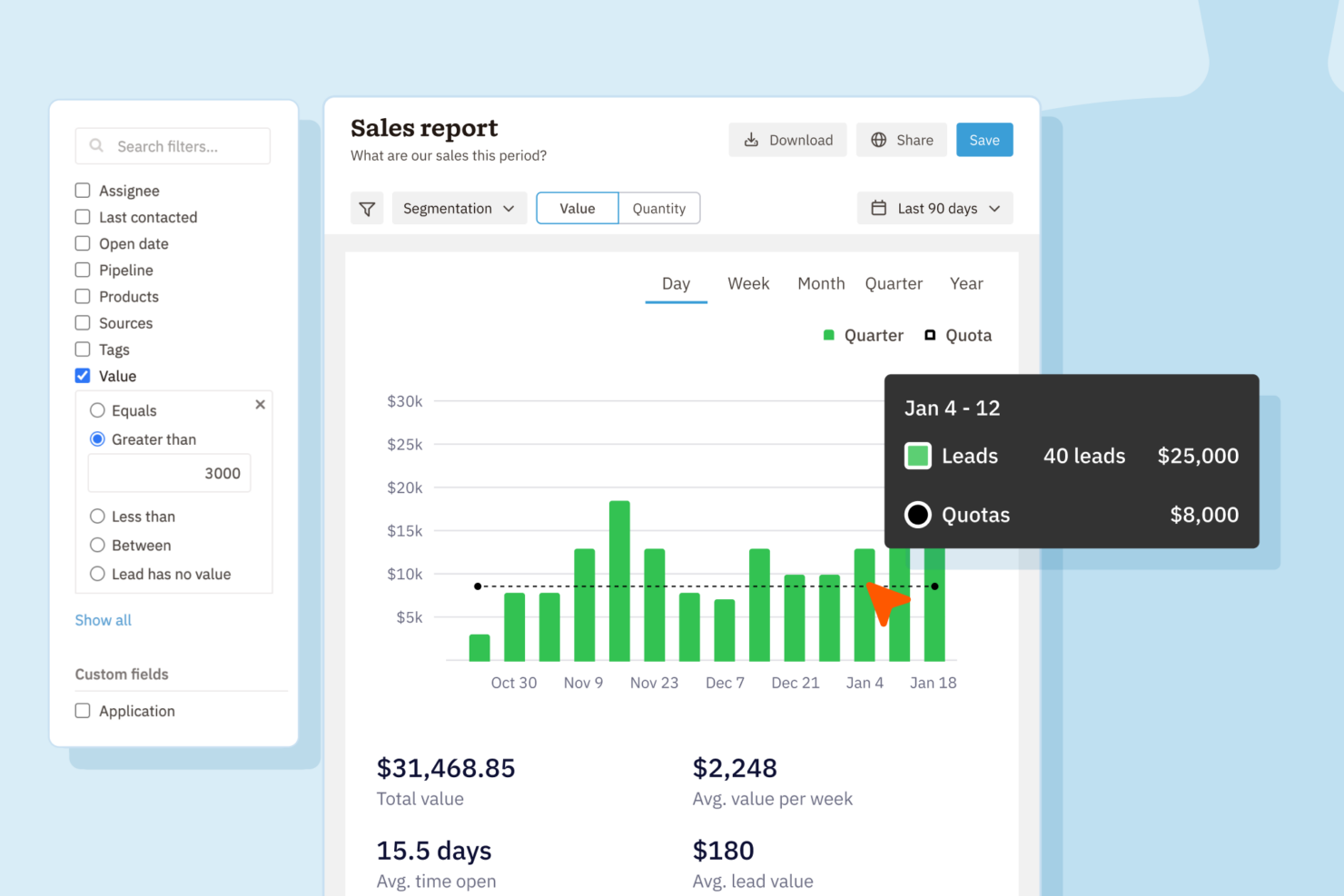
- Small Sales Teams Setup is fast, automation reduces manual work, and unlimited contacts keep costs predictable as you scale.
- B2B Services Customizable pipelines and integrations with email and scheduling tools help manage leads from discovery through close.
- SaaS Startups Easy-to-tweak workflows and email campaign features fit short sales cycles and lean teams.
- Agencies Pipeline views, contact segmentation, and shared activity histories help handle multiple client accounts.
- Distributed Teams Cloud access, mobile app, and straightforward collaboration features suit remote and hybrid work cultures.
- Nonprofits Simple donor management, bulk emailing, and custom fields support relationship-building without CRM complexity.
Copper CRM
- Tech Startups Copper CRM is ideal for tech startups using Google Workspace, providing seamless integration with Google tools.
- Small Businesses For small businesses, Copper CRM simplifies customer management with an easy-to-use interface and strong automation features.
- Sales Teams Sales teams benefit from Copper CRM's automation, reducing manual data entry and improving communication.
- Marketing Departments Marketing departments find value in Copper CRM's ability to integrate with Google tools, enhancing collaboration and efficiency.
- Remote Teams Remote teams thrive with Copper CRM's cloud-based access and integration with Google Workspace, enabling seamless collaboration.
- Project Management Project management teams use Copper CRM to streamline tasks with its intuitive interface and Google Drive integration.
Wer sollte Nutshell nutzen und wer Copper CRM?
Nutshell ist ideal für kleine und mittlere Unternehmen sowie wachsende Vertriebsteams, die flexible Pipelines, All-in-one-Funktionalität und eine schnelle, einfache Einrichtung wünschen. Copper CRM ist die beste Wahl für Google Workspace-orientierte Teams – besonders Agenturen, Beratungen und Start-ups –, die ihr CRM nahtlos in Gmail und Google Kalender integrieren möchten. Wählen Sie Nutshell, wenn Sie wert auf ein faires Preis-Leistungs-Verhältnis und umfassende Funktionen legen. Copper CRM eignet sich dagegen perfekt, wenn Ihr Unternehmen täglich und intensiv mit den Google-Tools arbeitet.
Differences Between Nutshell and Copper CRM
| Nutshell | Copper CRM | |
|---|---|---|
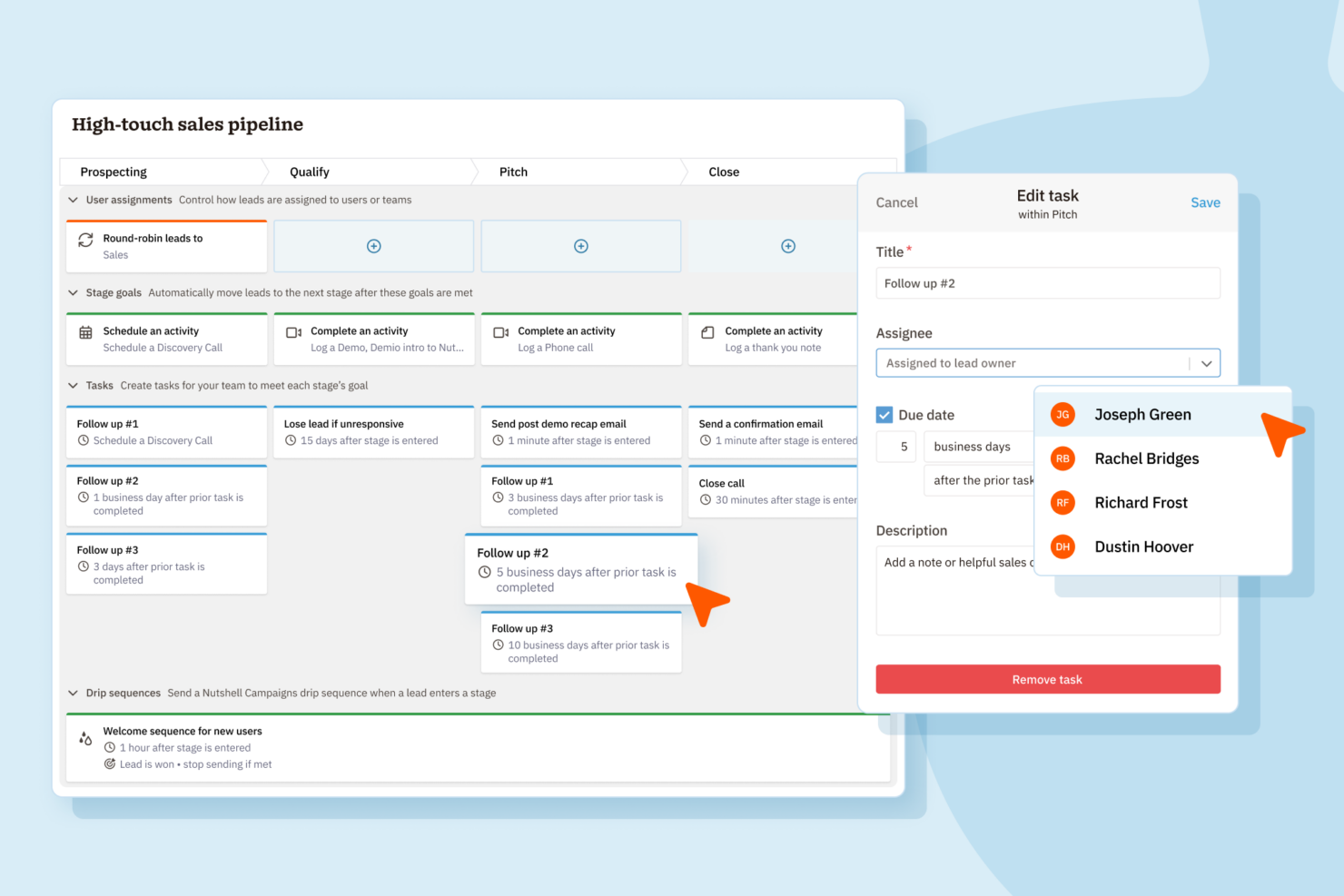
| Automation | Robust workflow automation with sales triggers. | Automated data entry and updates via Google tool integration. |
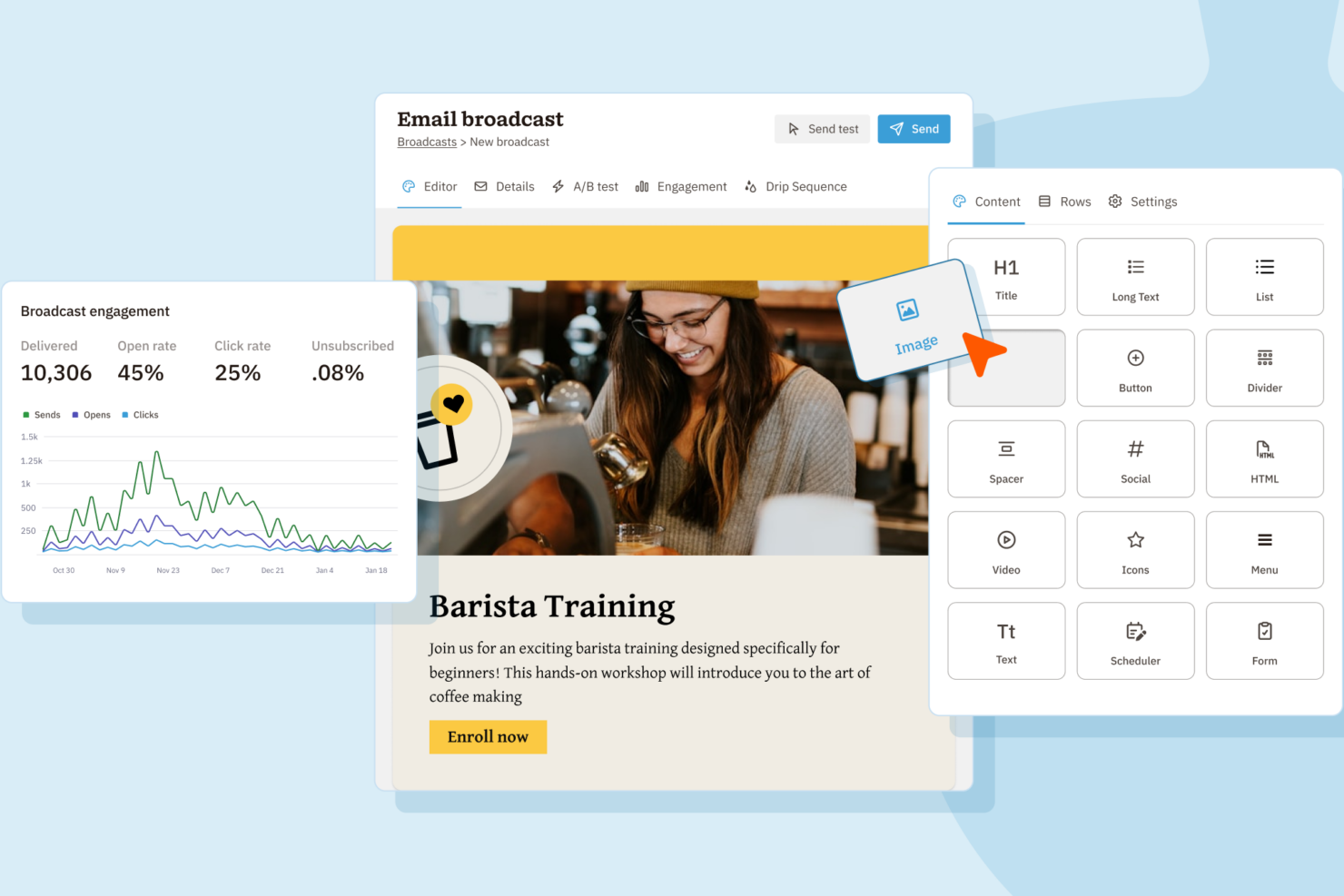
| Email Marketing | Built-in email marketing tools for campaigns. | No integrated marketing, relies on third-party apps. |
| Google Integration | Limited to basic sync features. | Deep, native integration with Gmail and Google Calendar. |
| Pricing Flexibility | Straightforward, feature-based tier options. | Role-based tiers, pricing varies by integration depth. |
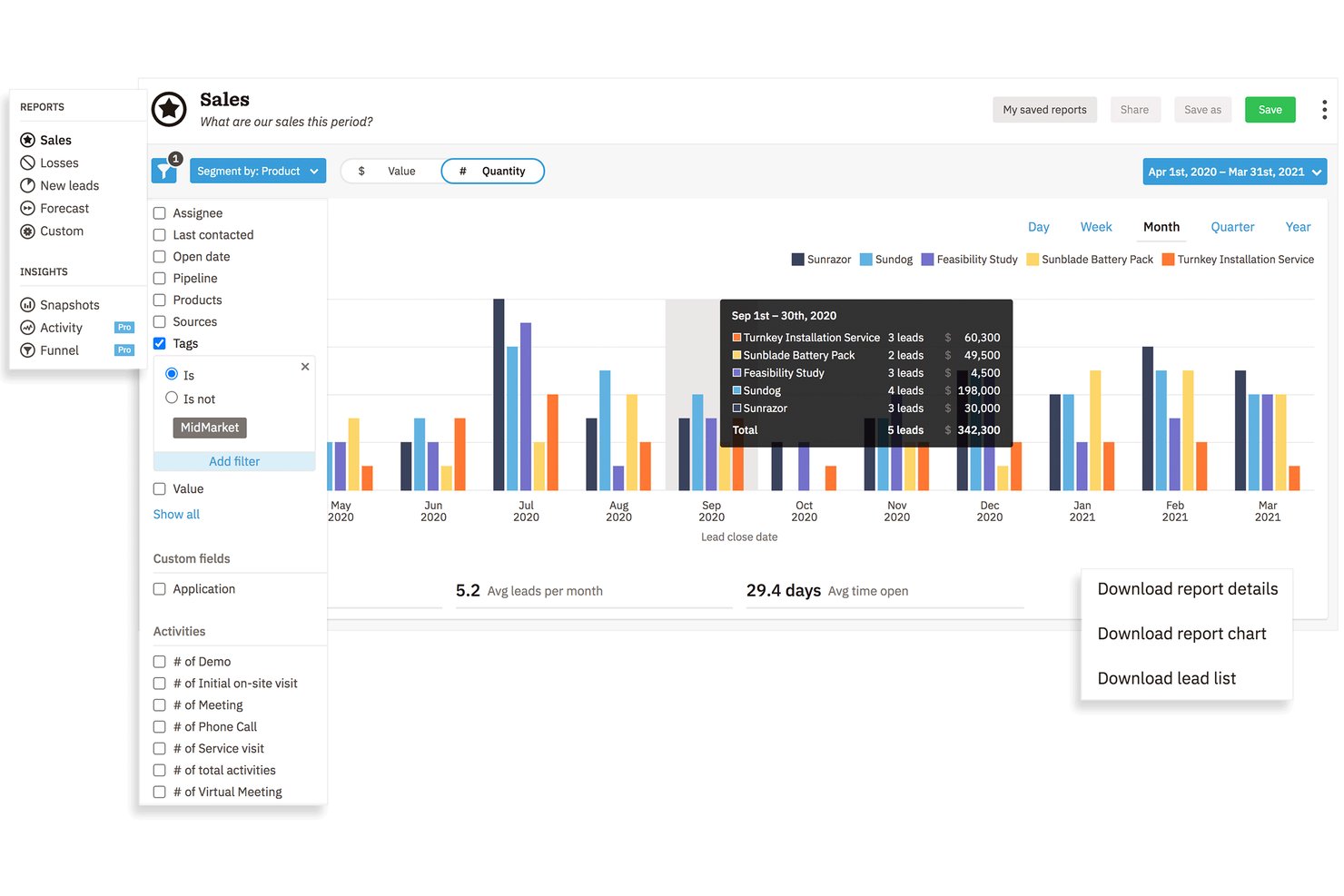
| Reporting | Flexible, customizable reports suitable for sales ops. | Streamlined, automated reports focused on Google-centric data. |
| Visit NutshellOpens new window | Read Copper CRM ReviewOpens new window |
Similarities Between Nutshell and Copper CRM
| API Access | Each allows users and developers to build custom integrations or connect to additional tools via API. |
|---|---|
| Email Integration | Both sync with major email platforms to log conversations and trigger follow-ups right from the CRM dashboard. |
| Mobile Apps | Each provides mobile apps for iOS and Android, so sales teams can manage leads and updates on the go. |
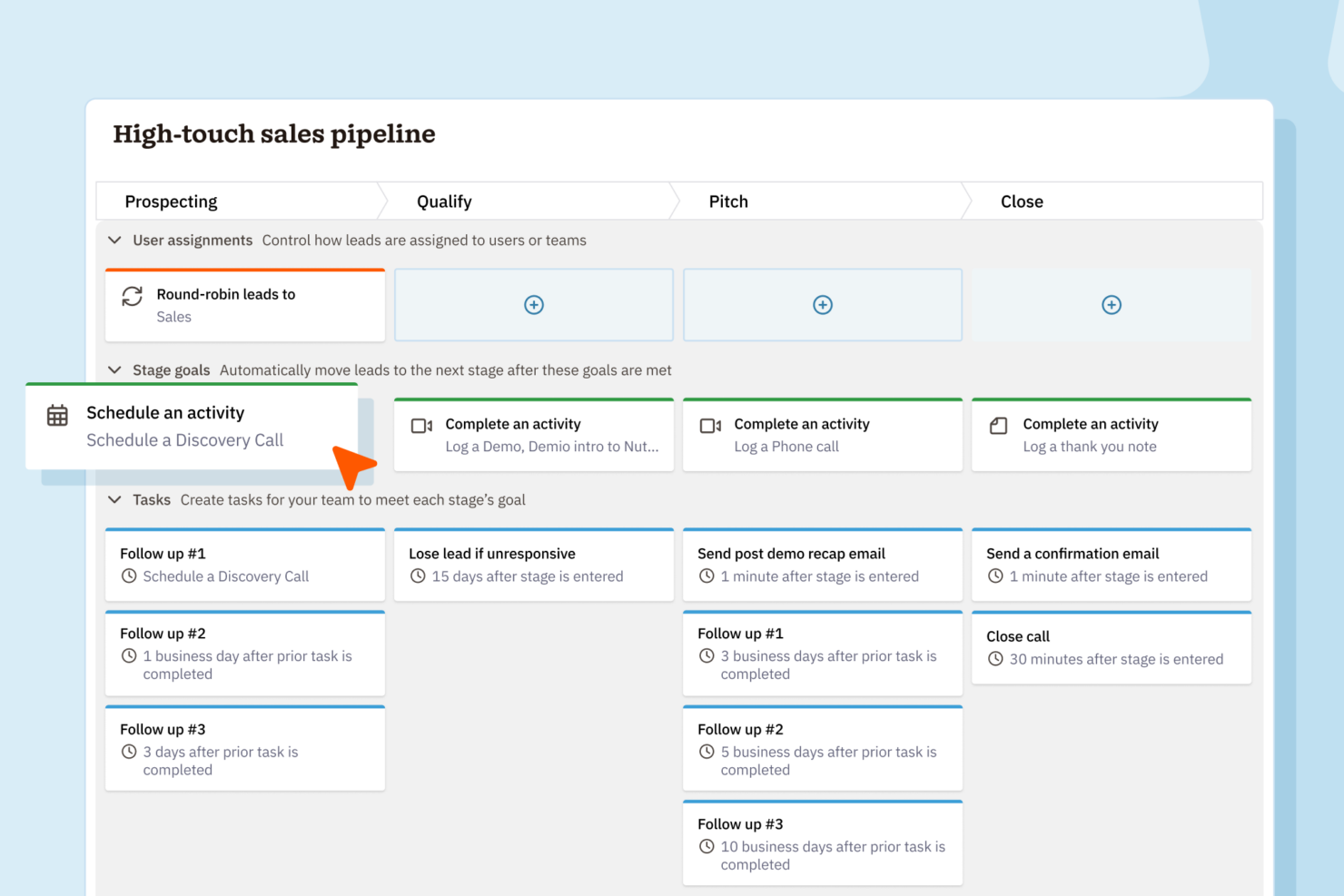
| Pipeline Management | Both tools offer visual sales pipelines with drag-and-drop stage management, helping teams track deals easily. |
| User Permissions | Both include robust role-based permissions, letting admins control who sees and edits different records. |
| Visit NutshellOpens new window Read Copper CRM ReviewOpens new window | |