
LeadFuze Review: Pros, Cons, Features and Pricing


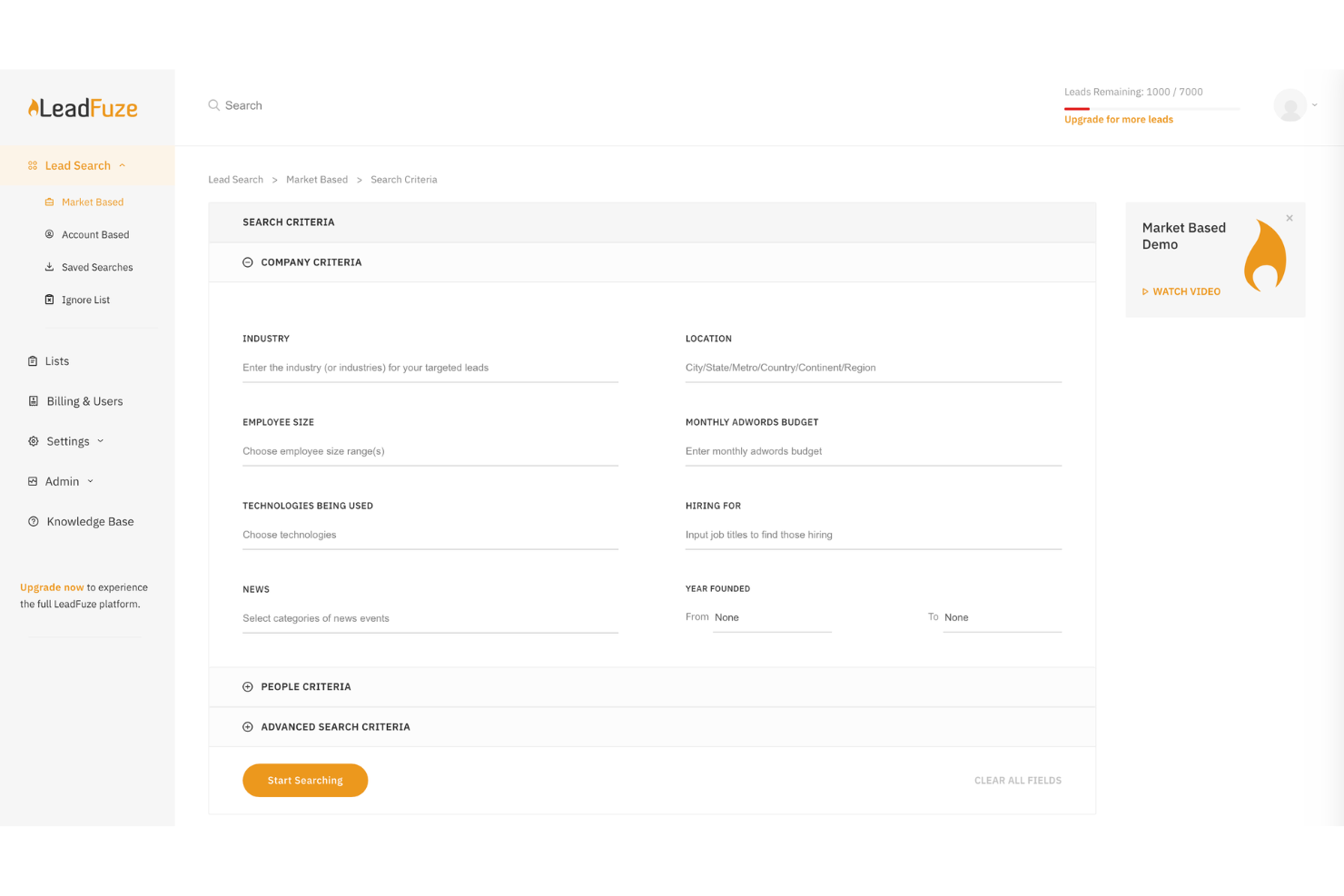
LeadFuze is a lead management software built around automated prospecting and verified contact data. It's a good fit for sales and marketing teams that need to build targeted lead lists without manually sourcing contacts. If you've looked at ZoomInfo but found the contract structure hard to justify at smaller scale, LeadFuze gives you automated list building and real-time verified data at a more accessible price point.
LeadFuze Evaluation Summary
- From $397/month
- Free trial available
Why Trust Our Software Recommendations
Our reviews reflect our independent judgment—not a sales pitch. Learn how we stay transparent.
For this guide, we evaluated tools using hands-on testing and independent research, scoring tools using our selection criteria.
Our reviews reflect our human editorial judgment, not a sales pitch.
LeadFuze Overview
In my opinion, LeadFuze is a solid choice for those seeking automated lead generation. It excels in data accuracy and integration, making it a top pick for tech startups and B2B services. While its interface is user-friendly, the onboarding could use a bit more polish. Compared to others, its standout feature is the precise targeting it offers, though customer support could be more responsive. If you're evaluating tools for your sales or marketing team, LeadFuze's strengths in prospecting for qualified leads and seamless integrations make it worth considering, especially if you need reliable lead data.
pros
-
You get highly accurate lead data that boosts your team's targeting efforts.
-
The tool's user-friendly interface makes navigating and using features a breeze.
-
You can enjoy precise targeting for niche markets like tech startups and B2B services.
cons
-
Customer support can be slow to respond when you need help.
-
Onboarding could be smoother, requiring more guidance for new users.
-
Some users find the search functionality less intuitive than expected.
-

Prisync
Visit WebsiteThis rating combines scores from multiple user review sites to reflect overall customer sentiment about the product.4.7 -
Expedite Commerce
Visit Website -
QuickBooks Online
Visit WebsiteThis rating combines scores from multiple user review sites to reflect overall customer sentiment about the product.4




How We Test & Score Tools
We’ve spent years building, refining, and improving our software testing and scoring system. The rubric is designed to capture the nuances of software selection and what makes a tool effective, focusing on critical aspects of the decision-making process.
Below, you can see exactly how our testing and scoring works across seven criteria. It allows us to provide an unbiased evaluation of the software based on core functionality, standout features, ease of use, onboarding, customer support, integrations, customer reviews, and value for money.
Core Functionality (25% of final scoring)
The starting point of our evaluation is always the core functionality of the tool. Does it have the basic features and functions that a user would expect to see? Are any of those core features locked to higher-tiered pricing plans? At its core, we expect a tool to stand up against the baseline capabilities of its competitors.
Standout Features (25% of final scoring)
Next, we evaluate uncommon standout features that go above and beyond the core functionality typically found in tools of its kind. A high score reflects specialized or unique features that make the product faster, more efficient, or offer additional value to the user.
We also evaluate how easy it is to integrate with other tools typically found in the tech stack to expand the functionality and utility of the software. Tools offering plentiful native integrations, 3rd party connections, and API access to build custom integrations score best.
Ease of Use (10% of final scoring)
We consider how quick and easy it is to execute the tasks defined in the core functionality using the tool. High scoring software is well designed, intuitive to use, offers mobile apps, provides templates, and makes relatively complex tasks seem simple.
Onboarding (10% of final scoring)
We know how important rapid team adoption is for a new platform, so we evaluate how easy it is to learn and use a tool with minimal training. We evaluate how quickly a team member can get set up and start using the tool with no experience. High scoring solutions indicate little or no support is required.
Customer Support (10% of final scoring)
We review how quick and easy it is to get unstuck and find help by phone, live chat, or knowledge base. Tools and companies that provide real-time support score best, while chatbots score worst.
Customer Reviews (10% of final scoring)
Beyond our own testing and evaluation, we consider the net promoter score from current and past customers. We review their likelihood, given the option, to choose the tool again for the core functionality. A high scoring software reflects a high net promoter score from current or past customers.
Value for Money (10% of final scoring)
Lastly, in consideration of all the other criteria, we review the average price of entry level plans against the core features and consider the value of the other evaluation criteria. Software that delivers more, for less, will score higher.
Core Features
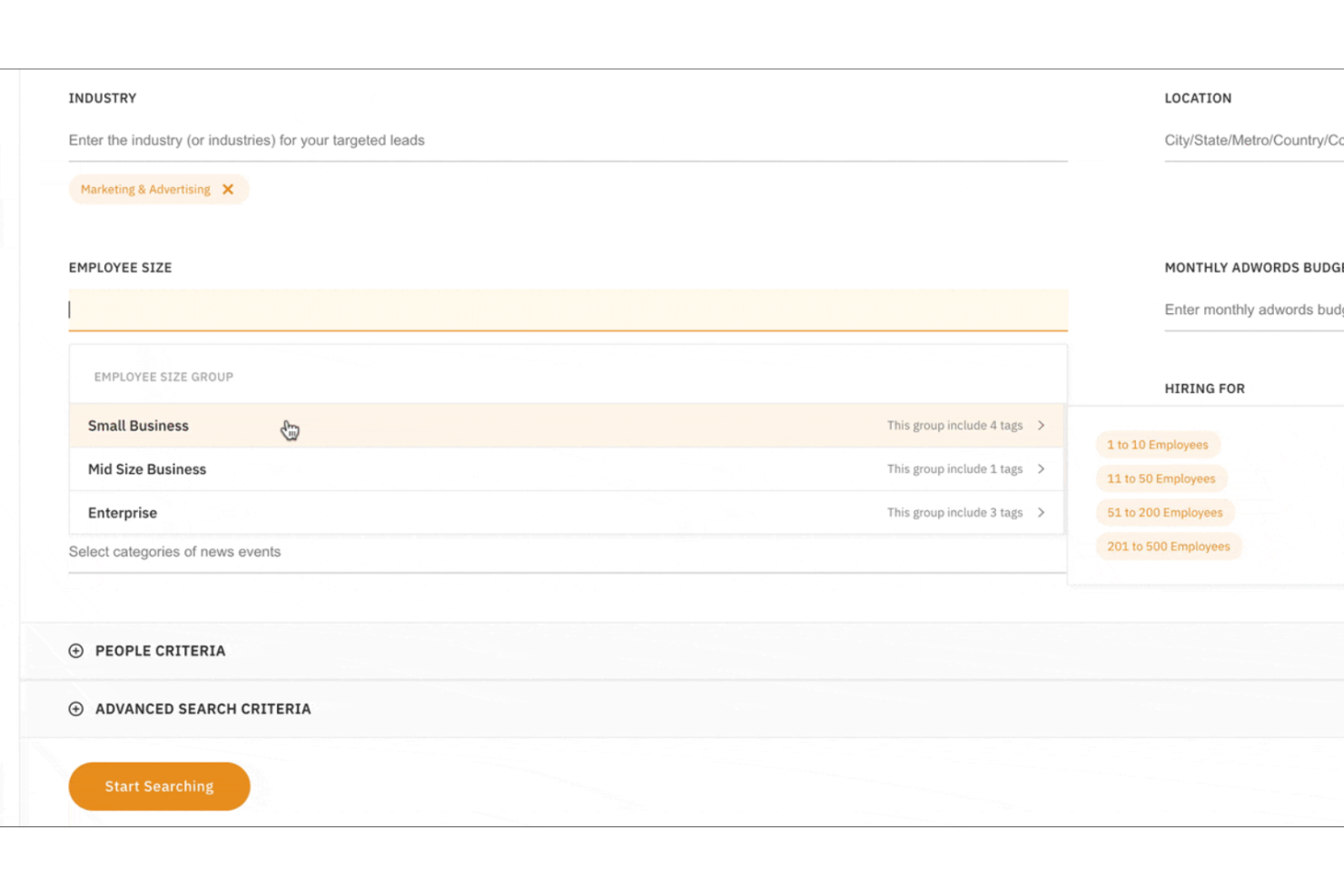
Lead Search: Find B2B leads using search filters such as job title, company size, industry, and location to build targeted prospect lists efficiently.
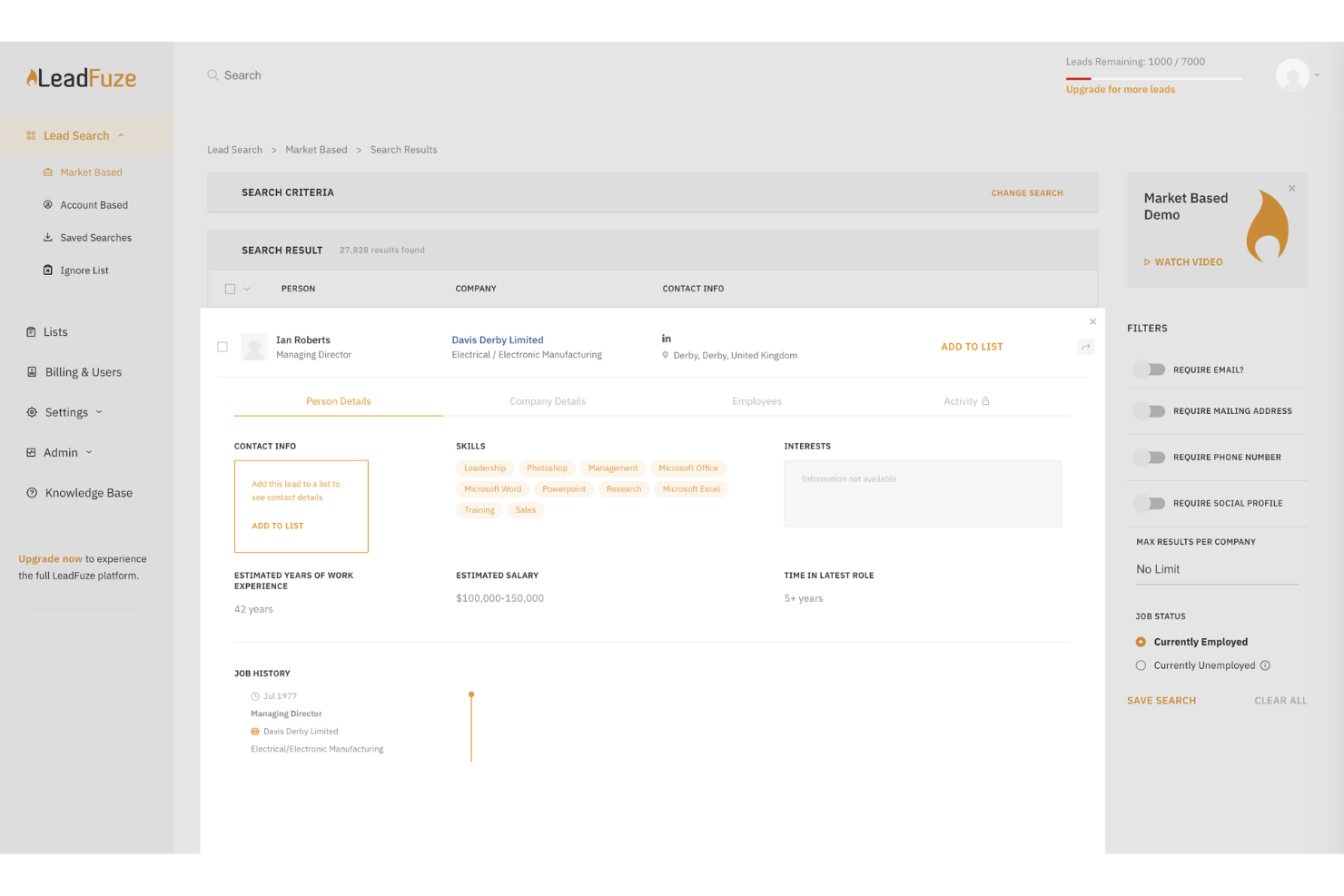
Verified Contact Data: Access verified business email addresses, LinkedIn profiles, and company information to improve deliverability and outreach accuracy. This supports your outreach tools and helps your team connect with prospects more effectively.
Targeted List Building: Create targeted lead lists based on your ideal customer profile (ICP), helping your team focus on high-quality leads.
Lead Enrichment: Automatically enrich leads with firmographic and contact data, giving your sales team better context for outreach.
Automated List Building: FuzeBot continuously discovers and adds new leads that match your criteria, saving time on manual prospecting.
Ease of Use
LeadFuze is generally user-friendly, making it easy for your team to navigate and use its features. The interface is intuitive, allowing quick access to tools like lead search and email campaigns with no significant learning curve. However, some users find the advanced search function less intuitive than expected, which could slow down your work initially. Overall, once you get used to it, LeadFuze streamlines your lead generation efforts without much hassle, saving you valuable time.
Integrations
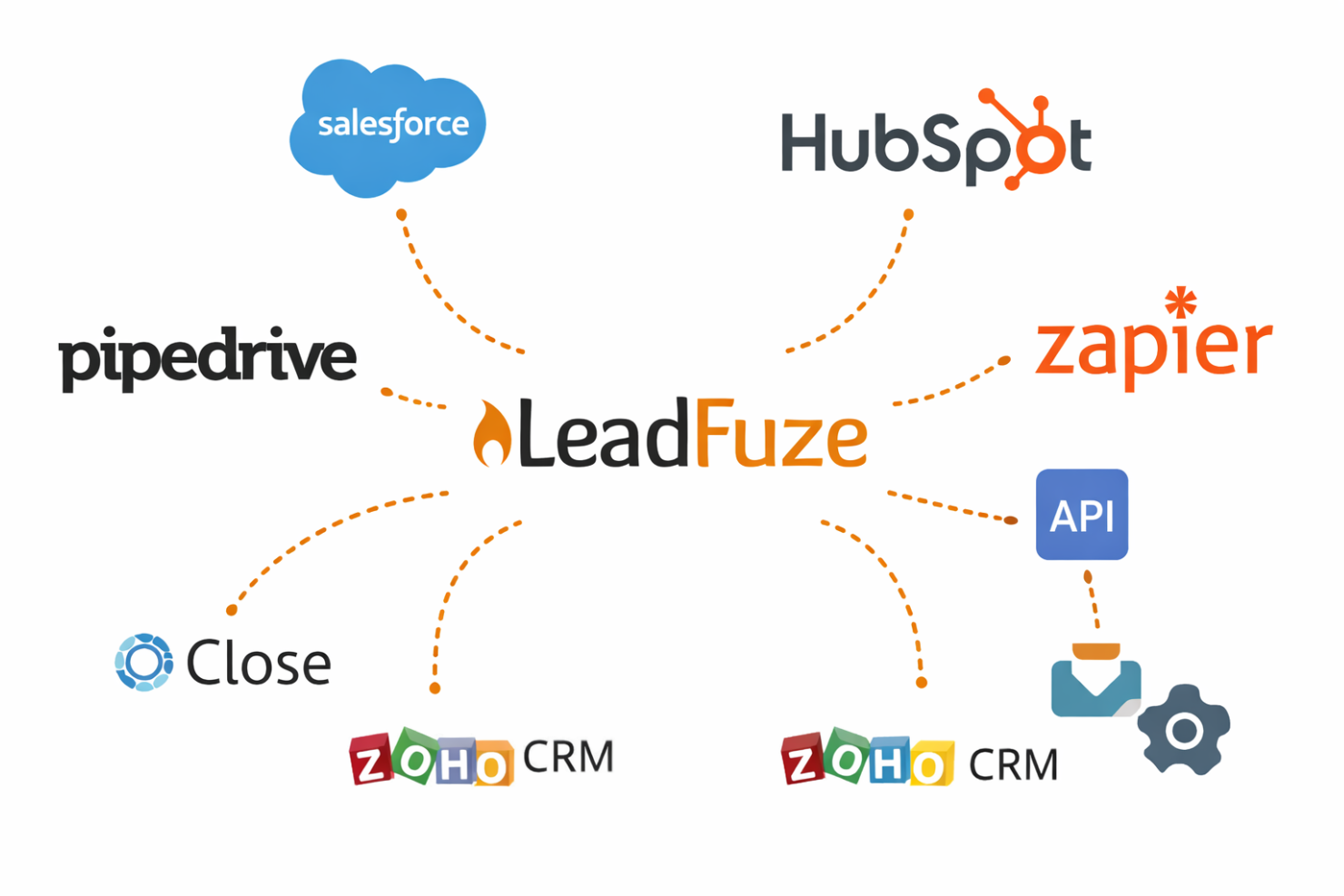
LeadFuze integrates natively with major CRMs including Salesforce, HubSpot, Pipedrive, Close, and Zoho CRM.
It also provides an API and supports automation tools like Zapier, allowing teams to connect LeadFuze with email platforms, scheduling tools, and other third-party applications as part of a broader sales and marketing stack.
LeadFuze Specs
- A/B Testing
- API
- Audience Targeting
- Calendar Management
- Call Disposition
- Call Recording
- Call Tracking
- Click-to-Dial
- Contact Management
- Contact Sharing
- Customer Management
- Dashboard
- Data Export
- Data Import
- Data Visualization
- Email Integration
- External Integrations
- Forecasting
- Google Apps Integration
- Inventory Tracking
- Lead Management
- Lead Scoring
- Marketing Automation
- Multi-User
- Notifications
- Referral Tracking
- Sales Motivator
- Scheduling
- Social-Media Integration
- Softphone
- Third-Party Plugins/Add-Ons
- Travel Management