
11 Best Tableau Courses To Take In 2026


These best Tableau courses are a great way to learn from others who've got their finger on the pulse of the Tableau practice. Here's a summary of each course to help you learn who it's for and why it's great.
Best Tableau Courses Shortlist
Here's a shortlist of the best Tableau courses I think are worth your time:
- Tableau Essential Training (LinkedIn Learning)
- Introduction to Tableau (DataCamp)
- Introduction to Tableau (Simplilearn)
- Building Effective Dashboards with Tableau Desktop (Pluralsight)
- Tableau Desktop I: Fundamentals (Trailhead Academy)
- Tableau Course: Level 1A (Centre for Continuing Education, University of Sydney)
- Collecting and Preparing Data for Tableau Desktop (Pluralsight)
- Tableau Prep I (NetCom Learning)
- Tableau Visual Analytics (TVA101) (New Horizons)
- Tableau Server Administration (NetCom Learning)
- Tableau for Technical Users (QA)
Find more details about each course below.
Overview Of The Best Tableau Courses
1. Tableau Essential Training (LinkedIn Learning)
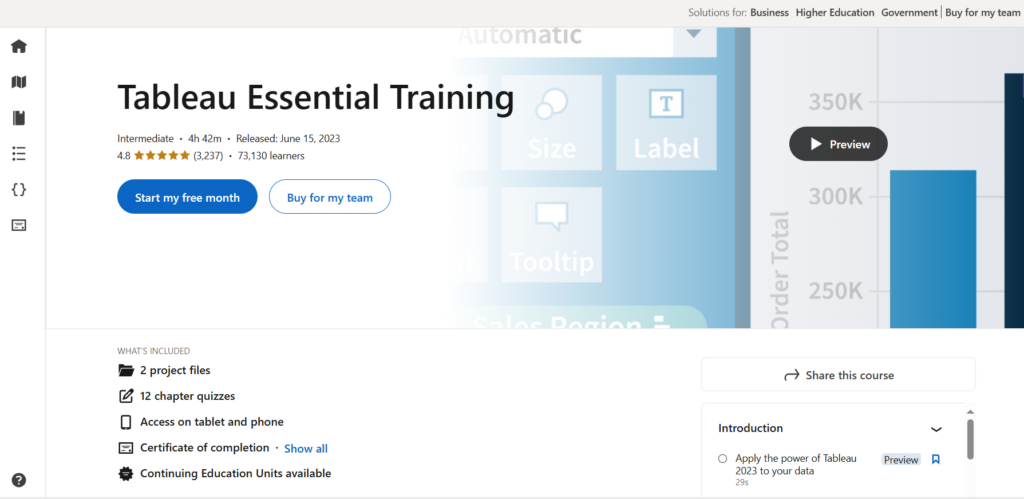
This course gives beginners a hands-on introduction to Tableau by teaching how to connect to data, build visuals and dashboards, and apply real-world analytic and geographic mapping techniques. You’ll work through practical exercises, quizzes and project files, and earn a certificate to support your ongoing development.
- Who It’s For: Beginners looking to learn Tableau from scratch
- Topics Covered:
- Data visualization and chart creation
- Dashboard and story building
- Data connections and management
- Geographic mapping and groups/sets
- Annotation and formatting techniques
- Online, In-Person, or Both? Online
- Exam Required? No
- Duration: Self-paced
- Hours Of Instruction: Approximately 4 hours
- Eligibility Requirements: None
- Price: LinkedIn Learning subscription required (from $39.99/month)

2. Introduction to Tableau (DataCamp)
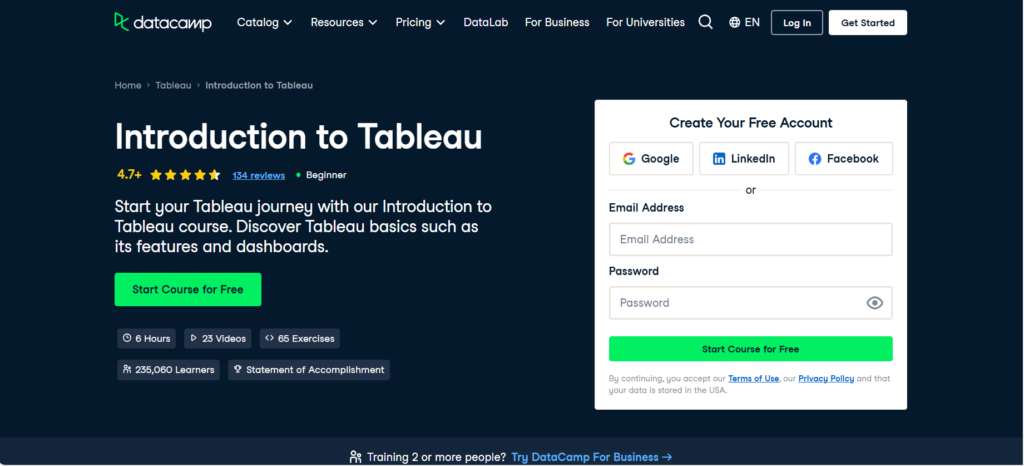
This course introduces new users to Tableau by teaching how to connect to data, explore the interface, and build clear, effective visualizations. You’ll learn foundational analytics techniques, apply formatting best practices, and create your own dashboard to communicate insights with confidence. It’s designed to give beginners a solid, practical starting point in Tableau.
- Who It’s For: New users wanting to learn Tableau basics
- Topics Covered:
- Data visualization fundamentals
- Basic analytics techniques
- Navigating the Tableau interface
- Creating dashboards
- Exploring deeper visualization features
- Online, In-Person, or Both? Online
- Exam Required? No
- Duration: Self-paced
- Hours Of Instruction: 6 hours
- Eligibility Requirements: None
- Price: Free
3. Introduction to Tableau (Simplilearn)

This course gives beginners a strong start in Tableau by showing how to connect to data, create visualizations and dashboards, and prepare data in ways that support storytelling and insight generation. Through hands-on exercises you’ll build your skills in basic features, dashboard interactivity, and analysis workflows—and gain a certificate to validate your learning.
- Who It’s For: Beginners seeking a free introduction to Tableau
- Topics Covered:
- Data visualization and display types
- Dashboard creation
- Basic Tableau features and statistics
- Interactive dashboards
- LOD (Level of Detail) calculations using arithmetic and logic
- Online, In-Person, or Both? Online
- Exam Required? No
- Duration: Self-paced
- Hours Of Instruction: 2 hours
- Eligibility Requirements: Basic knowledge of Microsoft Excel
- Price: Free
4. Building Effective Dashboards with Tableau Desktop (Pluralsight)
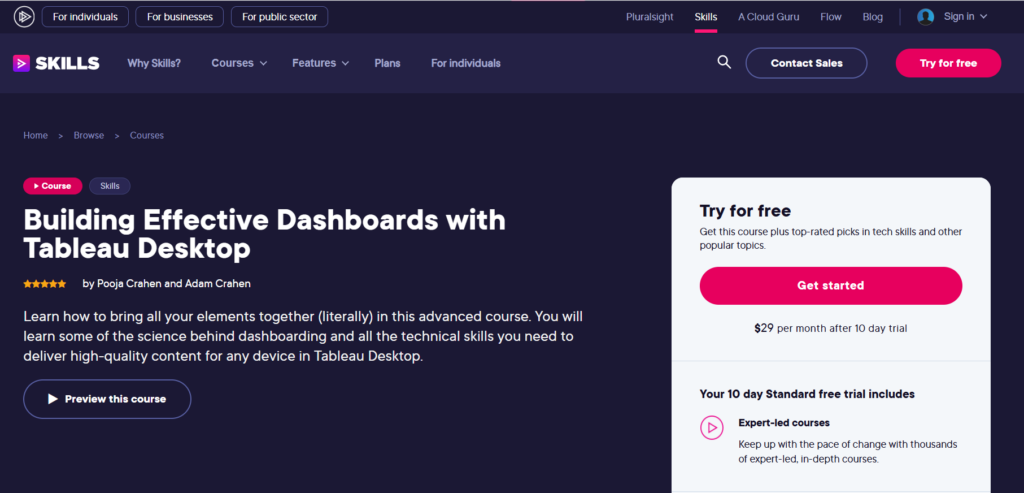
This course helps Tableau users elevate their dashboard-building skills by focusing on effective layout design, interactivity, and advanced visual techniques.
You’ll learn how to create dashboards that are visually clear, responsive, and optimized for both desktop and mobile use. By the end, you’ll be able to design dashboards that deliver meaningful insights and a smooth user experience across devices.
- Who It’s For: Tableau users improving dashboard skills
- Topics Covered:
- Dashboard design principles
- Interactive elements and actions
- Advanced visualization techniques
- Pre-attentive attribute design
- Online, In-Person, or Both? Online
- Exam Required? No
- Duration: Self-paced
- Hours Of Instruction: Approximately 3.5 hours
- Eligibility Requirements: Ability to connect/manipulate data, build worksheets, and use calculated fields
- Price: Membership required ($29/month)
5. Tableau Desktop I: Fundamentals (Trailhead Academy)
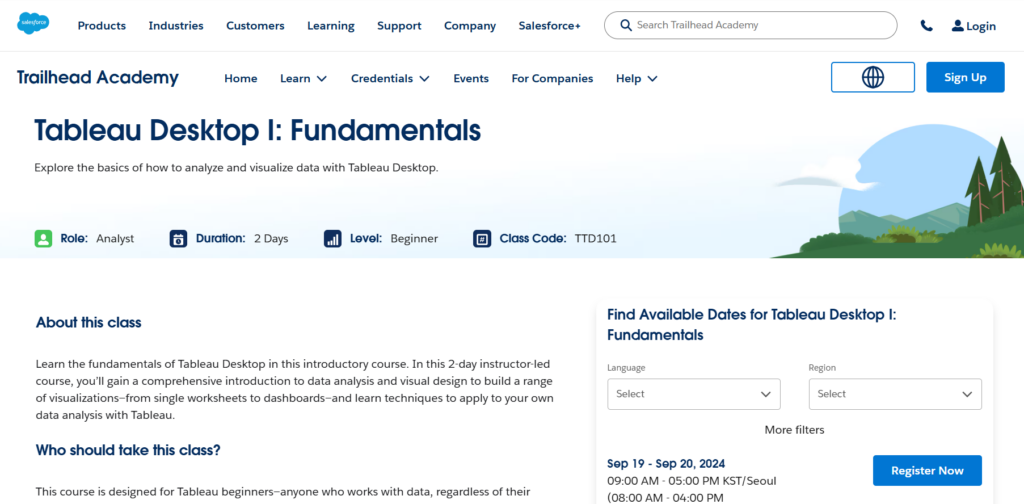
This instructor-led course gives new users foundational skills in Tableau Desktop by teaching how to connect to data, build visualizations and dashboards, and publish insights. Through guided exercises and hands-on practice, you’ll learn how to use data filters, sorting, calculations, and interactive layouts to produce meaningful visual stories.
- Who It’s For: Beginners seeking Tableau Desktop fundamentals
- Topics Covered:
- Connecting to and preparing data sources
- Building visualizations and dashboards
- Simplification, sorting and table calculations
- Numerical values and breakdowns of the whole
- Sharing and publishing views
- Online, In-Person, or Both? Online
- Exam Required? No
- Duration: 2 days
- Hours Of Instruction: 8.5 hours/day
- Eligibility Requirements: None
- Price: $1,200.00
6. Tableau Course: Level 1A (Centre for Continuing Education, University of Sydney)

This introductory course helps beginners build practical skills in Tableau by teaching how to connect to data, prepare and clean it, and create clear visual stories. Through hands-on exercises, you’ll learn how to design charts, dashboards, and analytical reports that communicate insights effectively. It’s designed as a fast, practical way to develop foundational confidence with Tableau.
- Who It’s For: Beginners starting with Tableau
- Topics Covered:
- Data visualization fundamentals
- Dashboard creation
- Core Tableau features
- Sorting and grouping data
- Filtering data in views
- Online, In-Person, or Both? In-Person
- Exam Required? No
- Duration: One day
- Hours Of Instruction: 8 hours
- Eligibility Requirements: Basic data analysis skills in Microsoft Excel
- Price: $540.00-$575.00 (AUD)
7. Collecting and Preparing Data for Tableau Desktop (Pluralsight)

This course teaches you how to prepare data effectively in Tableau by connecting to different sources, joining and unioning datasets, and configuring data extracts for performance. You’ll work through practical techniques for cleaning, organizing, and integrating data so it’s ready for deeper analysis. By the end, you’ll have the foundational data-prep skills needed to support reliable, insight-driven Tableau work.
- Who It’s For: Users learning Tableau data preparation
- Topics Covered:
- Data collection and connection
- Data cleaning techniques
- Organizing and structuring data
- Preparing data for analysis
- Integrating additional data sources
- Online, In-Person, or Both? Online
- Exam Required? No
- Duration: Self-paced
- Hours Of Instruction: Approximately 1.5 hours
- Eligibility Requirements: None
- Price: Membership required ($29/month)
8. Tableau Prep I (NetCom Learning)

This instructor-led course dives into the foundations of data preparation in Tableau Prep, showing you how to build efficient flows, clean and explore data, and design structures optimized for analysis. You’ll gain hands-on experience with sampling, structure best practices, and complex flow design so you can sharpen your data management and preparation skills.
- Who It’s For: Users wanting to learn Tableau Prep
- Topics Covered:
- Data preparation workflows
- Data cleaning and exploration
- Tableau Prep features and functionality
- Data structure terminology and techniques
- Designing complex data flows
- Online, In-Person, or Both? Online (instructor-led)
- Exam Required? No
- Duration: 2 days
- Hours Of Instruction: 16 hours
- Eligibility Requirements: 3 to 6 months of regular Tableau desktop experience
- Price: $1,400
9. Tableau Visual Analytics (TVA101) (New Horizons)
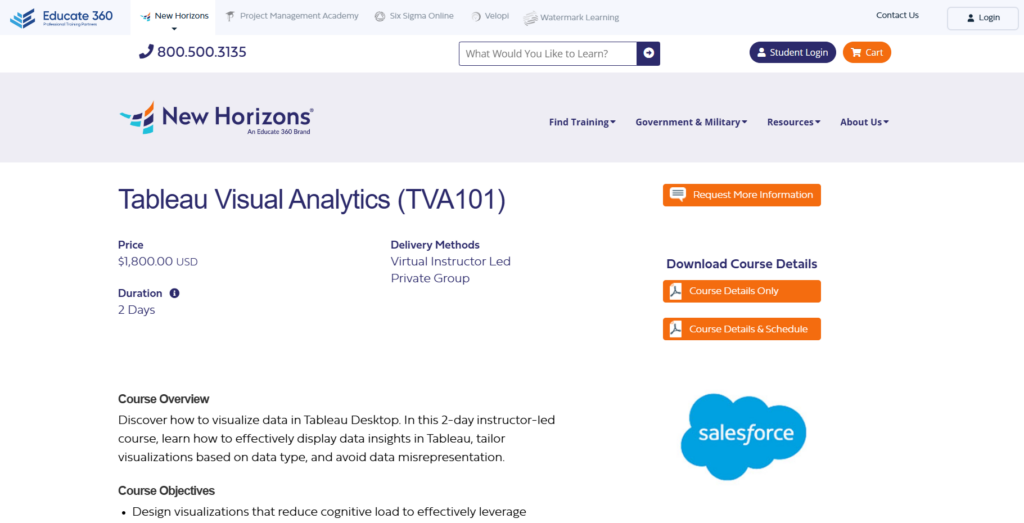
This course strengthens your visual analytics skills by teaching how to design clear, accurate, and meaningful data displays in Tableau. Through hands-on practice, you’ll learn to choose the right chart types, avoid common visualization mistakes, and communicate comparisons, trends, and relationships effectively. It’s built for users who want to elevate the clarity and impact of their Tableau visuals.
- Who It’s For: Users wanting to improve their visual analytics skills
- Topics Covered:
- Visual analytics principles
- Effective visualization techniques
- Best-practice design methods
- Mapping and geographic charts
- Comparison, trend, and distribution visualizations
- Online, In-Person, or Both? Online
- Exam Required? No
- Duration: 2 days
- Hours Of Instruction: Not specified
- Eligibility Requirements: A solid understanding of Tableau Desktop
- Price: $1,800.00
10. Tableau Server Administration (NetCom Learning)
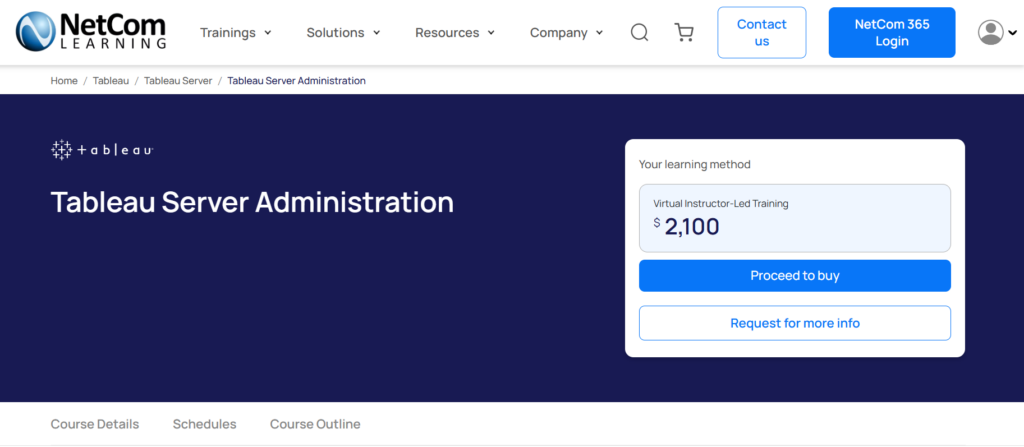
This course teaches IT teams how to install, configure, and manage Tableau Server so it runs securely and efficiently across an organization. You’ll learn to control user access, monitor performance, automate administrative tasks, and implement best practices that keep your server environment stable and scalable. By the end, you’ll be equipped to support reliable analytics operations and safeguard data sources effectively.
- Who It’s For: IT professionals managing Tableau Server
- Topics Covered:
- Server installation and configuration
- Server management and navigation
- Performance monitoring and reporting
- Personalizing and automating server tasks
- Securing data sources
- Online, In-Person, or Both? Online (instructor-led)
- Exam Required? No
- Duration: 3 days
- Hours Of Instruction: Not specified
- Eligibility Requirements: None
- Price: $2,100
11. Tableau for Technical Users (QA)
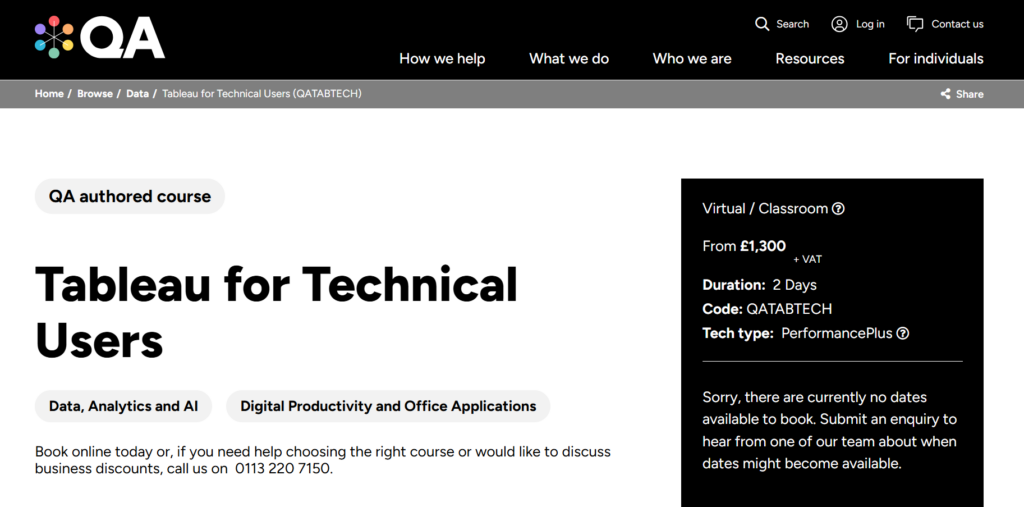
This advanced training helps technical users deepen their Tableau Desktop, Prep, and Server skills by focusing on performance tuning, complex data transformations, and layered dashboard design.
You’ll practice building optimized data models, integrating multiple sources, applying advanced visualizations, and designing interactive dashboards that deliver impactful insights. It’s designed for experienced analysts and developers who build sophisticated analytics solutions.
- Who It’s For: Technical users needing advanced Tableau skills
- Topics Covered:
- Advanced data analysis and transformations
- Visualization techniques and feature enhancements
- Data connections and integration
- Dashboard design with multi-layered interactivity
- Performance tuning and optimization tools
- Online, In-Person, or Both? Online (instructor-led)
- Exam Required? No
- Duration: 2 days
- Hours Of Instruction: Not specified
- Eligibility Requirements:
- Knowledge of data types and database design concepts
- Ability to create and format basic chart types in Tableau
- Comfortable with excel formulas, Tableau functions and any other syntax
- Experience using and designing dashboards (any software)
- Price: Not specified
What’s Next?
Want to take your RevOps game to the next level? Subscribe to The CRO Club newsletter for expert advice, software reviews, and other resources to help you deliver predictable growth at scale.

