Walnut Review: Pros, Cons, Features, and Pricing


Walnut is a sales software built for teams who need to create, personalize, and share interactive product demos without relying on developers. If you’re struggling with disconnected demo processes, slow sales cycles, or inconsistent buyer experiences, Walnut offers a focused solution that puts demo creation in your hands.
In this review, I’ll break down Walnut’s features, best and worst use cases, pros and cons, and pricing so you can decide if it fits your revenue operations strategy.
Walnut Evaluation Summary
- From $750/month (billed annually)
- Free demo available
Why Trust Our Software Reviews
We’ve been testing and reviewing RevOps software since 2022. As RevOps leaders ourselves, we know how critical and difficult it is to make the right decision when selecting software.
We invest in deep research to help our audience make better software purchasing decisions. We’ve tested more than 2,000 tools for different RevOps use cases and written over 1,000 comprehensive software reviews. Learn how we stay transparent & our software review methodology.
Walnut Overview
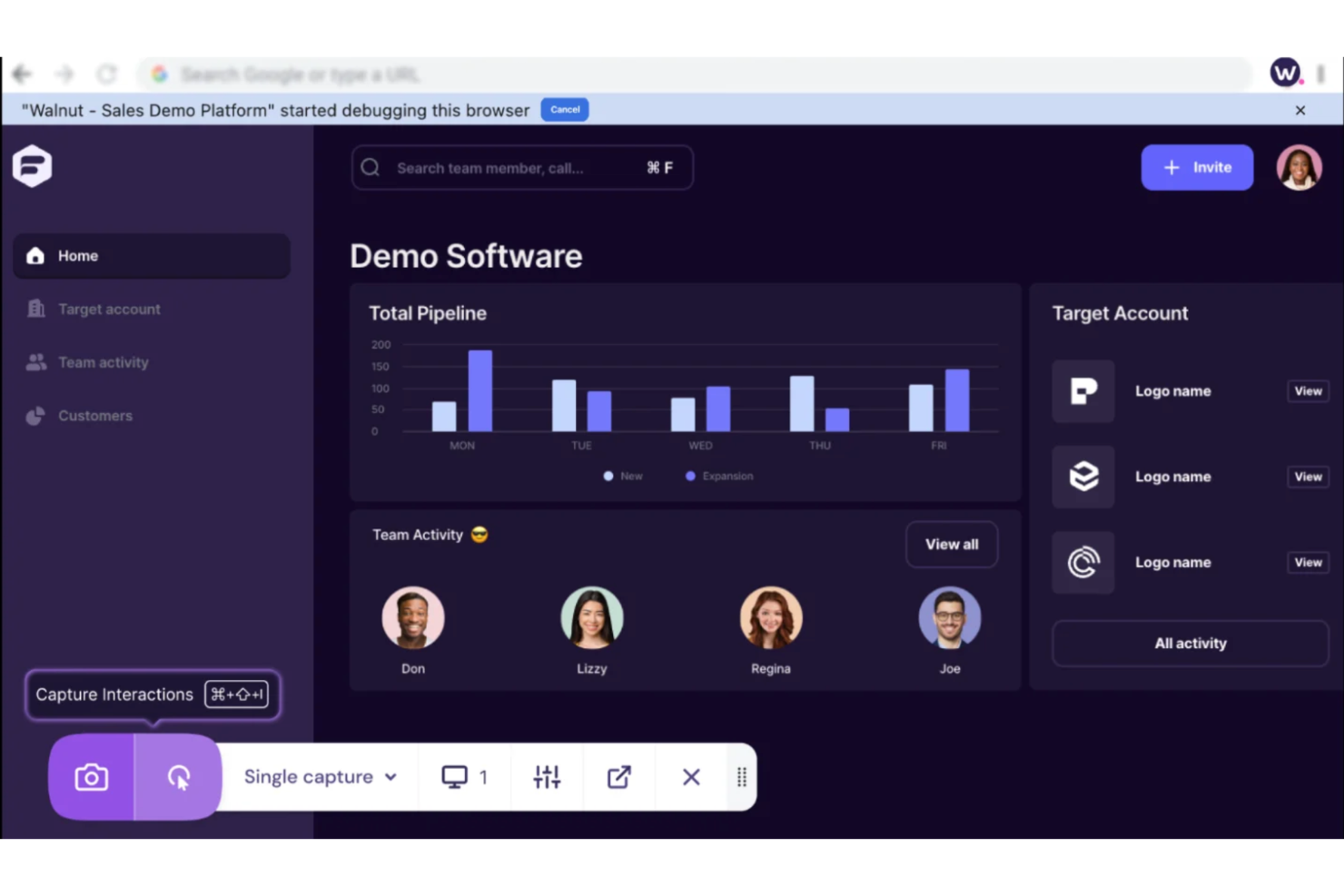
If you’re judging sales software on demo creation, Walnut stands out for its no-code editor, fast onboarding, and clean interface. Its interactive demo, analytics, and personalized flows outperform most alternatives, especially for teams focused on product-led sales. Pricing is transparent, and support is responsive, but integration options are more limited than some competitors.
You’ll get the most value if you want to empower sales reps to build demos themselves and need a tool that’s easy to adopt across distributed teams. For complex enterprise stacks, you might find integration gaps.
pros
-
Supports demo personalization for different audiences and use cases.
-
Offers detailed analytics on demo engagement and buyer activity.
-
Lets sales teams build interactive demos without engineering help.
cons
-
Advanced features may require higher-tier pricing plans.
-
Some users report occasional bugs in demo playback.
-
Limited integration options compared to other sales platforms.
-

Pipedrive CRM
Visit WebsiteThis is an aggregated rating for this tool including ratings from Crozdesk users and ratings from other sites.4.5 -
Creatio CRM
Visit WebsiteThis is an aggregated rating for this tool including ratings from Crozdesk users and ratings from other sites.4.7 -
monday CRM
Visit WebsiteThis is an aggregated rating for this tool including ratings from Crozdesk users and ratings from other sites.4.6




How We Test & Score Tools
We’ve spent years building, refining, and improving our software testing and scoring system. The rubric is designed to capture the nuances of software selection and what makes a tool effective, focusing on critical aspects of the decision-making process.
Below, you can see exactly how our testing and scoring works across seven criteria. It allows us to provide an unbiased evaluation of the software based on core functionality, standout features, ease of use, onboarding, customer support, integrations, customer reviews, and value for money.
Core Functionality (25% of final scoring)
The starting point of our evaluation is always the core functionality of the tool. Does it have the basic features and functions that a user would expect to see? Are any of those core features locked to higher-tiered pricing plans? At its core, we expect a tool to stand up against the baseline capabilities of its competitors.
Standout Features (25% of final scoring)
Next, we evaluate uncommon standout features that go above and beyond the core functionality typically found in tools of its kind. A high score reflects specialized or unique features that make the product faster, more efficient, or offer additional value to the user.
We also evaluate how easy it is to integrate with other tools typically found in the tech stack to expand the functionality and utility of the software. Tools offering plentiful native integrations, 3rd party connections, and API access to build custom integrations score best.
Ease of Use (10% of final scoring)
We consider how quick and easy it is to execute the tasks defined in the core functionality using the tool. High scoring software is well designed, intuitive to use, offers mobile apps, provides templates, and makes relatively complex tasks seem simple.
Onboarding (10% of final scoring)
We know how important rapid team adoption is for a new platform, so we evaluate how easy it is to learn and use a tool with minimal training. We evaluate how quickly a team member can get set up and start using the tool with no experience. High scoring solutions indicate little or no support is required.
Customer Support (10% of final scoring)
We review how quick and easy it is to get unstuck and find help by phone, live chat, or knowledge base. Tools and companies that provide real-time support score best, while chatbots score worst.
Customer Reviews (10% of final scoring)
Beyond our own testing and evaluation, we consider the net promoter score from current and past customers. We review their likelihood, given the option, to choose the tool again for the core functionality. A high scoring software reflects a high net promoter score from current or past customers.
Value for Money (10% of final scoring)
Lastly, in consideration of all the other criteria, we review the average price of entry level plans against the core features and consider the value of the other evaluation criteria. Software that delivers more, for less, will score higher.
Core Features
Interactive Demo Builder
Create and edit interactive product demos with a no-code editor that lets sales teams build demos without developer support.
Demo Personalization
Personalize demos for different audiences, use cases, or buyer personas with easy-to-use customization tools.
Demo Analytics
Track buyer engagement and demo performance with detailed analytics that show who viewed, interacted, and for how long.
Product Spotlight
Highlight specific product features or workflows within demos to guide prospects through tailored product narratives.
Offline Demo Access
Deliver demos even without an internet connection, so sales teams can present anywhere.
Interactive Deal Rooms
Share demos, documents, and mutual action plans in a single link to accelerate deal cycles and keep buyers engaged.
Ease of Use
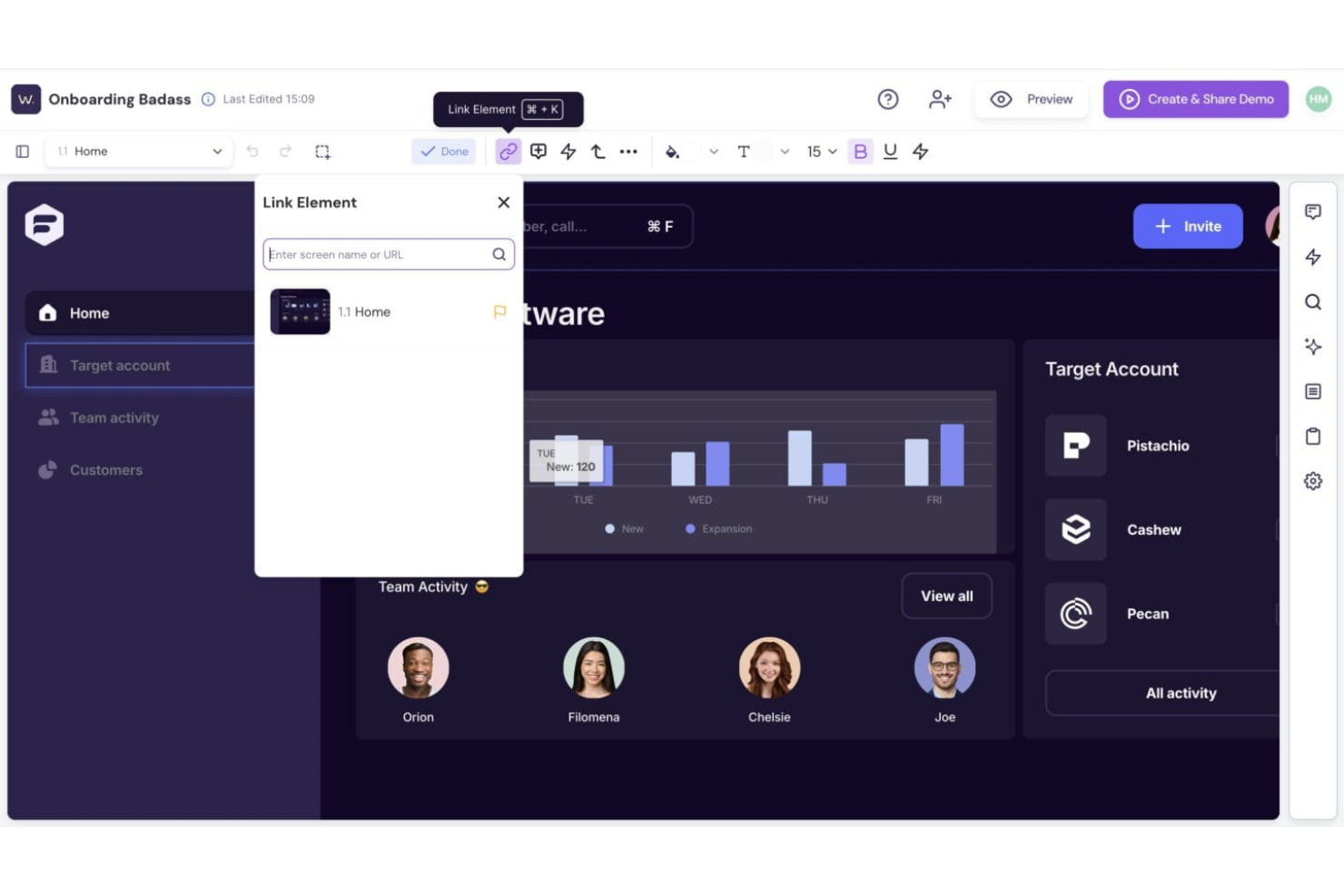
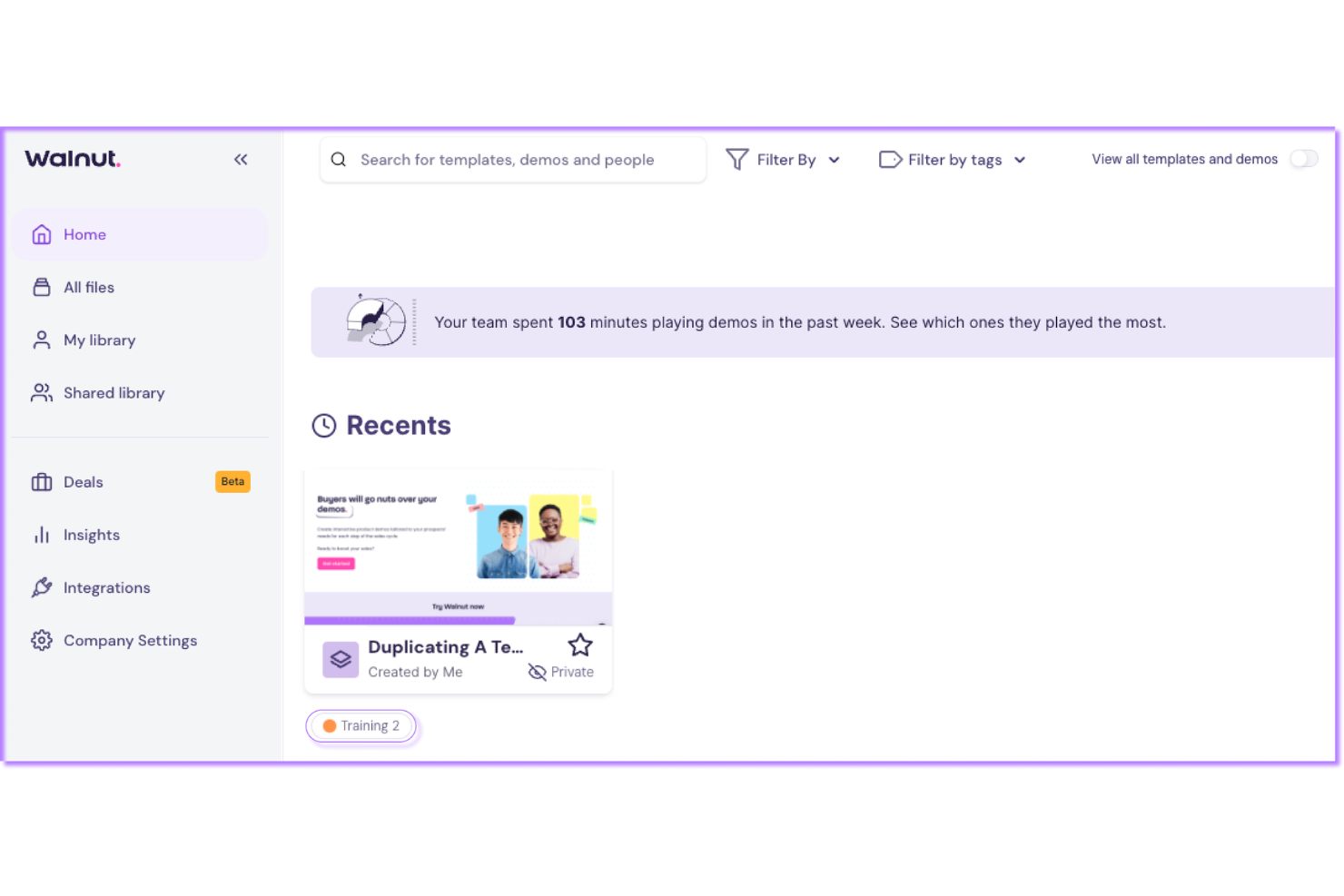
Walnut is one of the most user-friendly sales software options for building interactive demos. The no-code editor makes it easy for non-technical users to create and update demos without IT help. Users often mention the intuitive drag-and-drop interface and clear navigation.
Onboarding is fast, and most teams can start building demos within hours. The guided workflows and built-in tips help reduce friction, especially for sales reps new to demo creation.
Integrations
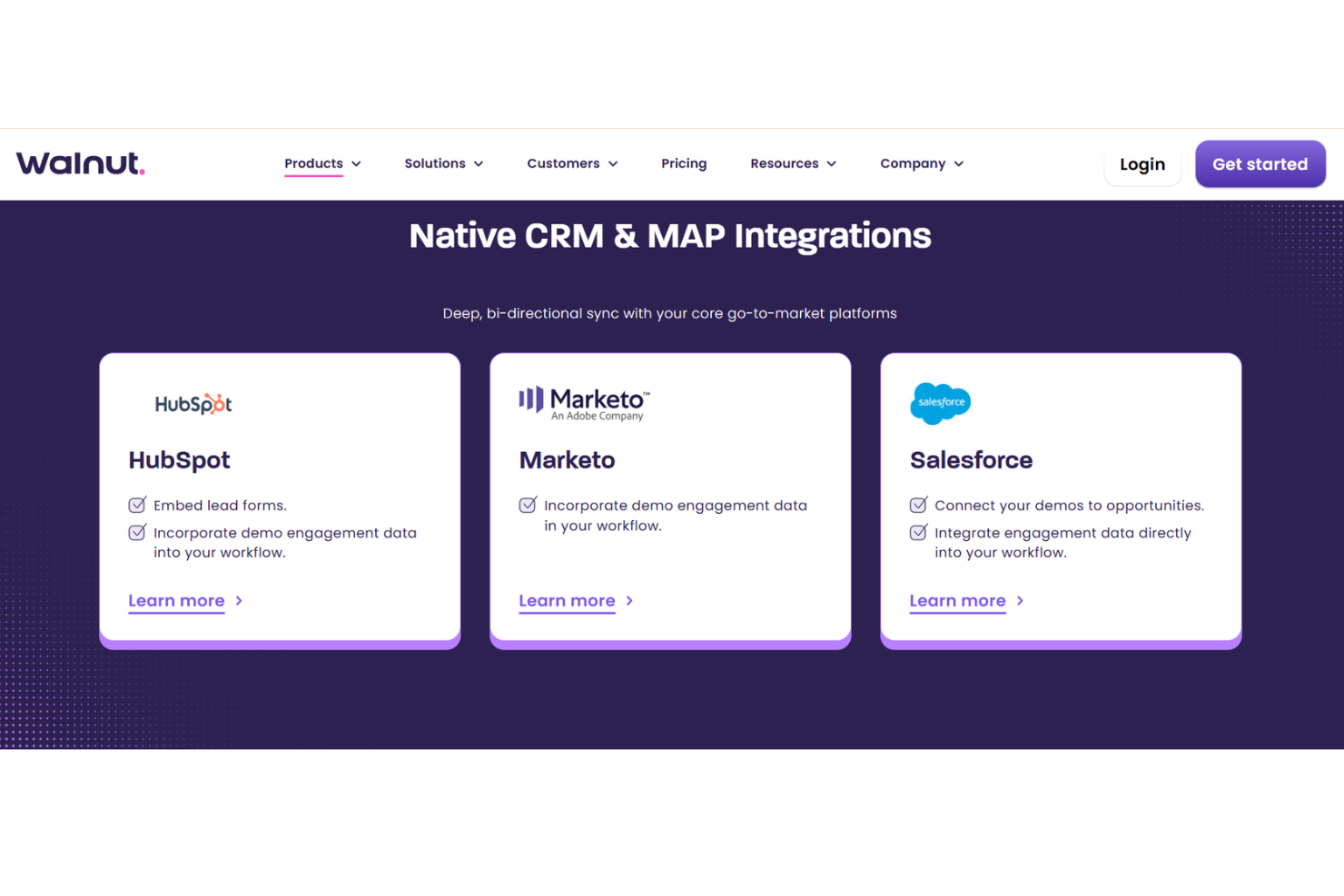
Walnut integrates with Salesforce, HubSpot, Slack, Gong, Outreach, Marketo, Google Analytics, Microsoft Teams, Zendesk, and Intercom.
Walnut also offers an API for custom integrations but does not currently connect with third-party integration tools like Zapier.
Walnut Specs
- A/B Testing
- API
- Collaboration Support
- Custom Data Forms
- Dashboard
- Dashboards
- Data Export
- Data Import
- Developer Tools
- External Integrations
- Feedback Management
- Gantt Charts
- Google Apps Integration
- Multi-User
- Notifications
- Prioritization
- Product Catalog
- Release Management
- Reports
- Resource Management
- Review Monitoring
- Roadmapping
- Scheduling
- Task Scheduling/Tracking