

Sage Intacct Review: Pros, Cons, Features and Pricing Guide
I’ve put Sage Intacct’s revenue management to the test—find out if its automation and insights genuinely move the needle for fast-scaling teams in 2026.

We review tools independently, and commissions help fund our testing. See our transparency policy, our methodology, or suggest a tool.
Sage Intacct is a cloud-based revenue management system for mid-market finance teams. It handles multi-entity accounting, subscription billing, and ASC 606 revenue recognition in one platform. I'd consider it if you've outgrown QuickBooks but don't need NetSuite's full ERP scope. Sage Intacct gives you deeper financial controls and compliance-ready revenue recognition without that level of implementation overhead.
Sage Intacct Evaluation Summary
4.3/5
- From £1,200/month
- Free demo available
Why Trust Our Software Recommendations
6,700+
Reviews
20
Industry experts
16+
Evaluation factors
14
Years
Our reviews reflect our independent judgment—not a sales pitch. Learn how we stay transparent.
For this guide, we evaluated tools using hands-on testing and independent research, scoring tools using our selection criteria.
Our reviews reflect our human editorial judgment, not a sales pitch.
Sage Intacct Overview
In my experience, Sage Intacct stands out for its automation and contract revenue recognition features, especially if you’re judging reporting or auditing needs. I think its integrations and dashboarding excel, but onboarding can require more attention than some competitors. If you’re choosing a solution for a scaling, compliance-driven finance team with complex billing cycles, Sage Intacct is one I’d select. If you prioritize plug-and-play simplicity or need an ultra-modern UI, you might find better options—but for audit trails and revenue visibility, it’s a top performer.
Pros
- Handles multi-entity consolidations with strong audit trails
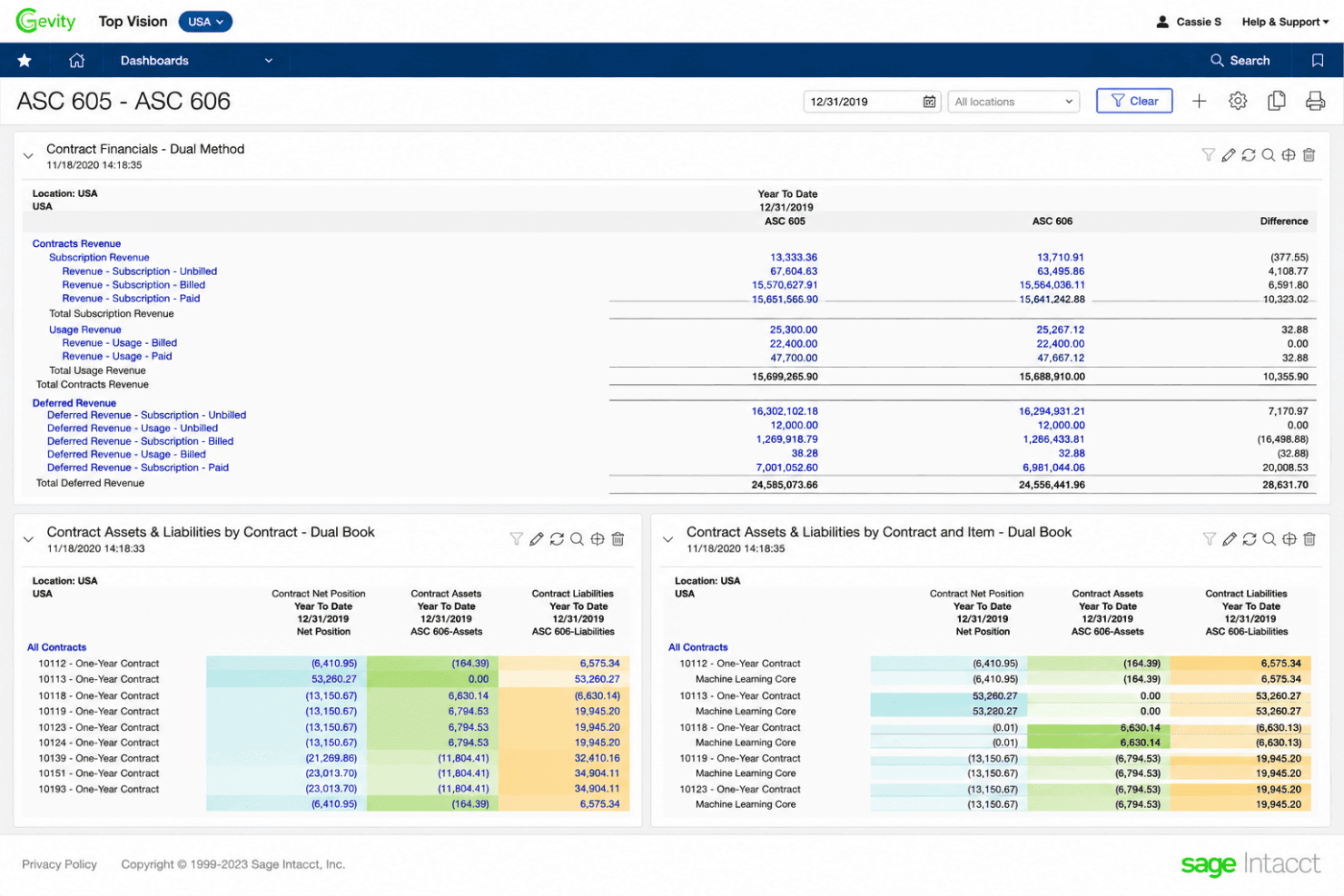
- Automates ASC 606 revenue recognition requirements
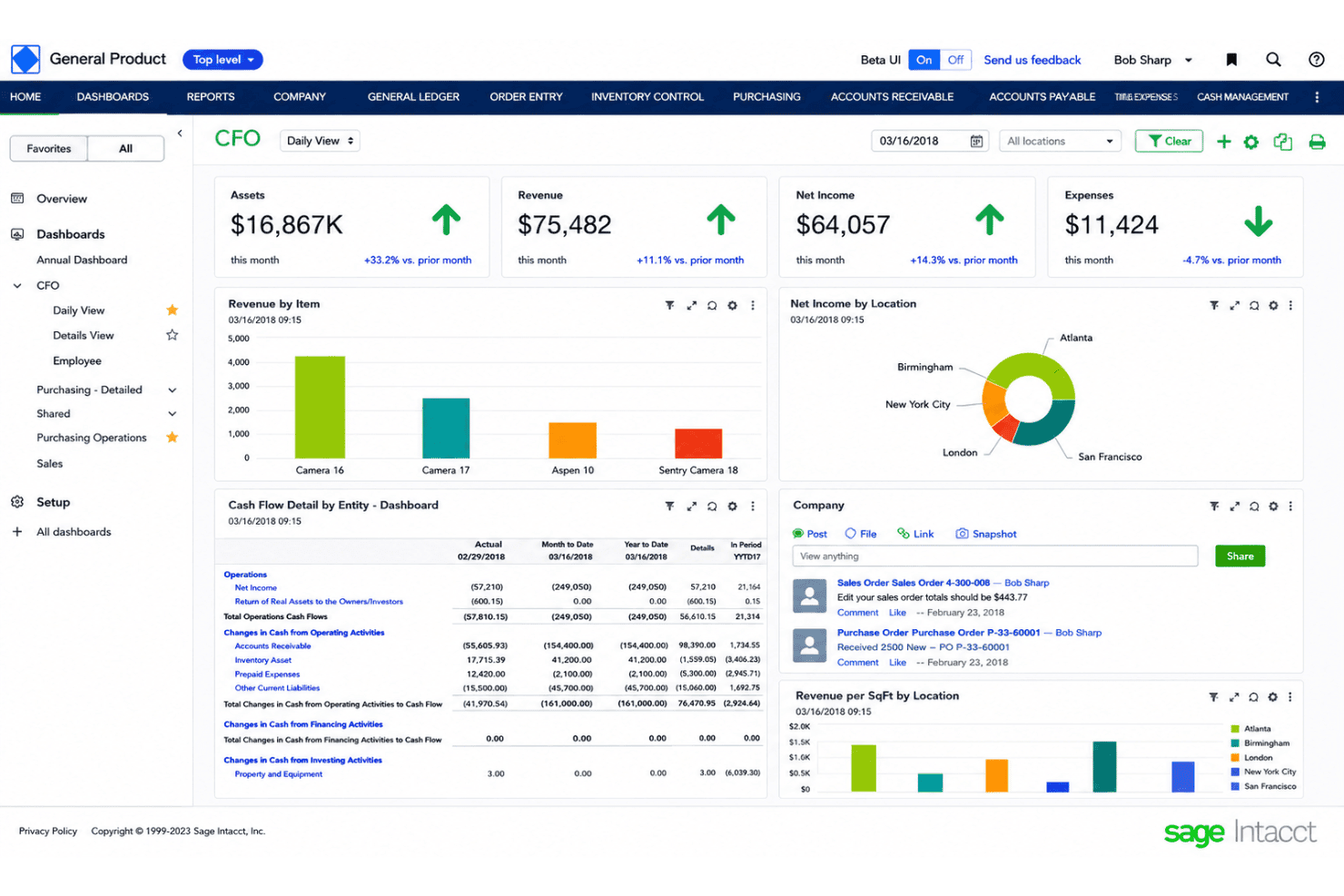
- Offers highly customizable financial reporting and dashboards
Cons
- Advanced configuration often requires consulting or IT support
- Some users report slow response times in customer support
- UI can feel dated compared to modern finance platforms
Is Sage Intacct Right For Your Needs?
Who Would be a Good Fit for Sage Intacct?
Sage Intacct works best for high-growth companies, multi-entity organizations, and finance teams that need strict compliance and integrated reporting. Its automation, audit trails, and custom revenue and billing tools are ideal for SaaS, nonprofit, financial service, and healthcare teams with complex operations. Finance leaders, controllers, and accounting managers migrating from basic accounting software will quickly appreciate its depth and scalability beyond what SMBs typically need.
- SaaS CompaniesHandles complex subscription billing, MRR/ARR reporting, and revenue recognition under ASC 606.
- Multi-Entity EnterprisesAutomates consolidations and supports intercompany transactions across locations or subsidiaries.
- Healthcare OrganizationsManages grants, multi-site operations, and regulatory compliance for healthcare accounting teams.
- Financial Services FirmsSupports detailed audit trails and robust controls for risk-sensitive, regulated environments.
- NonprofitsTracks restricted funds, grant revenue, and program-specific reporting with industry templates.
- Accounting ManagersProvides granular controls, custom dashboards, and real-time audit-ready data for proactive management.
Who Would be a Bad Fit for Sage Intacct?
Sage Intacct isn’t the best choice for small businesses with simple accounting needs or companies without the resources to support a complex implementation. Teams seeking fast onboarding, minimal training, or a low cost of ownership will likely find the platform overwhelming. It’s less suitable for organizations with basic billing, cash accounting, or niche industry needs that don’t require multi-entity or compliance features.
- Small StartupsRequires a lengthy setup and offers more complexity than small teams need.
- Basic Bookkeeping TeamsSophisticated features and dashboards are excessive for straightforward accounts payable and receivable tracking.
- Cash-Only BusinessesRevenue recognition and contract modules don’t fit cash-based accounting or project work.
- Retail TeamsLacks the inventory management, POS, and direct ecommerce integrations retail operations rely on.
- Short-Term Project FirmsBuilt for ongoing contract management, not short-lived single projects or gigs.
- Fast Onboarding SeekersInitial setup, training, and implementation timelines are much longer than lightweight or entry-level solutions.
How We Test & Score Tools
We’ve spent years building, refining, and improving our software testing and scoring system. The rubric is designed to capture the nuances of software selection and what makes a tool effective, focusing on critical aspects of the decision-making process.
Below, you can see exactly how our testing and scoring works across seven criteria. It allows us to provide an unbiased evaluation of the software based on core functionality, standout features, ease of use, onboarding, customer support, integrations, customer reviews, and value for money.
Core Functionality (25% of final scoring)
The starting point of our evaluation is always the core functionality of the tool. Does it have the basic features and functions that a user would expect to see? Are any of those core features locked to higher-tiered pricing plans? At its core, we expect a tool to stand up against the baseline capabilities of its competitors.
Standout Features (25% of final scoring)
Next, we evaluate uncommon standout features that go above and beyond the core functionality typically found in tools of its kind. A high score reflects specialized or unique features that make the product faster, more efficient, or offer additional value to the user.
We also evaluate how easy it is to integrate with other tools typically found in the tech stack to expand the functionality and utility of the software. Tools offering plentiful native integrations, 3rd party connections, and API access to build custom integrations score best.
Ease of Use (10% of final scoring)
We consider how quick and easy it is to execute the tasks defined in the core functionality using the tool. High scoring software is well designed, intuitive to use, offers mobile apps, provides templates, and makes relatively complex tasks seem simple.
Onboarding (10% of final scoring)
We know how important rapid team adoption is for a new platform, so we evaluate how easy it is to learn and use a tool with minimal training. We evaluate how quickly a team member can get set up and start using the tool with no experience. High scoring solutions indicate little or no support is required.
Customer Support (10% of final scoring)
We review how quick and easy it is to get unstuck and find help by phone, live chat, or knowledge base. Tools and companies that provide real-time support score best, while chatbots score worst.
Customer Reviews (10% of final scoring)
Beyond our own testing and evaluation, we consider the net promoter score from current and past customers. We review their likelihood, given the option, to choose the tool again for the core functionality. A high scoring software reflects a high net promoter score from current or past customers.
Value for Money (10% of final scoring)
Lastly, in consideration of all the other criteria, we review the average price of entry level plans against the core features and consider the value of the other evaluation criteria. Software that delivers more, for less, will score higher.
Core Features
Automated Revenue Recognition
Automate revenue recognition schedules for contracts under ASC 606. Set rules, track performance obligations, and link billings to a clean general ledger for audit-ready compliance.
Contract and Subscription Billing
Manage recurring and usage-based billing for complex contracts, including journal entries and deferred schedules. Handle amendments, renewals, and billing rule changes without manual workarounds.
Multi-Entity Consolidation
Consolidate financials across multiple entities in real time with full multi-currency support. Eliminate manual calculations and currency conversions for international teams.
Deferred Revenue Management
Schedule, track, and report deferred revenue with real-time visibility at every stage. View future revenue waterfalls and stay audit-ready at all times.
Flexible Financial Reporting
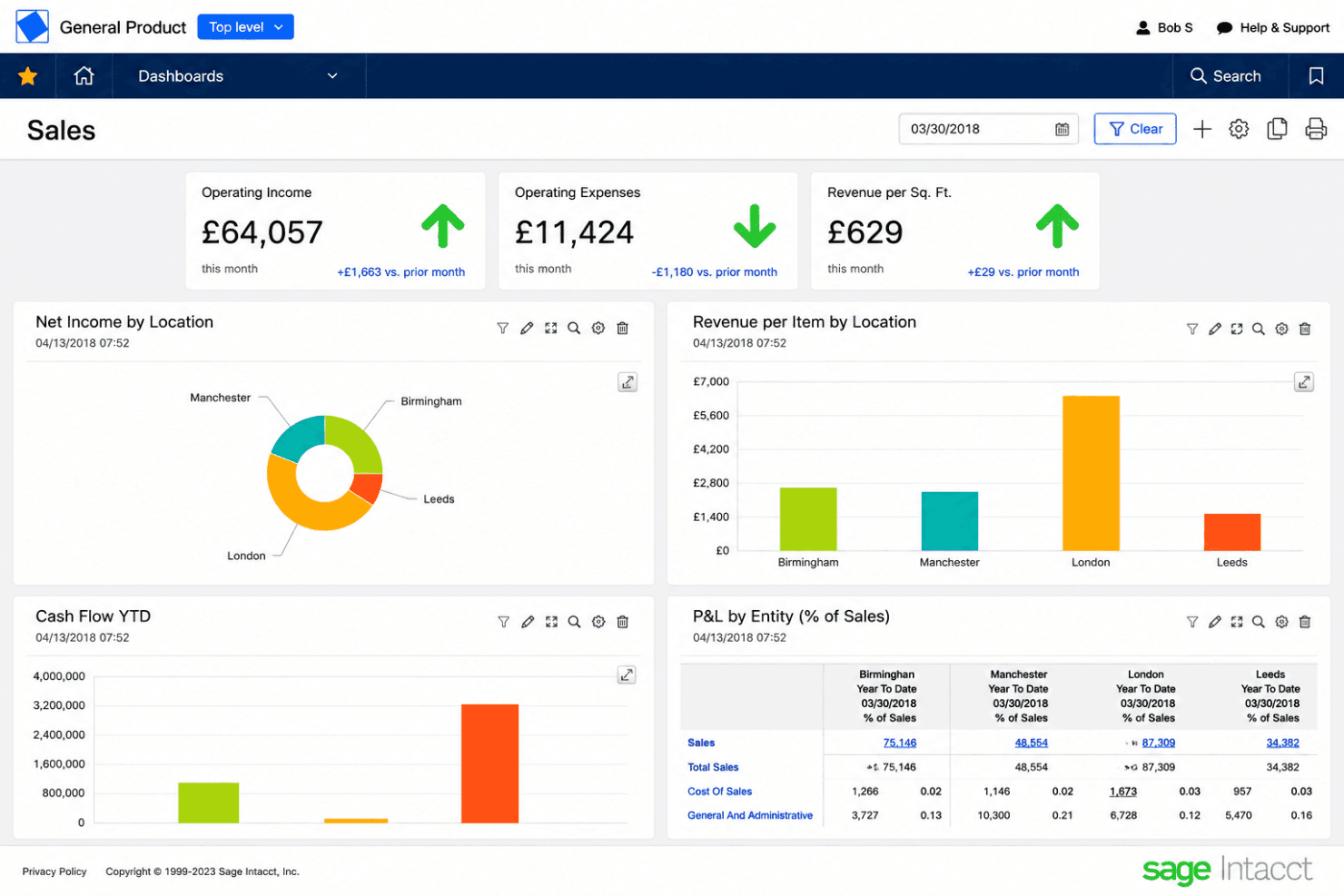
Build customizable dashboards and multi-dimensional reports segmented by product, customer, or entity. Drill into transaction-level detail for fast reconciliation.
SaaS Metrics and Analytics
Monitor key SaaS metrics like MRR, ARR, and churn built-in. Gain real-time dashboards for pipeline, billings, and contract lifecycle without exporting data.
Standout Features
AI-Powered Outlier Detection
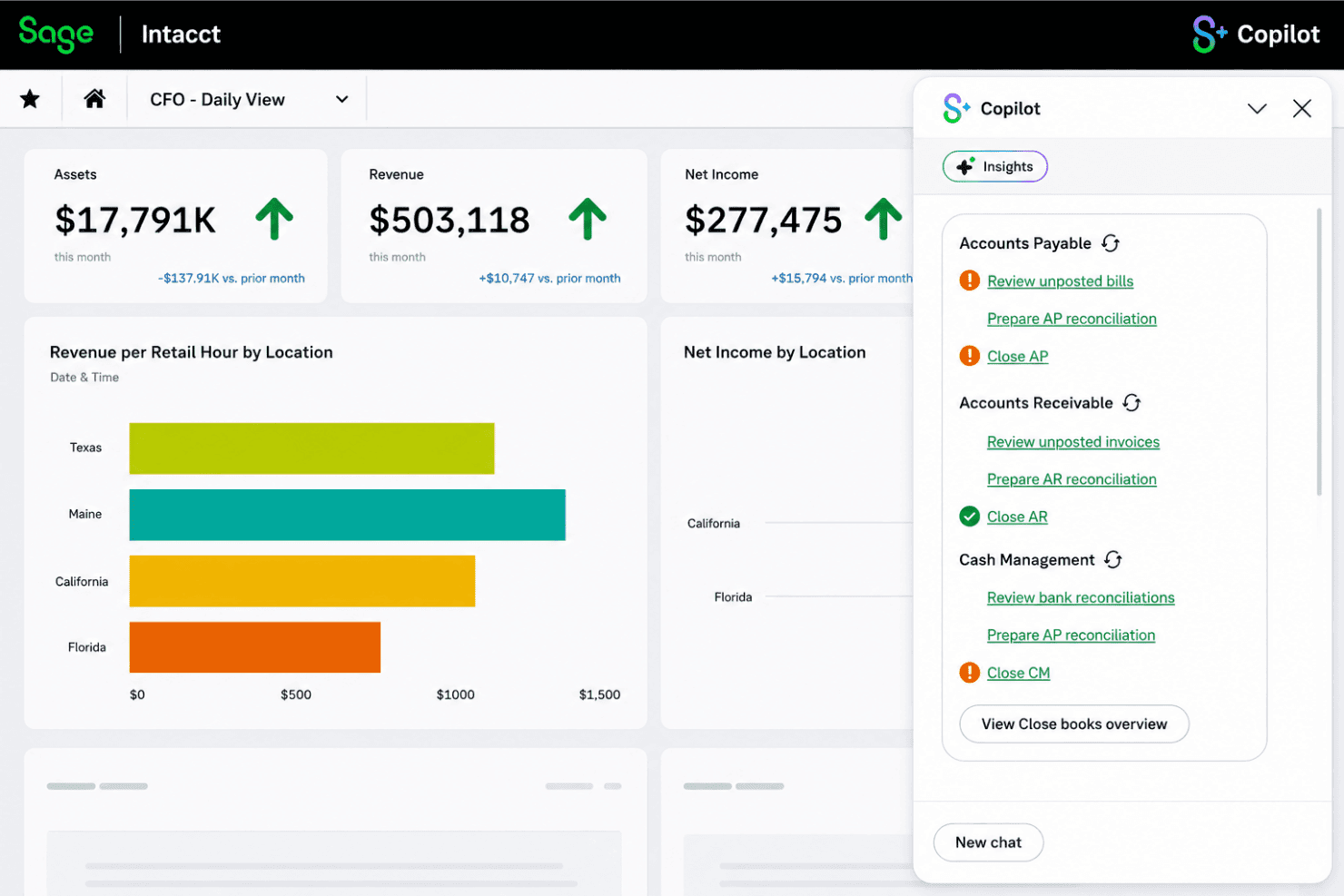
Sage Intacct uses AI to flag anomalies in revenue, billing, or contract data. This helps you catch errors or outliers before they impact financial visibility and reporting accuracy.
Full Audit Trail for Every Change
Every transaction and change, including user actions, is logged and timestamped. You always know who did what and when, which accelerates month-end close and supports compliance audits.
Ease of Use
Sage Intacct isn’t the easiest for new users, but I think its workflows and dashboards become intuitive with regular use. Many reviews mention a steep learning curve to master its complex contract and revenue modules, but once set up, the streamlined automation and reporting tools help teams handle high volumes of transactions confidently and accurately.
Onboarding
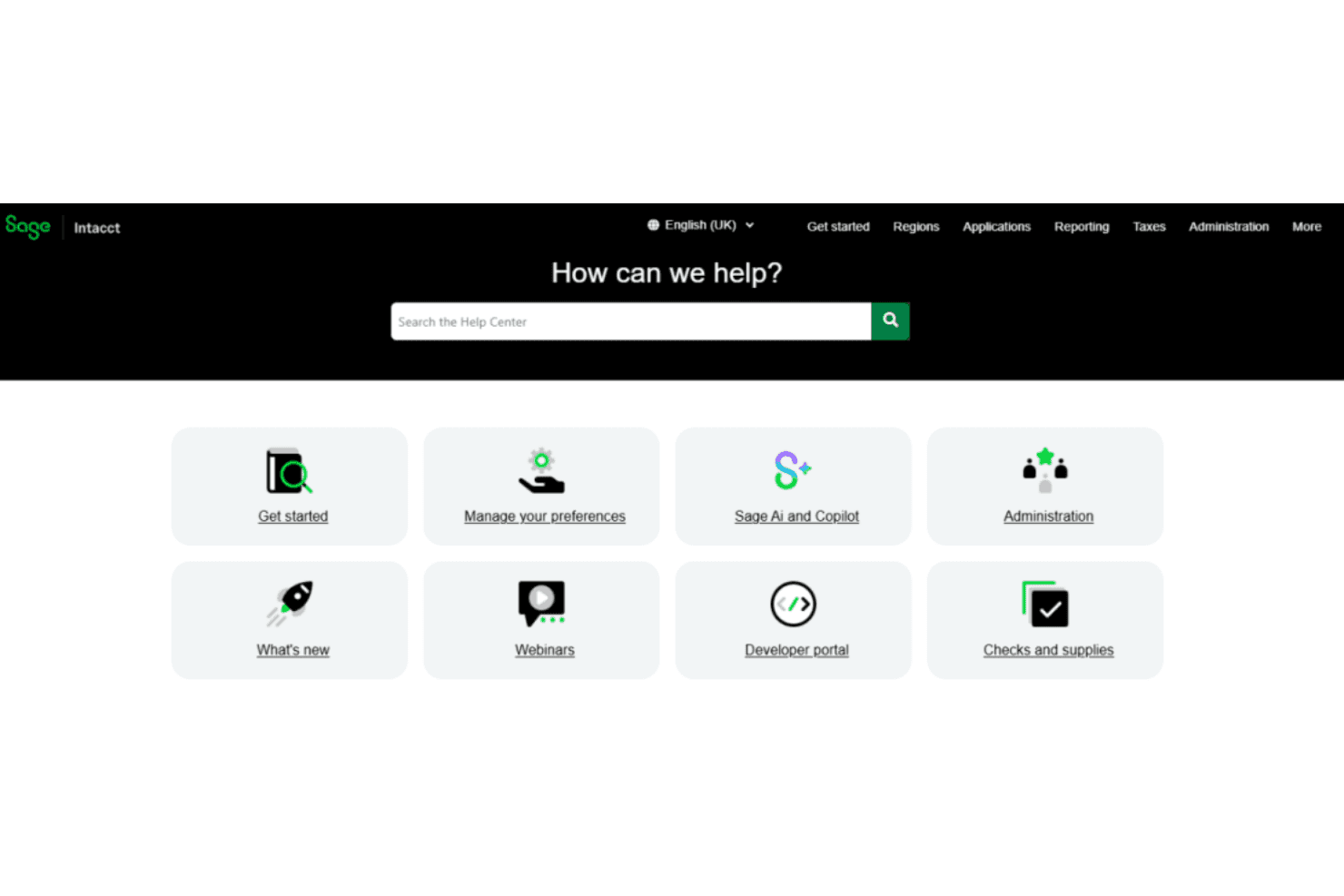
Most teams find Sage Intacct’s onboarding can be lengthy and often need extra training or external consultants. The knowledge base is thorough and self-serve resources are solid, but user reviews mention slow customer support response times. I think if your team invests in up-front planning, the platform’s depth pays off after initial hurdles.
Customer Support
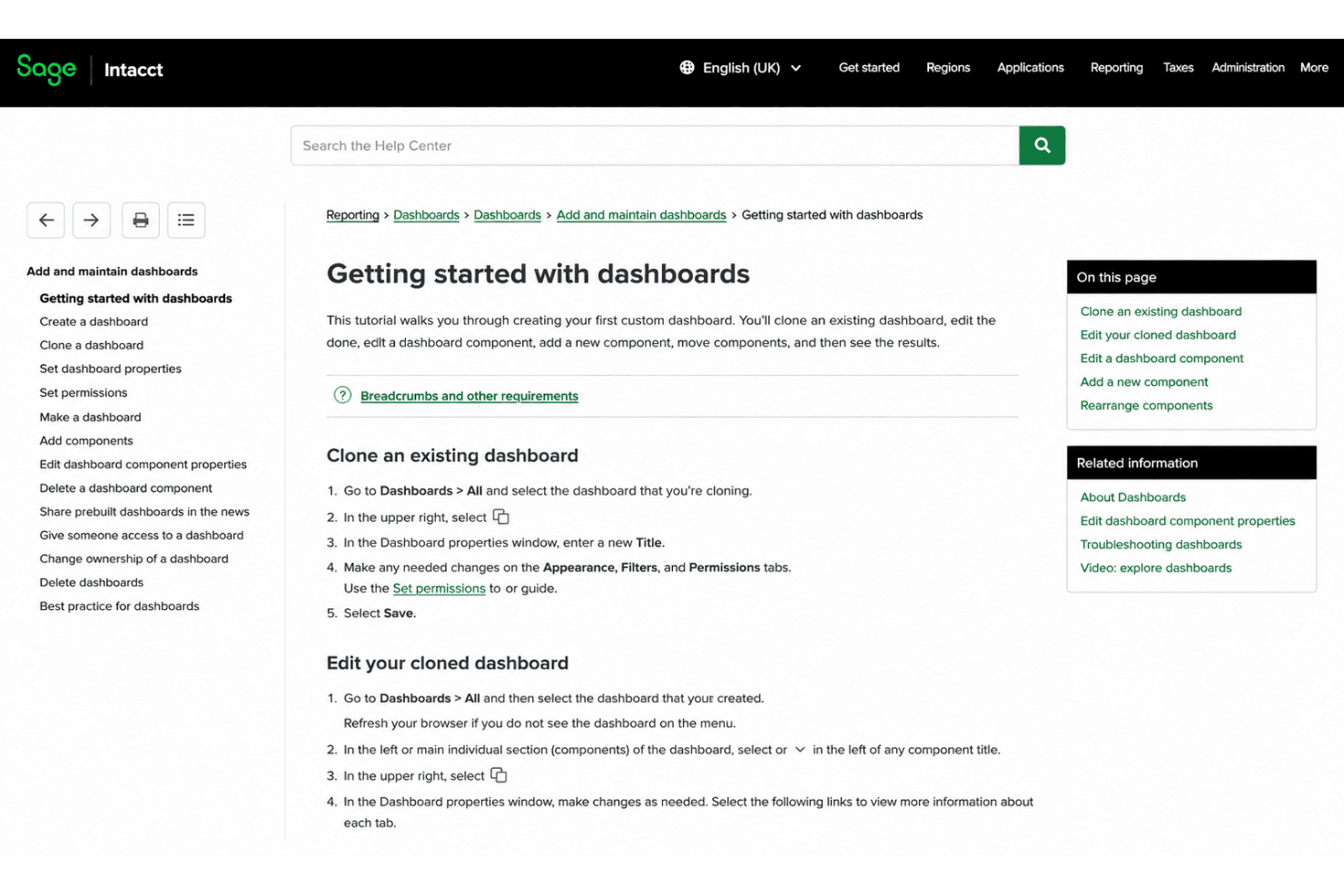
Sage Intacct offers multiple support channels, but in my view, response times aren’t always fast enough for urgent finance needs. Many users compliment the knowledge base and community forums, yet reviews often cite frustration about needing to wait or follow up on open tickets for more technical help.
Integrations
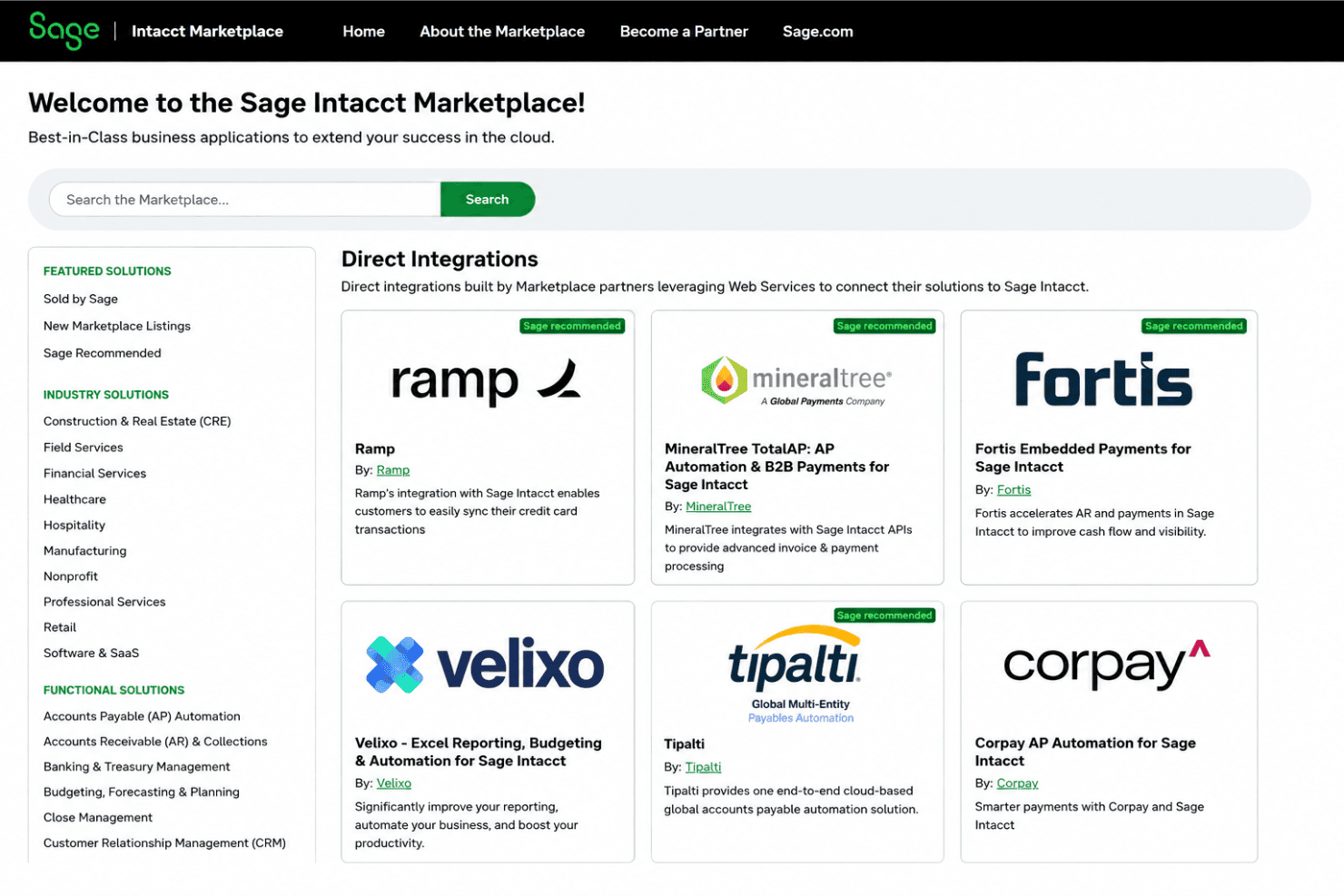
Sage Intacct integrates with ADP Workforce Now, Avalara, Expensify, Bill.com, Fortis, Paychex, SAP Concur, Versapay, and Yooz, among others. Sage Intacct also offers an open API and connects with third-party integration tools like Zapier.
Teams migrating from QuickBooks Desktop, QuickBooks Online, Xero, or NetSuite will find dedicated migration resources and comparable feature depth in the transition.
Value for Money
Sage Intacct’s pricing isn’t publicly transparent, so you’ll need to request a custom quote based on your organization’s size, modules, users, and implementation needs. I think costs can climb for smaller teams, but finance departments that need advanced automation, complex revenue scheduling, and audit support may still find the investment worthwhile.
Sage Intacct Specs
- 2-Factor Authentication: Yes
- Accounts Payable: Yes
- Accounts Receivable: Yes
- API: Yes
- Balance Sheet: Yes
- Billing/Invoicing: Yes
- BitCoin: Yes
- Budgeting: Yes
- Calendar Management: No
- Contact Management: Yes
- CRM Integration: Yes
- Customer Management: Yes
- Dashboard: Yes
- Data Export: Yes
- Data Import: Yes
- Data Visualization: Yes
- Expense Tracking: Yes
- External Integrations: Yes
- Forecasting: Yes
- General Account Ledger: Yes
- Inventory Tracking: Yes
- Multi-Currency: Yes
- Multi-User: Yes
- Notifications: Yes
- P&L: Yes
- PayPal: Yes
- Payroll: Yes
- SAP Integration: Yes
- Stripe: Yes
- Supplier Management: Yes
- Tax Management: Yes
Sage Intacct FAQs
Sage Intacct Company Overview & History
Sage Intacct is a cloud-based financial management platform headquartered in San Jose, California. It operates as a division of Sage Group plc, a global leader in cloud business management and ERP solutions. Sage employs more than 11,000 people worldwide, with Intacct expanding rapidly as part of the Sage Business Cloud portfolio. Intacct is known for its focus on innovation in cloud accounting and strong momentum in industries like software, professional services, and nonprofit.
Sage Intacct Major Milestones
- 1999: Intacct founded to deliver cloud-based accounting solutions.
- 2017: Acquired by Sage Group plc and became Sage Intacct.
- 2017: Launch of integration into Sage Business Cloud portfolio.
- 2022: Surpassed 500,000 users across multiple industries.
- 2023: Continued expansion of product suite and AI-driven features.