


Pipedrive Vs. monday CRM: In-Depth Comparison and Expert Reviews for 2026


Choosing between Pipedrive and monday CRM often boils down to whether your team requires a sales-focused CRM software with deep pipeline management or a highly customizable, workflow-driven CRM software that adapts to broader business processes. If you’re weighing these two options, you’re likely trying to balance sales rigor with cross-team flexibility, without sacrificing data quality or ease of use. In this article, you’ll get a side-by-side look at how CRM software from both vendors compares on features, pricing, integrations, and user experience, so you can confidently decide which platform fits your revenue operations goals.
Pipedrive CRM vs. monday CRM: An Overview
Pipedrive CRM
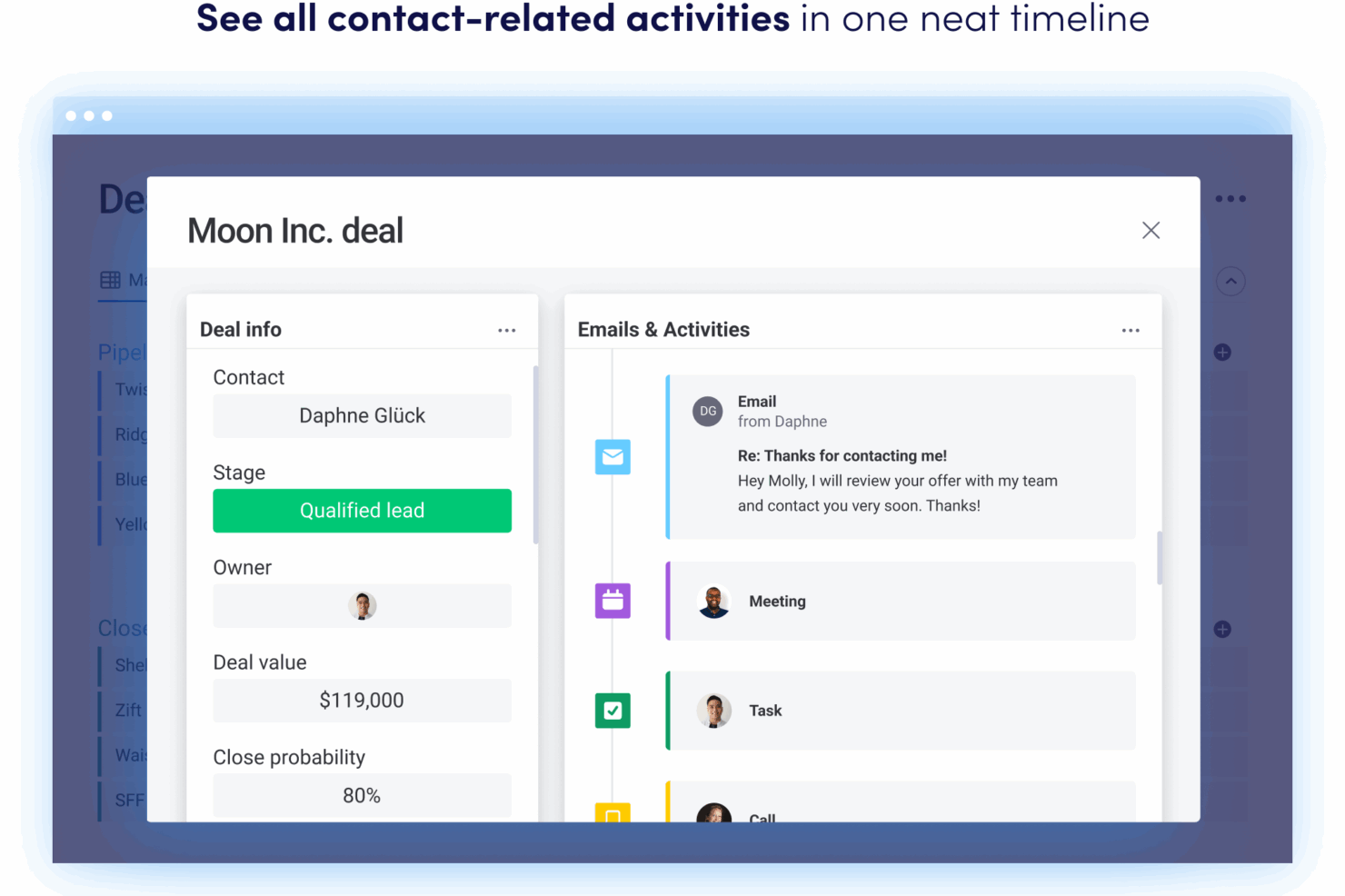
monday CRM

Why Trust Our Software Reviews
Pipedrive CRM vs. monday CRM Pricing Comparison
| Pipedrive CRM | monday CRM | |
|---|---|---|
| Free Trial | 14-day free trial | 14-day free trial available |
| Pricing | From $14/user/month (billed annually) | From $12/user/month (billed annually, min. 3 seats) |
Get free help from our project management software advisors to find your match.
Get Expert AdviceOpens new windowPipedrive Vs. monday CRM Pricing & Hidden Costs
Pipedrive uses a tiered subscription model based on user seats, with each plan unlocking more advanced sales and automation features. monday CRM also follows a tiered pricing structure, but its plans are built around both user seats and feature bundles, with add-ons for advanced automations, integrations, and storage. Both platforms may introduce extra costs for premium support, API access, or expanded usage limits, so it’s important to review what’s included at each tier.
To choose the right pricing model, take note of your team’s desired features and expected user count against each vendor’s plan details. Look beyond the base price factor in potential add-ons, integration needs, and any limits on automation or reporting. Request a detailed quote or use a trial to simulate your real usage, so you can spot hidden costs before you commit. This approach helps you avoid surprises and ensures your CRM investment matches your operational requirements.
Pipedrive CRM vs. monday CRM Feature Comparison
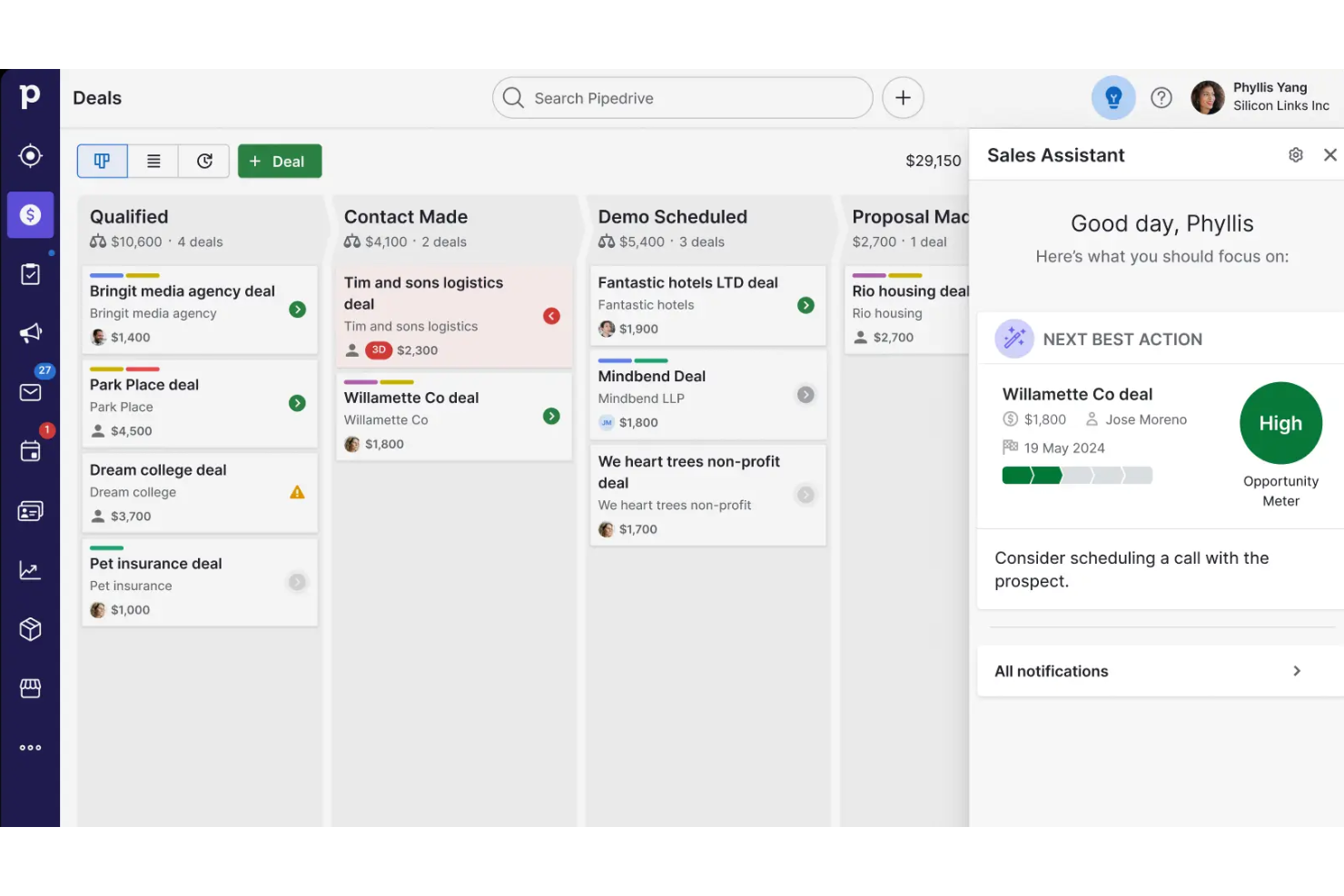
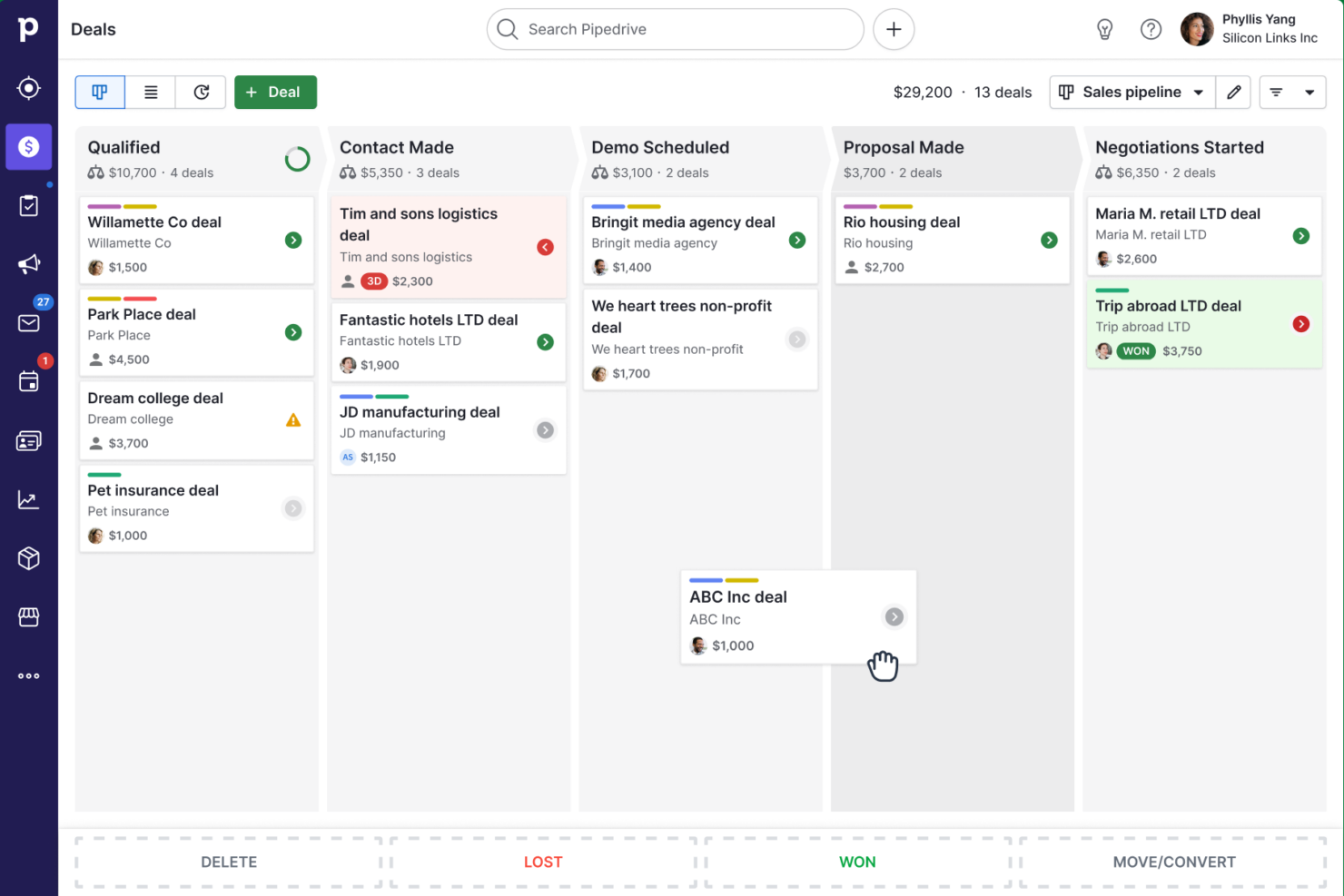
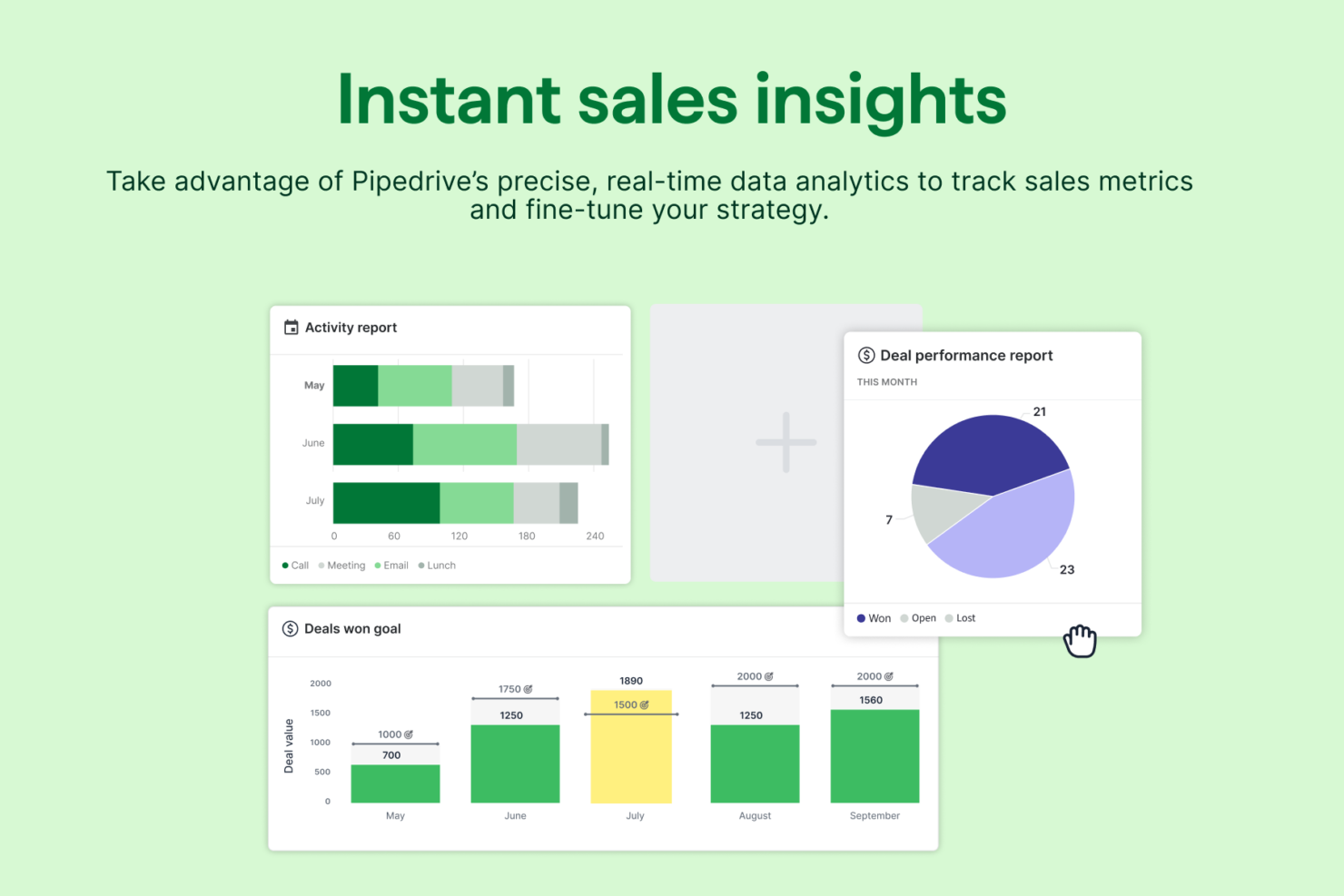
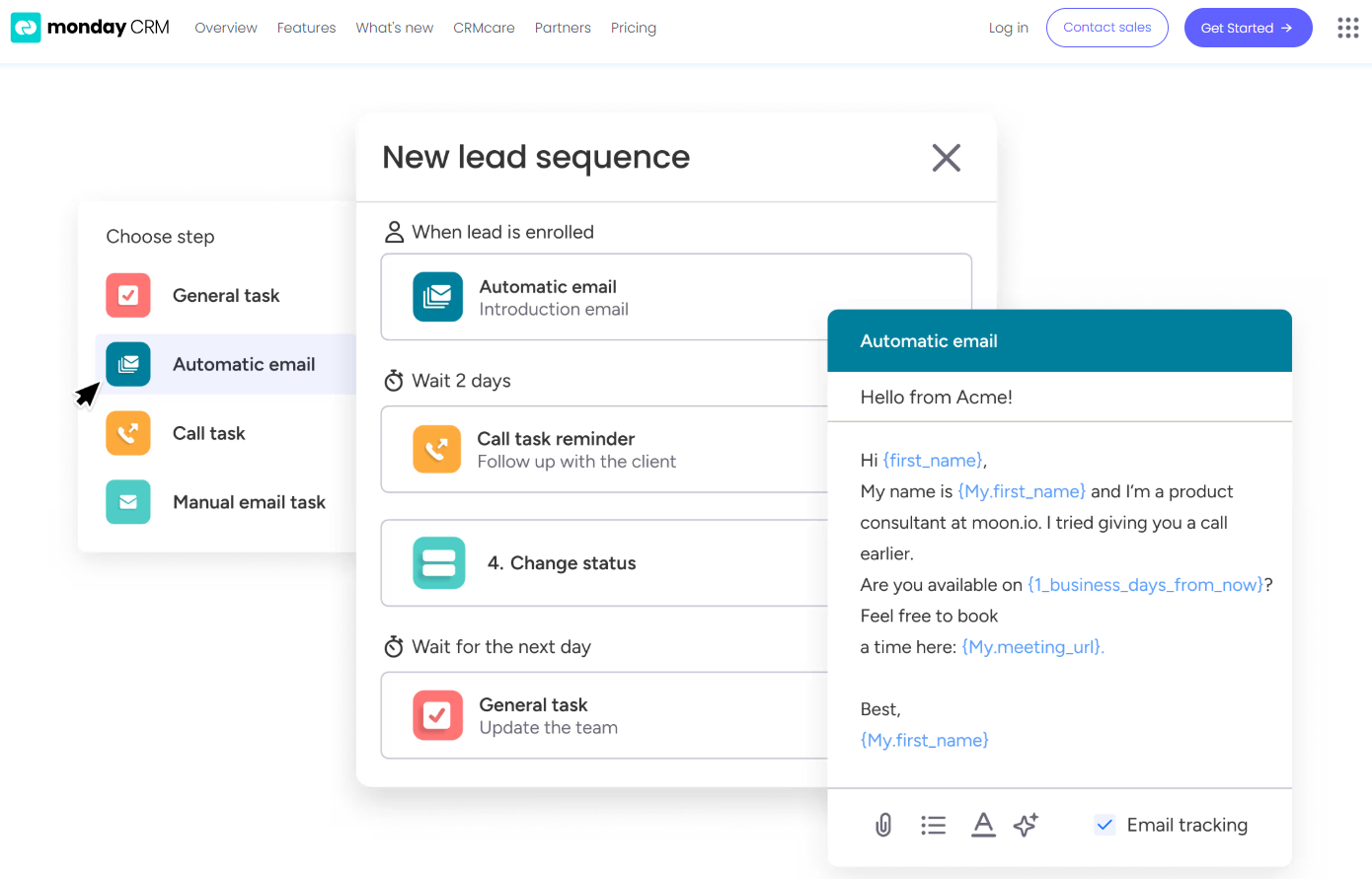
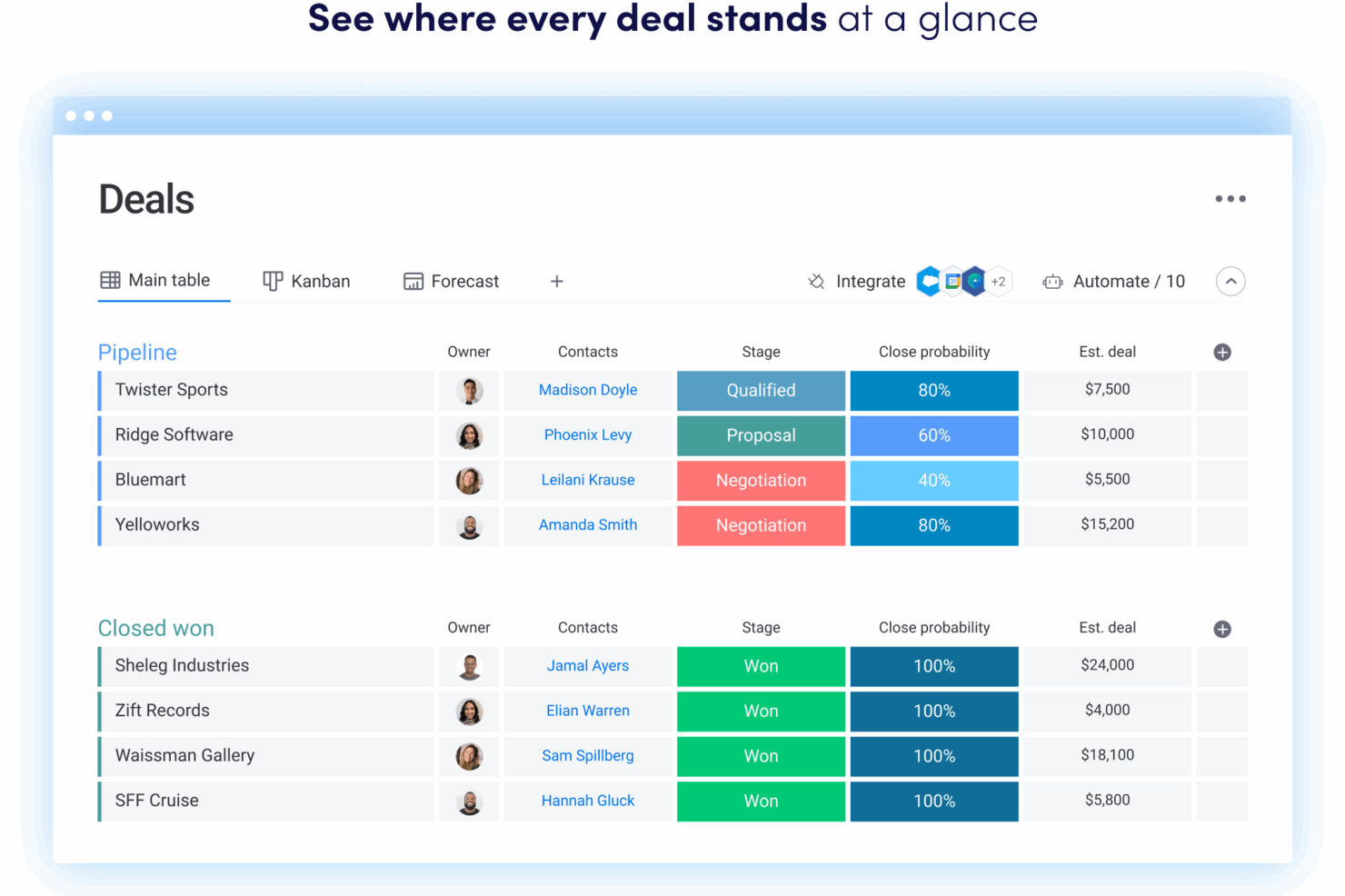
Pipedrive’s visual sales pipelines and automated activity reminders help users stay focused on deals and daily follow-ups, making it easy to track progress and prioritize tasks. In contrast, monday CRM’s customizable boards and workflow automations let users tailor their workspace to manage everything from sales to project tasks, supporting teams that need flexibility beyond traditional pipeline management.
| Pipedrive CRM | monday CRM | |
|---|---|---|
| 2-Factor Authentication | ||
| API | ||
| Calendar Management | ||
| Call Tracking | ||
| Campaign Management | ||
| Click-to-Dial | ||
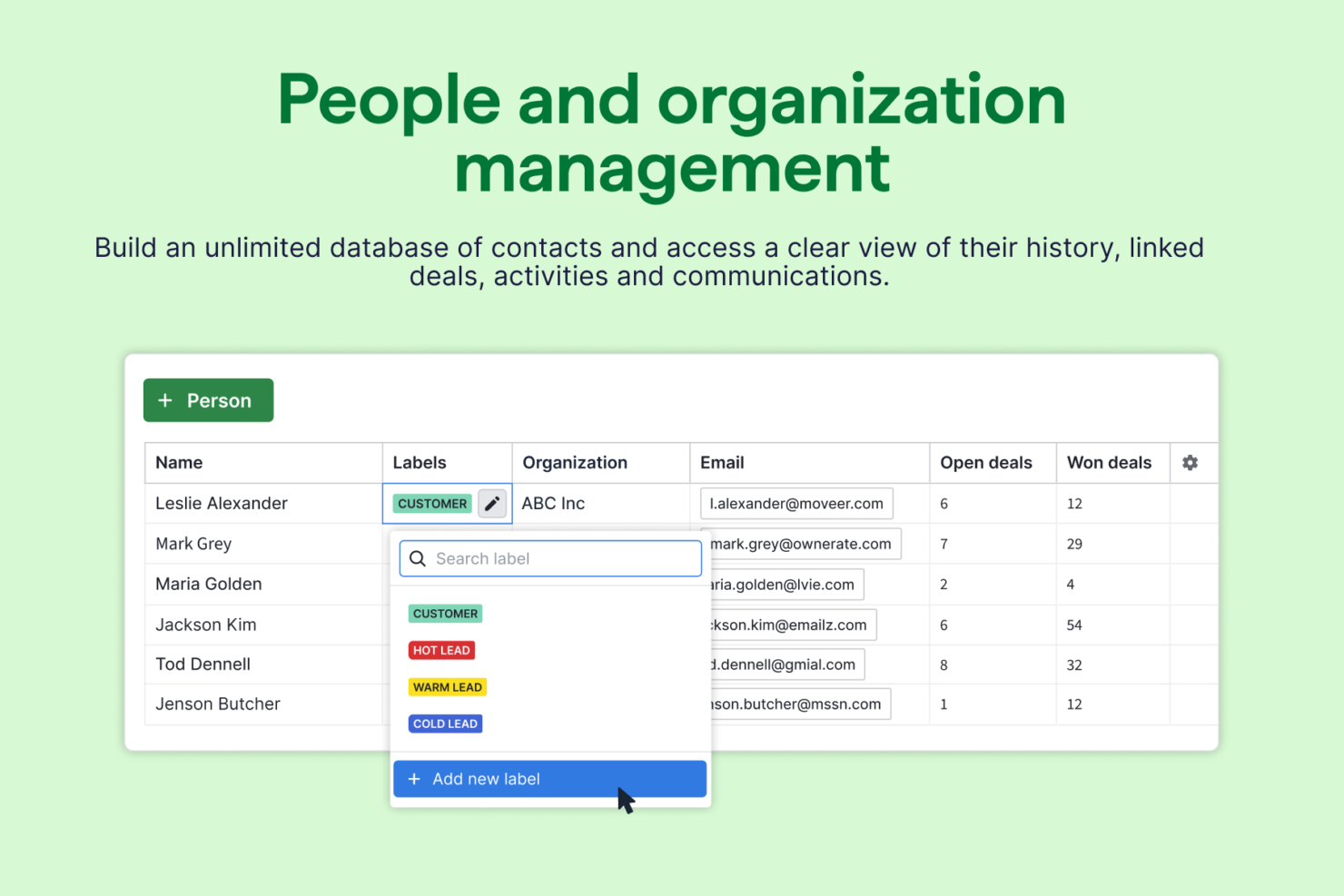
| Contact Management | ||
| Contact Sharing | ||
| Custom Data Forms | ||
| Customer Management | ||
| Dashboard | ||
| Data Export | ||
| Data Import | ||
| Data Visualization | ||
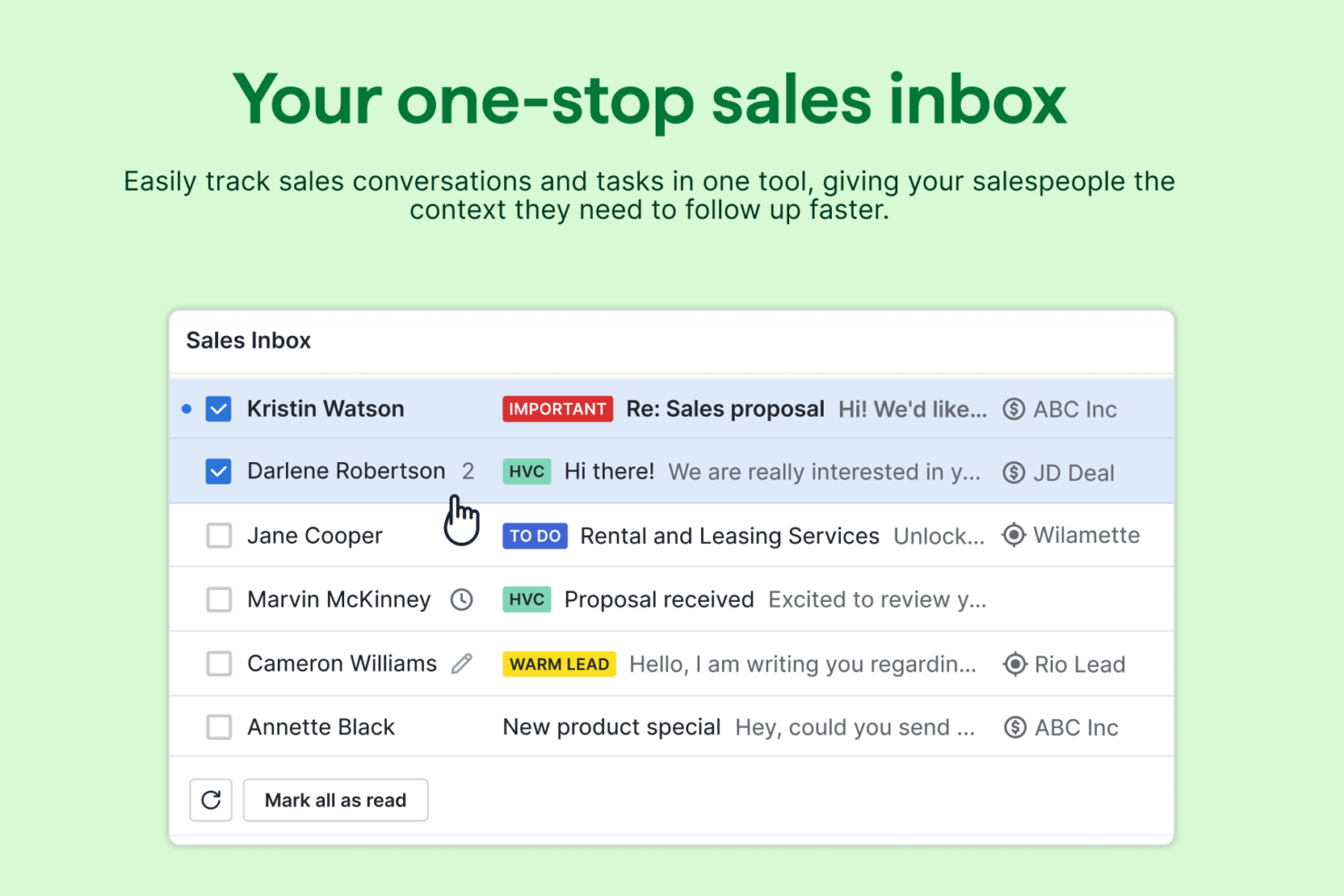
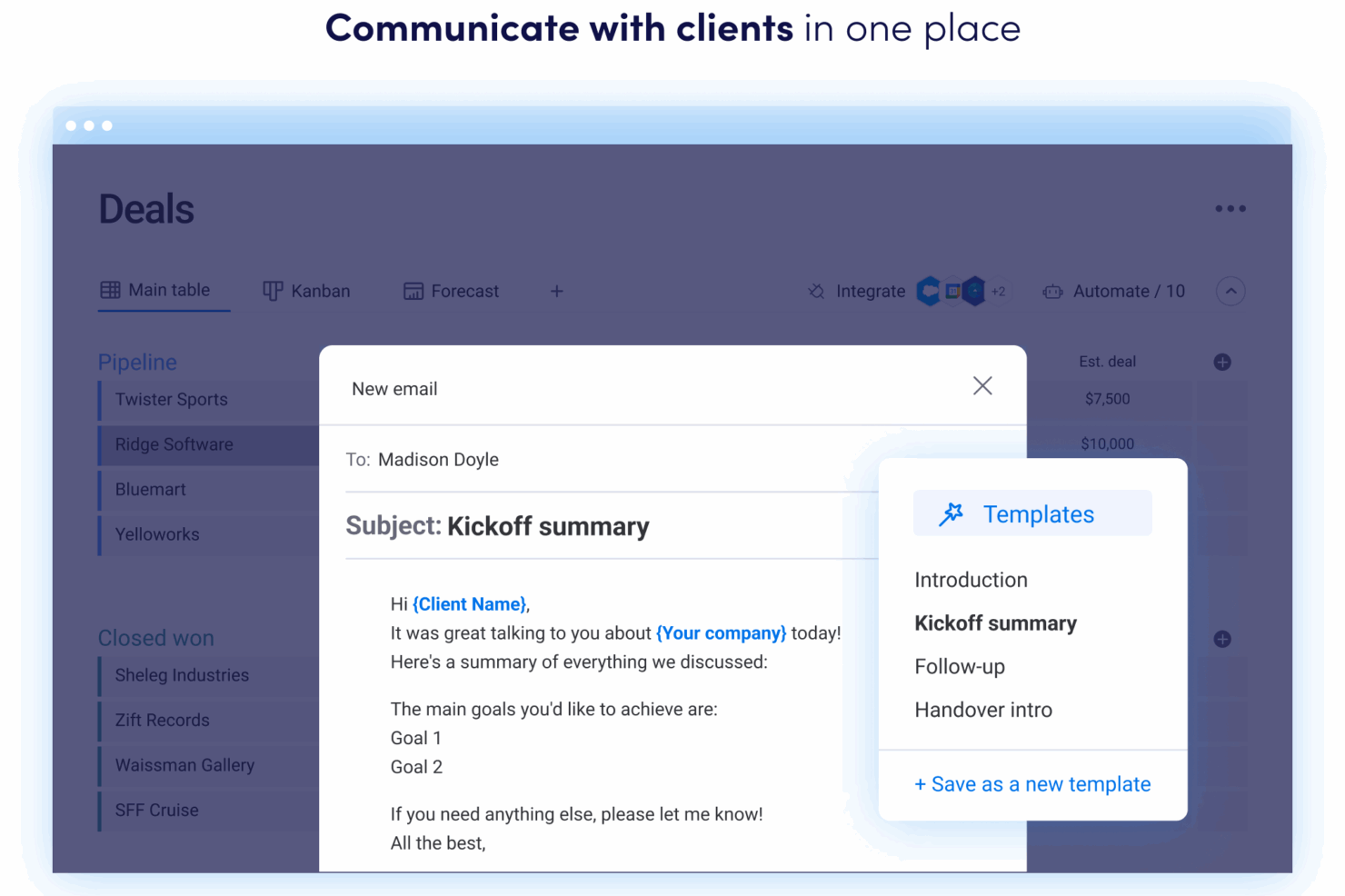
| Email Integration | ||
| External Integrations | ||
| File Sharing | ||
| File Transfer | ||
| Google Apps Integration | ||
| Lead Management | ||
| Lead Scoring | ||
| Marketing Automation | ||
| Mobile App | ||
| Multi-User | ||
| Notifications | ||
| Pipeline Management | ||
| Sales Automation | ||
| Scheduling | ||
| Social-Media Integration | ||
| Task Scheduling/Tracking | ||
| Third-Party Plugins/Add-Ons |
Get free help from our project management software advisors to find your match.
Get Expert AdviceOpens new windowPipedrive Vs. monday CRM Integrations
| Integration | Pipedrive | monday CRM |
|---|---|---|
| Gmail | ✅ | ✅ |
| Outlook | ✅ | ✅ |
| Slack | ✅ | ✅ |
| Mailchimp | ✅ | ✅ |
| QuickBooks | ✅ | ✅ |
| Xero | ✅ | ✅ |
| HubSpot | ✅ | ✅ |
| Shopify | ✅ | ✅ |
| API | ✅ | ✅ |
| Zapier | ✅ | ✅ |
Pipedrive and monday CRM are very similar when it comes to integrations, sharing support for key tools like Gmail, Outlook, Slack, Mailchimp, API access, and Zapier. While each platform has a few unique connections, both provide the core integrations most sales teams rely on, along with the flexibility to connect additional tools as needed.
Pipedrive Vs. monday CRM Security, Compliance & Reliability
| Factor | Pipedrive | monday CRM |
|---|---|---|
| Data Encryption | Uses TLS 1.2 encryption for data in transit and AES-256 for data at rest. | Uses TLS 1.2, FIPS 140-2, and AES-256 encryption for both data in transit and at rest. |
| Regulatory Compliance | GDPR and CCPA-compliant with dedicated data processing agreements and audit logs. | GDPR, UK GDPR, CCPA and HIPAA-compliant, with advanced audit logs and data residency. |
| Uptime Guarantee | Publicly reports uptime with a 99.9% SLA and real-time status page. | Offers a 99.9% uptime SLA and publishes real-time system status updates. |
| Access Controls | Role-based permissions and two-factor authentication for all users. | Customizable permissions, SSO, and two-factor authentication available. |
Both Pipedrive and monday CRM deliver strong security and compliance, but monday CRM edges ahead with HIPAA compliance and more granular access controls. Pipedrive’s reliability and transparent uptime reporting are strengths, while monday CRM’s advanced compliance options and flexible permissions make it a solid choice for teams with strict regulatory needs.
Pipedrive Vs. monday CRM Ease of Use
| Factor | Pipedrive | monday CRM |
|---|---|---|
| User Interface | Clean, sales-focused interface with drag-and-drop pipelines and quick actions. | Highly visual, customizable boards with color-coded statuses and widgets. |
| Onboarding | Guided setup with in-app tutorials and sample data for fast ramp-up. | Interactive walkthroughs, templates, and a resource-rich help center. |
| Customization | Simple field and pipeline customization, but limited outside sales workflows. | Deep customization for boards, fields, and automations across workflows. |
| Support | Live chat, email, and a searchable knowledge base. | 24/7 support, live webinars, and a large online community. |
Pipedrive is easier for sales teams to pick up quickly due to its inherent ease of use, while monday CRM offers more flexibility for teams that want to tailor their workspace. Pipedrive’s focused, user-friendly interface and fast onboarding are strengths, but monday CRM’s visual boards and deep customization make it a better fit for teams with diverse or evolving processes.
Pipedrive CRM vs monday CRM: Pros & Cons
Pipedrive CRM
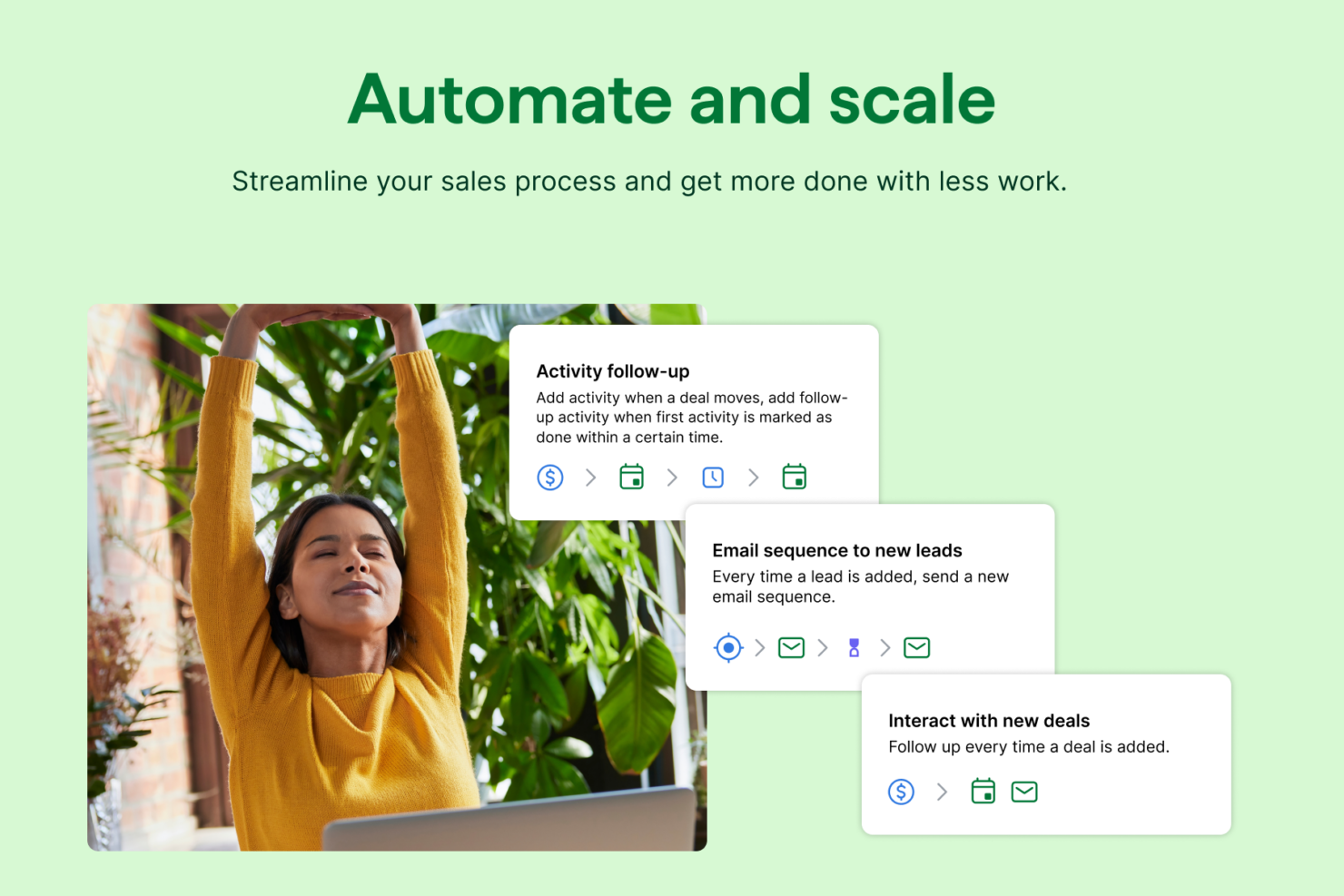
- Automated follow-up reminders help you stay on top of your sales tasks.
- The customization options let your team tailor the CRM to fit your workflow.
- You’ll find the visual sales pipeline easy to navigate and understand.
- Few native options for generating new leads directly within the software.
- Limited email tracking could be a hurdle for teams heavily reliant on email campaigns.
- You might need more advanced reporting features for detailed analytics.
monday CRM
- You can create forms that live within your project as a view.
- Its integrated proofing feature lets you add comments to files.
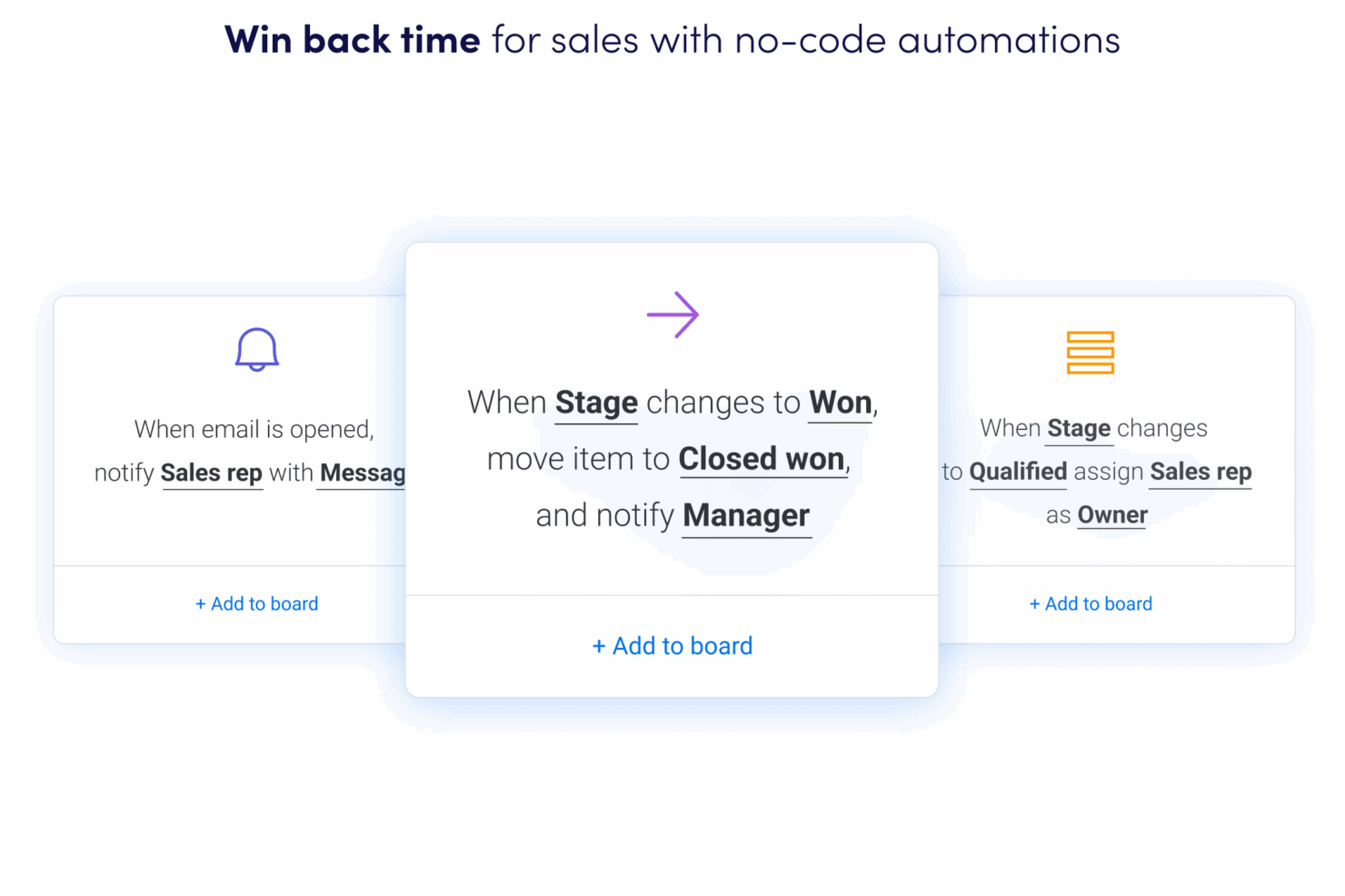
- You can easily create automations without any coding.
- Training videos use the old UI, which can confuse new users.
- Subtask columns don't replicate task structure, needing extra customization.
- The Gantt view isn't useful for building projects.
Best Use Cases for Pipedrive CRM and monday CRM
Pipedrive CRM
- Real Estate Pipedrive’s visual pipeline helps you track leads and manage client interactions effectively.
- Freelancers The straightforward interface allows you to manage client relationships without complexity.
- Sales Departments You’ll find the focus on sales pipeline management boosts your team’s productivity.
- Small Businesses Its ease of use makes it accessible for teams without a dedicated IT department.
- Consulting Firms The CRM’s automated reminders keep your team on schedule with client follow-ups.
- Tech Startups You’ll benefit from its customization options that adapt to fast-changing sales processes.
monday CRM
- Creative Teams Your team can collaborate effectively using its integrated comments and file sharing.
- Sales Teams It helps your team manage leads and sales pipelines with integrated tracking features.
- Project Managers You can streamline tasks and track progress easily with monday sales CRM’s visual tools.
- Small Businesses If you’re a small business, you’ll find its ease of use and customization options invaluable.
- Marketing Agencies Your agency will benefit from its collaborative tools and proofing features for client work.
- Tech Startups monday sales CRM is perfect for tech startups needing agile workflows and automation.
Get free help from our project management software advisors to find your match.
Get Expert AdviceOpens new windowWho Should Use Pipedrive, And Who Should Use monday CRM?
Pipedrive is best for sales-driven teams that want a straightforward, pipeline-centric CRM with minimal setup and a focus on closing deals. It’s a strong fit for small to midsize businesses in industries like real estate, consulting, or SaaS, where sales process consistency matters most. monday CRM is the better choice for teams that need a flexible, customizable platform to manage not just sales, but also projects, marketing, or support workflows. If your organization values cross-department collaboration, unique workflows, or plans to scale and adapt processes over time, monday CRM will likely serve you better.
Differences Between Pipedrive CRM and monday CRM
| Pipedrive CRM | monday CRM | |
|---|---|---|
| Automation | Prebuilt sales automations and activity reminders. | Advanced, flexible automations for tasks, notifications, and more. |
| Core Focus | Sales pipeline management with deal tracking and forecasting. | Comprehensive workflow customization across sales, projects, and operations. |
| Customization | Limited to sales fields, pipelines, and activities. | Deep board, field, and automation customization for any workflow. |
| Data Compliance | Is only GDPR and CCPA-compliant. | Offers more regional and industry-specific data compliance like HIPAA. |
| User Interface | Simple, sales-focused with drag-and-drop pipelines. | Visual, modular boards with color coding and widgets. |
| Read Pipedrive CRM ReviewOpens new window | Visit monday CRMOpens new window |
Similarities Between Pipedrive CRM and monday CRM
| Cloud-Based Access | Both are fully cloud-based, allowing users to access data and workflows from anywhere with an internet connection. |
|---|---|
| Integration Options | Each platform offers integrations with popular tools like Gmail, Outlook, Slack, Mailchimp, Zapier, and offers an API. |
| Mobile Apps | Both provide mobile apps for iOS and Android, enabling users to manage deals, tasks, and updates on the go. |
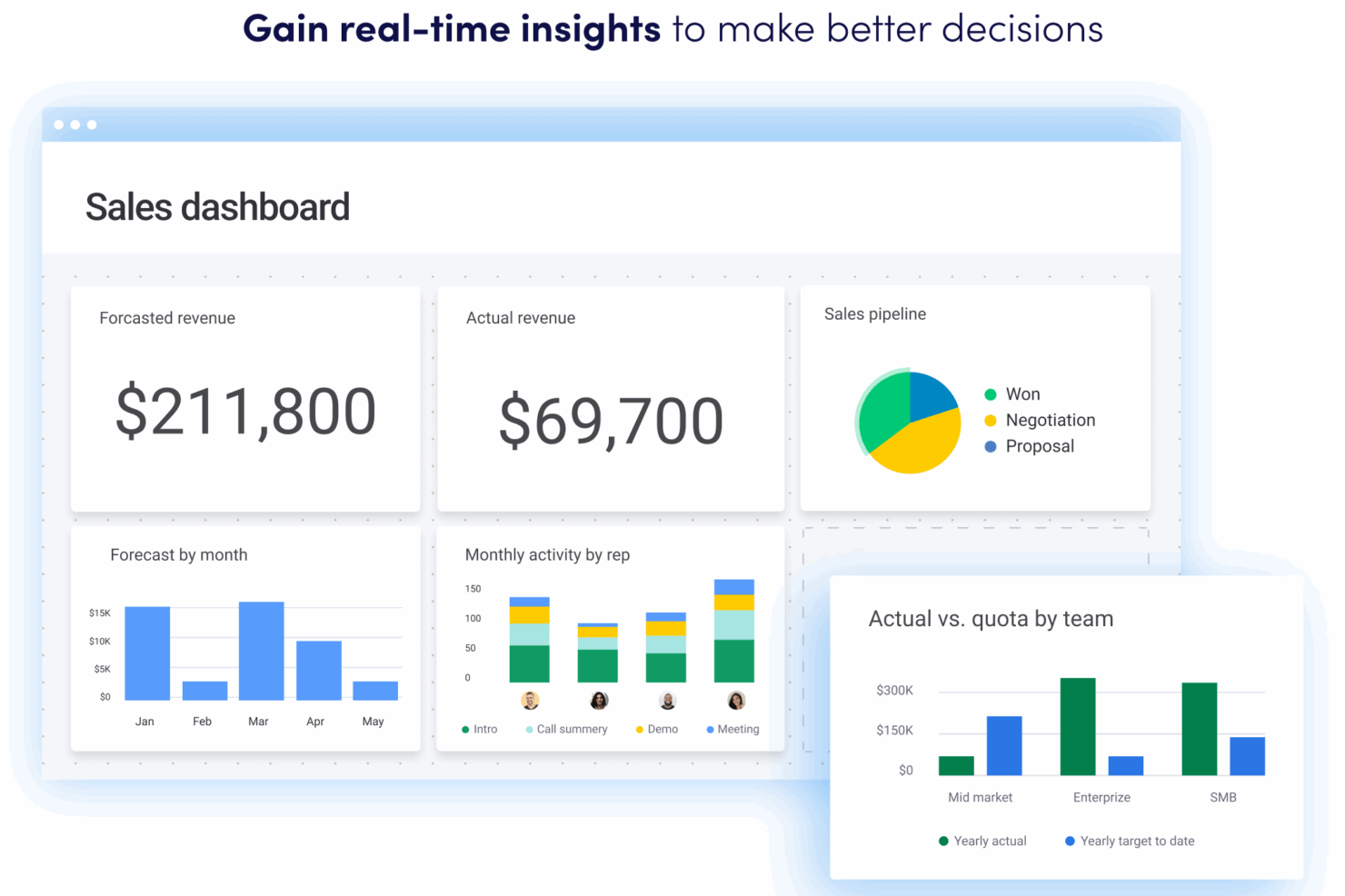
| Reporting & Analytics | Each offers customizable dashboards and reporting tools to track sales performance, pipeline health, and team activity. |
| Role-Based Permissions | Both support user roles and permissions, letting admins control access to sensitive data and features. |
| Read Pipedrive CRM ReviewOpens new window Visit monday CRMOpens new window | |