


Insightly vs. Pipedrive: Comparison and Expert Reviews for 2026


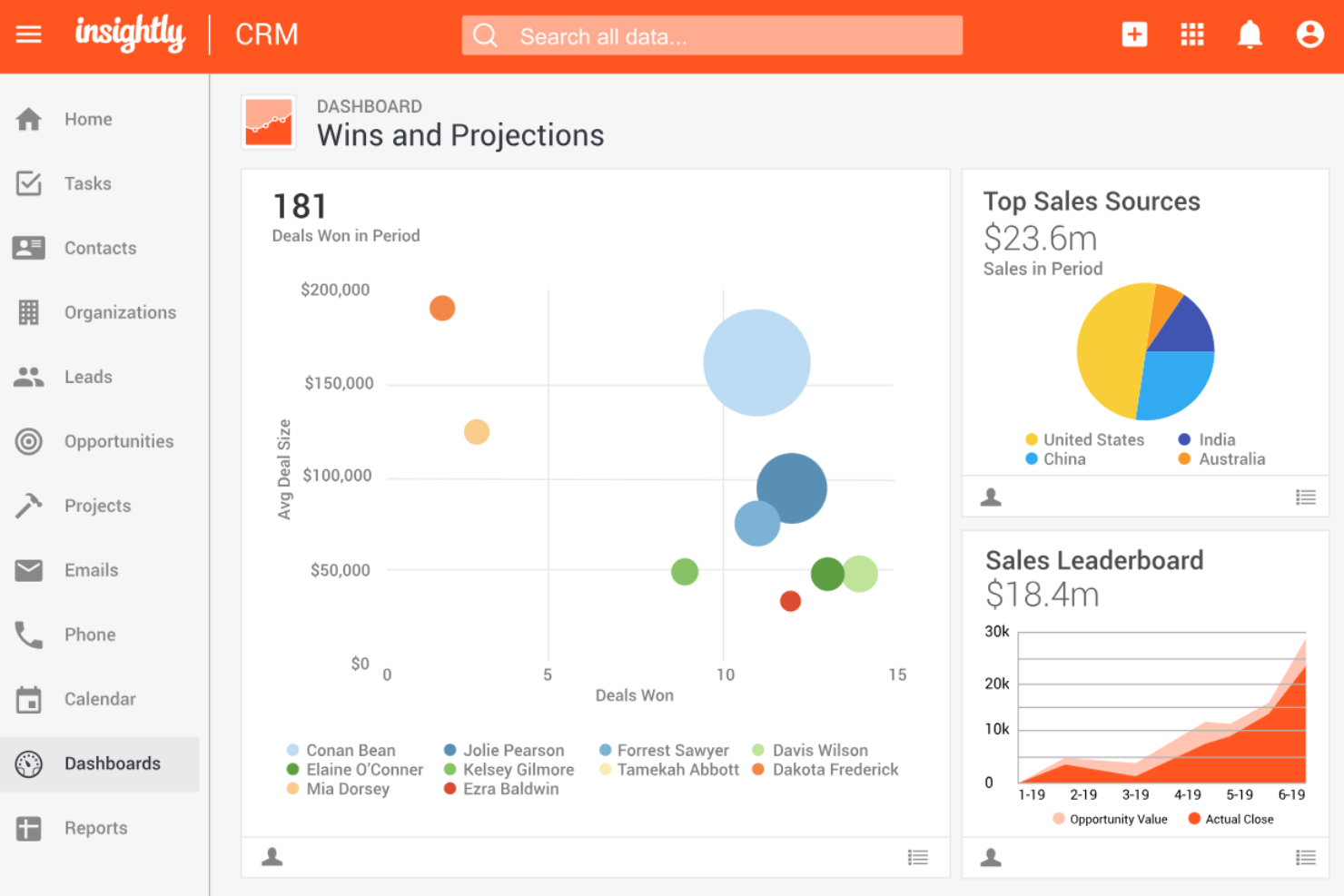
Juggling disconnected data, clunky workflows, and frustrated teams can make even the best revenue engine stall. When you’re searching for CRM software that actually brings your sales, marketing, and customer success teams together, both Insightly and Pipedrive stand out for their unique strengths. Insightly shines with project management features and deep integrations, while Pipedrive is known for its intuitive pipeline views and sales-focused automation.
This comparison will help you cut through the noise, so you can choose the CRM that truly supports your goals, keeps your data clean, and empowers your team to drive revenue forward.
Insightly vs. Pipedrive CRM: An Overview
Insightly

Pipedrive CRM
Why Trust Our Software Reviews
We’ve been testing and reviewing RevOps software since 2022. As RevOps leaders ourselves, we know how critical and difficult it is to make the right decision when selecting software.
We invest in deep research to help our audience make better software purchasing decisions. We’ve tested more than 2,000 tools for different RevOps use cases and written over 1,000 comprehensive software reviews. Learn how we stay transparent & our software review methodology.
Insightly vs. Pipedrive CRM Pricing Comparison
| Insightly | Pipedrive CRM | |
|---|---|---|
| Free Trial | Free demo + 14-day free trial available | Free demo + 14-day free trial available |
| Pricing | From $29/user/month (billed annually) | From $14/user/month (billed annually) |
Insightly vs. Pipedrive Pricing & Hidden Costs
Insightly and Pipedrive both use tiered subscription models, letting you choose plans based on your team’s size and feature needs. Insightly’s pricing structure separates core CRM, marketing, support, and integration tools into different products or higher tiers, while Pipedrive focuses on sales pipeline features, with optional add-ons for lead generation, automation, and advanced functionality. Both platforms may charge extra for premium support, advanced features, or expanded usage limits, so it’s important to watch for these potential hidden costs as you scale.
To select the right vendor, map your must-have features and growth plans against what’s included in each tier—not just what you need today, but what you’ll need as your team and processes evolve. Review contract terms for flexibility, check for user minimums, and ask about onboarding or implementation requirements. Request a detailed quote that includes all add-ons or services you expect to use, so you can compare the true cost of ownership before you commit.
Insightly vs. Pipedrive CRM Feature Comparison
Both Insightly and Pipedrive share core CRM functionality, including contact and lead management, sales pipeline tracking, workflow automation, and reporting dashboards to help teams manage deals and customer relationships efficiently. Both platforms also integrate with third-party tools and offer automation features that streamline repetitive sales tasks and improve visibility across the sales cycle.
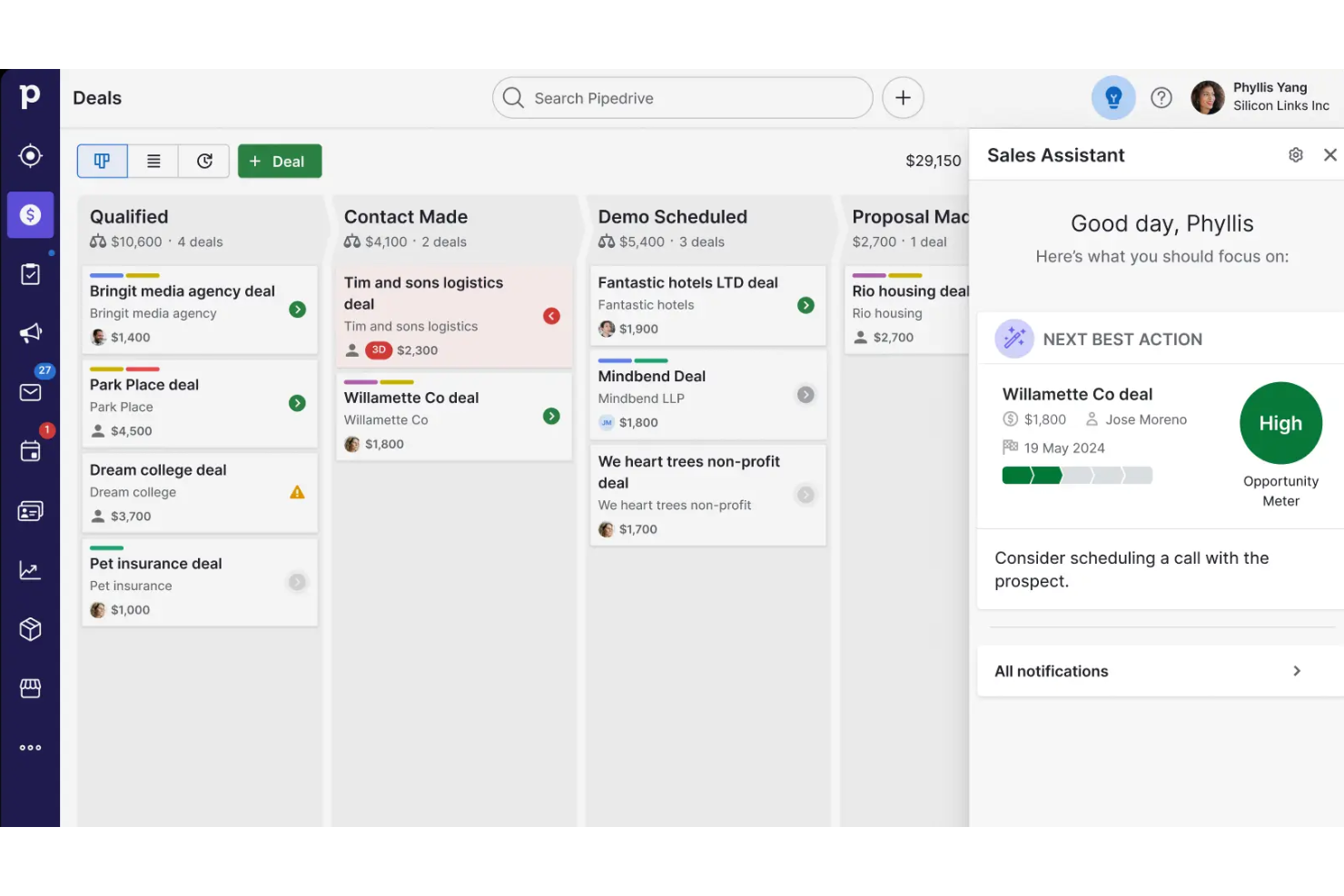
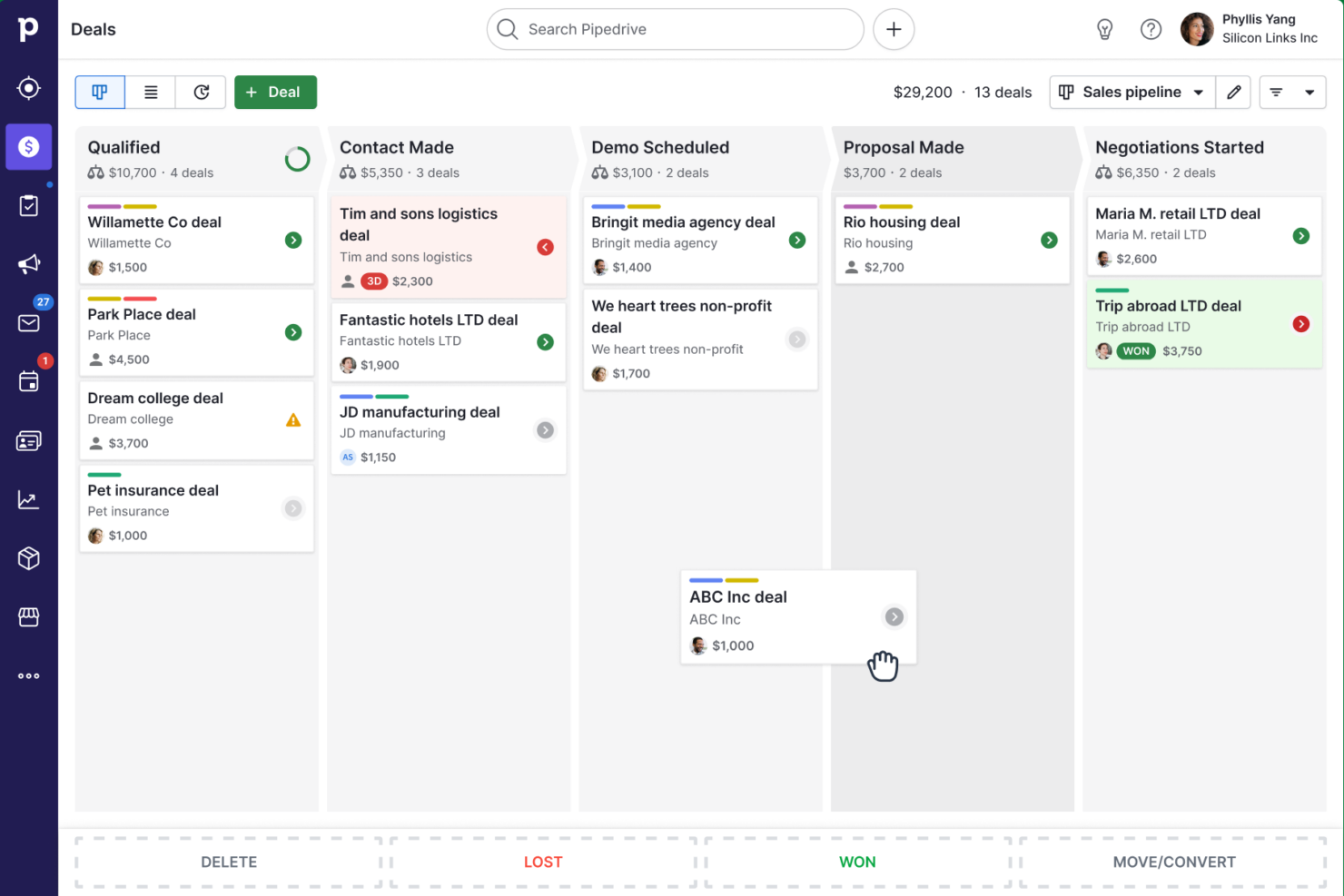
Where they differ is in focus. Insightly stands out with its built-in project management, allowing teams to convert closed deals into active projects and manage delivery without switching tools—something most CRMs don’t offer. Pipedrive, on the other hand, differentiates itself with a highly visual, drag-and-drop sales pipeline and intuitive interface designed specifically to help sales teams move deals forward quickly and stay focused on closing.
| Insightly | Pipedrive CRM | |
|---|---|---|
| 2-Factor Authentication | ||
| API | ||
| Calendar Management | ||
| Call Tracking | ||
| Campaign Management | ||
| Click-to-Dial | ||
| Contact Management | ||
| Contact Sharing | ||
| Custom Data Forms | ||
| Customer Management | ||
| Dashboard | ||
| Data Export | ||
| Data Import | ||
| Data Visualization | ||
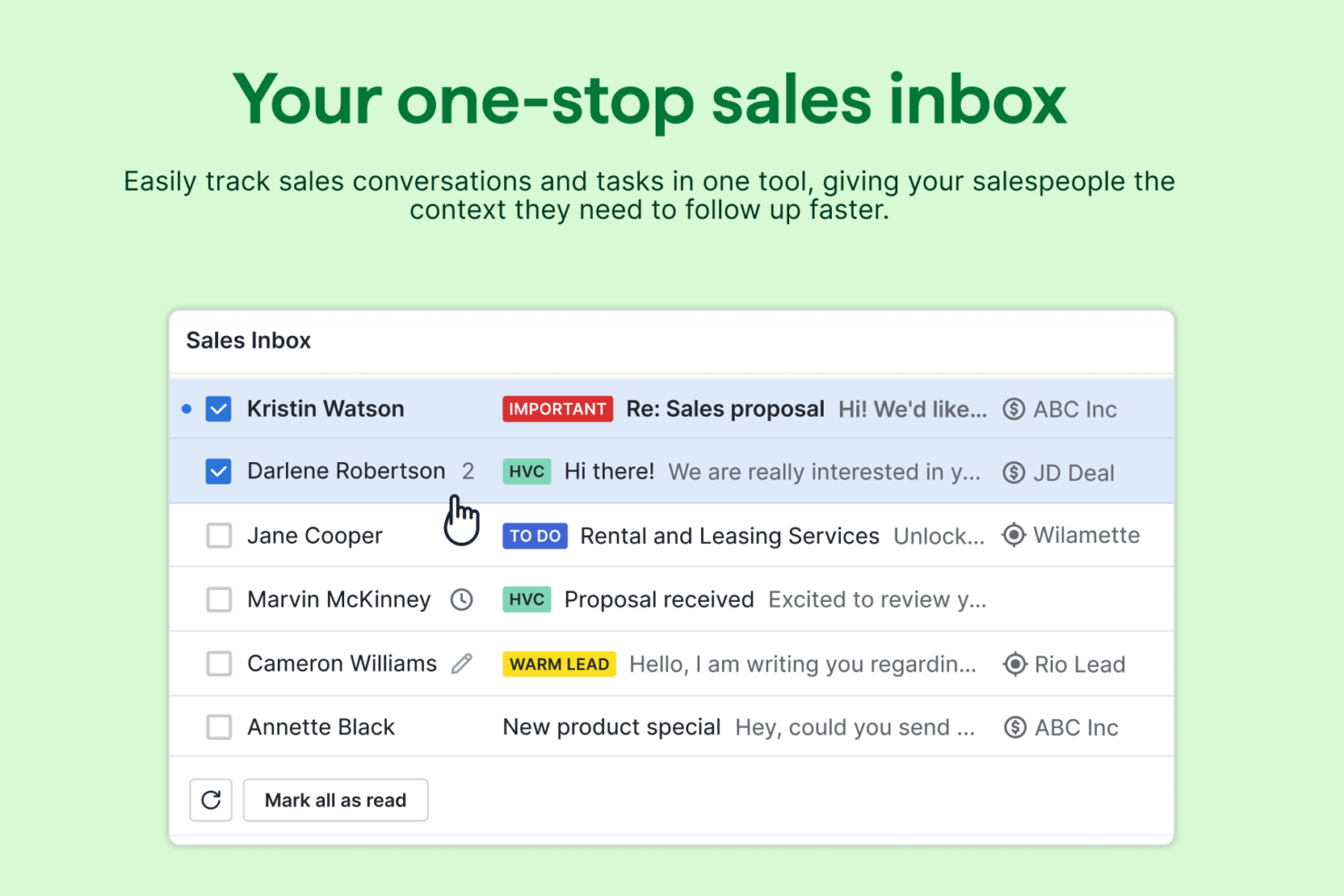
| Email Integration | ||
| External Integrations | ||
| File Sharing | ||
| File Transfer | ||
| Google Apps Integration | ||
| Lead Management | ||
| Lead Scoring | ||
| Marketing Automation | ||
| Mobile App | ||
| Multi-User | ||
| Notifications | ||
| Pipeline Management | ||
| Sales Automation | ||
| Scheduling | ||
| Social-Media Integration | ||
| Task Scheduling/Tracking | ||
| Third-Party Plugins/Add-Ons |
Insightly vs. Pipedrive Integrations
| Integration | Insightly | Pipedrive |
| Google Workspace | ✅ | ✅ |
| Microsoft 365 | ✅ | ✅ |
| Mailchimp | ✅ | ✅ |
| QuickBooks Online | ✅ | ✅ |
| Slack | ✅ | ✅ |
| Xero | ✅ | ✅ |
| Dropbox | ✅ | ❌ |
| Evernote | ✅ | ❌ |
| API | ✅ | ✅ |
| Zapier | ✅ | ✅ |
Both Insightly and Pipedrive offer strong integration ecosystems, covering widely used tools like Google Workspace, Microsoft 365, accounting platforms, and marketing apps. They also both support APIs and Zapier, giving teams flexible ways to connect additional tools and build custom workflows. Insightly generally includes a wider range of native integrations across file storage and productivity tools, while Pipedrive focuses more on sales and communication-focused integrations.
Insightly vs. Pipedrive Security, Compliance & Reliability
| Factor | Insightly | Pipedrive |
| Data Encryption | Uses TLS encryption for data in transit and AES-256 for data at rest. | Secures data with TLS in transit and AES-256 at rest. |
| Regulatory Compliance | Supports GDPR and CCPA compliance with data management tools. | Offers GDPR compliance and data export controls for user privacy. |
| Access Controls | Provides role-based permissions and audit logs for user activity. | Includes granular user permissions and detailed access logs. |
| Uptime & Backups | Guarantees 99.9% uptime and performs daily automated backups. | Delivers 99.9% uptime and regular automated backups for data protection. |
Both Insightly and Pipedrive deliver strong security and compliance, with reliable uptime and robust data protection. Insightly stands out for its detailed audit logs and project-level permissions, while Pipedrive’s privacy controls and user-friendly compliance tools make it easy to manage sensitive data.
Insightly vs. Pipedrive Ease of Use
| Factor | Insightly | Pipedrive |
| User Interface | Offers a clean dashboard but can feel crowded with advanced features. | Features a highly visual, drag-and-drop pipeline that’s easy to navigate. |
| Onboarding | Provides guided setup and in-app tutorials for new users. | Delivers interactive onboarding and quick-start guides for fast adoption. |
| Customization | Allows deep customization of fields, layouts, and workflows. | Lets you easily tailor pipelines, stages, and activities to your process. |
| Mobile Experience | Includes a mobile app with full CRM access and task management. | Mobile app is streamlined for updating deals and logging activities on the go. |
| Customer Support | Offers a knowledge base, webinars, and email support. | Provides live chat, help center, and community forums for quick answers. |
Pipedrive is widely recognized for its intuitive, visual interface and fast learning curve, while Insightly appeals to users who want more customization and project management in their daily workflow. If you value simplicity and speed, Pipedrive is a clear winner, but Insightly’s flexibility and depth will suit teams with more complex needs.
Insightly vs Pipedrive CRM: Pros & Cons
Insightly
- Affordable pricing for small and midsize businesses.
- Workflow automation reduces manual data entry and admin.
- Built-in project management for post-sale delivery tracking.
- Mobile app can be slow and misses some desktop features.
- Email marketing tools lack deep segmentation options.
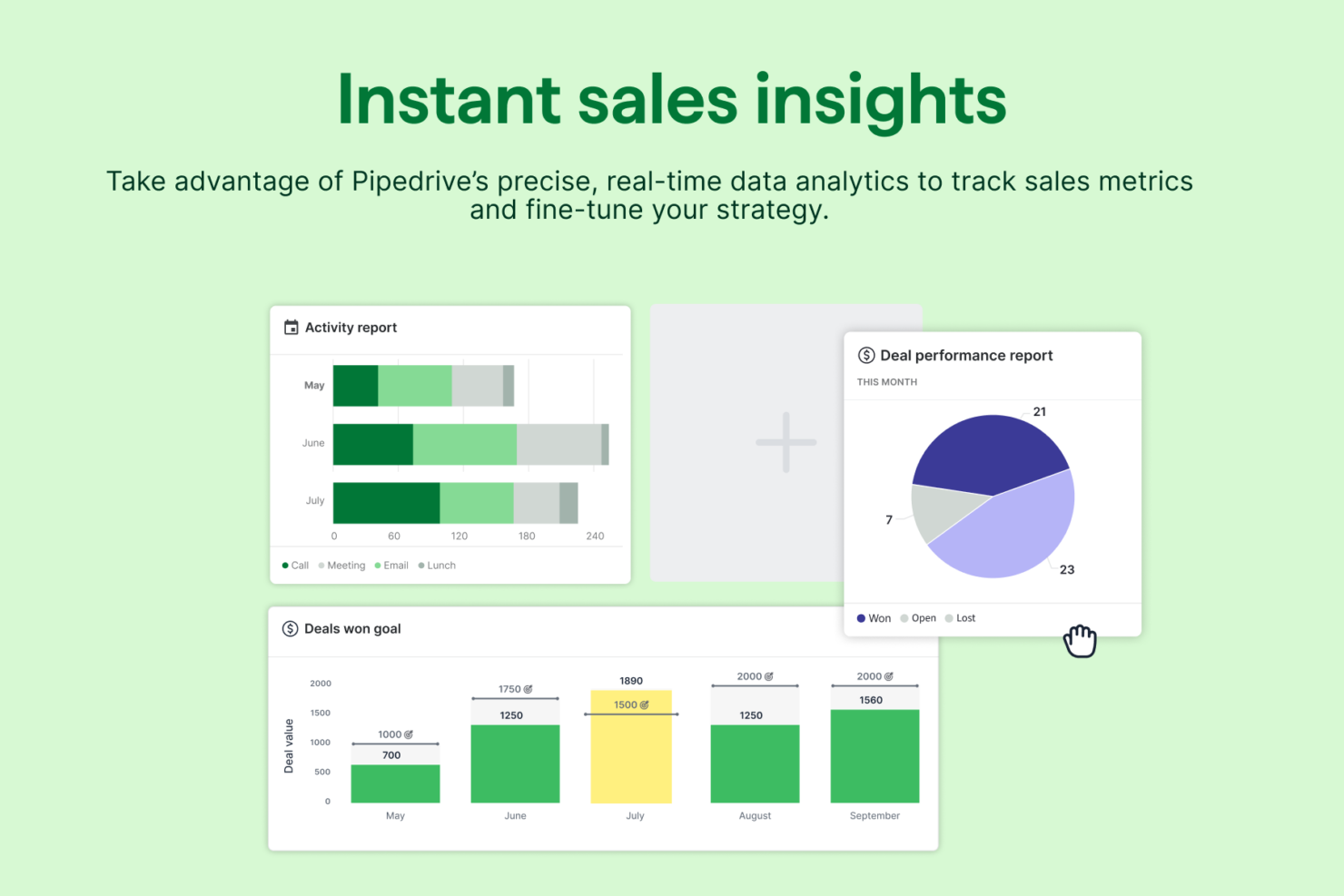
- Reporting features are limited for advanced analytics.
Pipedrive CRM
- You’ll find the visual sales pipeline easy to navigate and understand.
- The customization options let your team tailor the CRM to fit your workflow.
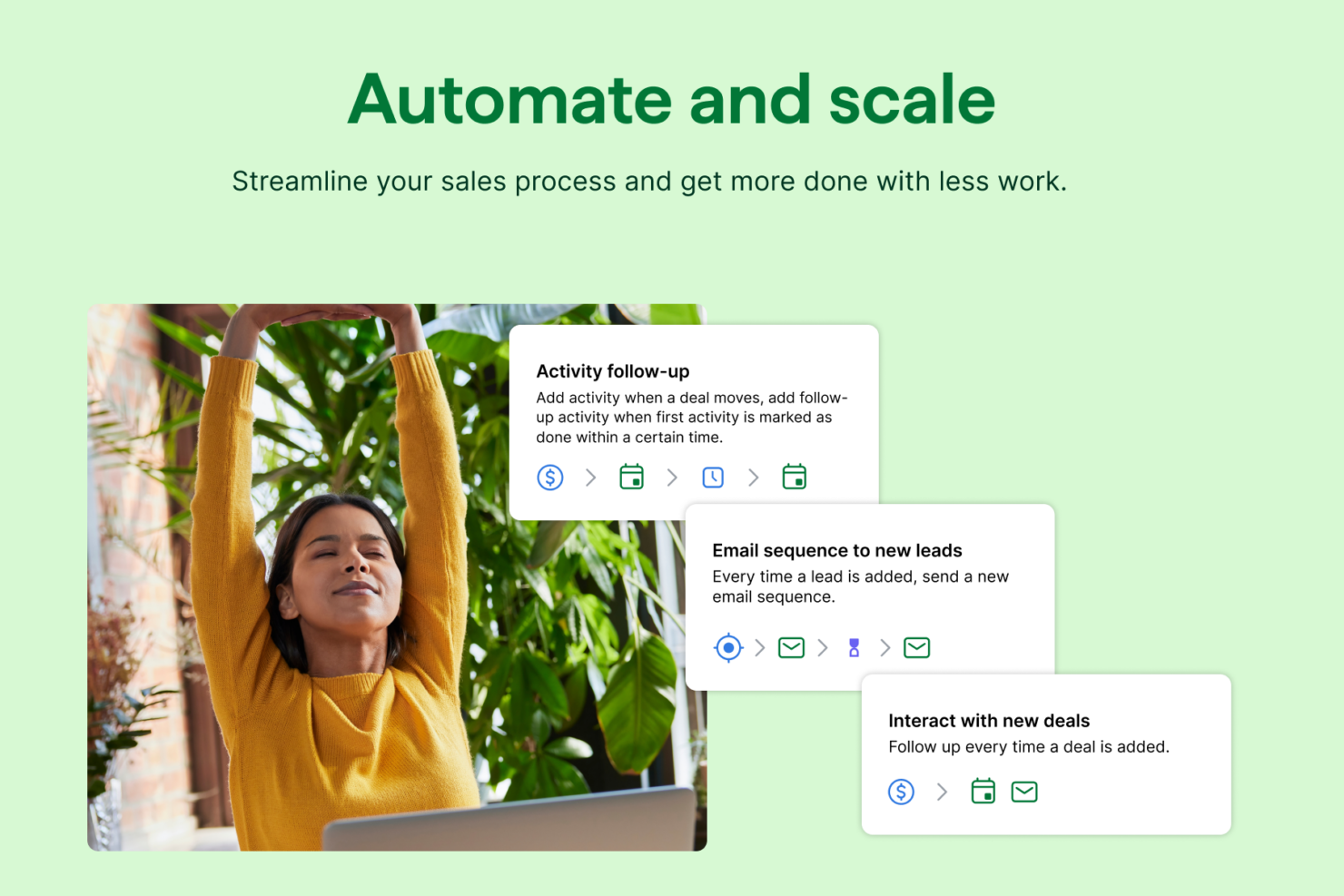
- Automated follow-up reminders help you stay on top of your sales tasks.
- You might need more advanced reporting features for detailed analytics.
- Limited email tracking could be a hurdle for teams heavily reliant on email campaigns.
- Few native options for generating new leads directly within the software.
Best Use Cases for Insightly and Pipedrive CRM
Insightly
- Small Service Firms Insightly’s project management tools help track client work from sale to delivery.
- Nonprofits Affordable pricing and donor management features support fundraising and outreach.
- Consulting Agencies Pipeline tracking and project task management keep client projects organized.
- Marketing Departments Campaign tracking and workflow automation simplify lead nurturing and follow-up.
- Real Estate Teams Contact management and opportunity tracking support deal flow and client relationships.
- Field Services Mobile access and project tracking help manage jobs and customer details on the go.
Pipedrive CRM
- Real Estate Pipedrive’s visual pipeline helps you track leads and manage client interactions effectively.
- Tech Startups You’ll benefit from its customization options that adapt to fast-changing sales processes.
- Consulting Firms The CRM’s automated reminders keep your team on schedule with client follow-ups.
- Small Businesses Its ease of use makes it accessible for teams without a dedicated IT department.
- Sales Departments You’ll find the focus on sales pipeline management boosts your team’s productivity.
- Freelancers The straightforward interface allows you to manage client relationships without complexity.
Who Should Use Insightly, and Who Should Use Pipedrive?
Insightly is best suited for small to mid-sized businesses that need more than just a sales CRM—especially teams that manage projects, delivery, or ongoing client work after closing deals. It’s a strong fit for agencies, consultants, and service-based companies that want to combine customer relationship management, project management, and marketing in one platform. Businesses looking to align multiple departments in a single system will benefit most from Insightly’s broader functionality.
Pipedrive, on the other hand, is ideal for sales-focused teams that want a simple, intuitive CRM built specifically to manage pipelines and close deals faster. It works especially well for small businesses, startups, and sales teams that prioritize ease of use, quick setup, and clear deal tracking over all-in-one functionality. If your main goal is improving sales performance without added complexity, Pipedrive is typically the better fit.
Differences Between Insightly and Pipedrive CRM
| Insightly | Pipedrive CRM | |
|---|---|---|
| Automation | Includes workflow automation for sales and project processes. | Provides sales-focused automation and activity reminders. |
| Customization Depth | Offers advanced customization of fields, workflows, and reports. | Customization is focused on the sales process: Pipelines, stages, and activities. |
| Marketing Capabilities | Insightly offers a separate marketing automation product with advanced features. | Basic email tools included; advanced marketing requires add-ons or integrations. |
| Project Management | Built-in project management lets you track post-sale delivery, tasks, and milestones. | Lacks project management, focusing only on sales pipelines. |
| User Interface | Dashboard is feature-rich but can feel complex for new users. | Visual, drag-and-drop interface is simple and intuitive. |
| Read Insightly ReviewOpens new window | Read Pipedrive CRM ReviewOpens new window |
Similarities Between Insightly and Pipedrive CRM
| Cloud-Based Access | Both are fully cloud-based, letting your team work from anywhere with real-time updates and mobile apps. |
|---|---|
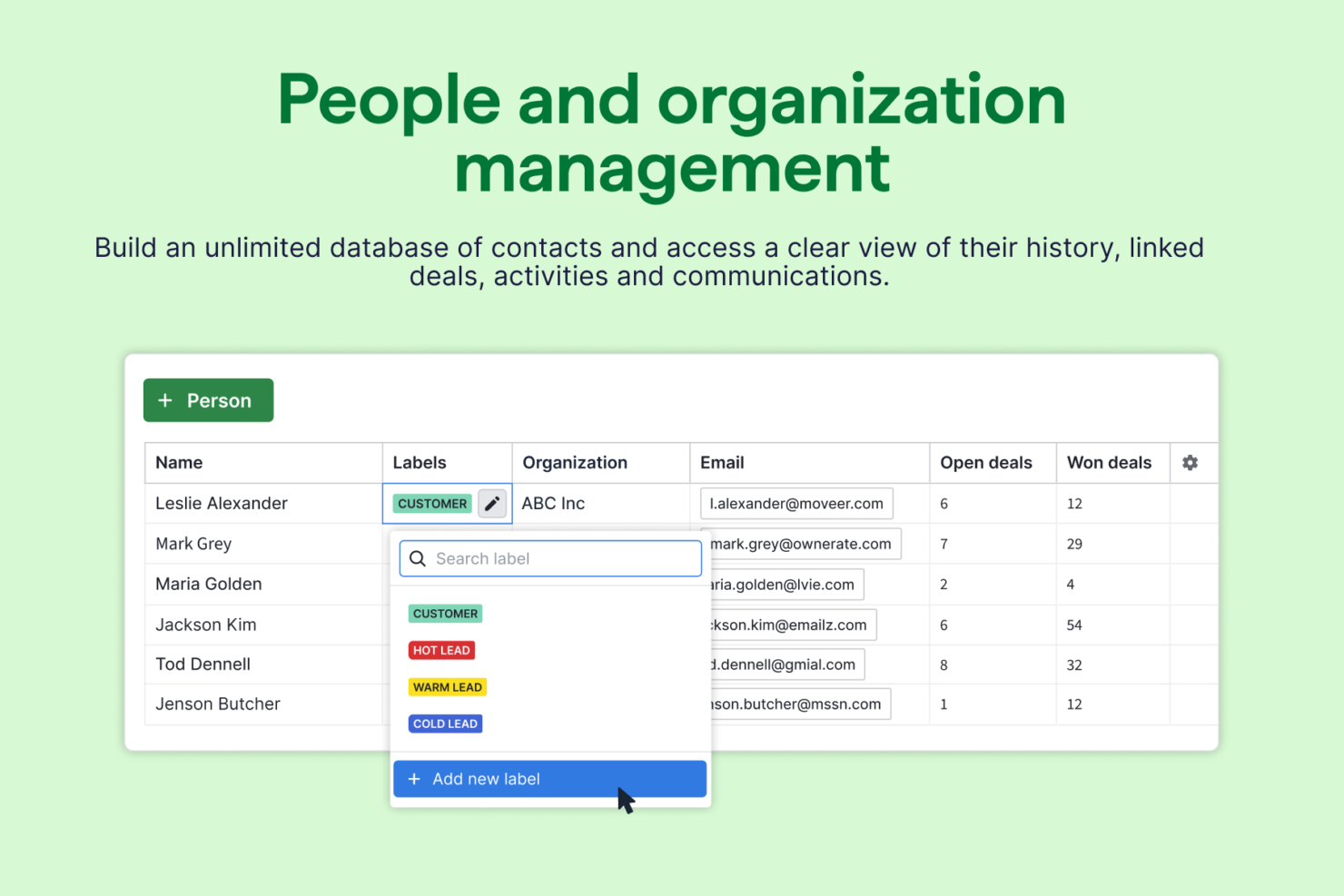
| Contact & Lead Management | Each platform centralizes customer data, including contacts, leads, and communication history. |
| Integration Options | Both connect with popular tools like Google Workspace, Microsoft 365, Mailchimp, and offer Zapier support. |
| Pipeline Management | Each CRM solution offers customizable sales pipelines to track deals, stages, and activities from lead to close. |
| Reporting Tools | Each includes built-in reporting tools and dashboards to monitor performance and sales activity. |
| Read Insightly ReviewOpens new window Read Pipedrive CRM ReviewOpens new window | |