Insightly Review: Pros, Cons, Features, and Pricing Explained


Insightly is a CRM software that combines contact and pipeline management with built-in project delivery tools. It's a good fit for teams that need to manage both the sales process and post-sale project work from one platform. I'd consider it over HubSpot when your team needs native project management alongside CRM. That way, you're not stitching in a separate tool like Asana once the deal closes.
Insightly Evaluation Summary
- From $29/user/month (billed annually)
- 14-day free trial
Why Trust Our Software Reviews
We’ve been testing and reviewing RevOps software since 2022. As RevOps leaders ourselves, we know how critical and difficult it is to make the right decision when selecting software.
We invest in deep research to help our audience make better software purchasing decisions. We’ve tested more than 2,000 tools for different RevOps use cases and written over 1,000 comprehensive software reviews. Learn how we stay transparent & our software review methodology.
Insightly Overview
If you’re judging Insightly as a CRM, I think its built-in project management and workflow automation give it an edge for teams juggling post-sale delivery. The interface is clean, onboarding is quick, and pricing is fair for small to midsize businesses. While it doesn’t offer the deepest customization or reporting, it’s easy to connect with popular tools and support is responsive.
If you’re selecting a CRM for a team that values simplicity and wants sales and project data in one place, Insightly is a strong contender—especially for service-based or project-driven environments.
pros
-
Affordable pricing for small and midsize businesses.
-
Workflow automation reduces manual data entry and admin.
-
Built-in project management for post-sale delivery tracking.
cons
-
Mobile app can be slow and misses some desktop features.
-
Email marketing tools lack deep segmentation options.
-
Reporting features are limited for advanced analytics.
-

Prisync
Visit WebsiteThis rating combines scores from multiple user review sites to reflect overall customer sentiment about the product.4.7 -
Expedite Commerce
Visit Website -
QuickBooks Online
Visit WebsiteThis rating combines scores from multiple user review sites to reflect overall customer sentiment about the product.4





How We Test & Score Tools
We’ve spent years building, refining, and improving our software testing and scoring system. The rubric is designed to capture the nuances of software selection and what makes a tool effective, focusing on critical aspects of the decision-making process.
Below, you can see exactly how our testing and scoring works across seven criteria. It allows us to provide an unbiased evaluation of the software based on core functionality, standout features, ease of use, onboarding, customer support, integrations, customer reviews, and value for money.
Core Functionality (25% of final scoring)
The starting point of our evaluation is always the core functionality of the tool. Does it have the basic features and functions that a user would expect to see? Are any of those core features locked to higher-tiered pricing plans? At its core, we expect a tool to stand up against the baseline capabilities of its competitors.
Standout Features (25% of final scoring)
Next, we evaluate uncommon standout features that go above and beyond the core functionality typically found in tools of its kind. A high score reflects specialized or unique features that make the product faster, more efficient, or offer additional value to the user.
We also evaluate how easy it is to integrate with other tools typically found in the tech stack to expand the functionality and utility of the software. Tools offering plentiful native integrations, 3rd party connections, and API access to build custom integrations score best.
Ease of Use (10% of final scoring)
We consider how quick and easy it is to execute the tasks defined in the core functionality using the tool. High scoring software is well designed, intuitive to use, offers mobile apps, provides templates, and makes relatively complex tasks seem simple.
Onboarding (10% of final scoring)
We know how important rapid team adoption is for a new platform, so we evaluate how easy it is to learn and use a tool with minimal training. We evaluate how quickly a team member can get set up and start using the tool with no experience. High scoring solutions indicate little or no support is required.
Customer Support (10% of final scoring)
We review how quick and easy it is to get unstuck and find help by phone, live chat, or knowledge base. Tools and companies that provide real-time support score best, while chatbots score worst.
Customer Reviews (10% of final scoring)
Beyond our own testing and evaluation, we consider the net promoter score from current and past customers. We review their likelihood, given the option, to choose the tool again for the core functionality. A high scoring software reflects a high net promoter score from current or past customers.
Value for Money (10% of final scoring)
Lastly, in consideration of all the other criteria, we review the average price of entry level plans against the core features and consider the value of the other evaluation criteria. Software that delivers more, for less, will score higher.
Core Features
Contact Management
Store, organize, and segment contacts with custom fields and tags. Easily track communication history and relationship details for every lead or customer.
Project Management
Link projects directly to opportunities and contacts for seamless post-sale tracking. Assign tasks, set milestones, and monitor project progress in one place.
Pipeline Management
Visualize and manage sales opportunities through customizable pipeline stages. Drag-and-drop deals to update status and forecast revenue.
Workflow Automation
Automate repetitive tasks like lead assignment, follow-ups, and email alerts. Set up rules to trigger actions based on field updates or pipeline changes.
Email Tracking
Send, receive, and track emails within Insightly, including open and click notifications. Automatically log email conversations to the right contact or opportunity.
Reporting and Dashboards
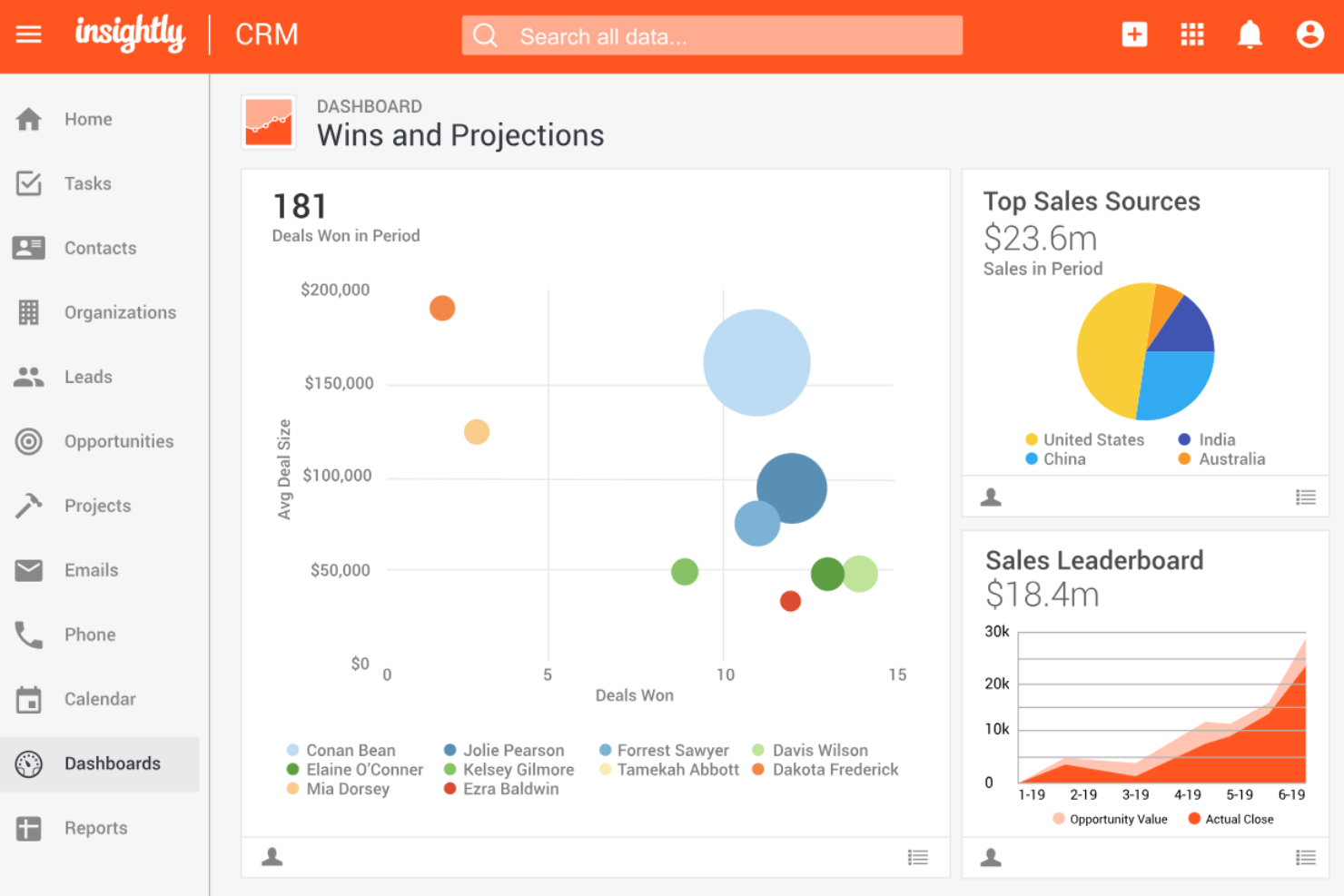
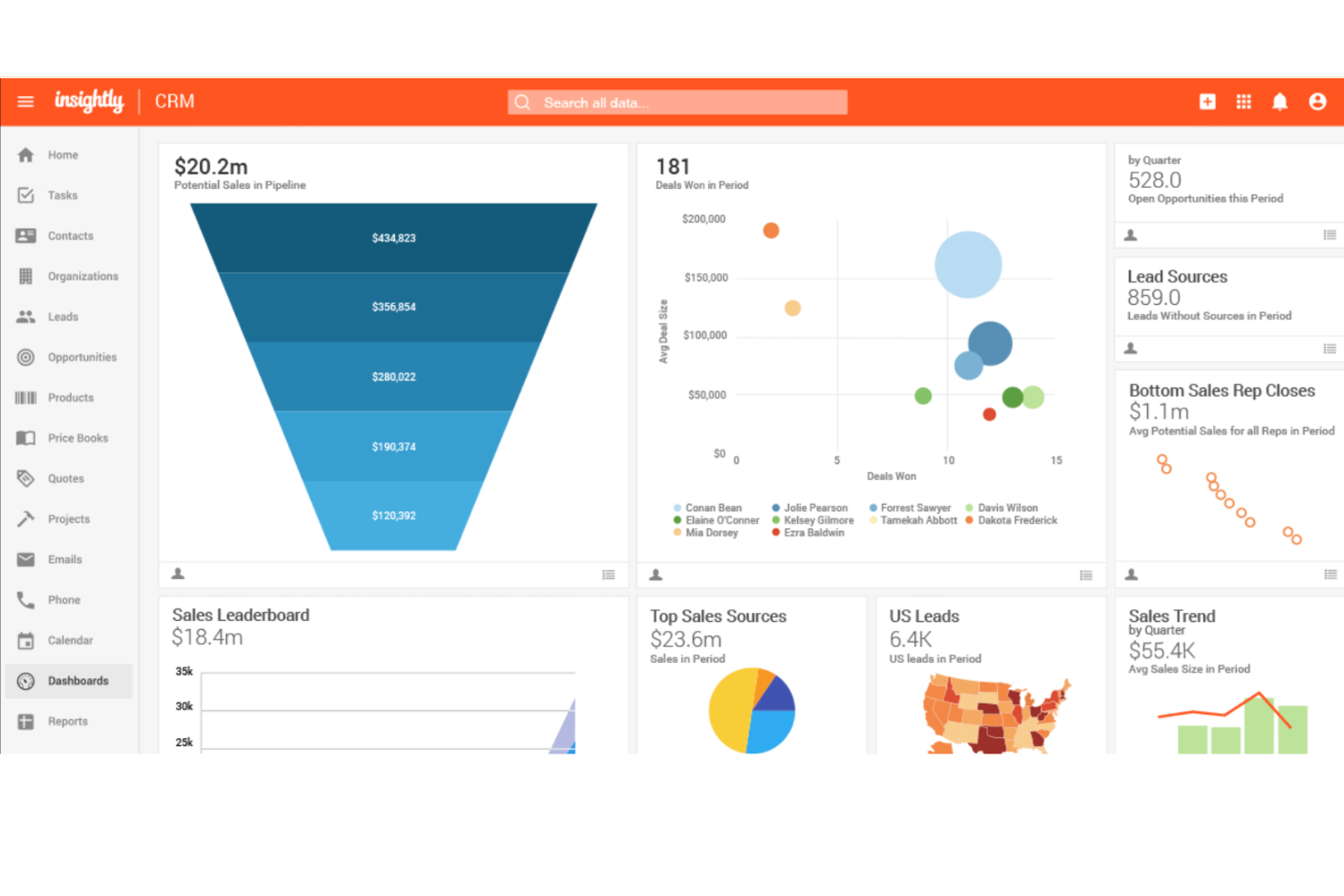
Create visual dashboards and run standard or custom reports on sales, projects, and activities. Monitor team performance and spot trends with real-time data.

Ease of Use
Insightly is easy to pick up, with a clean interface and intuitive navigation that helps new users get started quickly. Most users find the layout logical, and features like drag-and-drop pipelines and in-app guidance reduce onboarding time.
The platform avoids clutter, so even less technical teams can manage contacts, projects, and workflows without feeling overwhelmed. However, some users mention that advanced features require extra setup to unlock their full value.
Integrations
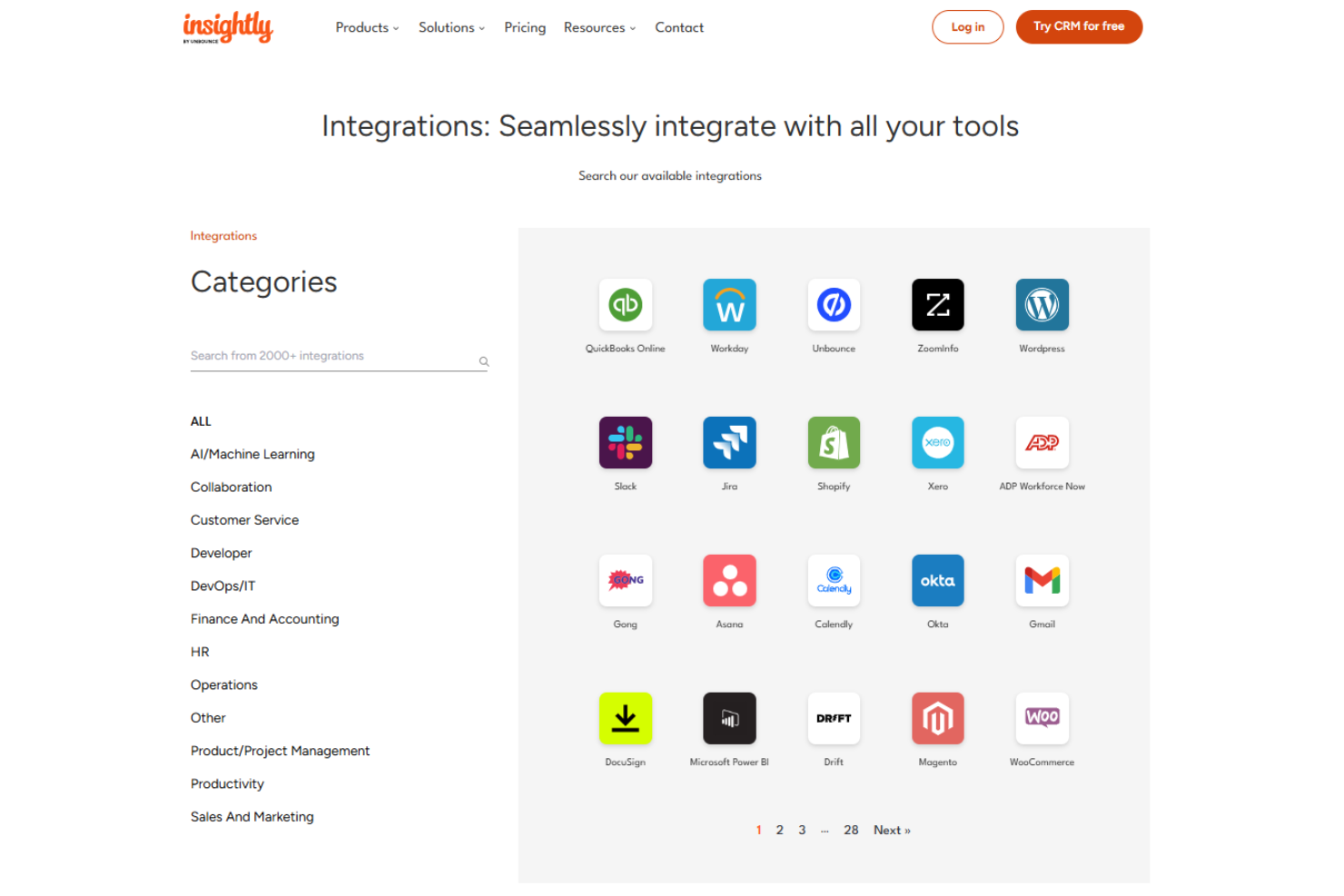
Insightly integrates with Workday, Gmail, QuickBooks, Wordpress, Xero, Slack, Dropbox, DocuSign, PandaDoc, and Shopify, among others.
Insightly also offers an open API and connects with hundreds of additional apps through its AppConnect integration platform.
Insightly Specs
- 2-Factor Authentication
- API
- Calendar Management
- Call Tracking
- Campaign Management
- Click-to-Dial
- Contact Management
- Contact Sharing
- Custom Data Forms
- Customer Management
- Dashboard
- Data Export
- Data Import
- Data Visualization
- Email Integration
- External Integrations
- File Sharing
- File Transfer
- Google Apps Integration
- Lead Management
- Lead Scoring
- Marketing Automation
- Mobile App
- Multi-User
- Notifications
- Pipeline Management
- Sales Automation
- Scheduling
- Social-Media Integration
- Task Scheduling/Tracking
- Third-Party Plugins/Add-Ons