
Recension av Copper CRM: Fördelar, nackdelar, funktioner och priser
Copper CRM utmärker sig genom sömlös integration med G Suite, vilket gör det till det självklara valet för team som redan använder Google Workspace.

We review tools independently, and commissions help fund our testing. See our transparency policy, our methodology, or suggest a tool.
Copper CRM is a CRM software built natively inside Google Workspace. If your team runs on Gmail, Google Calendar, and Google Drive, Copper slots directly into those tools without requiring a separate tab or manual data entry. I'd consider it over something like HubSpot if your priority is keeping your team inside Google's ecosystem—Copper's native Gmail integration means reps can manage contacts, log activity, and move deals forward without ever leaving their inbox.
Copper CRM Evaluation Summary
4.5/5
- From $12/user/month
- 14-day free trial
Varför du kan lita på våra programvarurekommendationer
6,700+
Reviews
20
Industry experts
16+
Evaluation factors
14
Years
Våra recensioner speglar vårt oberoende omdöme — inte ett säljbudskap. Läs mer om hur vi förblir transparenta.
För den här guiden utvärderade vi verktyg genom praktisk testning och oberoende research, och betygsatte verktygen enligt våra urvalskriterier.
Våra recensioner speglar vårt mänskliga redaktionella omdöme, inte ett säljbudskap.
Copper CRM Overview
In my opinion, Copper CRM is a solid choice if your team is deeply integrated with Google Workspace. The standout feature is its seamless integration with Google tools, which can save time and reduce friction for teams already using Gmail and Google Drive. While the platform's ease of use is commendable, its value for money might not be the best compared to other CRMs with more extensive features at similar price points. Copper CRM is best suited for small to medium-sized businesses or startups that prioritize Google integration and need a straightforward CRM solution. If you're in a larger organization or need advanced customization, you might find Copper's offerings somewhat limited.
Pros
- It integrates seamlessly with Google Workspace, making it easy for your team to manage communication.
- The user interface is intuitive, reducing the learning curve for your team.
- It offers strong automation features that can simplify your workflow.
Cons
- Customization options are limited compared to other CRMs.
- Reporting capabilities might not meet the needs of data-driven teams.
- It lacks some advanced features that larger organizations might require.
Is Copper CRM Right For Your Needs?
Who Would be a Good Fit for Copper CRM?
Copper CRM is a great fit for small to medium-sized businesses, especially startups and tech companies that already use Google Workspace. It simplifies your workflow with its intuitive design and seamless integration with Google tools like Gmail and Google Drive. Your sales and marketing teams will appreciate its automation features, which can save time and reduce manual tasks. If your team values ease of use and wants to maintain a close relationship with Google Workspace, Copper CRM can be a strong choice.
- Tech StartupsCopper CRM is ideal for tech startups using Google Workspace, providing seamless integration with Google tools.
- Small BusinessesFor small businesses, Copper CRM simplifies customer management with an easy-to-use interface and strong automation features.
- Sales TeamsSales teams benefit from Copper CRM's automation, reducing manual data entry and improving communication.
- Marketing DepartmentsMarketing departments find value in Copper CRM's ability to integrate with Google tools, enhancing collaboration and efficiency.
- Remote TeamsRemote teams thrive with Copper CRM's cloud-based access and integration with Google Workspace, enabling seamless collaboration.
- Project ManagementProject management teams use Copper CRM to streamline tasks with its intuitive interface and Google Drive integration.
Who Would be a Bad Fit for Copper CRM?
Copper CRM might not be the best fit for large enterprises or data-driven teams that require advanced customization and reporting. If your work involves complex data analysis or extensive customization, you may find Copper's features lacking. Industries like finance or healthcare, which often need robust reporting and compliance features, might struggle with its limitations. If your team doesn't rely heavily on Google Workspace, the integration benefits may not outweigh the drawbacks.
- Large EnterprisesLarge enterprises needing extensive customization and complex data analysis might find Copper CRM's features too limited.
- Finance IndustryThe finance industry, which demands advanced reporting and compliance, may struggle with Copper CRM's basic reporting capabilities.
- Healthcare SectorHealthcare teams requiring strict data compliance and robust reporting may find Copper CRM insufficient for their needs.
- Data-Driven TeamsData-driven teams needing advanced analytics will likely be disappointed by Copper CRM's limited reporting features.
- Manufacturing CompaniesManufacturing companies that need specialized CRM features for supply chain management may find Copper CRM lacking.
- Legal DepartmentsLegal departments needing detailed document management and compliance features might find Copper CRM unsuitable.
How We Test & Score Tools
We’ve spent years building, refining, and improving our software testing and scoring system. The rubric is designed to capture the nuances of software selection and what makes a tool effective, focusing on critical aspects of the decision-making process.
Below, you can see exactly how our testing and scoring works across seven criteria. It allows us to provide an unbiased evaluation of the software based on core functionality, standout features, ease of use, onboarding, customer support, integrations, customer reviews, and value for money.
Core Functionality (25% of final scoring)
The starting point of our evaluation is always the core functionality of the tool. Does it have the basic features and functions that a user would expect to see? Are any of those core features locked to higher-tiered pricing plans? At its core, we expect a tool to stand up against the baseline capabilities of its competitors.
Standout Features (25% of final scoring)
Next, we evaluate uncommon standout features that go above and beyond the core functionality typically found in tools of its kind. A high score reflects specialized or unique features that make the product faster, more efficient, or offer additional value to the user.
We also evaluate how easy it is to integrate with other tools typically found in the tech stack to expand the functionality and utility of the software. Tools offering plentiful native integrations, 3rd party connections, and API access to build custom integrations score best.
Ease of Use (10% of final scoring)
We consider how quick and easy it is to execute the tasks defined in the core functionality using the tool. High scoring software is well designed, intuitive to use, offers mobile apps, provides templates, and makes relatively complex tasks seem simple.
Onboarding (10% of final scoring)
We know how important rapid team adoption is for a new platform, so we evaluate how easy it is to learn and use a tool with minimal training. We evaluate how quickly a team member can get set up and start using the tool with no experience. High scoring solutions indicate little or no support is required.
Customer Support (10% of final scoring)
We review how quick and easy it is to get unstuck and find help by phone, live chat, or knowledge base. Tools and companies that provide real-time support score best, while chatbots score worst.
Customer Reviews (10% of final scoring)
Beyond our own testing and evaluation, we consider the net promoter score from current and past customers. We review their likelihood, given the option, to choose the tool again for the core functionality. A high scoring software reflects a high net promoter score from current or past customers.
Value for Money (10% of final scoring)
Lastly, in consideration of all the other criteria, we review the average price of entry level plans against the core features and consider the value of the other evaluation criteria. Software that delivers more, for less, will score higher.
Core Features
Contact Management: Copper CRM lets you manage your contacts easily, storing all your customer information in one place. This helps your team stay organized and ensures quick access to important details.
Task Automation: Automate repetitive tasks like follow-ups, email sequences, and reminders, freeing up your team's time for more important work.
Sales Pipeline: Visualize your sales process with Copper CRM's pipeline feature, allowing your team to track deals and progress in real-time. It helps you prioritize tasks and close deals faster.
Email Tracking: Keep track of all your email interactions directly within Copper CRM. This feature ensures you don't miss any important communication with your clients.
Lead Management: Capture and manage new leads efficiently, helping your team focus on converting them into customers. It provides a clear path from prospect to customer.
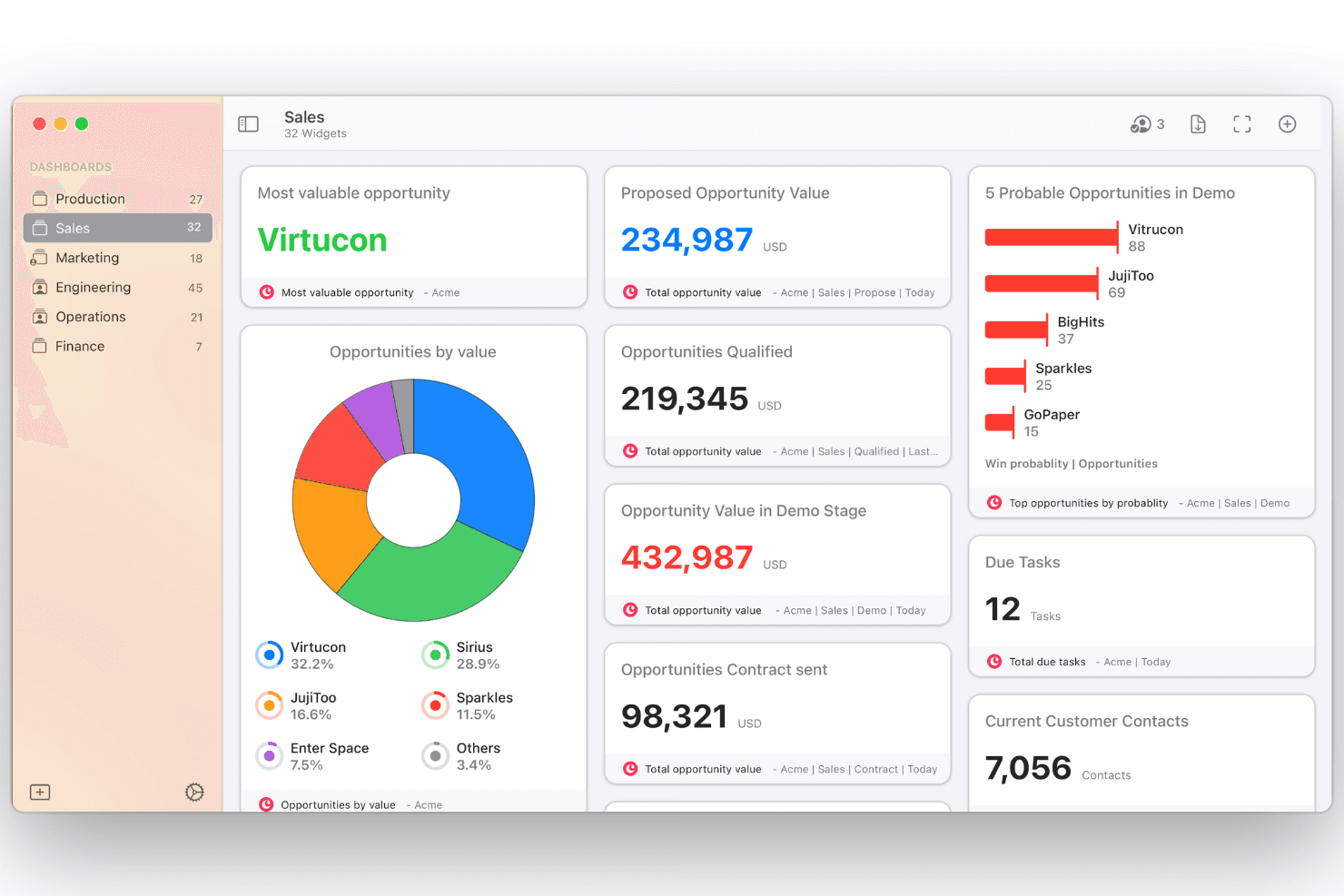
Reporting: Generate reports and view interactive dashboards to gain insights into your sales performance and productivity. This feature helps you make informed decisions.
Ease of Use
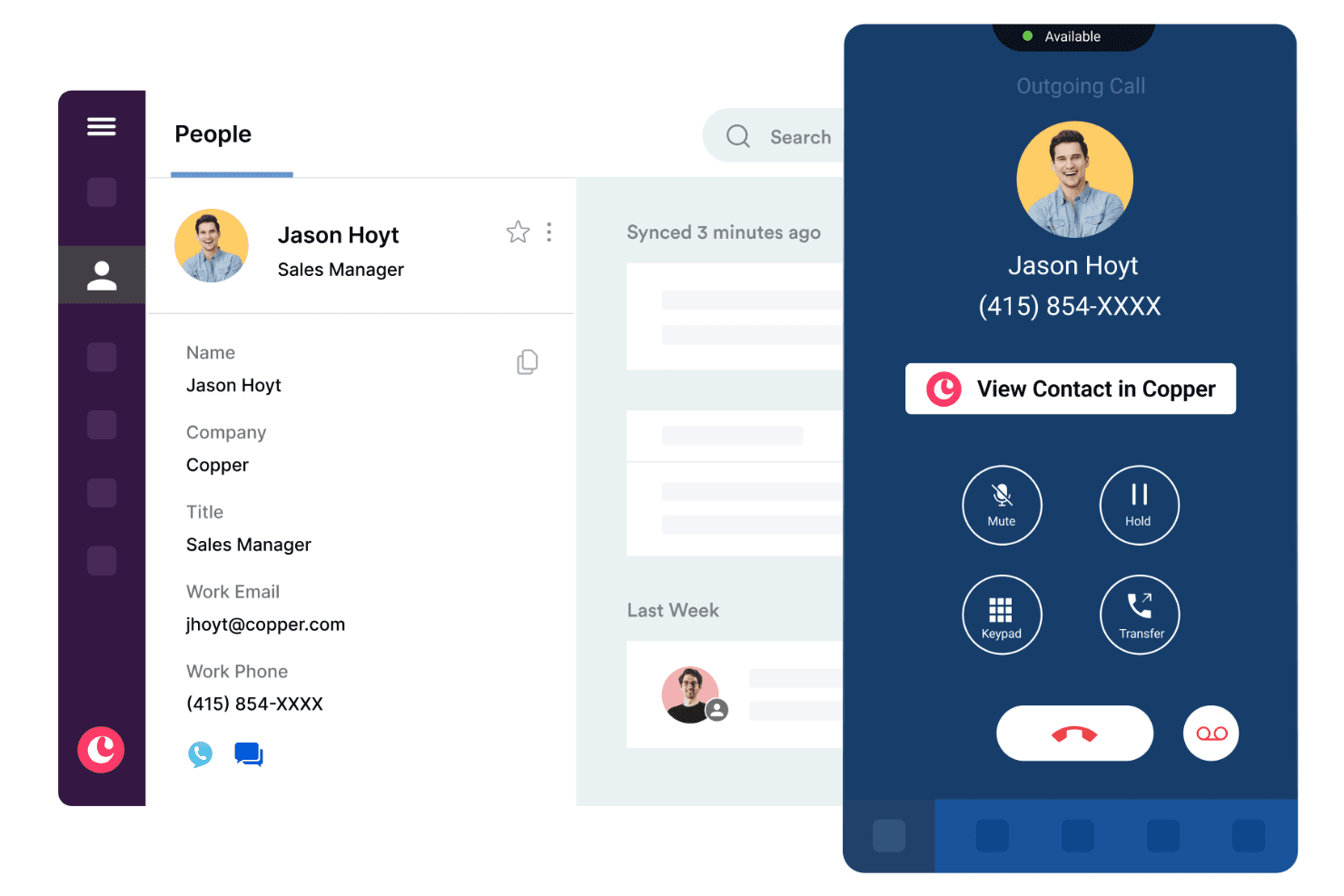
Copper CRM is user-friendly, making it easy for your team to get started quickly. The intuitive interface and seamless integration with Google Workspace mean you won't waste time learning complicated systems. You can also manage contacts, tasks, and deals through Copper CRM’s mobile app, making it easy for your team to stay productive while working remotely or on the go. Users appreciate how Copper CRM simplifies workflow without overwhelming them with unnecessary features. If your work relies on Google tools, you'll find Copper CRM's ease of use particularly beneficial.
Integrations
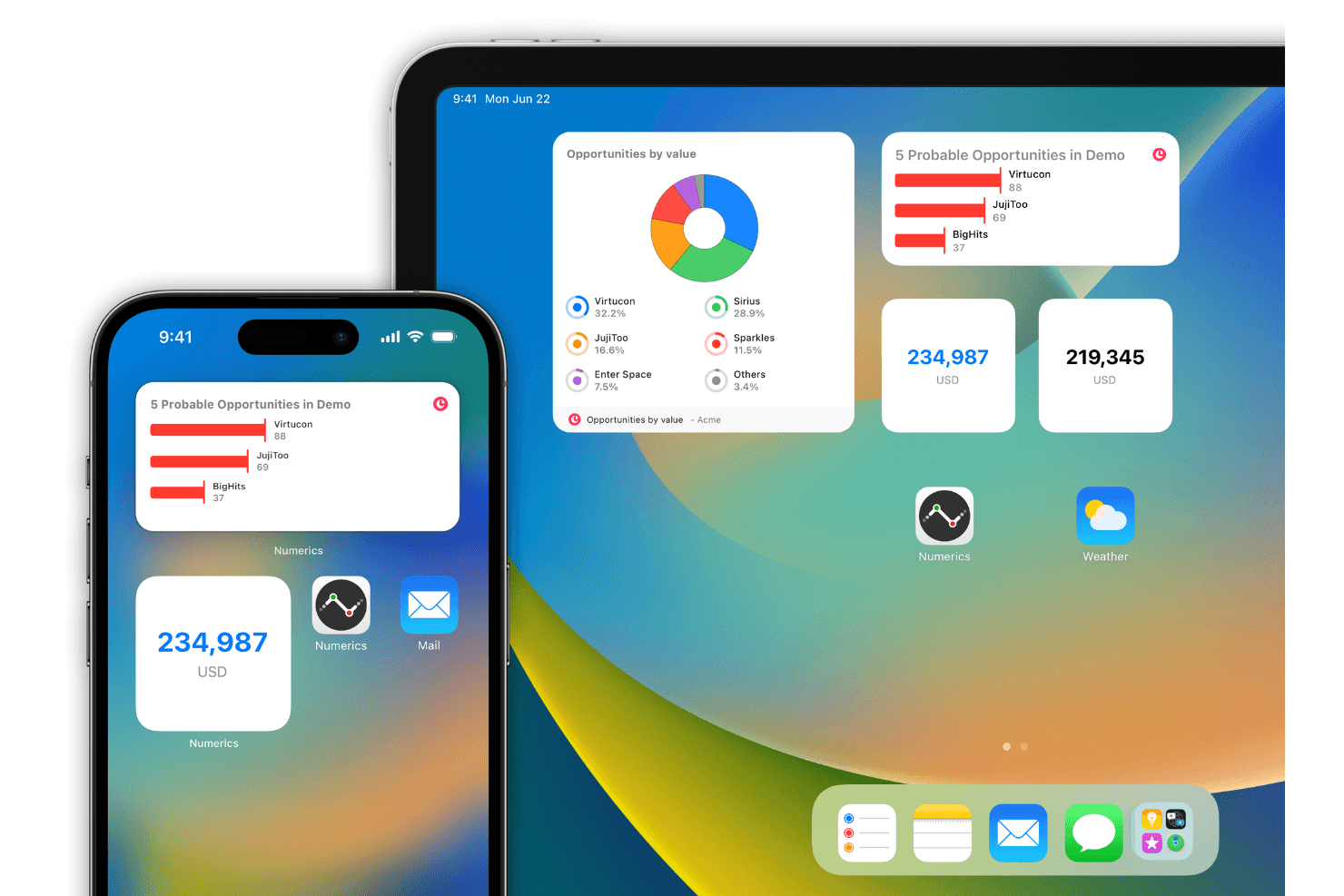
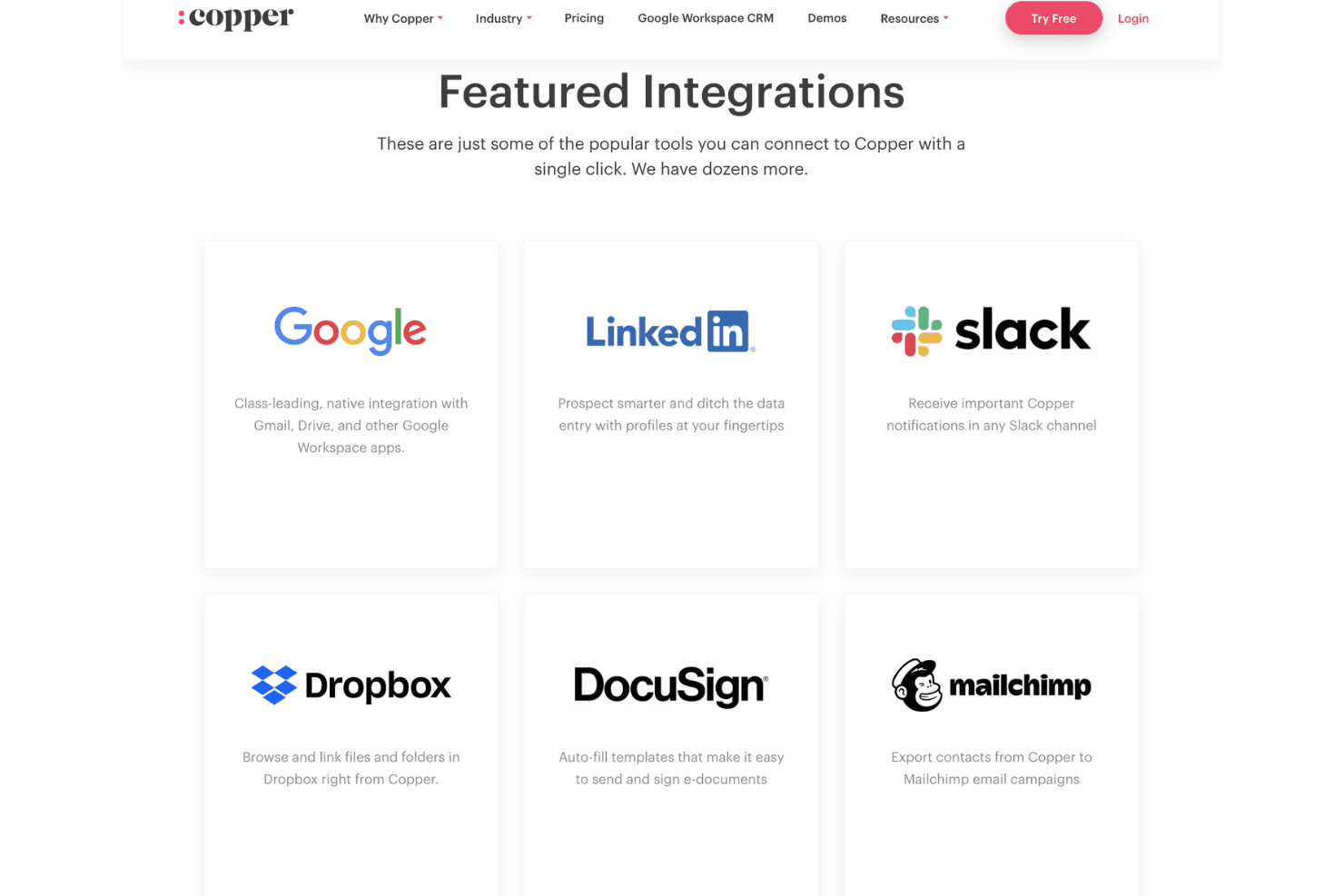
Copper CRM integrates with Gmail, Google Calendar, Google Drive, Mailchimp, Google Sheets, LinkedIn, Zapier, RingCentral, Slack, and QuickBooks.
Copper CRM also has an API and connects with third-party integration tools that sync with other CRM systems like Hubspot and Salesforce.
Copper CRM Specs
- API: Yes
- Data Export: Yes
- Data Import: Yes
- External Integrations: Yes
- Multi-User: Yes
- Notifications: Yes
- Project Management: Yes
- SAP Integration: Yes
- Third-Party Plugins/Add-Ons: Yes