
Recensione Unbounce: Pro, Contro, Funzionalità e Prezzi
Unbounce si distingue per landing page rapide e focalizzate sulla conversione, ma non è per tutti—scopri dove eccelle, dove vacilla e se è la scelta giusta per i tuoi obiettivi.

Recensiamo gli strumenti in modo indipendente e le commissioni aiutano a finanziare i nostri test. Consulta la nostra politica sulla trasparenza, la nostra metodologia o suggerisci uno strumento.
Unbounce is a B2B lead generation software built around landing page creation, A/B testing, and AI-driven conversion optimization. It's worth considering if your team runs paid campaigns and needs to build and test landing pages without depending on developers. I'd choose Unbounce over Instapage if design flexibility is a priority—Unbounce gives you more granular control over page layouts while keeping the builder accessible to non-technical marketers, without the steeper price tag that comes with Instapage's enterprise positioning.
Unbounce Evaluation Summary
4.4/5
- From $22/month (billed annually)
- 14-day free trial
Perché fidarsi dei nostri consigli sui software
6,700+
Reviews
20
Industry experts
16+
Evaluation factors
14
Years
Le nostre recensioni riflettono il nostro giudizio indipendente, non un discorso di vendita. Scopri come manteniamo la trasparenza.
Per questa guida, abbiamo valutato gli strumenti attraverso test pratici e ricerche indipendenti, assegnando un punteggio agli strumenti in base ai nostri criteri di selezione.
Le nostre recensioni riflettono il nostro giudizio editoriale umano, non un discorso di vendita.
Unbounce Overview
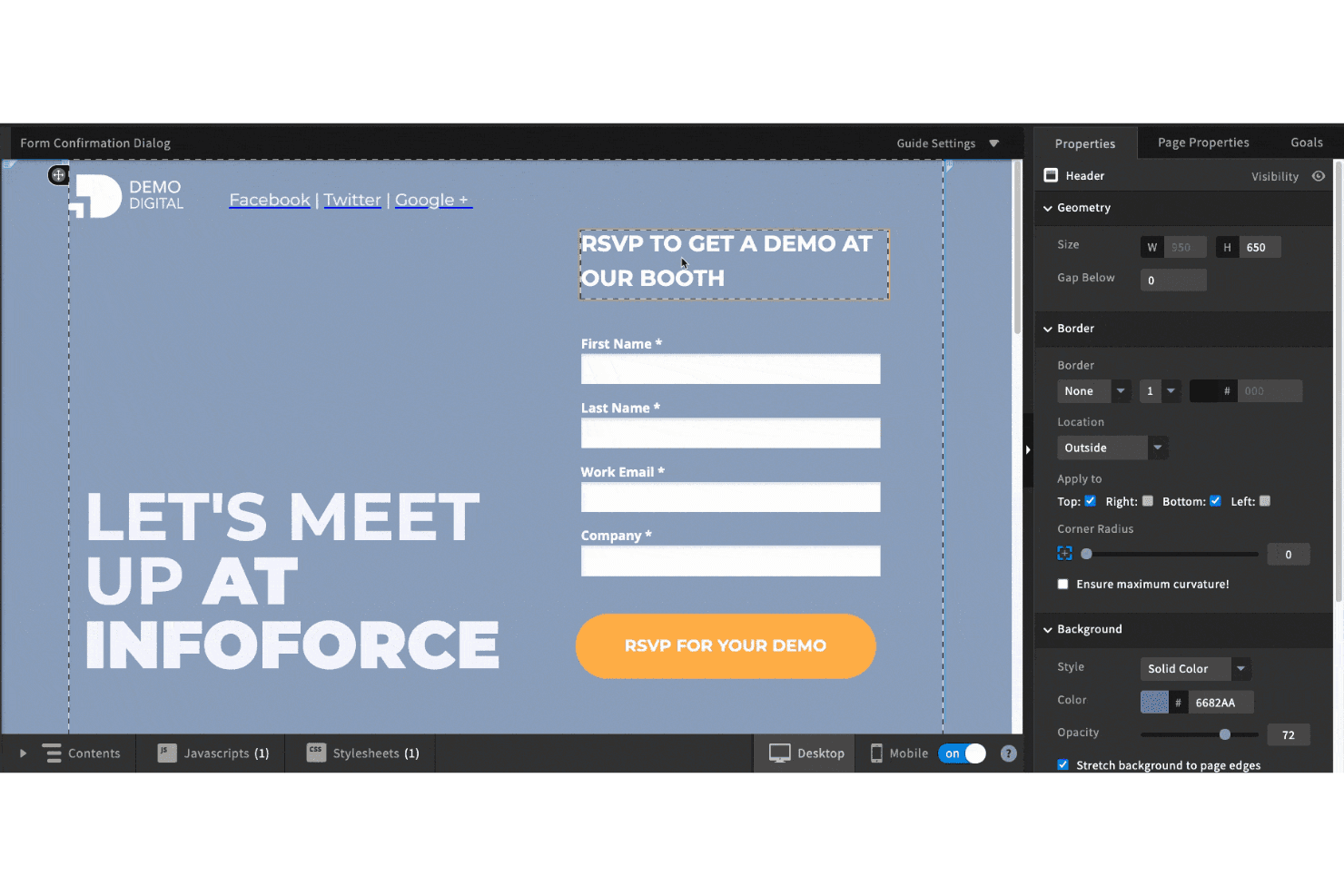
If you’re judging landing page builders on speed, conversion tools, and AI features, Unbounce is a top pick. Its drag-and-drop editor, smart traffic routing, and deep integration options make it easy to launch and optimize pages quickly. Pricing can feel steep for small teams, and the interface takes a little getting used to, but onboarding is smooth, and support is responsive.
I’d suggest Unbounce is best for teams who want to test ideas fast, run campaigns at scale, and need flexible integrations with their sales and marketing stack.
Pros
- Dynamic text replacement personalizes pages for each visitor.
- AI-powered Smart Traffic boosts conversion rates automatically.
- Built-in A/B testing supports rapid campaign optimization.
Cons
- Some templates look generic and lack visual variety.
- Editor performance can lag with complex pages or updates.
- Traffic-based pricing increases costs for high-volume users.
Is Unbounce Right For Your Needs?
Who Would be a Good Fit for Unbounce?
Unbounce is a strong choice for teams that need to launch, test, and optimize landing pages quickly without developer support. Its AI-powered features, dynamic content, and A/B testing make it ideal for marketing-driven organizations, fast-moving startups, and businesses running frequent campaigns.
If your team values rapid iteration, conversion optimization, and integration with sales and marketing tools, Unbounce is likely to fit your workflow.
- Paid Media ManagersSmart Traffic and analytics help optimize ad spend and landing page ROI.
- Event PromotionCustomizable templates and countdown timers boost event signups.
- B2B Marketing TeamsLead capture forms and CRM integrations streamline pipeline generation.
- Ecommerce BrandsDynamic text replacement and popups help drive targeted product offers.
- Digital AgenciesAgencies can manage multiple client accounts and campaigns from one dashboard.
- SaaS StartupsUnbounce supports rapid campaign launches and quick A/B testing for new products.
Who Would be a Bad Fit for Unbounce?
Unbounce isn’t the best fit for teams needing deep website customization, complex multi-page sites, or those with limited budgets. If your business relies on highly branded, interactive experiences or needs advanced ecommerce features, you may find Unbounce’s focus on single landing pages limiting.
- Regulated IndustriesUnbounce doesn’t offer industry-specific compliance features for finance or healthcare.
- In-House DevelopersDevelopers may find the drag-and-drop editor restrictive for custom builds.
- Content-Heavy PublishersUnbounce isn’t built for multi-page, content-rich websites or blogs.
- Nonprofit OrganizationsTraffic-based pricing can be cost-prohibitive for low-budget campaigns.
- Large Ecommerce StoresIt doesn’t support full catalog management or advanced checkout flows.
- Enterprise IT DepartmentsUnbounce lacks advanced security and compliance controls for large enterprises.
Come Testiamo e Valutiamo gli Strumenti
Abbiamo trascorso anni a costruire, perfezionare e migliorare il nostro sistema di valutazione e test dei software. Il nostro metodo è pensato per cogliere le sfumature della selezione software e ciò che rende uno strumento efficace, concentrandosi sugli aspetti critici del processo decisionale. Qui sotto puoi vedere esattamente come funzionano i nostri test e la valutazione sui sette criteri. Ci permette di fornire una valutazione imparziale del software in base alla funzionalità principale, alle caratteristiche distintive, facilità d’uso, onboarding, assistenza clienti, integrazioni, recensioni degli utenti e rapporto qualità-prezzo.
Funzionalità Principali (25% del punteggio finale)
Il punto di partenza per la nostra valutazione è sempre la funzionalità di base dello strumento. Possiede le caratteristiche e le funzioni che un utente si aspetterebbe di trovare? Alcune di queste funzioni di base sono limitate ai piani tariffari più costosi? Per noi uno strumento deve almeno essere alla pari con le capacità minime offerte dai concorrenti.
Caratteristiche Distintive (25% del punteggio finale)
Successivamente, valutiamo le funzionalità insolite o esclusive che vanno oltre le funzioni core normalmente presenti in strumenti simili. Un punteggio elevato riflette una presenza di caratteristiche particolari o uniche che rendono il prodotto più veloce, efficace o danno un valore aggiunto all’utente. Valutiamo anche la facilità di integrazione con altri strumenti tipici del tech stack per espanderne funzionalità e utilità. Gli strumenti che offrono numerose integrazioni native, connessioni di terze parti e accesso API per costruire integrazioni personalizzate ottengono i punteggi migliori.
Facilità d’Uso (10% del punteggio finale)
Consideriamo quanto sia rapido e intuitivo svolgere le attività fondamentali tramite lo strumento. I software con i punteggi più alti hanno un design ben pensato, sono intuitivi, offrono app mobili, forniscono modelli predefiniti e semplificano anche le attività più complesse.
Onboarding (10% del punteggio finale)
Sappiamo quanto sia importante che un nuovo strumento venga rapidamente adottato dal team, quindi valutiamo la facilità di apprendimento con un minimo di formazione. Valutiamo quanto velocemente un membro del team può iniziare a usare lo strumento senza esperienza. Le soluzioni con i punteggi più alti richiedono poco o nessun supporto iniziale.
Assistenza Clienti (10% del punteggio finale)
Analizziamo quanto sia facile e veloce risolvere problemi e ricevere assistenza tramite telefono, chat dal vivo o knowledge base. Gli strumenti e le aziende che offrono supporto in tempo reale ottengono i punteggi migliori, mentre i chatbot ottengono i peggiori.
Recensioni dei Clienti (10% del punteggio finale)
Oltre ai nostri test, consideriamo il net promoter score da clienti attuali e passati. Valutiamo la probabilità che gli utenti sceglierebbero nuovamente lo strumento per le funzionalità principali. Un punteggio elevato riflette un alto net promoter score da parte dei clienti.
Rapporto Qualità-Prezzo (10% del punteggio finale)
Infine, considerando tutti gli altri criteri, esaminiamo il prezzo medio dei piani base rispetto alle funzionalità principali e agli altri fattori valutativi. I software che offrono di più a un costo inferiore ottengono un punteggio più alto.
Core Features
Drag-and-Drop Builder
Design landing pages visually with a flexible, code-free editor. Rearrange elements, add sections, and customize layouts in real time.
Smart Traffic
Automatically routes visitors to the best-performing page variant using AI. This boosts conversion rates without manual intervention.
A/B Testing
Test multiple versions of a landing page to see what converts best. Results are tracked and displayed in a clear dashboard.
Dynamic Text Replacement
Personalize landing page copy based on each visitor’s search terms or ad keywords. This increases relevance and improves ad campaign performance.
Popups and Sticky Bars
Add targeted popups or sticky bars to capture leads or promote offers. Trigger them by user behavior, location, or device.
Template Library
Choose from a wide range of professionally designed templates for different industries and goals. Templates are fully customizable to match your brand.
Ease of Use
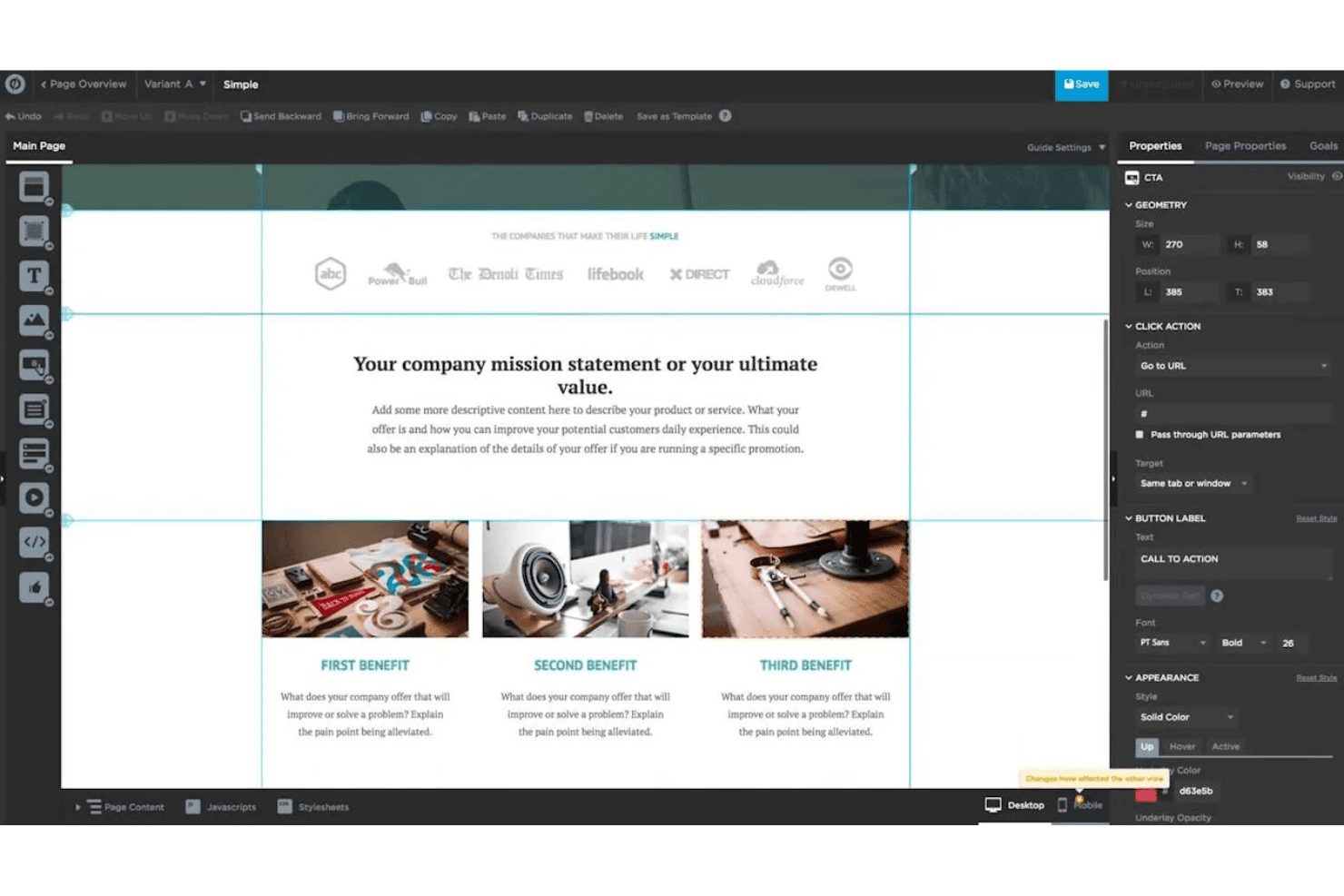
Unbounce is user-friendly for marketers who want to build and launch pages quickly without coding. The drag-and-drop editor is intuitive, and onboarding guides help you get started fast. Some users mention the interface can feel cluttered with advanced options, but most find the learning curve manageable.
Features like Smart Traffic and AI copy tools simplify optimization, making it easy to test and improve campaigns even if you’re new to landing page builders.
Integrations
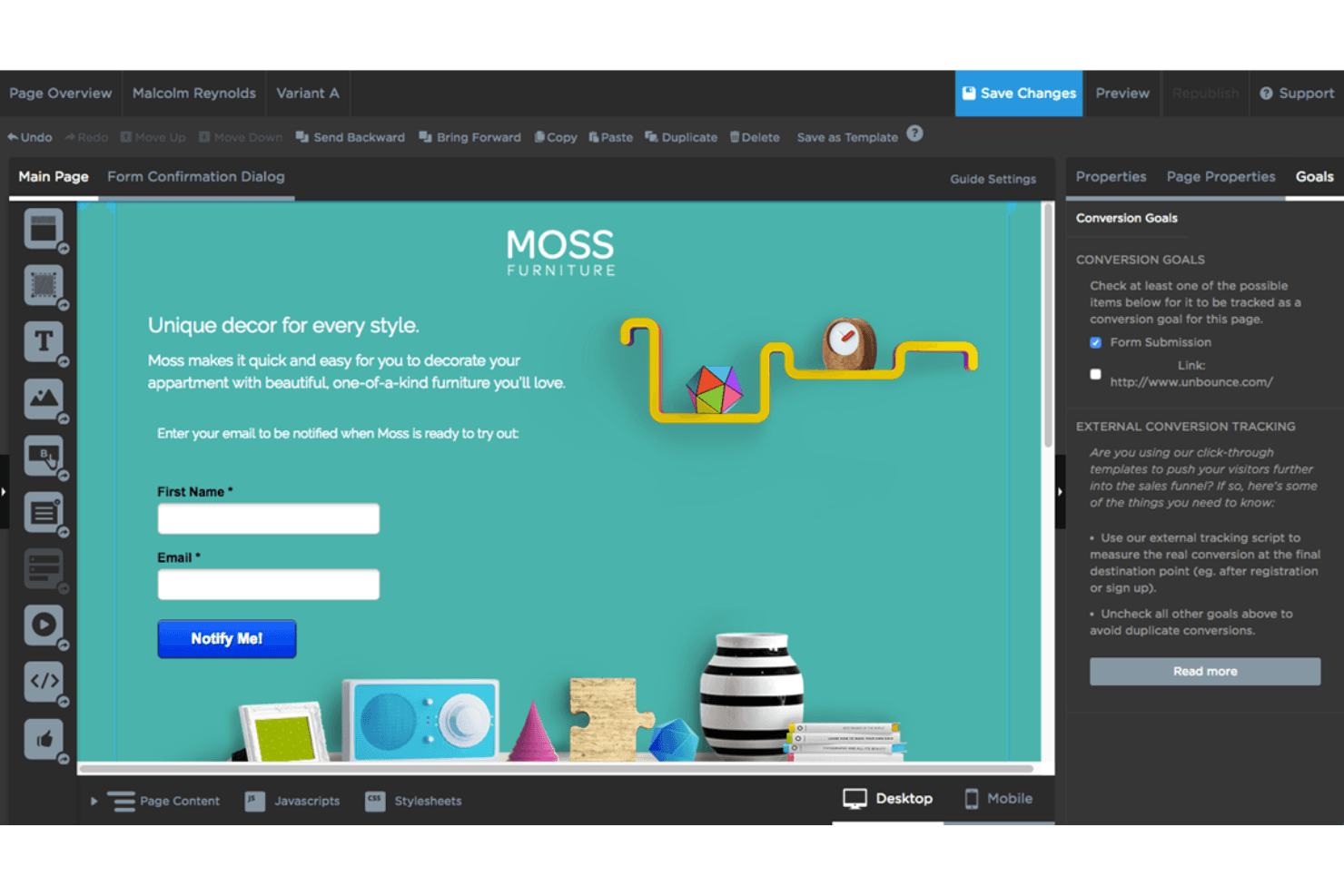
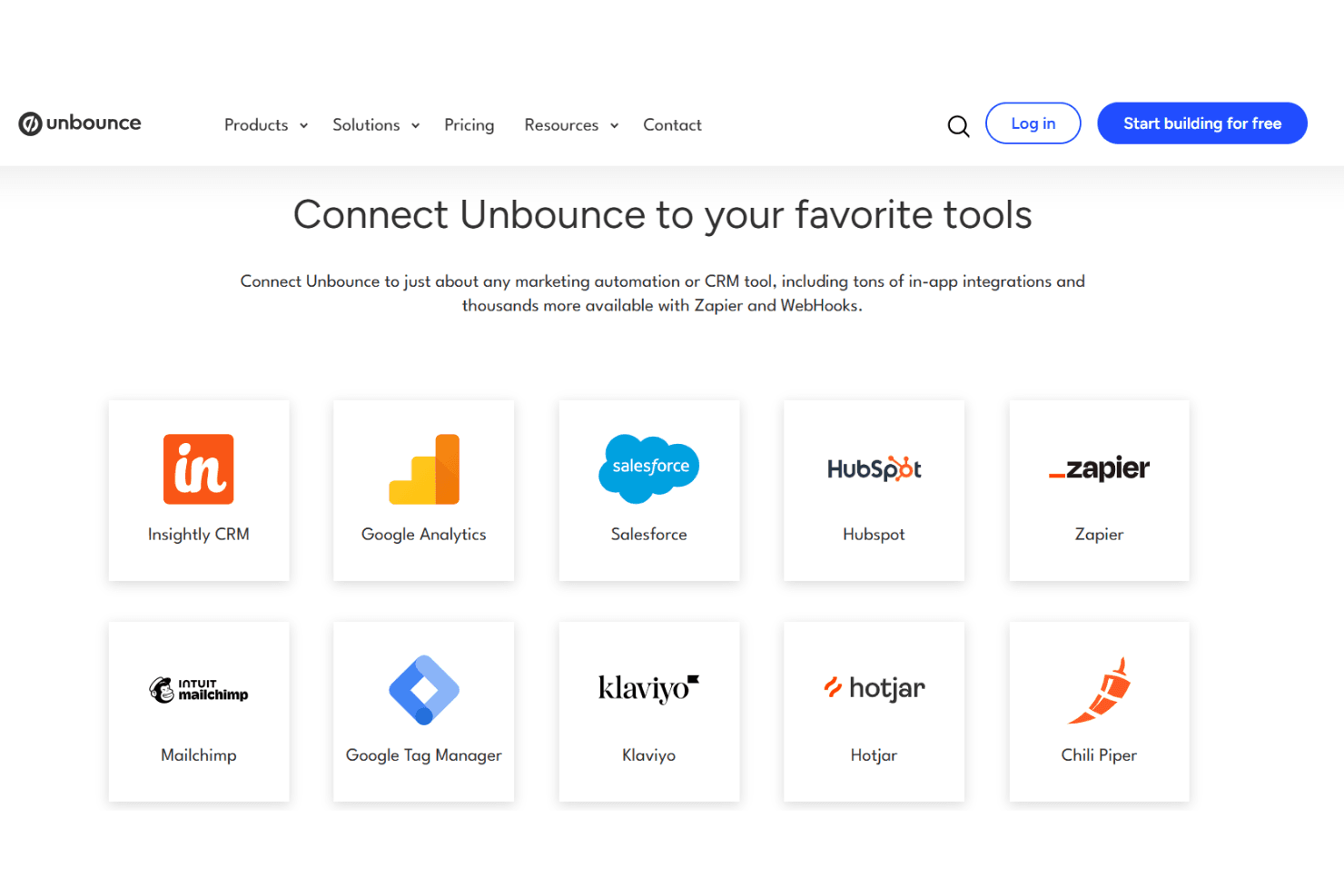
Unbounce integrates with HubSpot, Salesforce, Mailchimp, ActiveCampaign, Marketo, Zapier, Google Analytics, Facebook Pixel, Slack, and Zoho CRM, among others.
Unbounce also offers an API and connects with thousands of additional tools through Zapier and webhooks.
Unbounce Specs
- A/B Testing: Yes
- AI Integration: Yes
- Analytics: Yes
- API: Yes
- Automated Testing: No
- Bug Tracking: No
- Campaign Management: Yes
- Conversion Tracking: Yes
- Custom Reports: Yes
- Dashboards: No
- Data Export: Yes
- Data Import: No
- Data Visualization: Yes
- Design Templates: Yes
- External Integrations: Yes
- Feedback Management: No
- Form Builder: Yes
- History/Version Control: No
- Multi-Site: Yes
- Multi-User: Yes
- Notifications: No
- Performance Testing: No
- Referral Tracking: No
- Regression Testing: No
- Release Management: No
- Reports: No
- Scenario Planning: No
- SEO: Yes
- Test Management: No
- Visualization: No
- Workflow Management: Yes


