
Xactly Review: Pros, Cons, Features, and Pricing Breakdown
Xactly stands out for robust automation and analytics, making it ideal for large, complex sales teams, but may be less suited for smaller businesses seeking simplicity.

We review tools independently, and commissions help fund our testing. See our transparency policy, our methodology, or suggest a tool.
Xactly is a sales commission software built for revenue teams that need to automate incentive compensation calculations, manage quota assignments, and track rep payout accuracy at scale. I'd consider it primarily when your comp plans are complex—multi-tiered structures, split crediting, or high rep volume—where tools like Spiff may not offer the plan configuration depth or reporting detail you need to keep finance, RevOps, and sales aligned.
Xactly Evaluation Summary
4.3/5
- Pricing upon request
- Free demo available
Why Trust Our Software Recommendations
6,700+
Reviews
20
Industry experts
16+
Evaluation factors
14
Years
Our reviews reflect our independent judgment—not a sales pitch. Learn how we stay transparent.
For this guide, we evaluated tools using hands-on testing and independent research, scoring tools using our selection criteria.
Our reviews reflect our human editorial judgment, not a sales pitch.
Xactly Overview
If you're judging Xactly against other sales commission software, its automation, auditability, and deep analytics set it apart for large or fast-growing sales teams. The user interface is more complex than some, but you get granular control over rules and workflows. Pricing is on the higher end, but you're paying for enterprise-grade functionality and strong support. Xactly is best for organizations with complex sales compensation plans or strict compliance needs—especially if you want to integrate with major CRMs and ERP systems.
Pros
- Automates complex commission calculations and payouts
- Provides detailed audit trails for compliance needs
- Offers strong analytics and reporting for compensation insights
Cons
- Interface can be clunky and confusing for some users
- Plan changes for individuals can be difficult to manage
- Drill-downs in reports are sometimes limited or lacking detail
Is Xactly Right For Your Needs?
Who Would be a Good Fit for Xactly?
Xactly is a strong choice for organizations with complex sales compensation management needs, high compliance requirements, or large, distributed sales teams. Its automation, audit trails, and analytics are especially valuable for industries where accuracy and transparency are critical. If your business needs to manage multiple plans, territories, or currencies, Xactly's solutions are built for scale and control.
- Enterprise Tech SalesHandles multi-tiered commission structures and global teams with ease.
- Financial ServicesSupports strict audit requirements and detailed compensation reporting.
- Life SciencesManages complex incentive compensation plans and regulatory compliance.
- ManufacturingAutomates quota-based and territory-based commission calculations.
- Revenue Operations TeamsCentralizes compensation data and integrates with CRM and ERP systems.
- Compensation AnalystsProvides granular reporting and modeling for plan design optimization.
Who Would be a Bad Fit for Xactly?
Xactly may not be the best fit for smaller businesses, teams with simple commission needs, or organizations looking for a lightweight, low-maintenance solution. Its advanced features and configuration requirements can be overkill if you don't need deep automation or analytics.
- Small StartupsSetup and cost are too high for basic commission needs.
- Retail StoresLacks features tailored to high-volume, hourly sales environments.
- SMB Sales TeamsComplexity outweighs benefits for straightforward compensation plans.
- Non-Sales DepartmentsNot designed for non-revenue incentive tracking or HR bonuses.
- Freelance Sales AgentsRequires information technology resources and admin support not available to individuals.
- Temporary Staffing FirmsDoesn't cater to rapid, high-turnover commission adjustments.
How We Test & Score Tools
We’ve spent years building, refining, and improving our software testing and scoring system. The rubric is designed to capture the nuances of software selection and what makes a tool effective, focusing on critical aspects of the decision-making process.
Below, you can see exactly how our testing and scoring works across seven criteria. It allows us to provide an unbiased evaluation of the software based on core functionality, standout features, ease of use, onboarding, customer support, integrations, customer reviews, and value for money.
Core Functionality (25% of final scoring)
The starting point of our evaluation is always the core functionality of the tool. Does it have the basic features and functions that a user would expect to see? Are any of those core features locked to higher-tiered pricing plans? At its core, we expect a tool to stand up against the baseline capabilities of its competitors.
Standout Features (25% of final scoring)
Next, we evaluate uncommon standout features that go above and beyond the core functionality typically found in tools of its kind. A high score reflects specialized or unique features that make the product faster, more efficient, or offer additional value to the user.
We also evaluate how easy it is to integrate with other tools typically found in the tech stack to expand the functionality and utility of the software. Tools offering plentiful native integrations, 3rd party connections, and API access to build custom integrations score best.
Ease of Use (10% of final scoring)
We consider how quick and easy it is to execute the tasks defined in the core functionality using the tool. High scoring software is well designed, intuitive to use, offers mobile apps, provides templates, and makes relatively complex tasks seem simple.
Onboarding (10% of final scoring)
We know how important rapid team adoption is for a new platform, so we evaluate how easy it is to learn and use a tool with minimal training. We evaluate how quickly a team member can get set up and start using the tool with no experience. High scoring solutions indicate little or no support is required.
Customer Support (10% of final scoring)
We review how quick and easy it is to get unstuck and find help by phone, live chat, or knowledge base. Tools and companies that provide real-time support score best, while chatbots score worst.
Customer Reviews (10% of final scoring)
Beyond our own testing and evaluation, we consider the net promoter score from current and past customers. We review their likelihood, given the option, to choose the tool again for the core functionality. A high scoring software reflects a high net promoter score from current or past customers.
Value for Money (10% of final scoring)
Lastly, in consideration of all the other criteria, we review the average price of entry level plans against the core features and consider the value of the other evaluation criteria. Software that delivers more, for less, will score higher.
Core Features
Automated Commission Calculations
Automatically calculates commissions based on custom rules, quotas, and territories. This feature reduces manual errors and saves time for finance and RevOps teams.
Plan Modeling and Forecasting
Lets you model new compensation plans and forecast payouts before rollout. This helps you predict costs and align incentives with business goals.
Audit Trails and Compliance
Tracks every change and payout for full auditability, which supports compliance with SOX and other regulatory standards.
Quota and Territory Management
Assigns, tracks, and adjusts quotas and territories in real time. This makes it easy to adapt to org changes or market shifts.
Dashboards and Analytics
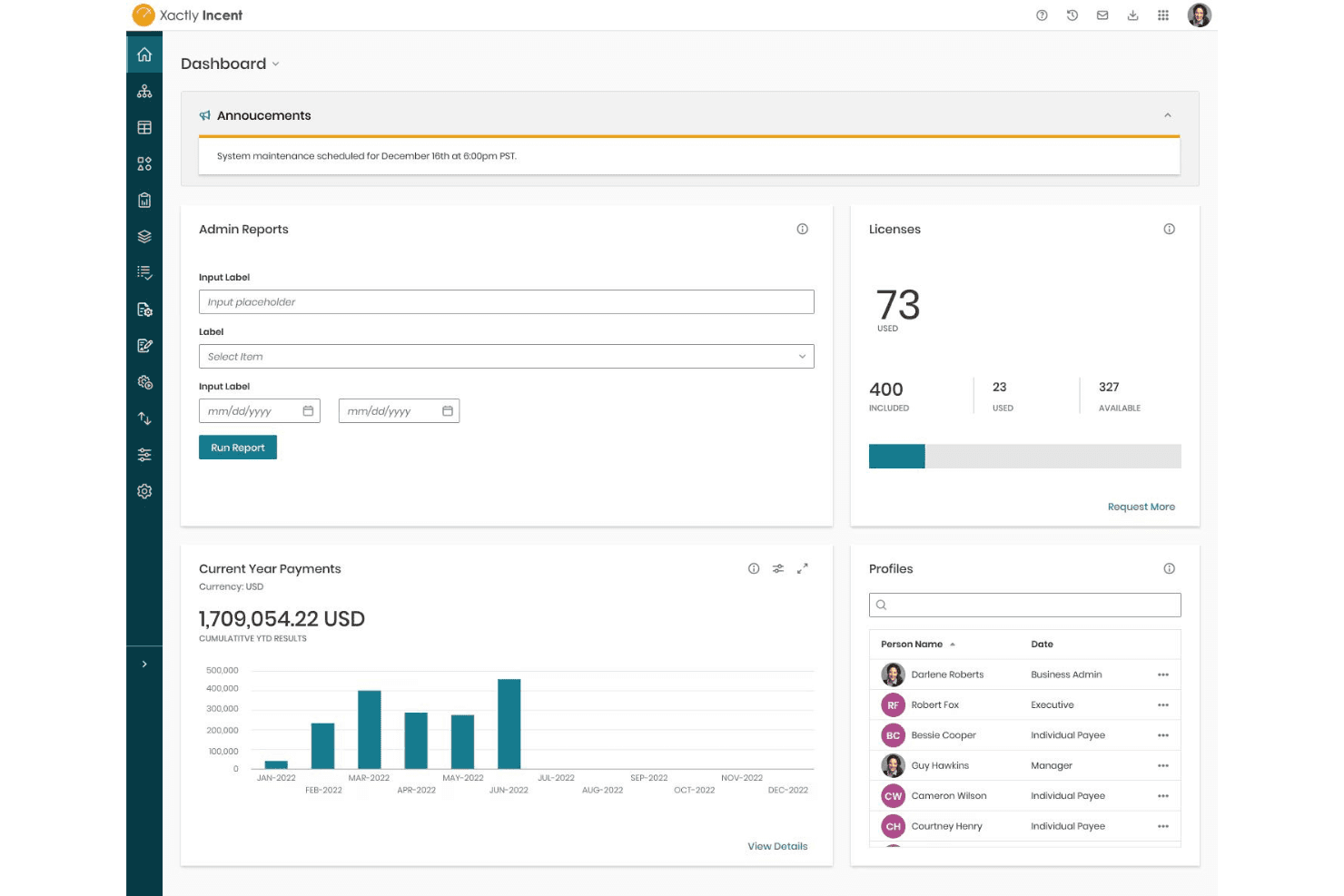
Provides real-time dashboards and detailed reports on performance and payouts. Gives leaders and sales representatives visibility into earnings and plan effectiveness.
Document Management and E-Signature
Xactly centralizes compensation plan documents and tracks status, routing, and approvals. Digital signing is typically handled through integrations with e-signature tools.
Ease of Use
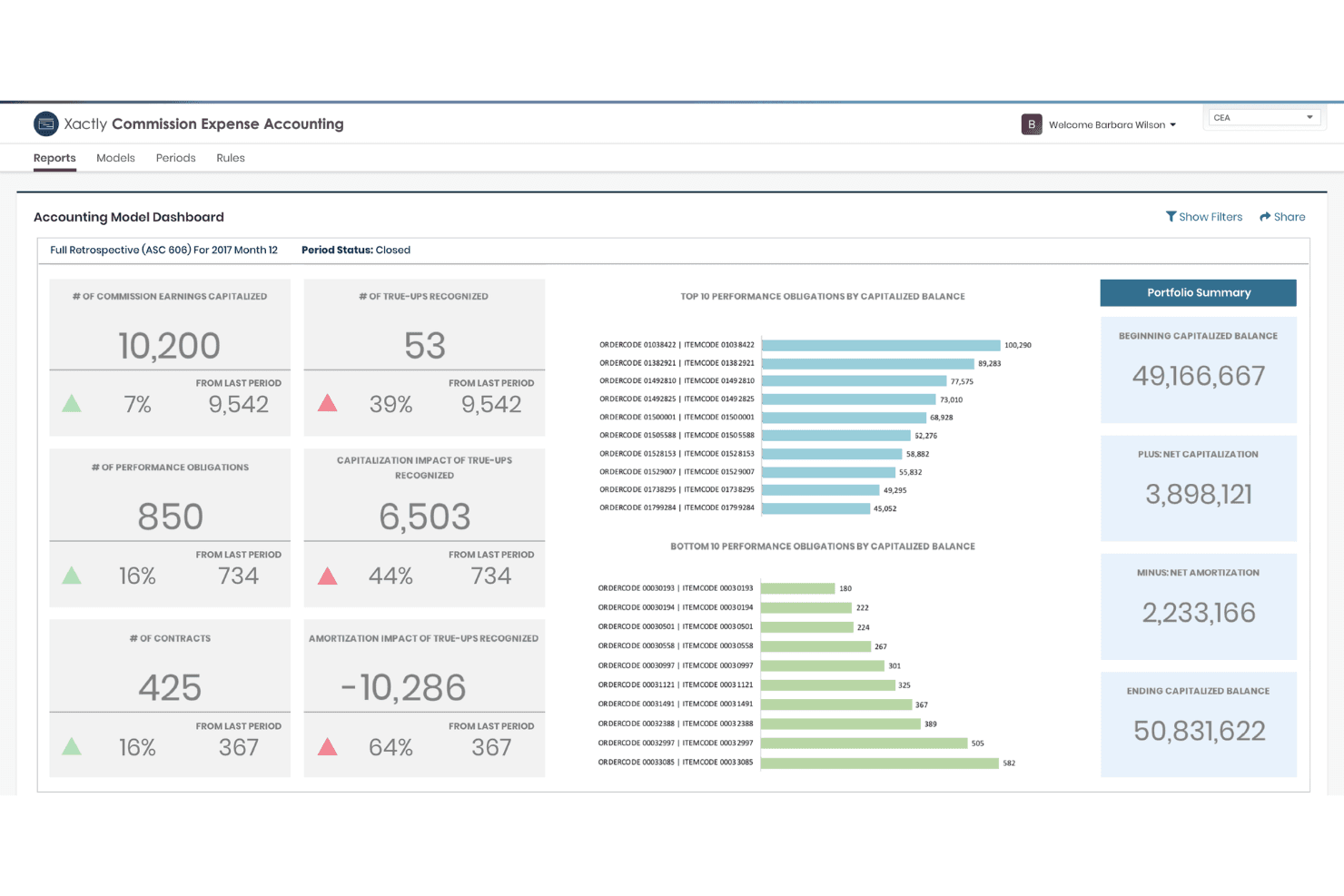
Xactly's user interface is feature-rich but can feel overwhelming, especially during setup or when managing complex comp plans. Many end users mention the learning curve, but appreciate the depth of configuration and reporting options once familiar. The platform's dashboards and workflows are powerful, but not always user friendly for new admins. Xactly is best suited for teams with dedicated RevOps or compensation specialists who can invest time in onboarding and ongoing management.
Integrations
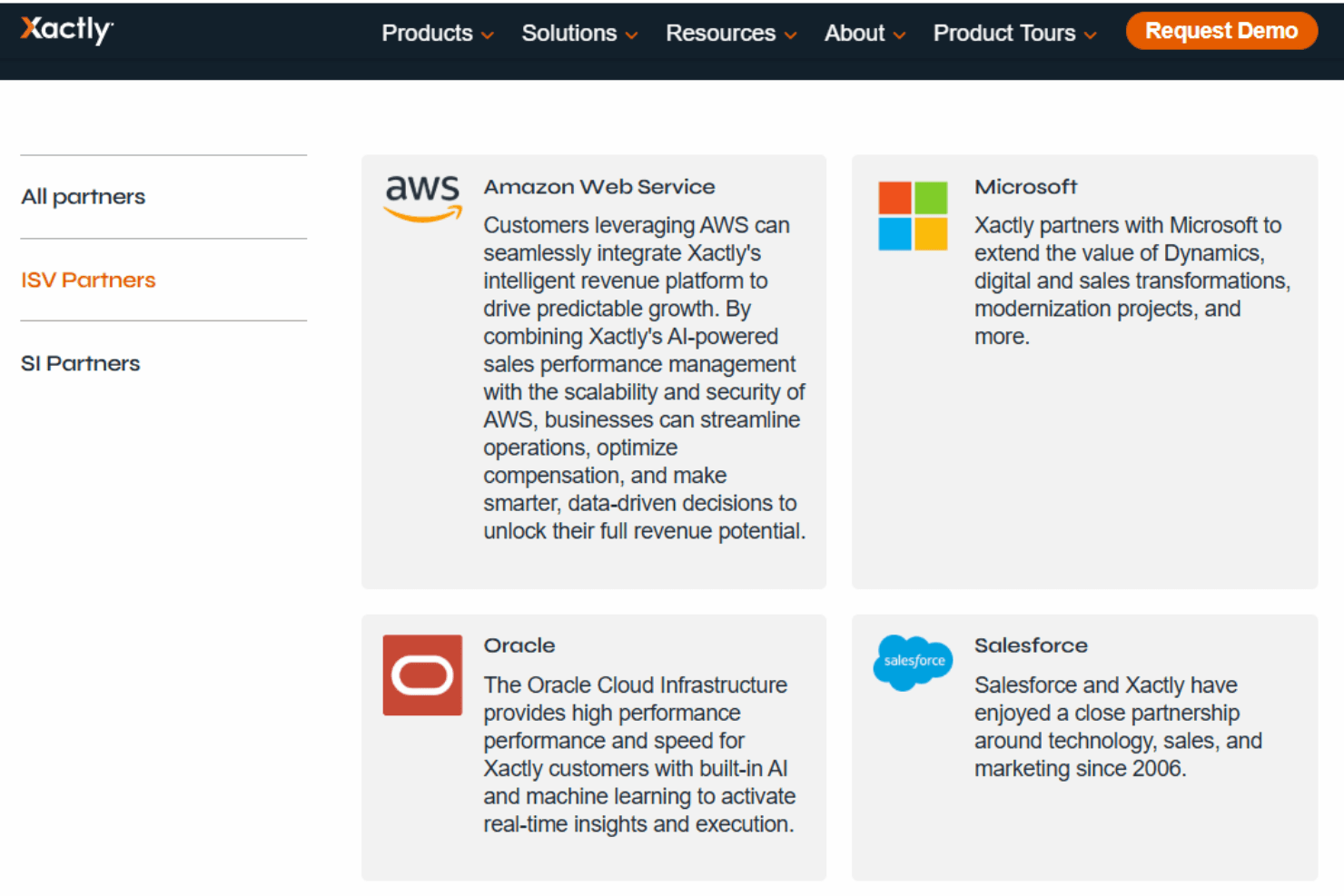
Xactly integrates with Salesforce, Microsoft Dynamics 365, Oracle, Workday, and Amazon Web Services, among others.
Xactly also offers a robust API and supports connections with third-party integration tools for custom workflows and data sync.
Xactly Specs
- API: Yes
- Audience Targeting: Yes
- Budgeting: Yes
- Calendar Management: Yes
- Call Disposition: Yes
- Call Tracking: Yes
- Contact Management: Yes
- Contact Sharing: Yes
- CRM Integration: Yes
- Customer Management: Yes
- Dashboard: Yes
- Data Export: Yes
- Data Import: Yes
- Data Visualization: Yes
- Email Integration: Yes
- Expense Tracking: Yes
- External Integrations: Yes
- Forecasting: Yes
- Google Apps Integration: Yes
- Inventory Tracking: Yes
- Lead Management: Yes
- Lead Scoring: Yes
- Marketing Automation: Yes
- Multi-Currency: Yes
- Multi-User: Yes
- Notifications: Yes
- Project Management: Yes
- Referral Tracking: Yes
- Sales Motivator: Yes
- Scheduling: Yes
- Softphone: Yes
- Supplier Management: Yes
- Third-Party Plugins/Add-Ons: Yes
- Travel Management: Yes


