

Walnut Review: Pros, Cons, Features, and Pricing
Walnut isn’t just another sales tool—it’s a game-changer for interactive demos. Here’s my take on where it shines, where it stumbles, and if it’s worth your team’s investment.

We review tools independently, and commissions help fund our testing. See our transparency policy, our methodology, or suggest a tool.
Walnut is a sales software for building interactive, personalized product demos that sales reps can share with prospects at any stage of the buying cycle. It's worth considering if your team needs to create and customize demos without relying on engineering—and you want deeper demo analytics and personalization controls than a lighter tool like Storylane offers.
Walnut Evaluation Summary

4.5/5
- From $750/month (billed annually)
- Free demo available
Why Trust Our Software Recommendations
6,700+
Reviews
20
Industry experts
16+
Evaluation factors
14
Years
Our reviews reflect our independent judgment—not a sales pitch. Learn how we stay transparent.
For this guide, we evaluated tools using hands-on testing and independent research, scoring tools using our selection criteria.
Our reviews reflect our human editorial judgment, not a sales pitch.
Walnut Overview
If you’re judging sales software on demo creation, Walnut stands out for its no-code editor, fast onboarding, and clean interface. Its interactive demo, analytics, and personalized flows outperform most alternatives, especially for teams focused on product-led sales. Pricing is transparent, and support is responsive, but integration options are more limited than some competitors.
You’ll get the most value if you want to empower sales reps to build demos themselves and need a tool that’s easy to adopt across distributed teams. For complex enterprise stacks, you might find integration gaps.
Pros
- Supports demo personalization for different audiences and use cases.
- Offers detailed analytics on demo engagement and buyer activity.
- Lets sales teams build interactive demos without engineering help.
Cons
- Advanced features may require higher-tier pricing plans.
- Some users report occasional bugs in demo playback.
- Limited integration options compared to other sales platforms.
Is Walnut Right For Your Needs?
Who Would be a Good Fit for Walnut?
Walnut is a strong choice for teams that rely on interactive product demos to drive sales conversations and need to empower non-technical users to create and personalize those demos. It’s especially well-suited for SaaS companies, product marketing teams, and sales enablement roles that want to track demo engagement and tailor experiences for different buyer personas.
If your business values demo analytics and wants to reduce dependence on engineering for demo creation, Walnut’s feature set is going to fit your workflow.
- Remote Sales TeamsRemote sales teams can deliver consistent, personalized demos regardless of location.
- Customer SuccessCustomer success teams use Walnut to onboard clients with interactive walkthroughs.
- Mid-Market TechMid-market tech companies can scale demo creation across distributed sales teams.
- Sales EnablementSales enablement teams benefit from easy demo sharing and buyer analytics.
- Product MarketingProduct marketing teams can personalize demos for campaigns and track engagement metrics.
- SaaS StartupsWalnut lets SaaS startups quickly build and iterate on product demos without developer resources.
Who Would be a Bad Fit for Walnut?
Walnut isn’t the best fit for organizations that need deep integrations, highly complex workflows, or operate in industries where interactive demos aren’t central to the sales process.
If your team relies on a broad ecosystem of sales tools or needs advanced customization beyond demo creation, you might find Walnut’s capabilities too narrow for your needs.
- Procurement DepartmentsProcurement departments focus on vendor management, not demo-driven selling.
- Retail BusinessesRetail businesses typically don’t use interactive demos in their sales process.
- Financial ServicesFinancial services teams may need compliance features Walnut doesn’t offer.
- Field Sales TeamsField sales teams often need offline access, which Walnut doesn’t prioritize.
- Large EnterprisesLarge enterprises may require deeper integrations and advanced workflow automation.
- Manufacturing FirmsManufacturing firms rarely need interactive product demos for sales cycles.
How We Test & Score Tools
We’ve spent years building, refining, and improving our software testing and scoring system. The rubric is designed to capture the nuances of software selection and what makes a tool effective, focusing on critical aspects of the decision-making process.
Below, you can see exactly how our testing and scoring works across seven criteria. It allows us to provide an unbiased evaluation of the software based on core functionality, standout features, ease of use, onboarding, customer support, integrations, customer reviews, and value for money.
Core Functionality (25% of final scoring)
The starting point of our evaluation is always the core functionality of the tool. Does it have the basic features and functions that a user would expect to see? Are any of those core features locked to higher-tiered pricing plans? At its core, we expect a tool to stand up against the baseline capabilities of its competitors.
Standout Features (25% of final scoring)
Next, we evaluate uncommon standout features that go above and beyond the core functionality typically found in tools of its kind. A high score reflects specialized or unique features that make the product faster, more efficient, or offer additional value to the user.
We also evaluate how easy it is to integrate with other tools typically found in the tech stack to expand the functionality and utility of the software. Tools offering plentiful native integrations, 3rd party connections, and API access to build custom integrations score best.
Ease of Use (10% of final scoring)
We consider how quick and easy it is to execute the tasks defined in the core functionality using the tool. High scoring software is well designed, intuitive to use, offers mobile apps, provides templates, and makes relatively complex tasks seem simple.
Onboarding (10% of final scoring)
We know how important rapid team adoption is for a new platform, so we evaluate how easy it is to learn and use a tool with minimal training. We evaluate how quickly a team member can get set up and start using the tool with no experience. High scoring solutions indicate little or no support is required.
Customer Support (10% of final scoring)
We review how quick and easy it is to get unstuck and find help by phone, live chat, or knowledge base. Tools and companies that provide real-time support score best, while chatbots score worst.
Customer Reviews (10% of final scoring)
Beyond our own testing and evaluation, we consider the net promoter score from current and past customers. We review their likelihood, given the option, to choose the tool again for the core functionality. A high scoring software reflects a high net promoter score from current or past customers.
Value for Money (10% of final scoring)
Lastly, in consideration of all the other criteria, we review the average price of entry level plans against the core features and consider the value of the other evaluation criteria. Software that delivers more, for less, will score higher.
Core Features
Interactive Demo Builder
Create and edit interactive product demos with a no-code editor that lets sales teams build demos without developer support.
Demo Personalization
Personalize demos for different audiences, use cases, or buyer personas with easy-to-use customization tools.
Demo Analytics
Track buyer engagement and demo performance with detailed analytics that show who viewed, interacted, and for how long.
Product Spotlight
Highlight specific product features or workflows within demos to guide prospects through tailored product narratives.
Offline Demo Access
Deliver demos even without an internet connection, so sales teams can present anywhere.
Interactive Deal Rooms
Share demos, documents, and mutual action plans in a single link to accelerate deal cycles and keep buyers engaged.

Standout Features
Demo Templates Library
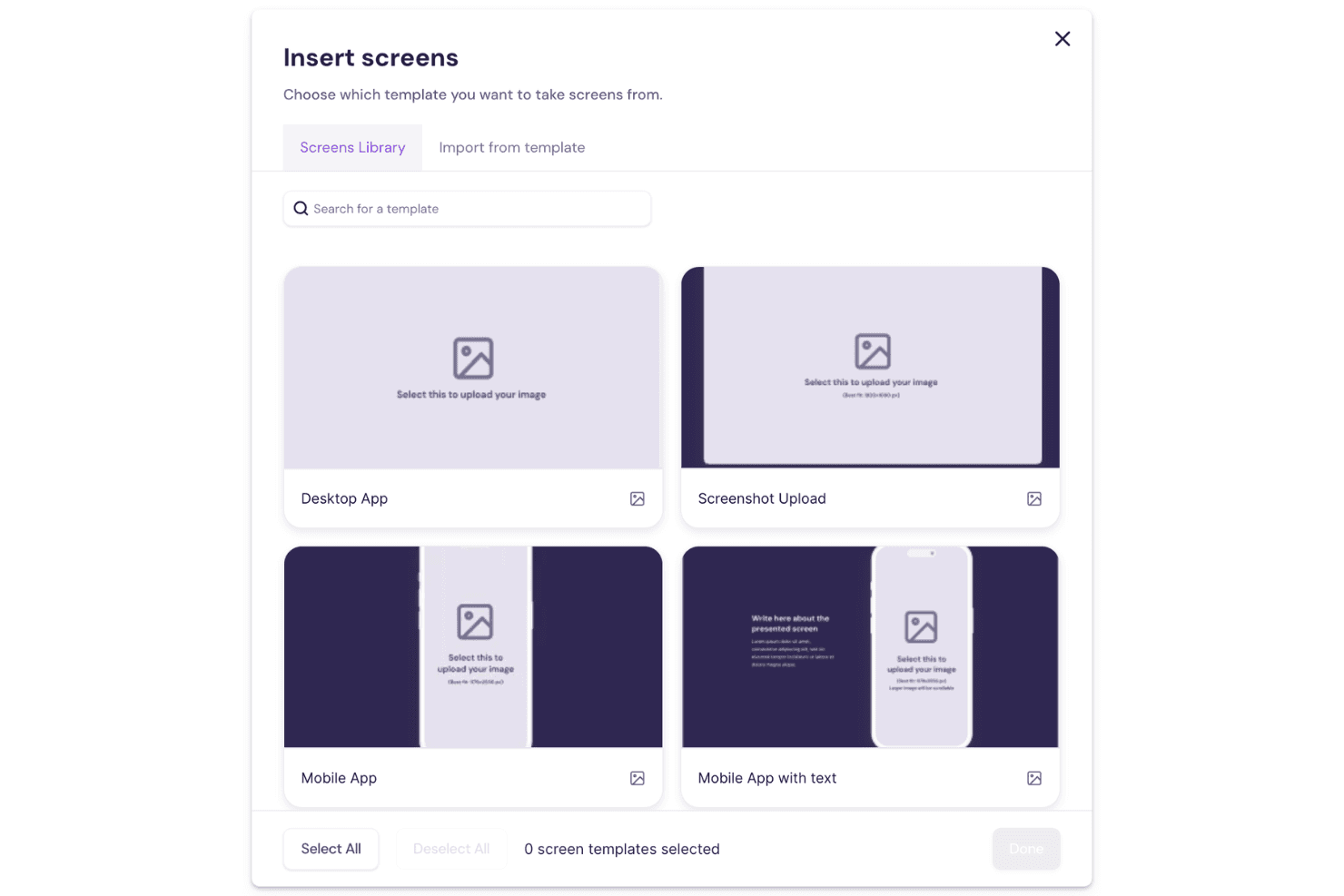
Walnut offers a library of pre-built demo templates that help teams launch new demos quickly. You can reuse and adapt these templates to fit different products or sales scenarios.
Demo Feedback Collection
Collect direct feedback from prospects within the demo experience itself. This lets sales teams understand buyer questions and objections in real time.
Ease of Use
Walnut is one of the most user-friendly sales software options for building interactive demos. The no-code editor makes it easy for non-technical users to create and update demos without IT help. Users often mention the intuitive drag-and-drop interface and clear navigation.
Onboarding is fast, and most teams can start building demos within hours. The guided workflows and built-in tips help reduce friction, especially for sales reps new to demo creation.
Onboarding
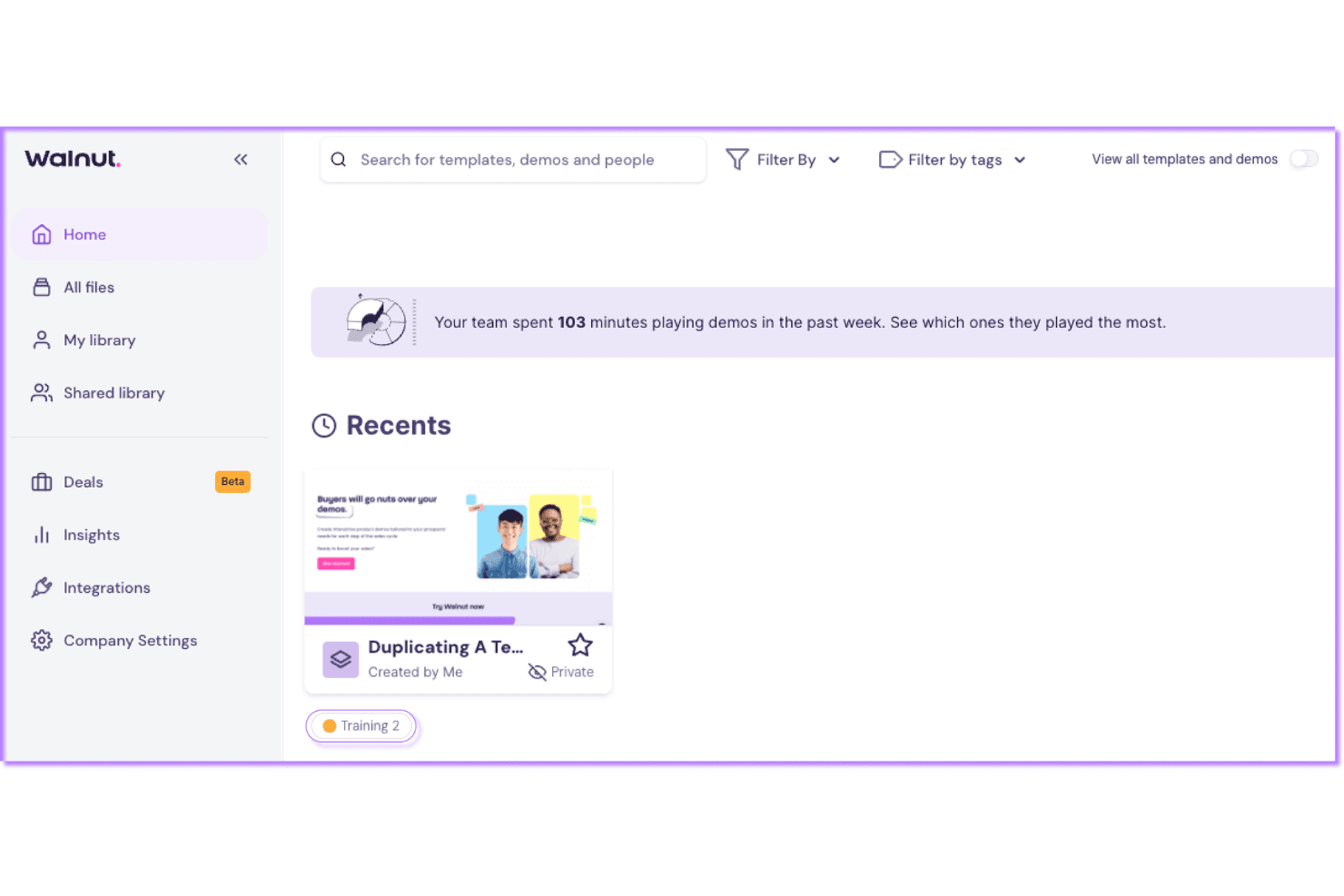
Walnut’s onboarding experience is fast and straightforward, with most users reporting they can launch their first demo within a day. The platform offers step-by-step guides, video tutorials, and a responsive support team to help new users get started.
I’ve seen users highlight the value of live chat and onboarding calls for answering questions quickly. Walnut’s resource library and in-app tips make it easy to find help without leaving the platform.
Customer Support
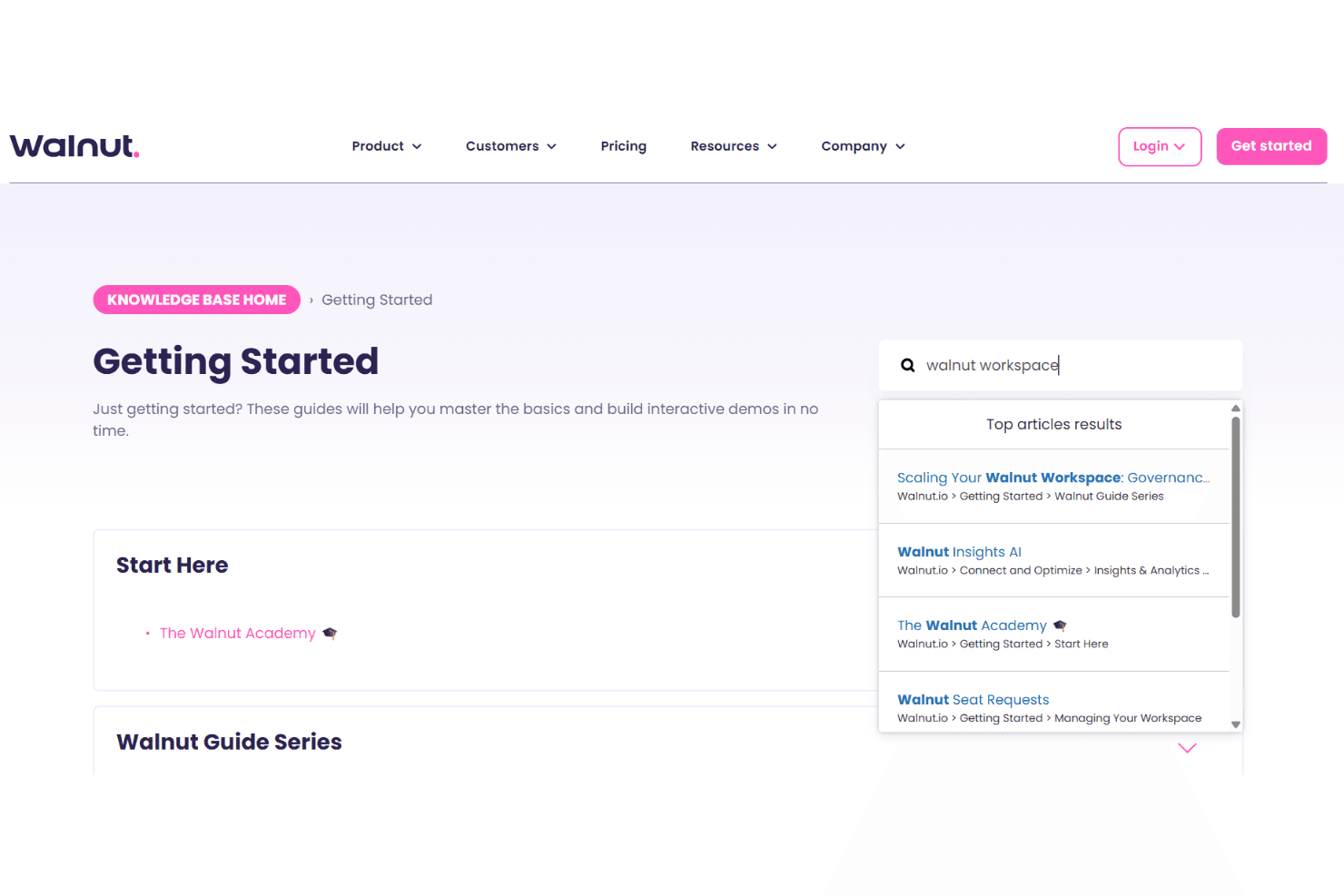
Walnut’s customer support gets high marks for responsiveness and helpfulness, with users often mentioning quick replies via live chat and email. The support team is knowledgeable about both technical and sales-related questions, which helps resolve issues fast.
The availability of onboarding calls, a detailed help center, and proactive follow-ups sets Walnut apart for teams that need reliable assistance. Most users feel supported throughout setup and ongoing use.
Integrations
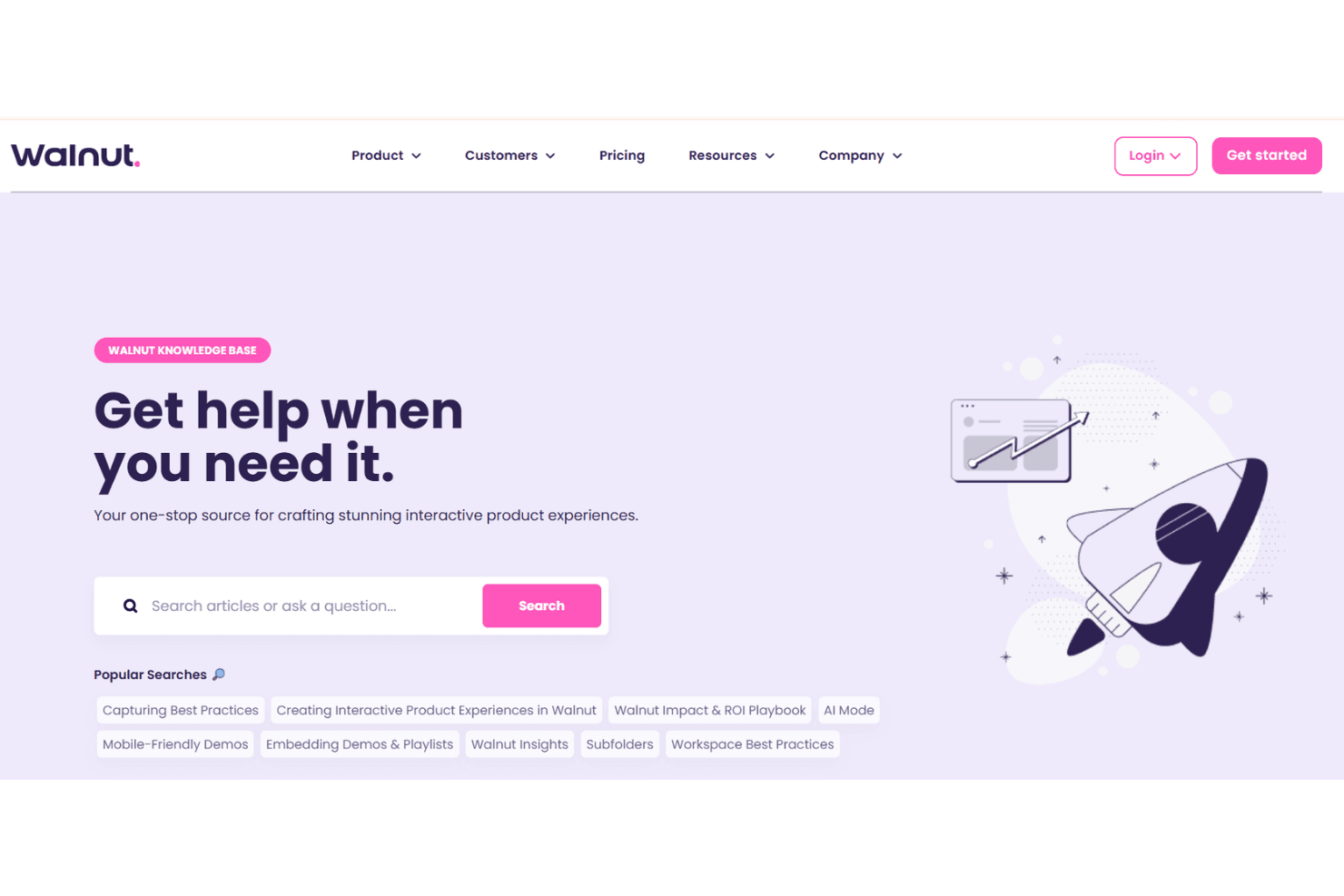
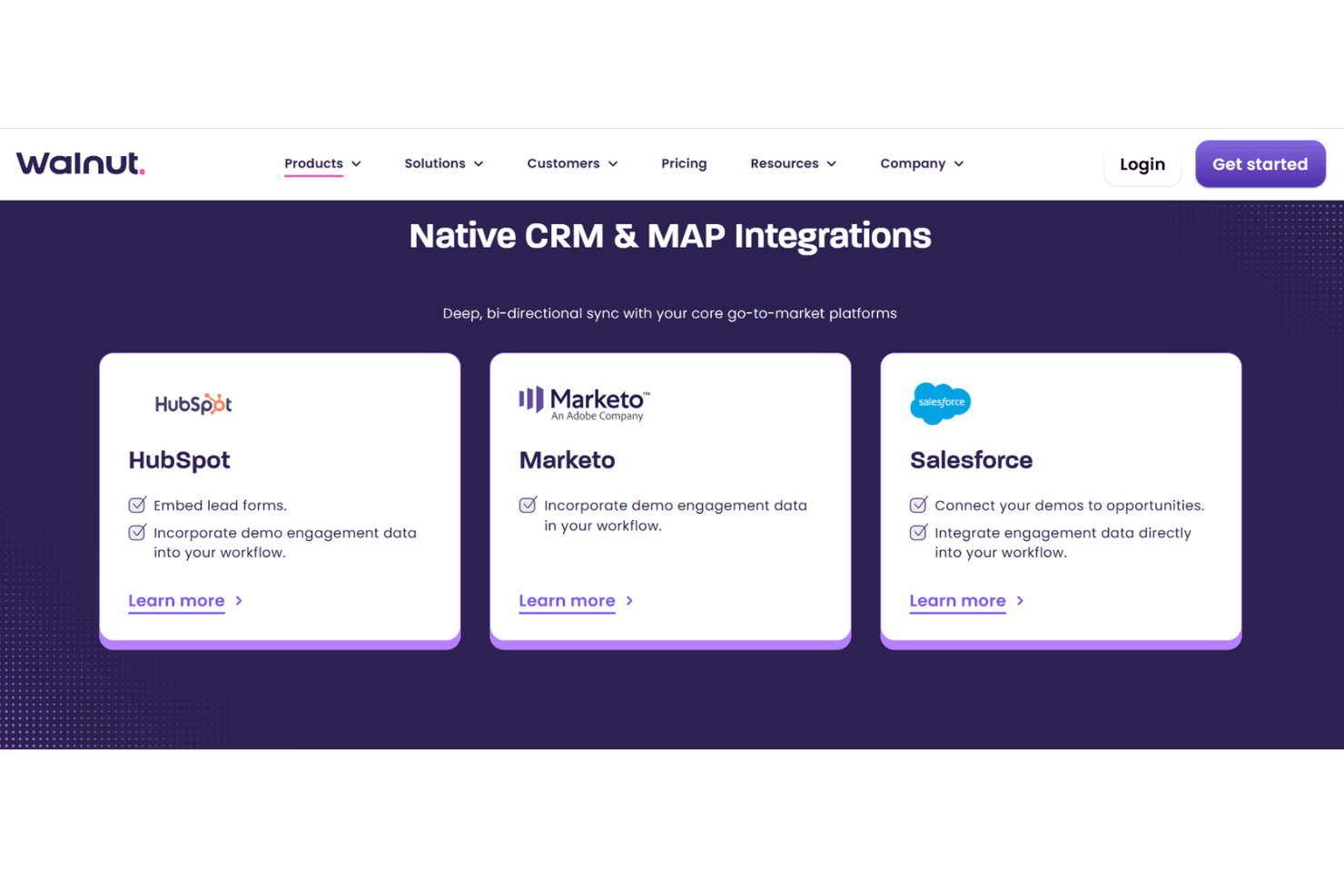
Walnut integrates with Salesforce, HubSpot, Slack, Gong, Outreach, Marketo, Google Analytics, Microsoft Teams, Zendesk, and Intercom.
Walnut also offers an API for custom integrations but does not currently connect with third-party integration tools like Zapier.
Value for Money
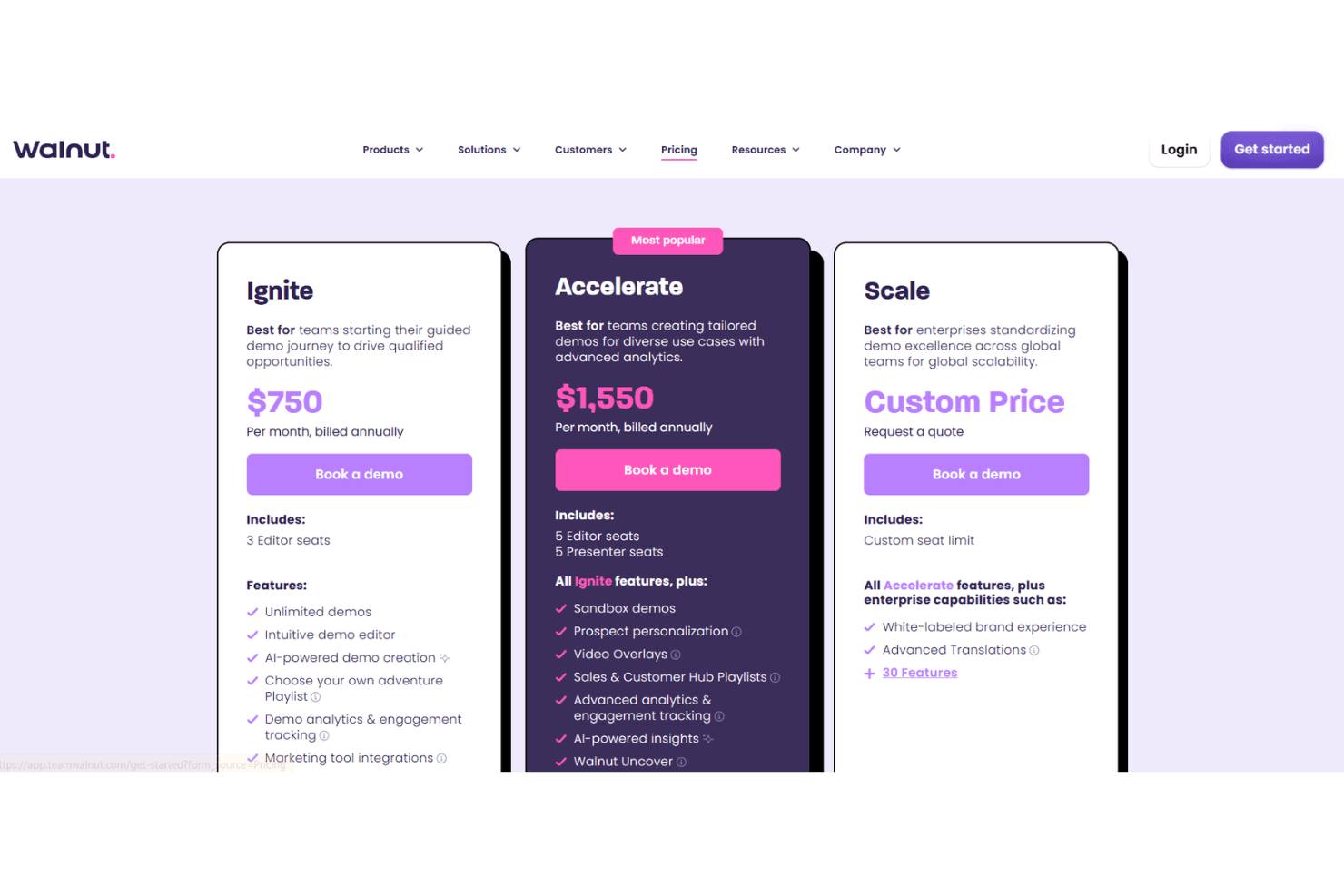
Walnut is a premium solution, but users say the value matches the price, especially for teams that rely on interactive demos to drive sales. The pricing model is tiered, with advanced features like analytics and personalization available on higher plans. Many users feel the ROI is clear if demo quality and buyer engagement are priorities.
- Ignite: Core tools for creating demos, with AI features and basic analytics.
- Accelerate: Adds advanced analytics, personalization, and integrations for optimization.
- Scale: Enterprise-level controls, scalability, and deeper customization.
Walnut Specs
- A/B Testing: Yes
- API: Yes
- Collaboration Support: Yes
- Custom Data Forms: No
- Dashboard: Yes
- Dashboards: Yes
- Data Export: Yes
- Data Import: Yes
- Developer Tools: No
- External Integrations: Yes
- Feedback Management: Yes
- Gantt Charts: No
- Google Apps Integration: Yes
- Multi-User: Yes
- Notifications: Yes
- Prioritization: No
- Product Catalog: No
- Release Management: Yes
- Reports: Yes
- Resource Management: No
- Review Monitoring: No
- Roadmapping: No
- Scheduling: No
- Task Scheduling/Tracking: Yes
Walnut FAQs
Walnut Company Overview & History
Walnut is an AI-native platform focused on interactive product demos for go-to-market teams. The company is headquartered in New York City, New York, and is known for its innovative approach to demo creation and buyer engagement.
Walnut has earned recognition for its enterprise-grade SOC 2® security and has been featured in top publications, winning over 30 awards. Notable clients include LinkedIn and other leading SaaS companies, as highlighted in their case studies.
Walnut Major Milestones
- 2020: Walnut founded in New York City, New York.
- 2021: Official launch of the Walnut interactive demo platform.
- 2022: Achieved SOC 2® certification for enterprise-grade security.
- 2023: Launched Interactive Deal Rooms and expanded integrations.
- 2024: Recognized with 30+ awards and 500+ press mentions.