



Pipedrive vs. Close CRM: Comparison and Expert Reviews for 2026


Struggling to keep your sales pipeline organized or frustrated by clunky CRM tools that slow your team down? Pipedrive and Close both promise to make your life easier, but each takes a different approach to CRM software. Pipedrive stands out for its visual pipeline management and intuitive interface, making it a favorite for teams that want clarity and simplicity. Close CRM, on the other hand, is built for high-velocity sales teams that need powerful calling, emailing, and automation features right out of the box.
In this guide, you’ll see how these two platforms stack up—so you can pick the CRM that actually helps your team hit its targets.
Pipedrive CRM vs. Close CRM: An Overview
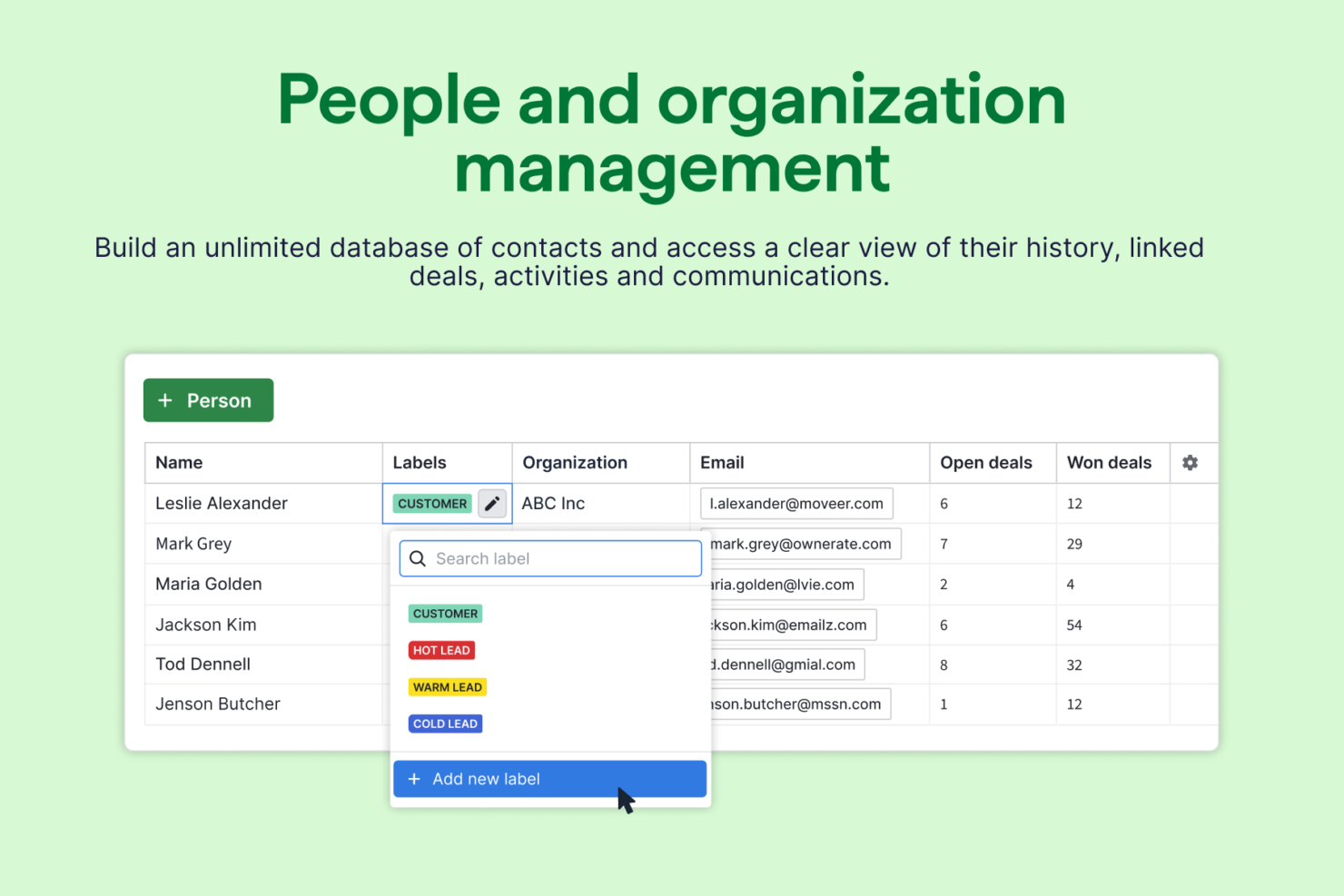
Pipedrive CRM

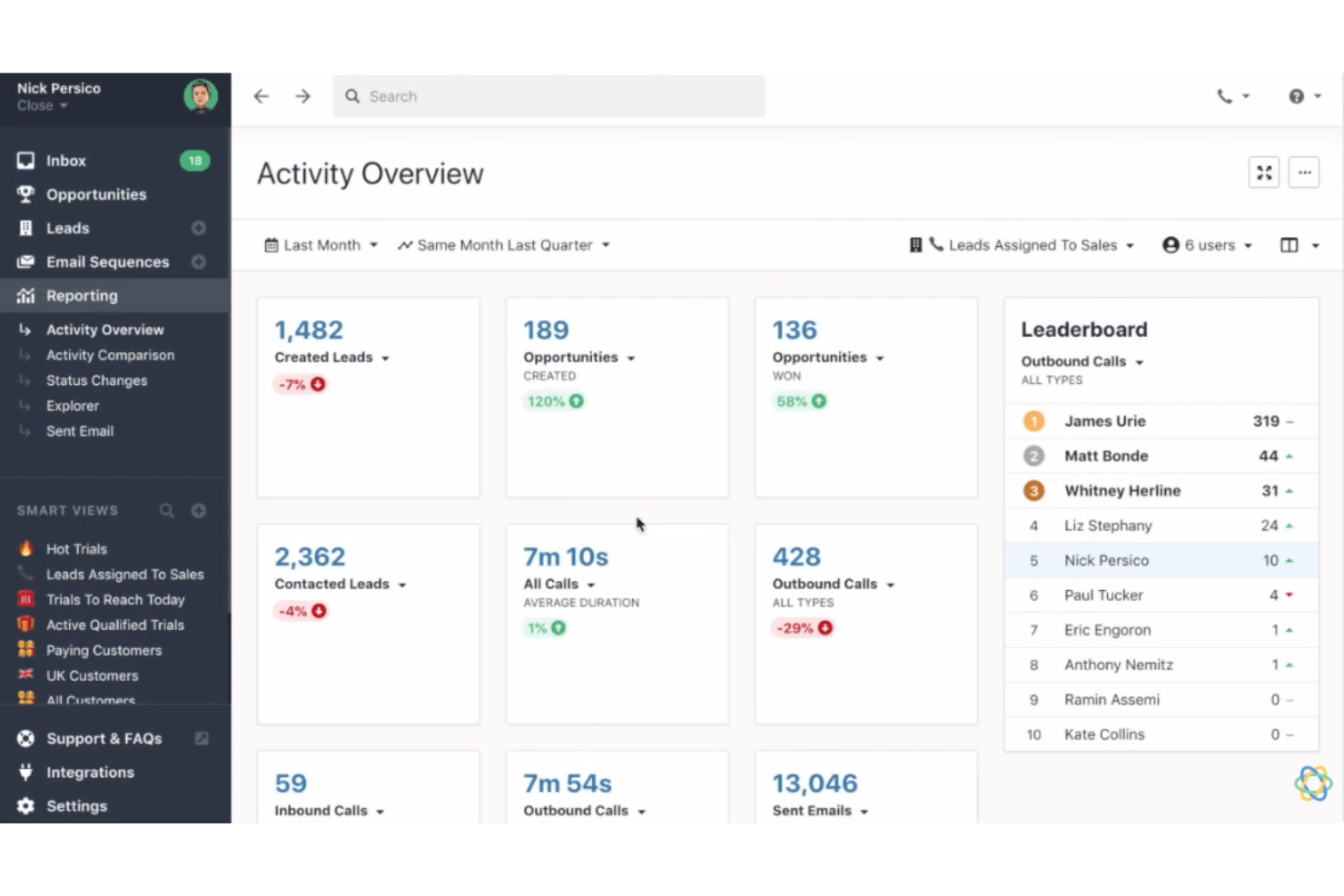
Close CRM
Why Trust Our Software Reviews
We’ve been testing and reviewing RevOps software since 2022. As RevOps leaders ourselves, we know how critical and difficult it is to make the right decision when selecting software.
We invest in deep research to help our audience make better software purchasing decisions. We’ve tested more than 2,000 tools for different RevOps use cases and written over 1,000 comprehensive software reviews. Learn how we stay transparent & our software review methodology.
Pipedrive CRM vs. Close CRM Pricing Comparison
| Pipedrive CRM | Close CRM | |
|---|---|---|
| Free Trial | Free demo + 14-day free trial available | 14-day free trial |
| Pricing | From $14/user/month (billed annually) | From $35/user/month (billed annually) |
Pipedrive vs. Close CRM Pricing & Hidden Costs
Pipedrive uses a tiered subscription model, letting you choose from several plans based on your team’s size and feature needs. Add-ons like advanced reporting or lead generation tools can increase your monthly cost. Close also offers tiered plans, but its pricing is closely tied to built-in calling, texting, and automation features. You may face extra charges for additional phone numbers, call minutes, or integrations, especially if your team relies heavily on outbound communication.
To select the right vendor, map out your team’s workflow and list the features you’ll actually use day-to-day. Consider how each platform handles user limits, automation, and integrations—these often drive up costs as your team grows. Ask for a detailed quote that includes any add-ons or usage-based fees, and run a short trial to see if the included features truly match your sales process.
Pipedrive CRM vs. Close CRM Feature Comparison
Both Pipedrive and Close CRM share the core foundations you’d expect from modern sales CRMs. They offer contact and lead management, email automation, pipeline tracking, call logging, and workflow automation—essentially covering the full lifecycle of managing deals and sales activities in one place. Both tools are also built for sales teams, with reporting, integrations, and activity tracking that help reps move deals forward and maintain visibility across the pipeline.
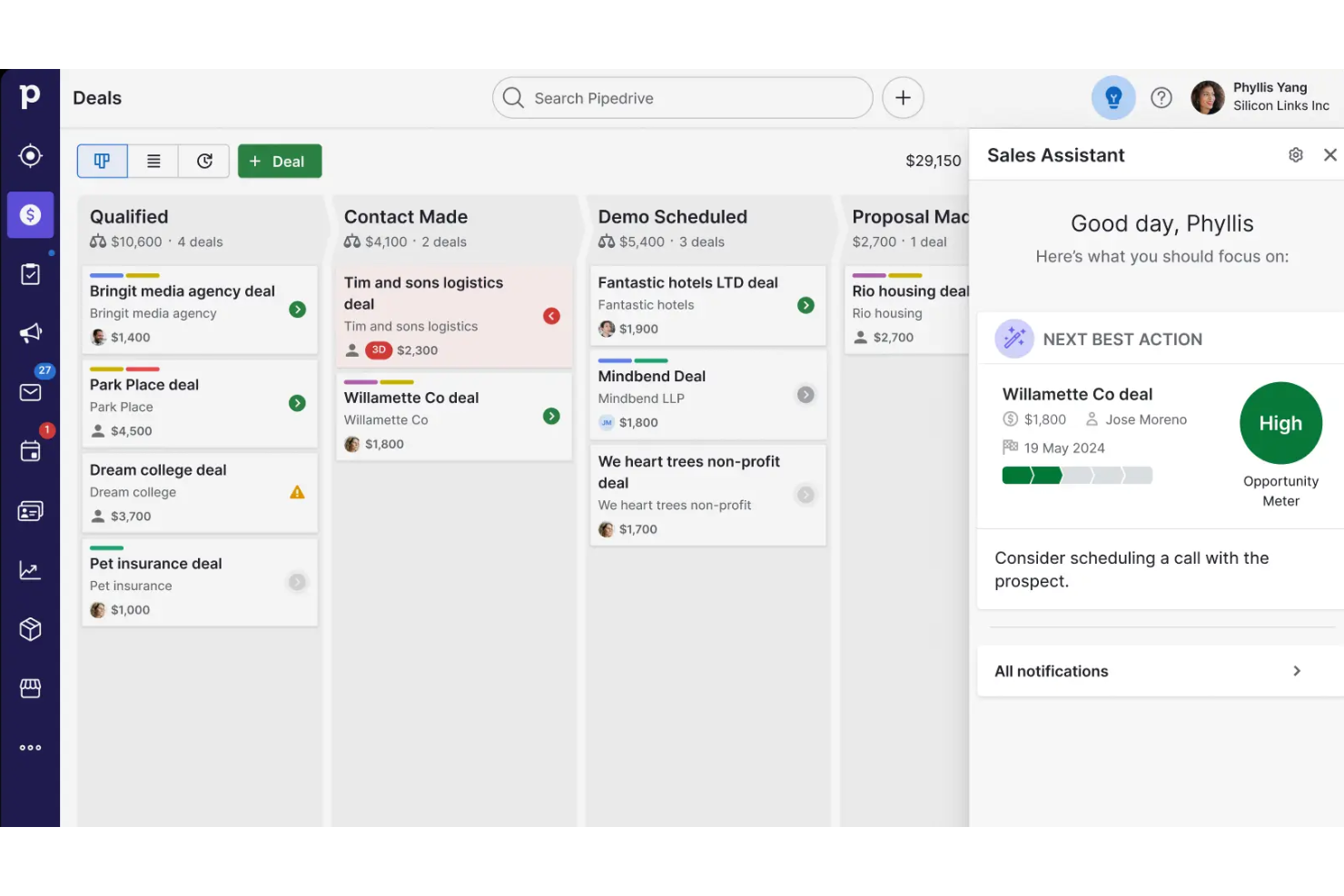
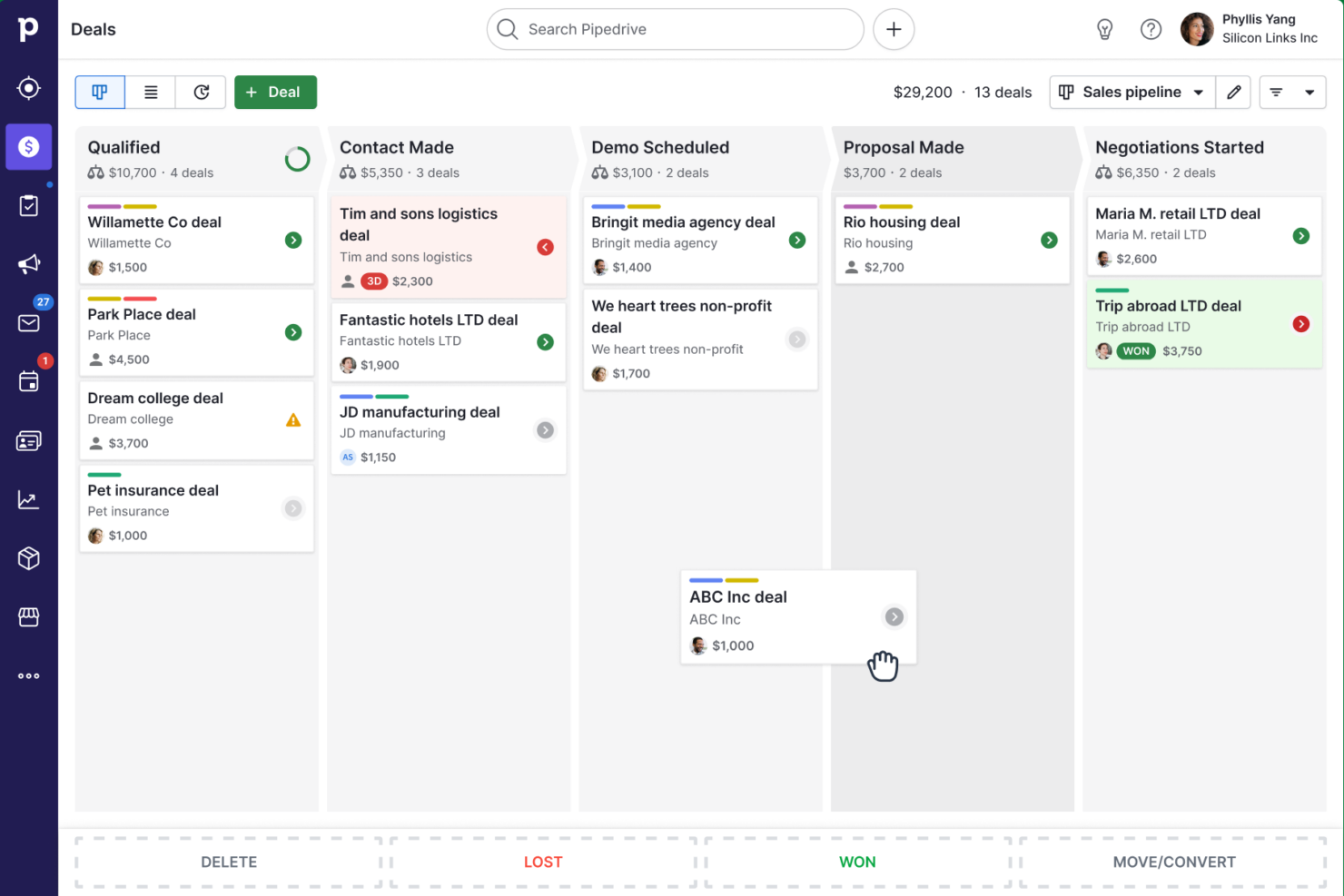
Where they diverge is in how they approach sales execution. Pipedrive stands out for its highly visual, drag-and-drop pipeline and growing AI-powered sales assistant, making it especially strong for teams that prioritize simplicity and deal visibility . Close CRM, on the other hand, differentiates itself with a communication-first approach—offering built-in calling, SMS, and email sequences natively—making it a standout for high-volume outbound sales teams that rely heavily on direct outreach.
| Pipedrive CRM | Close CRM | |
|---|---|---|
| 2-Factor Authentication | ||
| API | ||
| Calendar Management | ||
| Customer Management | ||
| Dashboard | ||
| Data Export | ||
| Data Import | ||
| Data Visualization | ||
| External Integrations | ||
| Multi-User | ||
| Notifications | ||
| Scheduling |
Pipedrive vs. Close CRM Integrations
| Integration | Pipedrive | Close CRM |
|---|---|---|
| Slack | ✅ | ✅ |
| Mailchimp | ✅ | ✅ |
| Google Workspace | ✅ | ✅ |
| Microsoft Teams | ✅ | ❌ |
| Zoom | ✅ | ✅ |
| QuickBooks | ✅ | ❌ |
| HubSpot | ✅ | ✅ |
| Intercom | ✅ | ✅ |
| API | ✅ | ✅ |
| Zapier | ✅ | ✅ |
Pipedrive and Close both cover the most popular integrations, but Pipedrive offers a broader range, especially for accounting and marketing tools. Both platforms support API and Zapier connections, so you can fill any gaps and connect your favorite apps as your workflow evolves.
Pipedrive vs. Close CRM Security, Compliance & Reliability
| Factor | Pipedrive | Close CRM |
|---|---|---|
| Data Encryption | Encrypts data in transit and at rest using industry-standard protocols. | Uses TLS encryption for data in transit and AES-256 for data at rest. |
| Regulatory Compliance | GDPR-compliant with dedicated data protection features and DPA support. | GDPR-compliant and offers tools for managing data subject requests. |
| Uptime Guarantee | Publicly reports uptime and maintains a high SLA for reliability. | Maintains high uptime with real-time status updates and incident reporting. |
| Access Controls | Offers granular user permissions and two-factor authentication. | Provides role-based access controls and two-factor authentication. |
| Data Backups | Performs daily automated backups with disaster recovery protocols. | Runs regular backups and supports rapid data restoration. |
Both Pipedrive and Close deliver strong security and compliance, but Pipedrive stands out for its transparent uptime reporting and disaster recovery protocols. Pipedrive’s granular permissions and compliance tools give you peace of mind, while Close’s robust encryption and rapid data restoration keep your data safe and accessible.
Pipedrive vs. Close CRM Ease of Use
| Factor | Pipedrive | Close CRM |
|---|---|---|
| User Interface | Features a clean, visual pipeline that makes navigation and deal tracking intuitive. | Offers a streamlined dashboard focused on calling and outreach efficiency. |
| Onboarding | Provides interactive tutorials and a guided setup for new users. | Delivers a quick-start wizard and helpful in-app tips for fast adoption. |
| Customization | Lets you easily tailor pipelines, fields, and workflows to fit your process. | Allows you to customize workflows and communication templates with minimal clicks. |
| Support Access | Offers live chat, email support, and a detailed knowledge base. | Includes responsive chat support and a searchable help center. |
| Mobile Experience | Mobile app mirrors desktop features for managing deals on the go. | Mobile app focuses on calling and quick lead updates for field reps. |
Pipedrive is the go-to for teams who want a visual, intuitive experience, while Close shines for users who prioritize fast outreach and minimal clicks. Pipedrive’s guided setup and visual pipeline make it easy for anyone to get started, while Close’s streamlined dashboard and mobile-first features help sales reps stay productive wherever they are.
Pipedrive CRM vs Close CRM: Pros & Cons
Pipedrive CRM
- You’ll find the visual sales pipeline easy to navigate and understand.
- The customization options let your team tailor the CRM to fit your workflow.
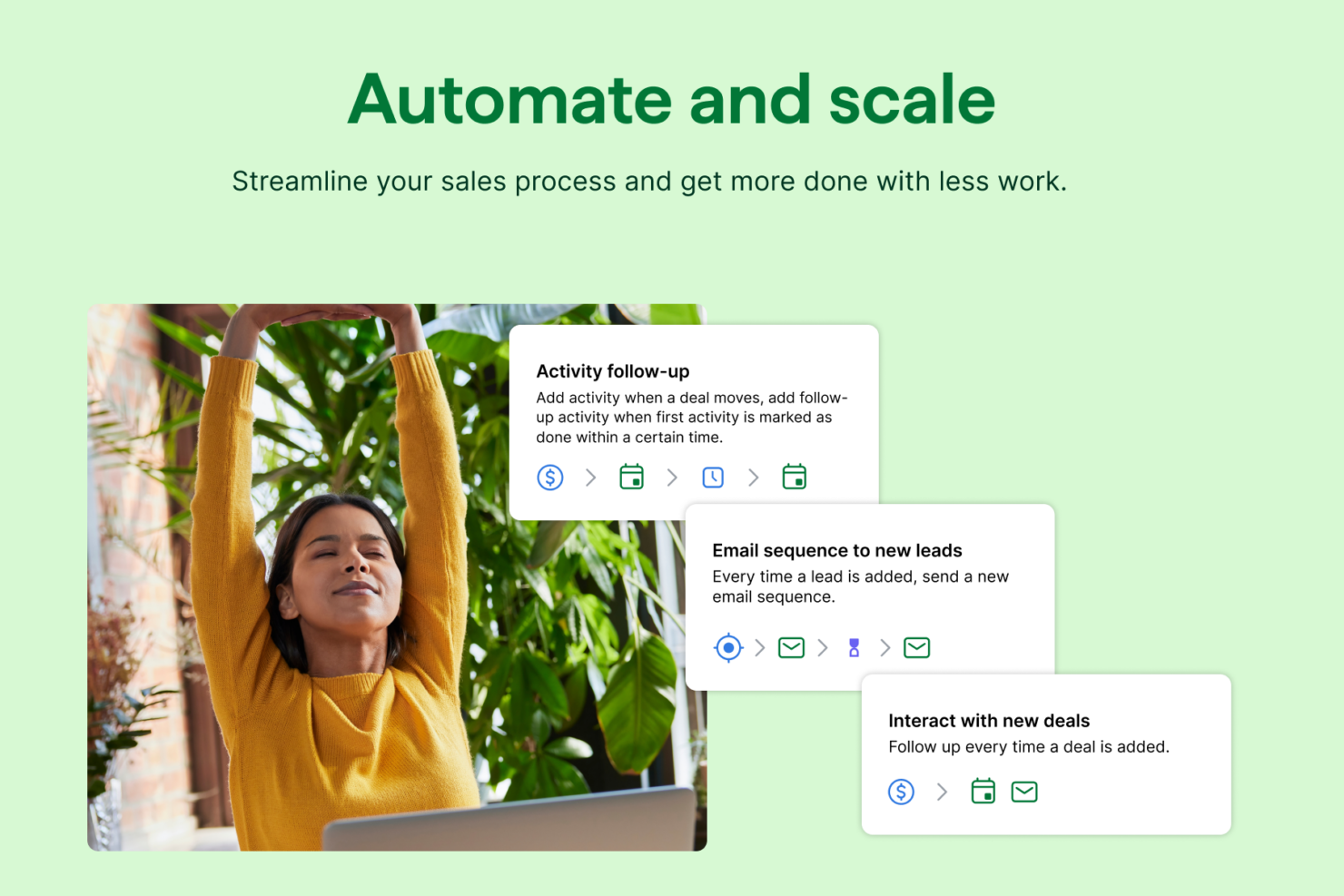
- Automated follow-up reminders help you stay on top of your sales tasks.
- You might need more advanced reporting features for detailed analytics.
- Limited email tracking could be a hurdle for teams heavily reliant on email campaigns.
- Few native options for generating new leads directly within the software.
Close CRM
- Built-in calling and SMS keep sales activity centralized.
- Automated follow-up sequences boost rep efficiency.
- Pipeline dashboard offers real-time visibility for teams.
- Reporting features are less advanced than some competitors.
- No built-in marketing automation for campaigns.
- Limited native mobile app compared to peers.
Best Use Cases for Pipedrive CRM and Close CRM
Pipedrive CRM
- Real Estate Pipedrive’s visual pipeline helps you track leads and manage client interactions effectively.
- Tech Startups You’ll benefit from its customization options that adapt to fast-changing sales processes.
- Consulting Firms The CRM’s automated reminders keep your team on schedule with client follow-ups.
- Small Businesses Its ease of use makes it accessible for teams without a dedicated IT department.
- Sales Departments You’ll find the focus on sales pipeline management boosts your team’s productivity.
- Freelancers The straightforward interface allows you to manage client relationships without complexity.
Close CRM
- Inside Sales Teams Close CRM’s calling tools, automatic logging, and sales pipeline make it ideal for teams relying on high-volume outreach.
- Startup SaaS Companies The quick onboarding, automation, and transparent pricing appeal to fast-growing tech startups needing fast go-to-market execution.
- Agencies Agencies managing multiple client pipelines benefit from simple lead management and customizable pipelines.
- Remote-First Teams Built-in calling, SMS, and real-time collaboration fit well for distributed sales teams working across locations.
- B2B Service Providers Track every deal stage and communication in one place, supporting service businesses that rely on diligent follow-ups.
- Founder-Led Sales Non-technical founders running outreach can ramp quickly with minimal setup and clear workflows.
Who Should Use Pipedrive, And Who Should Use Close CRM?
Pipedrive is best suited for small to mid-sized sales teams that want a simple, visual way to manage deals without getting bogged down in complexity. Its intuitive drag-and-drop pipeline and easy setup make it ideal for teams new to CRM software or those focused on straightforward deal tracking and relationship management. If your priority is clarity, ease of use, and quickly seeing where every deal stands, Pipedrive is the better fit.
Close CRM, on the other hand, is designed for fast-moving sales teams that rely heavily on outreach and communication to close deals. With built-in calling, SMS, and email sequences, it’s especially well-suited for inside sales teams, startups, and outbound-heavy organizations. If your workflow revolves around high-volume prospecting and constant follow-ups, Close CRM provides the tools to execute that efficiently without relying on external integrations.
Differences Between Pipedrive CRM and Close CRM
| Pipedrive CRM | Close CRM | |
|---|---|---|
| Automation | Workflow automation available on higher tiers. | Automation for emails, calls, and tasks is built-in. |
| Built-In Calling | Offers calling as an add-on feature. | Includes native calling and SMS in all plans. |
| Core Focus | Geared toward relationship management and deal progression. | Built for high-volume outbound sales and rapid follow-ups. |
| Pipeline Management | Visual, drag-and-drop pipelines for tracking deals. | List-based pipeline with focus on activity and communication. |
| Reporting | Offers visual reports and dashboards with custom metrics. | Provides activity-based reporting focused on calls, emails, and outreach performance. |
| Read Pipedrive CRM ReviewOpens new window | Read Close CRM ReviewOpens new window |
Similarities Between Pipedrive CRM and Close CRM
| Activity Tracking | Each platform lets you schedule, track, and manage tasks, calls, and follow-ups. |
|---|---|
| CRM Functions | Both manage contacts, track deals, and log activities, giving you a clear view of your sales pipeline. |
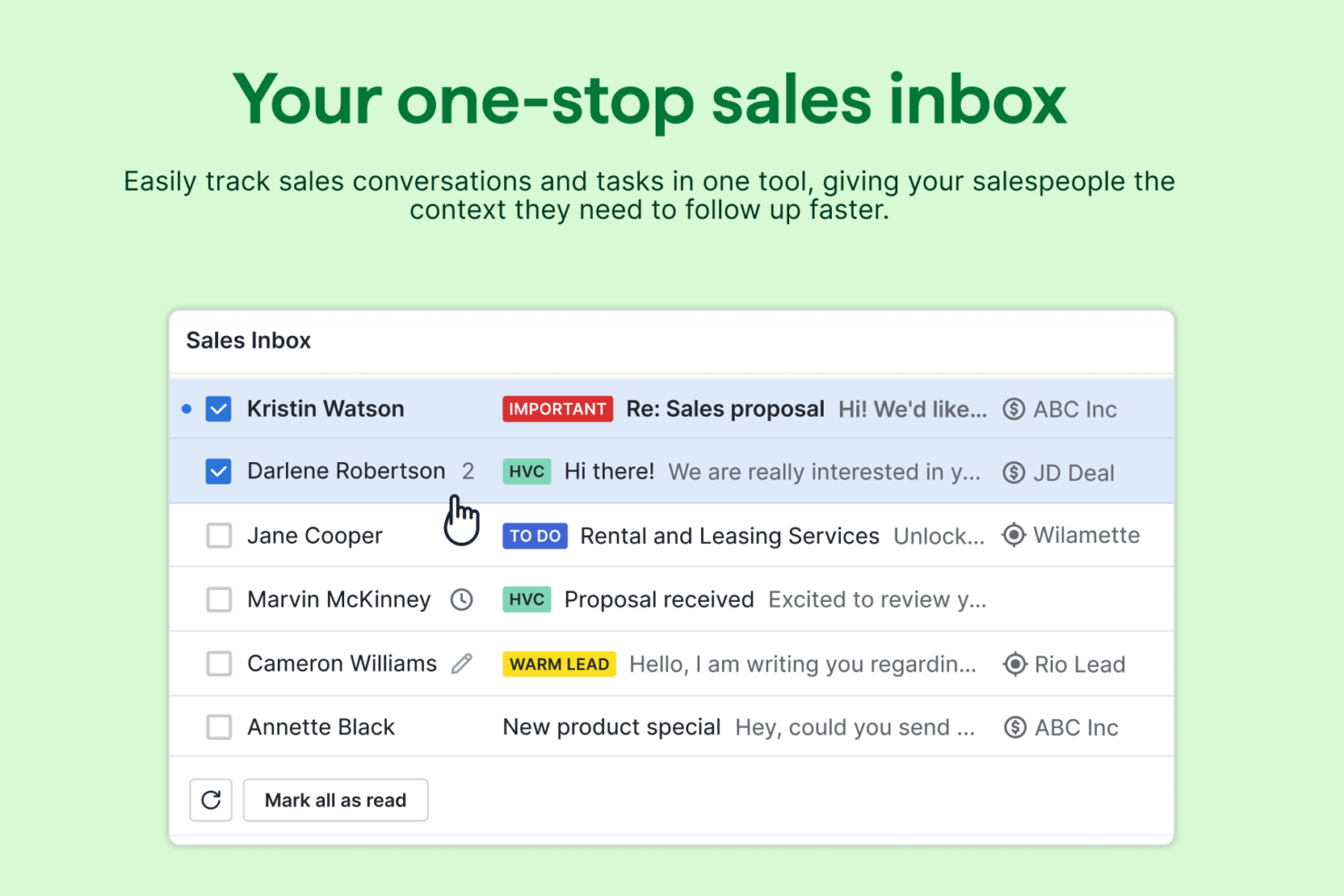
| Email Tracking | Both include email tracking features like opens, clicks, and activity history. |
| Integration Options | Each offers integrations with popular tools like Slack, Mailchimp, Google Workspace, and Zapier. |
| Mobile Access | Both provide mobile apps that let you manage leads and update deals on the go. |
| Read Pipedrive CRM ReviewOpens new window Read Close CRM ReviewOpens new window | |