


Nutshell Vs. Pipedrive CRM: Comparison & Expert Reviews for 2026
Get the inside scoop on how Nutshell and Pipedrive stack up—what sets them apart, where each shines, and which CRM could be your game-changer this 2026.

We review tools independently, and commissions help fund our testing. See our transparency policy, our methodology, or suggest a tool.
Nutshell
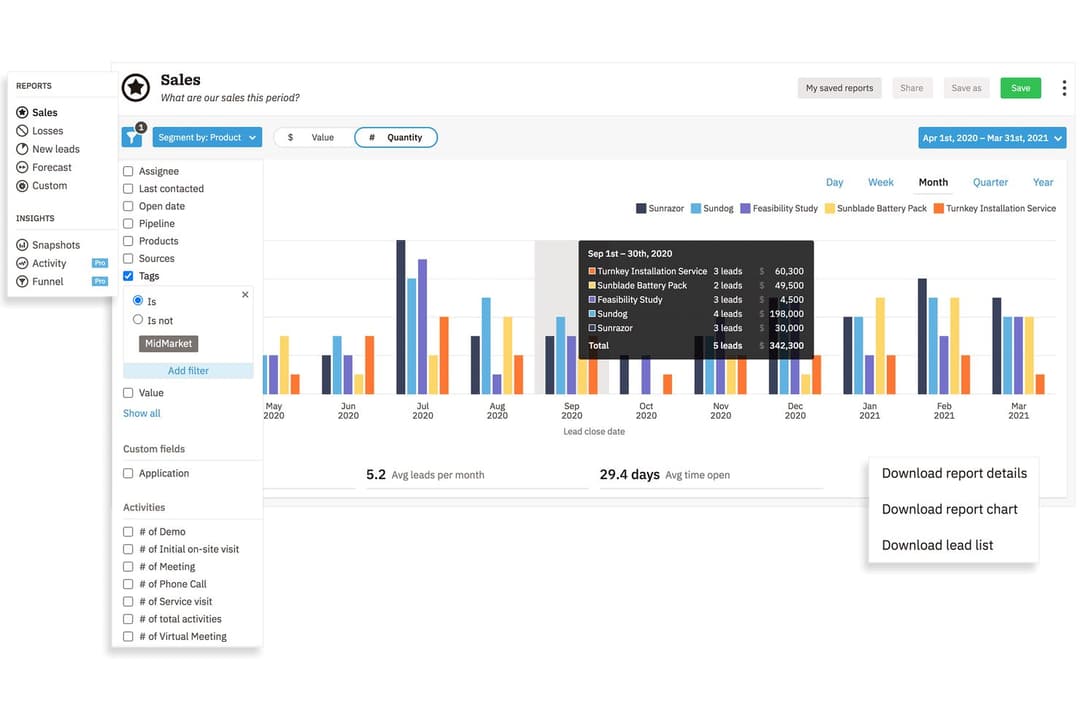
4.3/5
- 14-day free trial + free demo available
- From $13/user/month (billed annually)
Pipedrive CRM
4.5/5
- 14-day free trial
- From $14/user/month (billed annually)
Why Trust Our Software Recommendations
6,700+
Reviews
20
Industry experts
16+
Evaluation factors
14
Years
Our reviews reflect our independent judgment—not a sales pitch. Learn how we stay transparent.
For this guide, we evaluated tools using hands-on testing and independent research, scoring tools using our selection criteria.
Our reviews reflect our human editorial judgment, not a sales pitch.
| Nutshell | Pipedrive CRM | |
|---|---|---|
| Free Trial | 14-day free trial + free demo available | 14-day free trial |
| Pricing | From $13/user/month (billed annually) | From $14/user/month (billed annually) |
Nutshell Vs. Pipedrive CRM Pricing & Hidden Costs
Nutshell and Pipedrive CRM both offer subscription-based pricing with several tiers based on feature access and team size. While each platform keeps base plans straightforward, you’ll encounter extra charges for add-ons, advanced features, or increased user seats. Watch for potential costs tied to integrations or premium support, which can increase your monthly spend over time.
To pick the right vendor, dig into what’s actually included at each pricing tier and what counts as an add-on. Map your team’s specific needs—like workflow automations or reporting—against what you get at each level. It’s a good idea to factor in not just license costs, but charges for onboarding, data migration, and long-term scale. This way, you’ll avoid surprises and pick a CRM that fits your current needs and your growth plans.
| Nutshell | Pipedrive CRM | |
|---|---|---|
| 2-Factor Authentication | Yes | No |
| API | Yes | Yes |
| Calendar Management | Yes | Yes |
| Call Tracking | Yes | Yes |
| Campaign Management | Yes | No |
| Click-to-Dial | Yes | Yes |
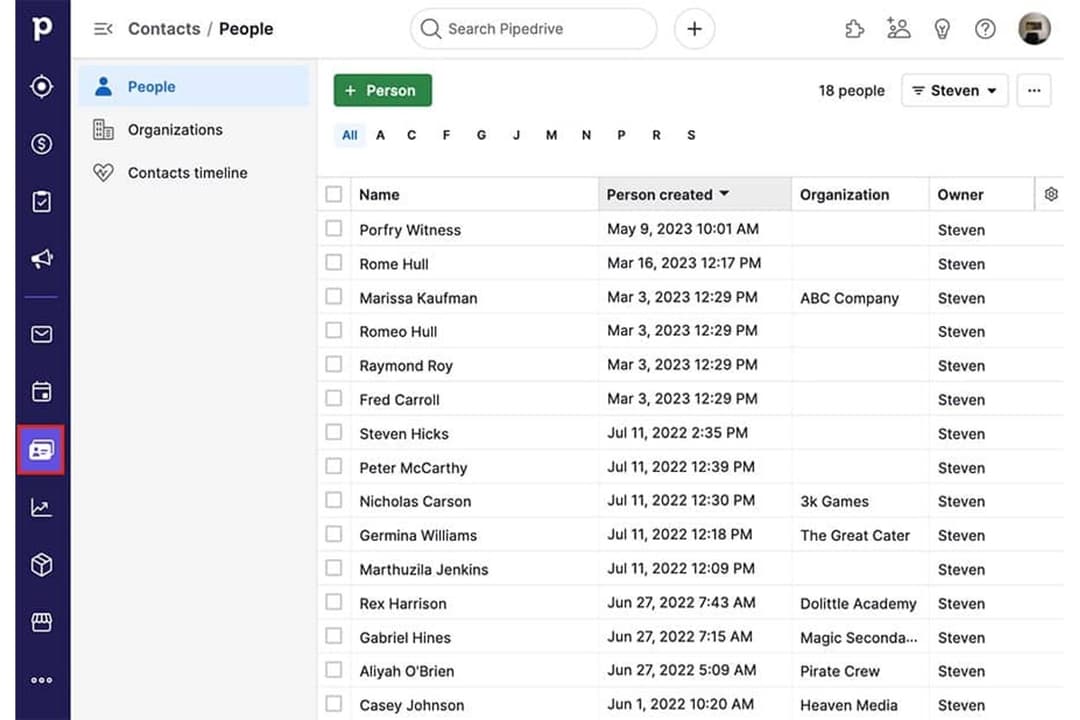
| Contact Management | Yes | Yes |
| Contact Sharing | Yes | Yes |
| Custom Data Forms | Yes | No |
| Customer Management | Yes | Yes |
| Dashboard | Yes | Yes |
| Data Export | Yes | Yes |
| Data Import | Yes | Yes |
| Data Visualization | Yes | Yes |
| Email Integration | Yes | Yes |
| External Integrations | Yes | Yes |
| File Sharing | Yes | Yes |
| File Transfer | Yes | Yes |
| Google Apps Integration | Yes | Yes |
| Lead Management | Yes | Yes |
| Lead Scoring | Yes | Yes |
| Marketing Automation | Yes | No |
| Mobile App | Yes | Yes |
| Multi-User | Yes | Yes |
| Notifications | Yes | Yes |
| Pipeline Management | Yes | Yes |
| Sales Automation | Yes | Yes |
| Scheduling | Yes | Yes |
| Social-Media Integration | Yes | No |
| Task Scheduling/Tracking | Yes | Yes |
| Third-Party Plugins/Add-Ons | Yes | Yes |
| Integration | Nutshell | Pipedrive CRM |
| Google Workspace | ✅ | ✅ |
| Microsoft 365 | ✅ | ✅ |
| Slack | ✅ | ✅ |
| Mailchimp | ✅ | ✅ |
| QuickBooks Online | ✅ | ❌ |
| Trello | ❌ | ✅ |
| PandaDoc | ✅ | ✅ |
| Xero | ❌ | ✅ |
| API | ✅ | ✅ |
| Zapier | ✅ | ✅ |
Both Nutshell and Pipedrive CRM cover the top integrations most teams rely on, like Google Workspace, Slack, Mailchimp, and Zapier. Pipedrive CRM pulls ahead with a broader range and more niche options, but with APIs and Zapier, either choice covers almost any workflow you’ll need.
| Factor | Nutshell | Pipedrive CRM |
| Data Encryption | Uses TLS 1.2 for in-transit encryption and AES-256 encryption at rest. | Uses TLS/SSL for data in transit and AES for data at rest. |
| Regulatory Compliance | Follows GDPR, PCI DSS, SOC 2 Type 1, and U.S. privacy laws with clear user controls. | Fully GDPR compliant with additional privacy controls. |
| Uptime Guarantee | Delivers high uptime but does not publicly list SLA. | Offers a 99.9% uptime SLA with status transparency. |
| Access Controls | Role-based permissions and two-factor authentication. | Custom roles, two-factor authentication, and audit logs. |
| Backup & Recovery | Daily backups with built-in disaster recovery. | Automated daily backups and robust data recovery. |
Nutshell offers broader built-in security and administrative controls, while Pipedrive CRM covers the core protections most teams expect. Both platforms are reliable, but Nutshell provides more flexibility for teams prioritizing stronger access management and account security features.
| Factor | Nutshell | Pipedrive CRM |
|---|---|---|
| FactorUser Interface | NutshellClean, straightforward dashboard with quick access to sales tools. | Pipedrive CRMIntuitive, visual pipeline layout with drag-and-drop deals. |
| FactorOnboarding | NutshellGuided onboarding tour and helpful in-app tutorials. | Pipedrive CRMStreamlined setup with personalized onboarding resources. |
| FactorCustomization | NutshellSimple custom fields and pipeline editing. | Pipedrive CRMHighly flexible pipeline and workflow customization. |
| FactorSupport Access | NutshellResponsive email and chat support during business hours. | Pipedrive CRM24/7 live chat and extensive self-serve resources. |
| FactorMobile Experience | NutshellFully featured mobile app for Android and iOS. | Pipedrive CRMHighly rated mobile apps with real-time sync. |
Pipedrive CRM stands out for its visual interface and faster adoption curve, but both platforms are easy to get started with—even for first-time CRM users. I’d say Nutshell keeps things simple for smaller teams, while Pipedrive CRM is great for users who want more customization and flexibility in their workflows.
Nutshell
- Sales automation workflows handle multi-step processes effectively
- Implementation and onboarding are streamlined for rapid deployment and adoption.
- Responsive support team resolves most issues promptly
- Nutshell isn’t as customizable as other enterprise solutions
- Marketing capabilities isn’t as robust as a dedicated marketing platform
- Limited native enterprise integrations
Pipedrive CRM
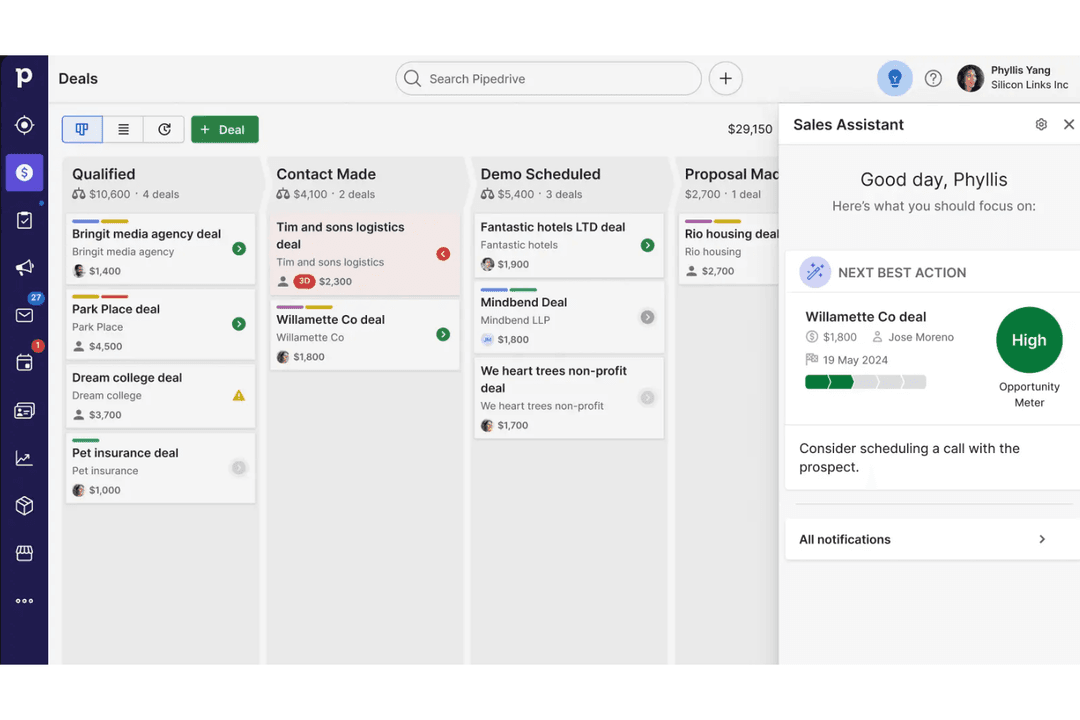
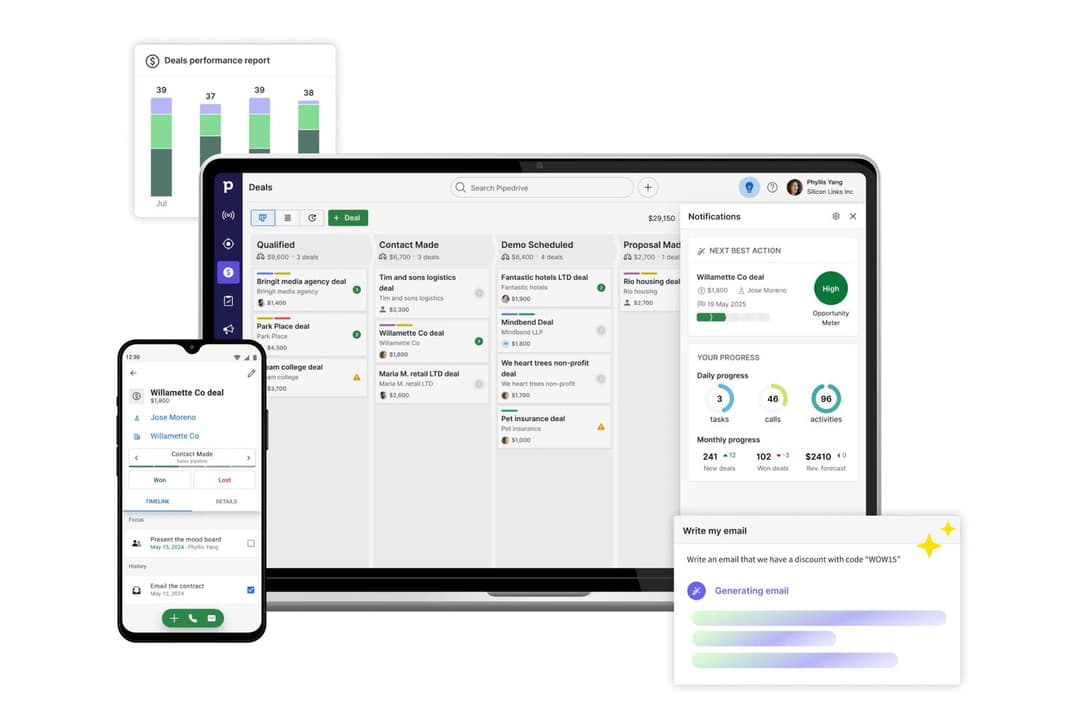
- You’ll find the visual sales pipeline easy to navigate and understand.
- The customization options let your team tailor the CRM to fit your workflow.
- Automated follow-up reminders help you stay on top of your sales tasks.
- You might need more advanced reporting features for detailed analytics.
- Limited email tracking could be a hurdle for teams heavily reliant on email campaigns.
- Few native options for generating new leads directly within the software.
Nutshell
- Small Sales TeamsSetup is fast, automation reduces manual work, and unlimited contacts keep costs predictable as you scale.
- B2B ServicesCustomizable pipelines and integrations with email and scheduling tools help manage leads from discovery through close.
- SaaS StartupsEasy-to-tweak workflows and email campaign features fit short sales cycles and lean teams.
- AgenciesPipeline views, contact segmentation, and shared activity histories help handle multiple client accounts.
- Distributed TeamsCloud access, mobile app, and straightforward collaboration features suit remote and hybrid work cultures.
- NonprofitsSimple donor management, bulk emailing, and custom fields support relationship-building without CRM complexity.
Pipedrive CRM
- Real EstatePipedrive’s visual pipeline helps you track leads and manage client interactions effectively.
- Tech StartupsYou’ll benefit from its customization options that adapt to fast-changing sales processes.
- Consulting FirmsThe CRM’s automated reminders keep your team on schedule with client follow-ups.
- Small BusinessesIts ease of use makes it accessible for teams without a dedicated IT department.
- Sales DepartmentsYou’ll find the focus on sales pipeline management boosts your team’s productivity.
- FreelancersThe straightforward interface allows you to manage client relationships without complexity.
Who Should Use Nutshell, And Who Should Use Pipedrive CRM?
Nutshell is a fit for SMBs and growing sales teams who want a straightforward tool with rapid onboarding and robust, all-in-one functionality. If your team values simplicity, easy setup, and predictable pricing, you’ll likely appreciate Nutshell’s no-nonsense approach. Pipedrive CRM is better for teams needing flexible pipelines, a wide range of integrations, and deeper customization—especially in industries with more complex or fast-changing sales processes. I’d recommend Pipedrive CRM for scaling revenue teams who expect their CRM to adapt as workflows and business needs grow.
| Nutshell | Pipedrive CRM | |
|---|---|---|
| Communication Tools | Nutshell Built-in Engagement Suite allows you to connect with customers and leads at every touch point. | Pipedrive CRM Limited built-in and engagement tools. |
| Email Marketing | Nutshell Built-in email marketing and campaign tools included. | Pipedrive CRM No built-in email marketing; relies on integrations. |
| Integration Depth | Nutshell Covers core integrations, fewer advanced options. | Pipedrive CRM Wider selection of integrations. |
| Pipeline Flexibility | Nutshell Fewer customization options for pipeline stages. | Pipedrive CRM Highly customizable pipelines for multiple sales flows. |
| Contact Management | Both provide a unified space to organize, segment, and track contacts and communication history. |
|---|---|
| Deal Tracking | Each lets teams build and follow sales pipelines, moving deals through custom stages to close sales. |
| Mobile Access | Each offers a well-rated mobile app for managing sales, contacts, and deals on the go. |
| Reporting & Analytics | Both dashboards surface sales activity, deal progress, and pipeline insights to help teams improve. |
| Task Automation | Both automate repetitive follow-up and workflow tasks, reducing manual work and saving time. |