


HubSpot vs. Monday CRM: Expert Comparison For 2026


HubSpot provides a robust platform for scaling your customer engagement and sales efforts. monday CRM offers a flexible solution for managing your team's interactions and workflows. While both tools aim to enhance your CRM capabilities, they differ in customization options and scalability.
In this article, you'll find a detailed comparison of the tools and their features, pros and cons, pricing, and more to help you choose the best CRM software for your needs.
HubSpot CRM vs. monday CRM: An Overview
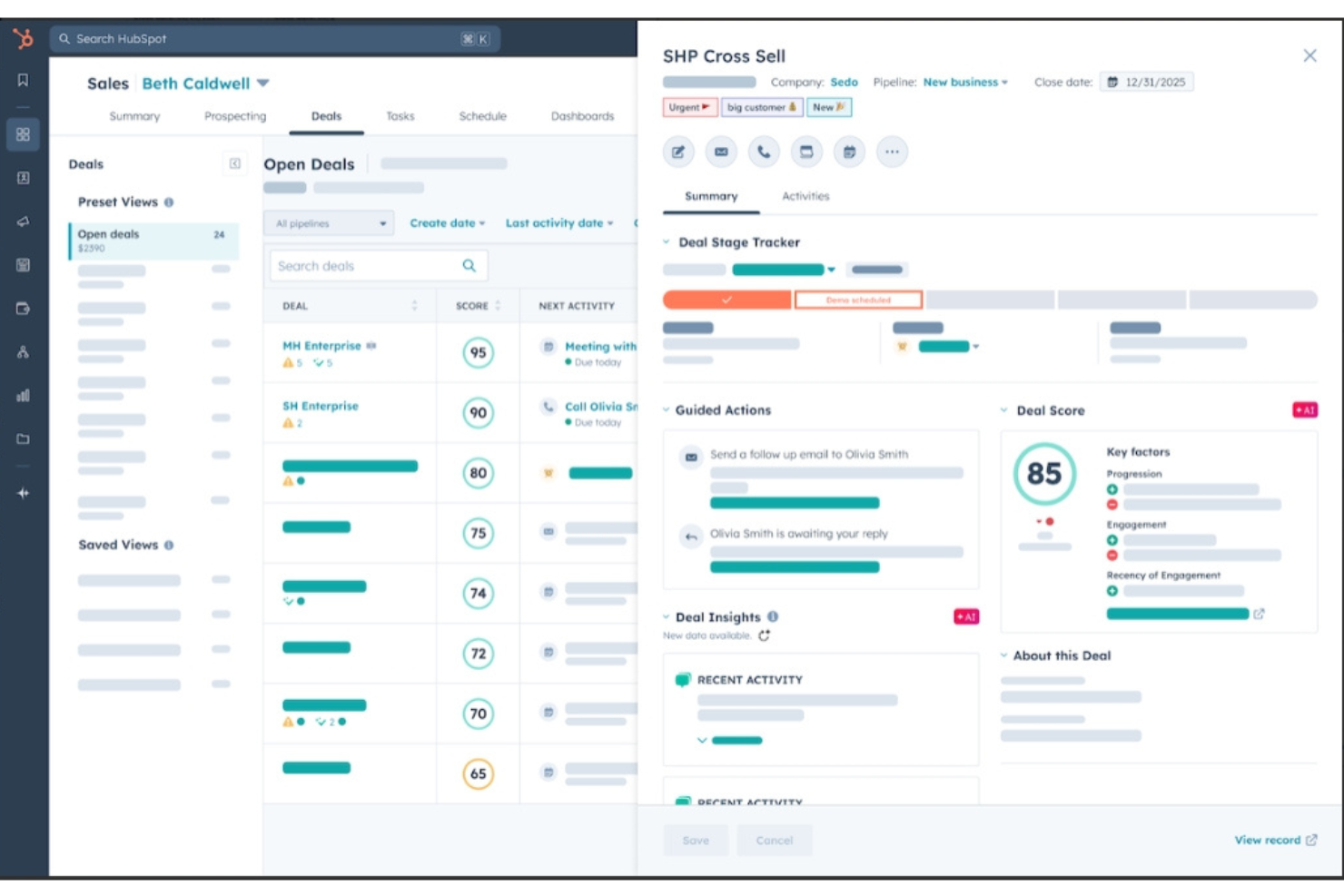
HubSpot CRM
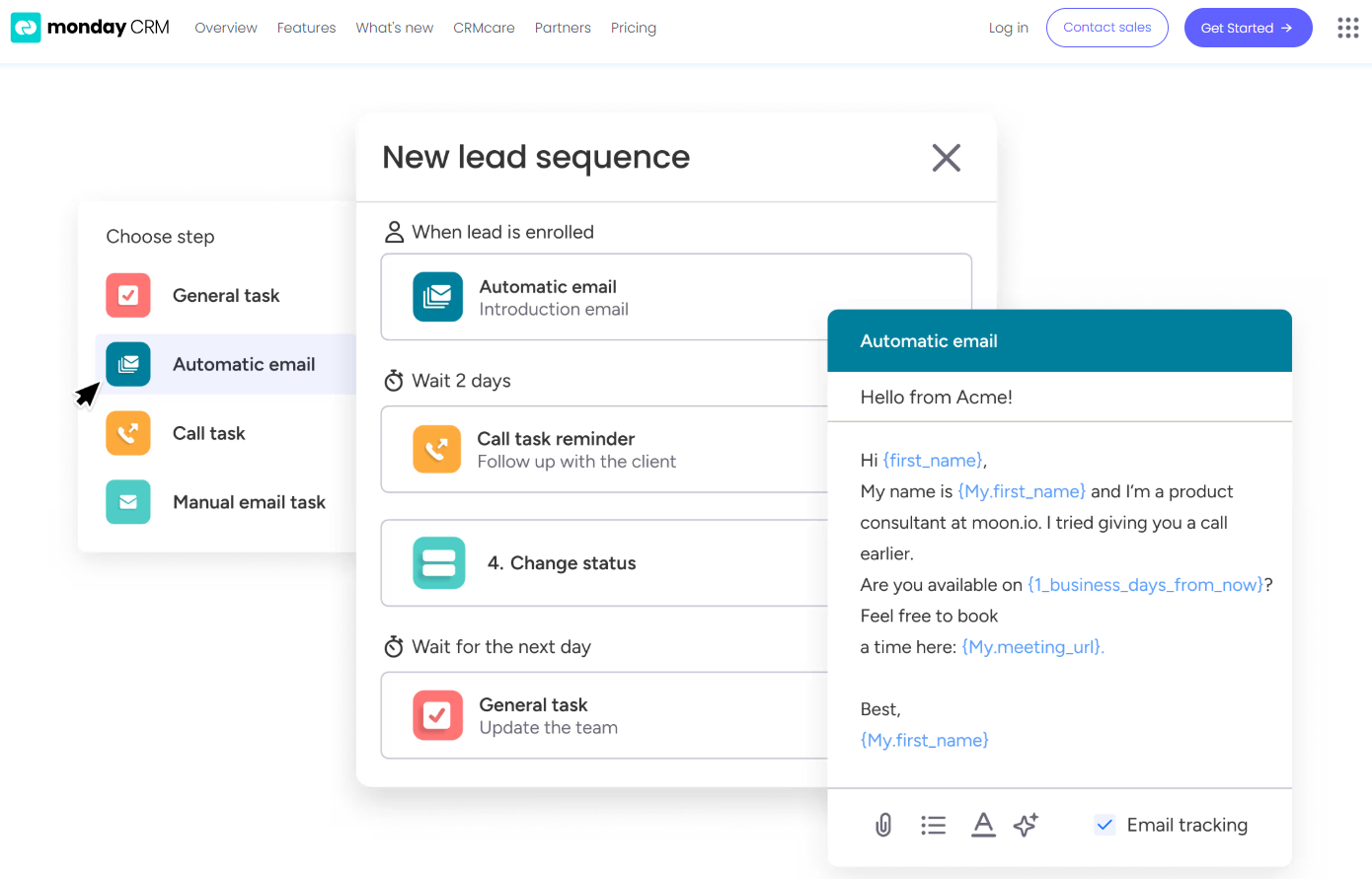
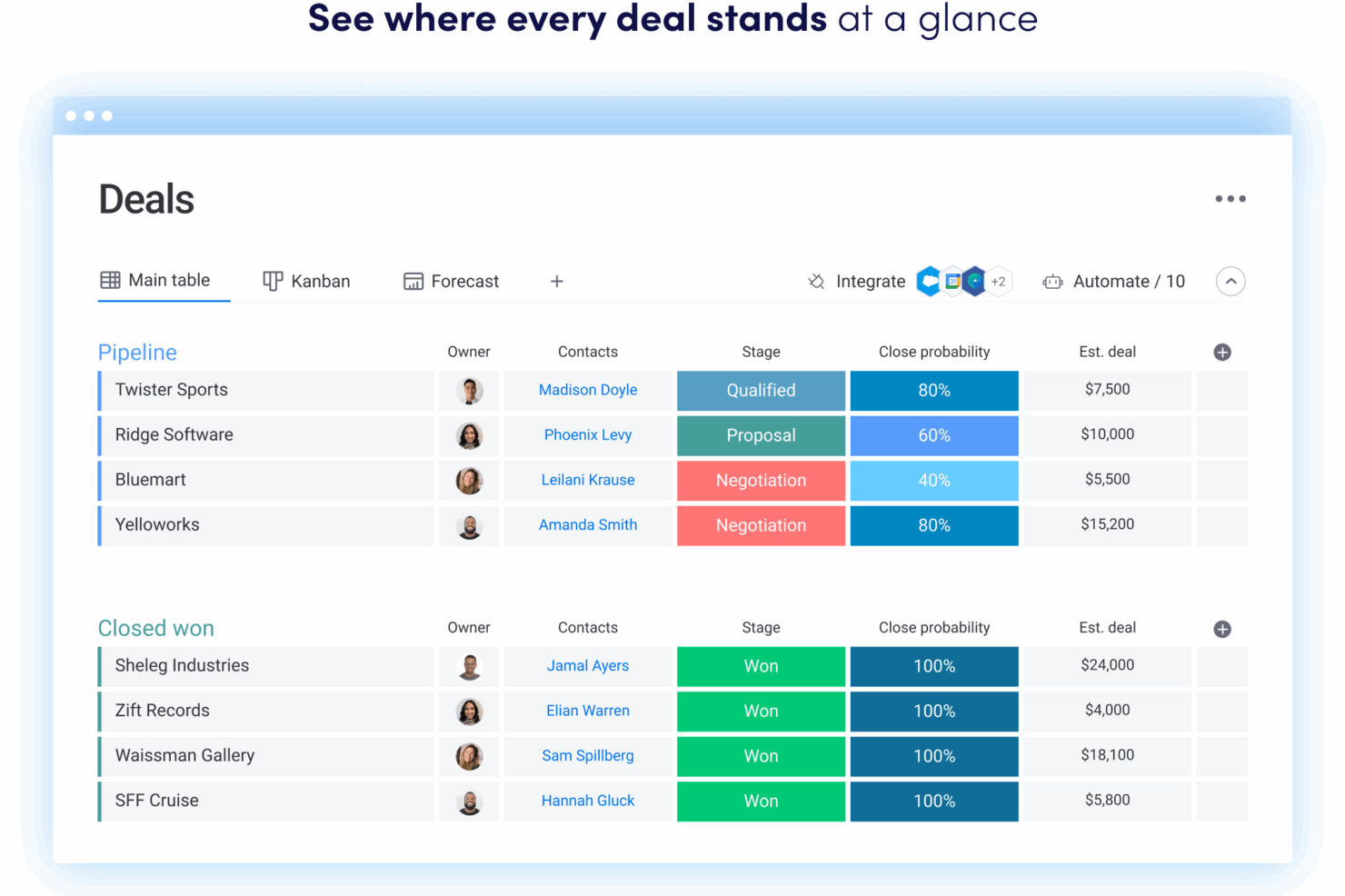
monday CRM

Why Trust Our Software Reviews
We’ve been testing and reviewing RevOps software since 2022. As RevOps leaders ourselves, we know how critical and difficult it is to make the right decision when selecting software.
We invest in deep research to help our audience make better software purchasing decisions. We’ve tested more than 2,000 tools for different RevOps use cases and written over 1,000 comprehensive software reviews. Learn how we stay transparent & our software review methodology.
HubSpot CRM vs. monday CRM Pricing Comparison
| HubSpot CRM | monday CRM | |
|---|---|---|
| Free Trial | Free demo available | Free trial available |
| Pricing | Pricing upon request | From $12/user/month (billed annually) |
HubSpot vs. monday CRM Pricing & Hidden Costs
HubSpot pricing follows a freemium model with tiered plans, where additional expenses may arise from premium features and add-ons that enhance functionality.
monday CRM pricing is based on a tiered subscription model, with costs varying depending on the number of users and features you choose, and you might encounter extra fees for advanced integrations.
To choose the right tool for your needs, evaluate your team's size, feature requirements, and integration needs, and consider using free trials or demos to see which pricing structure aligns best with your operational goals.
HubSpot CRM vs. monday CRM Feature Comparison
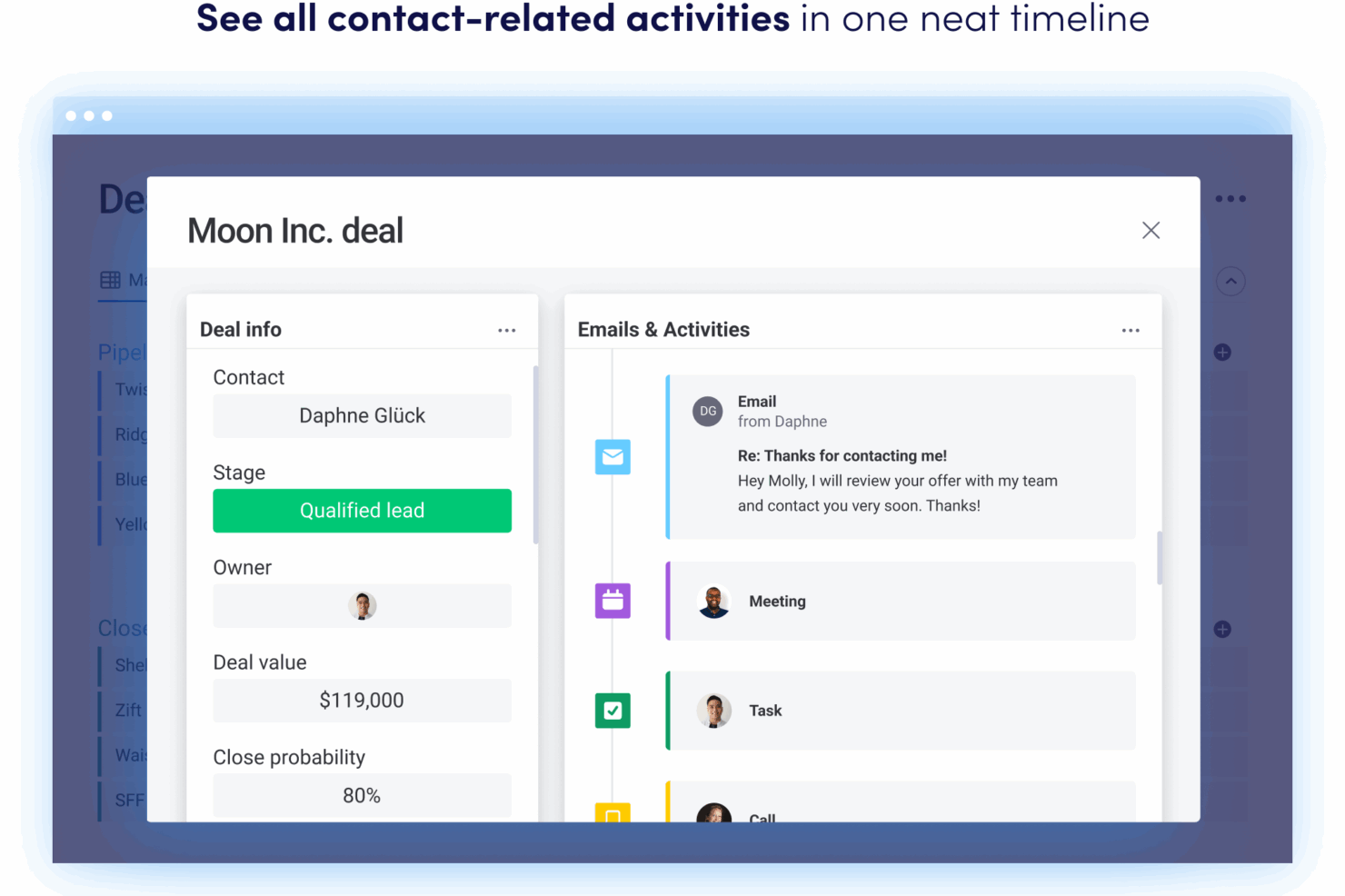
With monday CRM’s integrations, you can easily connect your tools to streamline workflows, which is invaluable for a revenue operations analyst handling multiple data sources. HubSpot’s contact management feature is great for centralizing customer interactions, offering a comprehensive view that aids in strategic planning.
While monday CRM excels in integration flexibility, HubSpot provides a holistic customer interaction platform, each serving distinct operational needs.
| HubSpot CRM | monday CRM | |
|---|---|---|
| 2-Factor Authentication | ||
| API | ||
| Calendar Management | ||
| Call Tracking | ||
| Campaign Management | ||
| Click-to-Dial | ||
| Contact Management | ||
| Contact Sharing | ||
| Custom Data Forms | ||
| Customer Management | ||
| Dashboard | ||
| Data Export | ||
| Data Import | ||
| Data Visualization | ||
| Email Integration | ||
| External Integrations | ||
| File Sharing | ||
| File Transfer | ||
| Google Apps Integration | ||
| Lead Management | ||
| Lead Scoring | ||
| Marketing Automation | ||
| Mobile App | ||
| Multi-User | ||
| Notifications | ||
| Pipeline Management | ||
| Sales Automation | ||
| Scheduling | ||
| Social-Media Integration | ||
| Task Scheduling/Tracking | ||
| Third-Party Plugins/Add-Ons |
HubSpot vs. monday CRM Integrations
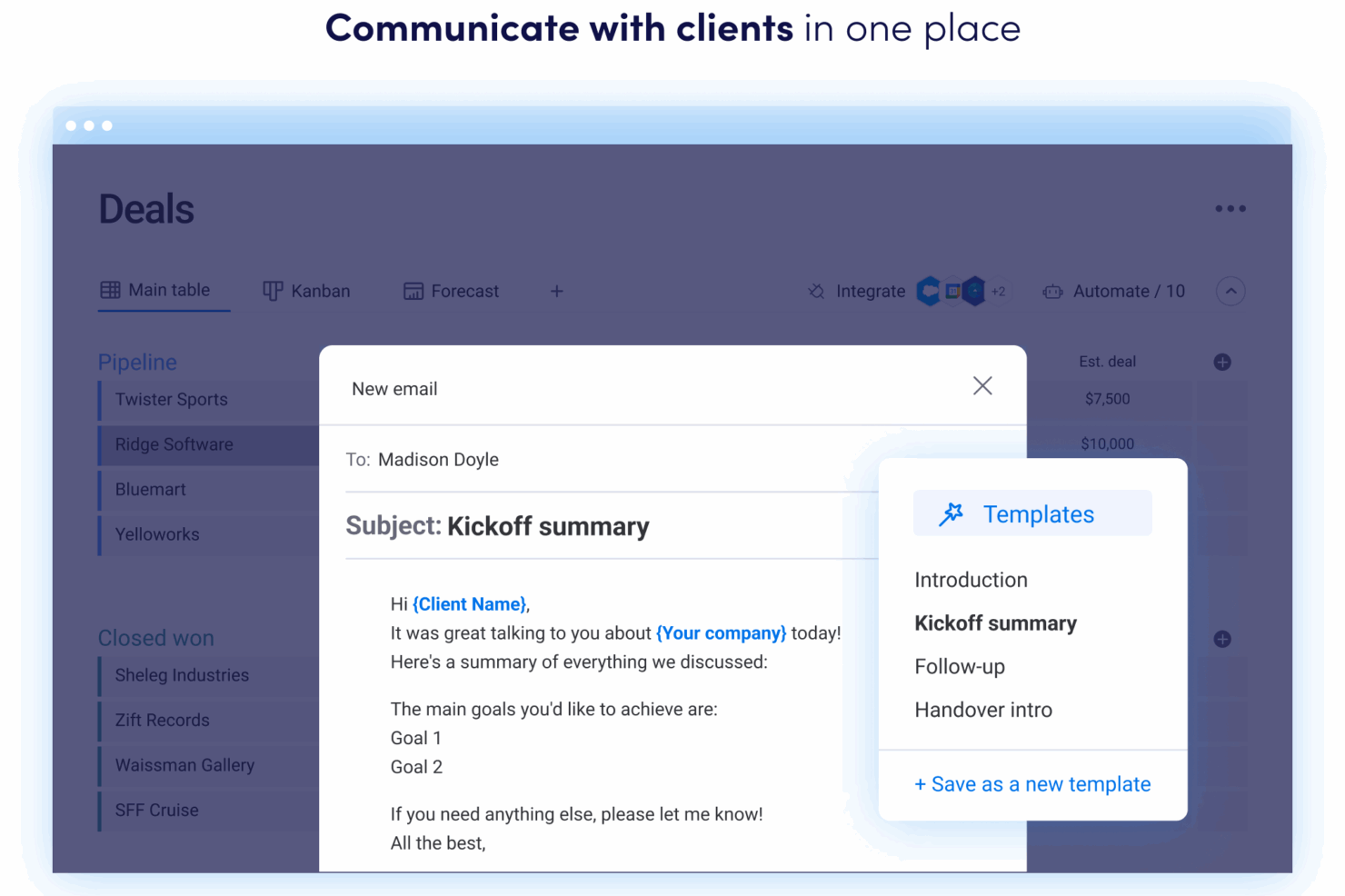
HubSpot's integration with Shopify is great for e-commerce businesses that need to sync customer data seamlessly. monday CRM's integration with LinkedIn lets you automate posting tasks, which is perfect for keeping a consistent presence without manual effort.
While monday CRM focuses on workflow automation, HubSpot excels in connecting sales and marketing platforms.
| Integration | HubSpot | monday CRM |
|---|---|---|
| ❌ | ✅ | |
| Miro | ❌ | ✅ |
| Salesforce | ✅ | ✅ |
| Slack | ✅ | ✅ |
| Google Suite | ✅ | ✅ |
| Microsoft Teams | ✅ | ✅ |
| QuickBooks | ✅ | ❌ |
| Shopify | ✅ | ❌ |
| API | ✅ | ✅ |
| Zapier | ✅ | ✅ |
HubSpot vs. monday CRM Security, Compliance & Reliability
HubSpot and monday CRM both offer robust security and compliance measures, but HubSpot's slightly higher uptime could be more reliable for critical operations. To evaluate these features, a revenue operations analyst should review each tool's compliance certifications, encryption standards, and uptime guarantees to ensure they align with your organization's security policies.
| Factor | HubSpot | monday CRM |
|---|---|---|
| Data Privacy | HubSpot provides GDPR and CCPA compliance with data access controls. | monday CRM offers GDPR compliance with customizable privacy settings. |
| Encryption | HubSpot employs TLS encryption to secure data during transmission. | monday CRM uses AES-256 encryption for data at rest and in transit. |
| Uptime | HubSpot ensures reliability with a 99.95% uptime SLA. | monday CRM guarantees 99.9% uptime with regular system monitoring. |
HubSpot vs. monday CRM Ease of Use
HubSpot excels in providing a straightforward navigation experience, though its comprehensive setup might take longer to complete. monday CRM is great for its vibrant interface and quick setup, but you might find its customization options a bit overwhelming at first.
| Factor | HubSpot | monday CRM |
|---|---|---|
| User Interface | HubSpot offers a clean, organized dashboard that's easy to navigate. | monday CRM features a colorful, customizable interface that's intuitive. |
| Onboarding Experience | HubSpot offers a comprehensive onboarding process with guided setup. | monday CRM provides interactive tutorials to get you started quickly. |
| Support | HubSpot provides extensive support with a knowledge base, community, and HubSpot courses to help you level up. | monday CRM offers 24/7 support through chat and email. |
HubSpot CRM vs monday CRM: Pros & Cons
HubSpot CRM
- Fast onboarding with helpful templates and guides.
- AI features for reporting, forecasting, and content generation.
- Built-in marketing automation and sales tools in one platform.
- Pricing increases quickly as you add premium features.
- Workflow automation can be restrictive for complex processes.
- Advanced reporting features require higher-tier plans.
monday CRM
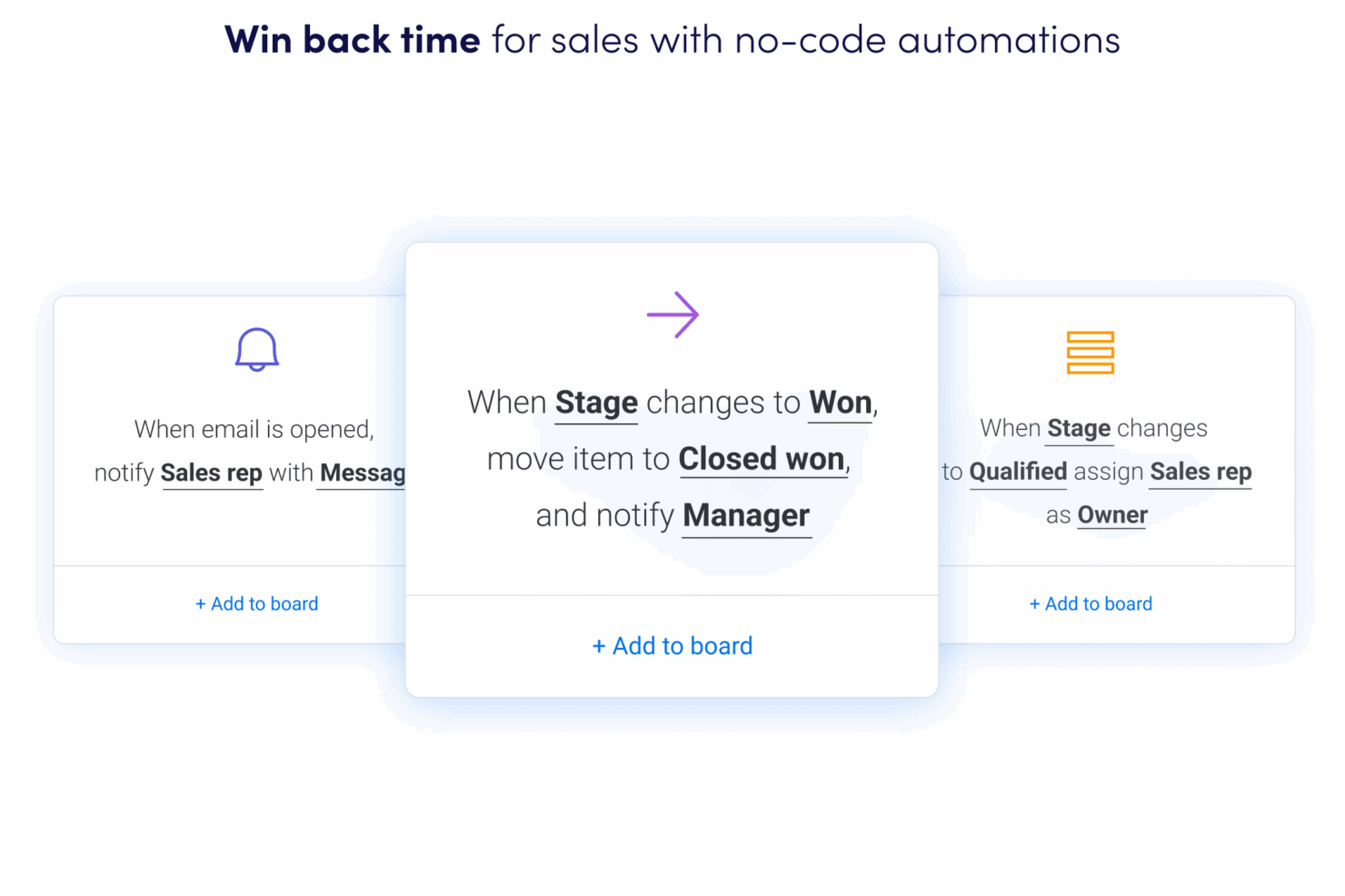
- You can easily create automations without any coding.
- Its integrated proofing feature lets you add comments to files.
- You can create forms that live within your project as a view.
- The Gantt view isn't useful for building projects.
- Subtask columns don't replicate task structure, needing extra customization.
- Training videos use the old UI, which can confuse new users.
Best Use Cases for HubSpot CRM and monday CRM
HubSpot CRM
- SaaS Startups HubSpot’s automation and lead tracking help SaaS teams scale quickly.
- Marketing Agencies The platform’s campaign management and client reporting tools are built-in.
- B2B Sales Teams Pipeline management and deal tracking are easy to set up and use.
- Small Businesses Templates and guided onboarding reduce the need for technical resources.
- Customer Success Teams Shared inboxes and ticketing streamline support and follow-up.
- Nonprofits Free and low-cost plans offer core CRM features for limited budgets.
monday CRM
- Tech Startups monday sales CRM is perfect for tech startups needing agile workflows and automation.
- Marketing Agencies Your agency will benefit from its collaborative tools and proofing features for client work.
- Small Businesses If you’re a small business, you’ll find its ease of use and customization options invaluable.
- Project Managers You can streamline tasks and track progress easily with monday sales CRM’s visual tools.
- Sales Teams It helps your team manage leads and sales pipelines with integrated tracking features.
- Creative Teams Your team can collaborate effectively using its integrated comments and file sharing.
Who Should Use HubSpot, and Who Should Use monday CRM?
In my opinion, HubSpot is best suited for businesses focused on scaling their sales and marketing efforts, especially those in the tech or e-commerce sectors. If your team needs a comprehensive tool that seamlessly integrates marketing and sales, HubSpot is the way to go.
On the other hand, monday CRM is perfect for teams that thrive on customization and need to manage complex workflows across various industries. It's a great fit for creative teams or startups that value flexibility and visual project management.
Differences Between HubSpot CRM and monday CRM
| HubSpot CRM | monday CRM | |
|---|---|---|
| Automation | HubSpot excels in marketing and sales automation. | monday CRM supports workflow automation through integrations. |
| Integrations | HubSpot emphasizes integrations with e-commerce like Shopify. | monday CRM focuses on tool integrations like LinkedIn and Miro. |
| Onboarding | HubSpot offers a comprehensive onboarding with guided setup. | monday CRM provides interactive tutorials for a quick start. |
| Pricing Model | HubSpot uses a freemium model with add-ons for advanced features. | monday CRM offers tiered plans based on users and features. |
| User Interface | HubSpot features a clean, organized dashboard. | monday CRM has a colorful, customizable interface. |
| Read HubSpot CRM ReviewOpens new window | Read monday CRM ReviewOpens new window |
Similarities Between HubSpot CRM and monday CRM
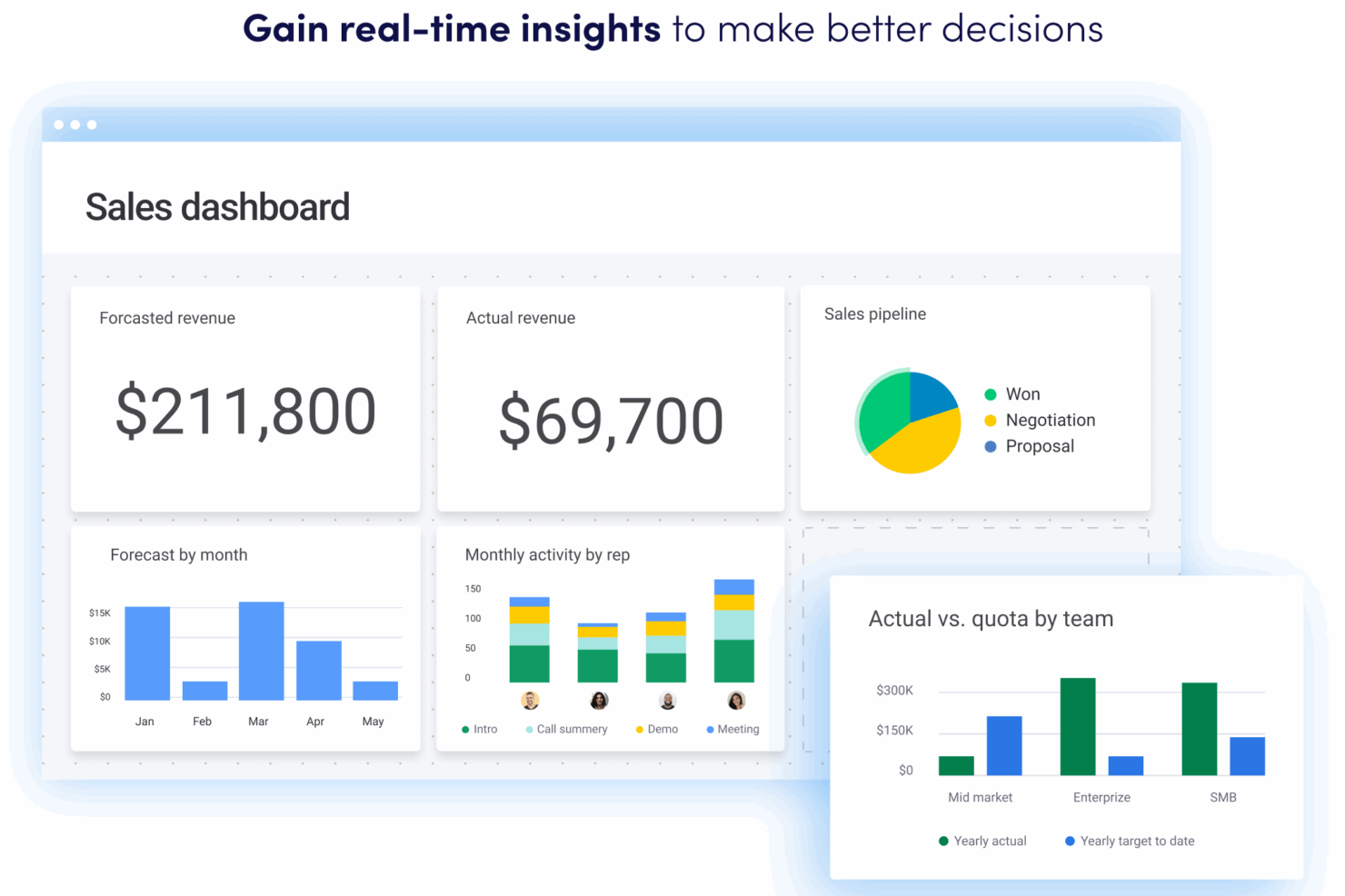
| Customizable Dashboards | Both monday CRM and HubSpot let you tailor dashboards to fit your team's needs, offering visual customization options. |
|---|---|
| Data Security | monday CRM and HubSpot both prioritize data security with strong encryption and compliance measures like GDPR. |
| Integration Options | Both tools support integrations with popular apps like Slack and Google Suite, helping you connect your existing tools. |
| Scalability | Both solutions are scalable, catering to small teams and growing businesses, with features that expand with your needs. |
| User Support | Each platform provides extensive user support through resources and communities, ensuring you get help when needed. |
| Read HubSpot CRM ReviewOpens new window Read monday CRM ReviewOpens new window | |