


Creatio CRM Vs. Microsoft Dynamics 365: In-Depth Comparison & Reviews For 2026
Creatio CRM and Microsoft Dynamics 365 both support complex revenue operations, but they differ in their approaches to AI, customization, and automation. See which CRM better fits your workflows and growth plans.

We review tools independently, and commissions help fund our testing. See our transparency policy, our methodology, or suggest a tool.
As customer data, sales activity, and service workflows spread across teams, your CRM software needs to do more than organize contacts. In practice, teams also need automation, visibility, and enough flexibility to adapt processes as business needs change.
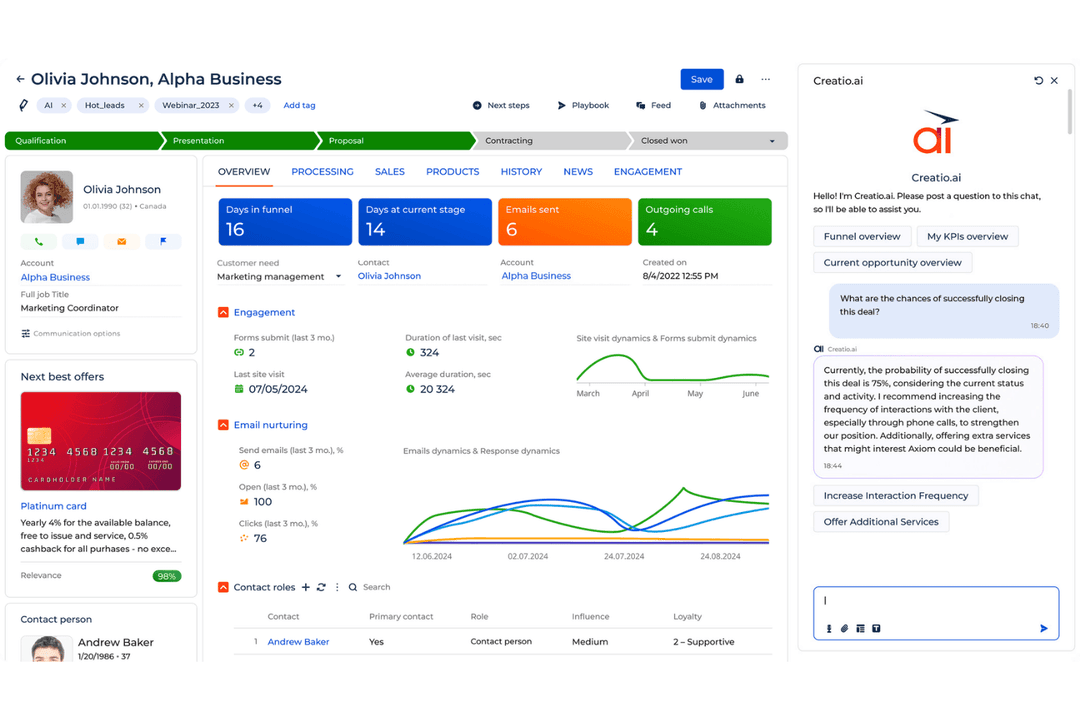
Creatio CRM brings sales, marketing, service, no-code customization, and AI-driven workflow automation into one CRM platform. Meanwhile, Microsoft Dynamics 365 combines CRM capabilities with Microsoft’s business applications and ecosystem.
In this comparison, I look at features, pricing, security, integrations, ease of use, and real-world CRM needs to help you decide which platform fits your team.
Creatio CRM
4.7/5
- Free demo available
- From $40/user/month (billed annually)
Microsoft Dynamics 365
4.6/5
- Free trial available
- From $65/user/month (billed annually)
Why Trust Our Software Recommendations
6,700+
Reviews
20
Industry experts
16+
Evaluation factors
14
Years
Our reviews reflect our independent judgment—not a sales pitch. Learn how we stay transparent.
For this guide, we evaluated tools using hands-on testing and independent research, scoring tools using our selection criteria.
Our reviews reflect our human editorial judgment, not a sales pitch.
| Creatio CRM | Microsoft Dynamics 365 | |
|---|---|---|
| Free Trial | Free demo available | Free trial available |
| Pricing | From $40/user/month (billed annually) | From $65/user/month (billed annually) |
Creatio CRM vs. Microsoft Dynamics 365 Pricing & Hidden Costs
Creatio CRM uses modular per-user pricing, with sales, marketing, and service capabilities added to the core Creatio platform as needed. Costs can increase with higher AI consumption, implementation, integrations, storage, and professional services. Meanwhile, Microsoft Dynamics 365 prices its CRM and business applications separately, so organizations using Sales, Customer Insights, Customer Service, or other Dynamics apps may need multiple licenses alongside implementation, storage, and partner services.
The real pricing question is how many CRM functions and supporting services your rollout will eventually require. Creatio may suit organizations that want to build around one configurable CRM platform, while Dynamics 365 requires closer attention to the combination of apps, licenses, and supporting Microsoft services your rollout depends on.
| Creatio CRM | Microsoft Dynamics 365 | |
|---|---|---|
| API | Yes | Yes |
| Calendar Management | Yes | Yes |
| Customer Management | Yes | Yes |
| Dashboard | Yes | Yes |
| Data Export | Yes | Yes |
| Data Import | Yes | Yes |
| Data Visualization | Yes | Yes |
| External Integrations | Yes | Yes |
| Multi-User | Yes | Yes |
| Notifications | Yes | Yes |
| Scheduling | Yes | Yes |
| Task Scheduling/Tracking | Yes | Yes |
| Third-Party Plugins/Add-Ons | Yes | Yes |
| Integration | Creatio CRM | Microsoft Dynamics 365 |
|---|---|---|
| IntegrationOutlook | Creatio CRM✅ | Microsoft Dynamics 365✅ |
| IntegrationGmail | Creatio CRM✅ | Microsoft Dynamics 365✅ |
| IntegrationMicrosoft Teams | Creatio CRM✅ | Microsoft Dynamics 365✅ |
| IntegrationLinkedIn | Creatio CRM✅ | Microsoft Dynamics 365✅ |
| IntegrationSalesforce | Creatio CRM✅ | Microsoft Dynamics 365✅ |
| IntegrationSlack | Creatio CRM✅ | Microsoft Dynamics 365✅ |
| IntegrationQuickBooks | Creatio CRM✅ | Microsoft Dynamics 365✅ |
| IntegrationPower BI | Creatio CRM✅ | Microsoft Dynamics 365✅ |
| IntegrationMailchimp | Creatio CRM✅ | Microsoft Dynamics 365✅ |
| IntegrationAPI | Creatio CRM✅ | Microsoft Dynamics 365✅ |
| IntegrationZapier | Creatio CRM✅ | Microsoft Dynamics 365✅ |
Both Creatio CRM and Microsoft Dynamics 365 support broad integration ecosystems through native connections, APIs, and third-party connectors. Creatio CRM emphasizes flexible connectivity across CRM, workflow automation, and external business systems, while Microsoft Dynamics 365 fits especially well within the Microsoft stack and can extend further through Power Platform and partner integrations. Overall, Creatio offers more flexibility across mixed technology environments, while Dynamics 365 is a natural fit for organizations already standardized on Microsoft tools.
| Factor | Creatio CRM | Microsoft Dynamics 365 |
|---|---|---|
| FactorData Encryption | Creatio CRMUses encryption, secure hosting, audit logging, and data management controls across cloud and on-premises deployments. | Microsoft Dynamics 365Encrypts customer data at rest and in transit across Microsoft’s cloud infrastructure. |
| FactorRegulatory Compliance | Creatio CRMMaintains SOC 2 Type II and ISO/IEC 27001 certifications, with controls supporting GDPR compliance and regulated data handling. | Microsoft Dynamics 365Supports major global frameworks, including GDPR, SOC, ISO, and industry-specific compliance requirements. |
| FactorUser Access Control | Creatio CRMSupports native authentication, SAML 2.0 SSO, MFA, and granular RBAC at the object, record, and operation levels. | Microsoft Dynamics 365Uses Microsoft Entra ID, role-based security, and granular permissions across Dynamics applications. |
| FactorReliability | Creatio CRMProvides enterprise-grade cloud SLAs, multiple deployment regions across AWS and Azure, and an on-premises option for added deployment control. | Microsoft Dynamics 365Runs on Microsoft cloud infrastructure with enterprise SLAs and resilience controls. |
| FactorAudit & Governance | Creatio CRMLogs administrative and data operations for traceability, with governance policies and controls supporting monitoring and compliance. | Microsoft Dynamics 365Provides auditing, monitoring, and administrative governance across Dynamics 365. |
Overall, Creatio CRM puts more emphasis on granular permissions, auditability, flexible deployment, and control over how customer data is managed across workflows. Meanwhile, Microsoft Dynamics 365 builds on Microsoft’s cloud security and compliance framework. Ultimately, both are well suited to enterprise CRM environments, but their governance and deployment approaches differ.
| Factor | Creatio CRM | Microsoft Dynamics 365 |
|---|---|---|
| FactorUser Interface | Creatio CRMConfigurable interface with visual tools for adjusting dashboards, pages, and workflows. | Microsoft Dynamics 365Offers a feature-rich interface organized around Microsoft’s CRM applications and processes. |
| FactorSetup Experience | Creatio CRMSupports guided implementation, process configuration, templates, and no-code tools for adapting the CRM to business requirements. | Microsoft Dynamics 365Configuration can involve multiple applications, settings, and administrative tools depending on the deployment. |
| FactorLearning Curve | Creatio CRMVisual builders and Creatio Academy resources make core configuration accessible, although complex enterprise setups still require expertise. | Microsoft Dynamics 365Familiarity with the Microsoft ecosystem can help, while advanced CRM configuration may require dedicated training. |
| FactorCustomization | Creatio CRMNo-code tools let business teams configure workflows, data models, and CRM experiences with less reliance on custom development. | Microsoft Dynamics 365Provides extensive configuration and development options through Dynamics 365 and Microsoft Power Platform. |
From an ease-of-use perspective, Creatio CRM puts visual configuration and no-code tools at the center of the experience, which can give business teams more ownership over everyday CRM changes. Meanwhile, Microsoft Dynamics 365 provides a structured experience tied closely to Microsoft’s business application ecosystem. Ultimately, Creatio may suit teams prioritizing configurable workflows and no-code administration, while Dynamics 365 can feel familiar to organizations already working extensively with Microsoft tools.
Creatio CRM
- No-code tools let revenue teams adapt sales, marketing, and service workflows without relying on developers for every change.
- Predictive, generative, and agentic AI can assist with lead response, recommendations, forecasting, and routine CRM work.
- Flexible workflows, custom objects, applications, and integrations make Creatio well suited to complex enterprise CRM environments.
- Highly configurable implementations require more upfront planning around workflows, data models, integrations, and user experiences.
- Administrators and power users may need time to learn Creatio’s no-code development and process automation capabilities.
- Smaller teams with basic contact management or pipeline needs may find the platform broader than necessary.
Microsoft Dynamics 365
- It offers deep customization options for your specific business needs.
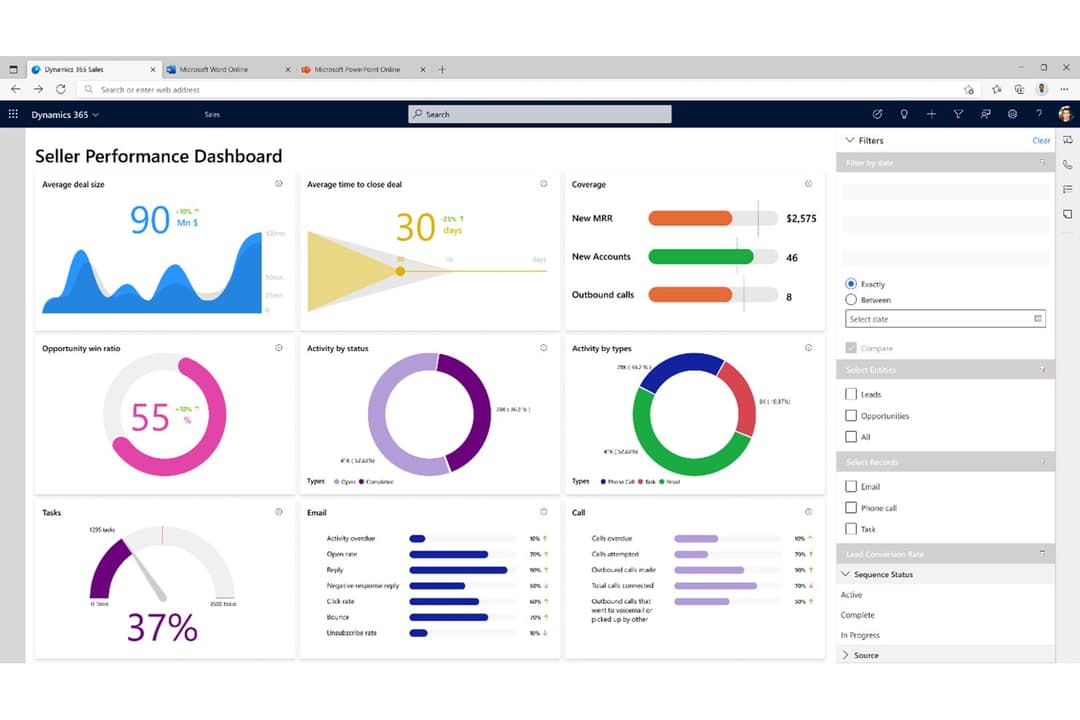
- The analytics and reporting tools are powerful and insightful.
- It's highly scalable to grow with your business.
- The user interface can feel outdated and cumbersome.
- Your team may face a steep learning curve initially.
- Updates and changes can sometimes disrupt your workflow.
Creatio CRM
- Banking and Financial ServicesBanks, credit unions, insurers, and mortgage providers can use Creatio to automate customer-facing workflows across sales, marketing, and service.
- Manufacturing and DistributionManufacturers and distributors can use Creatio to manage complex account relationships and automate sales and service processes across teams.
- Telecom CompaniesTelecom organizations can use Creatio to manage high-volume customer interactions and coordinate sales and service workflows across channels.
- Retail and Consumer GoodsRetail and CPG teams can use Creatio for customer segmentation, campaign management, engagement, and service workflows across brands and markets.
- High-Tech and Business ServicesB2B teams with longer sales cycles can use Creatio to manage opportunities, automate handoffs, and maintain visibility across revenue functions.
- Large Multi-Team EnterprisesEnterprises can use Creatio to connect sales, marketing, and service teams through shared customer data, configurable workflows, and AI automation.
Microsoft Dynamics 365
- Large EnterprisesIts scalability and integration with Microsoft products make it perfect for large companies needing extensive data management.
- Finance IndustryThe powerful analytics and reporting tools give financial teams the insights they need for better decision-making.
- Retail BusinessesDynamics 365 helps retail teams track customer interactions and manage inventory efficiently.
- Manufacturing CompaniesIts customization options allow manufacturers to tailor processes to fit unique production workflows.
- Sales TeamsSales professionals can use its robust CRM features to manage client relationships and track sales pipelines.
- IT DepartmentsIT teams will find its customization and integration capabilities ideal for creating tailored tech solutions.
Who Should Use Creatio CRM, and Who Should Use Microsoft Dynamics 365?
If you want a CRM that business teams can shape around complex sales, marketing, and service workflows without relying heavily on developers, Creatio CRM is likely the better fit. It works well for midsize and large organizations that need no-code customization, AI-driven automation, and room to expand CRM processes over time, particularly across industries with more specialized workflows.
If, instead, your organization already works extensively with Microsoft products and needs CRM capabilities tied closely to that environment, Microsoft Dynamics 365 may make more sense. It is particularly well suited to large enterprises in areas such as finance, retail, and manufacturing, as well as data-driven teams that rely on Microsoft tools, analytics, and connected business applications.
| Creatio CRM | Microsoft Dynamics 365 | |
|---|---|---|
| AI Workflow Model | Creatio CRM Brings people and AI agents into the same workflows, with agents able to assist users or execute defined processes autonomously. | Microsoft Dynamics 365 Uses Copilot and agents to support sales, service, and other CRM activities within the Microsoft ecosystem. |
| Business Scope | Creatio CRM Focuses on AI-powered CRM and workflow automation across sales, marketing, and service, with industry-specific workflows on the same platform. | Microsoft Dynamics 365 Extends beyond CRM into ERP and operational apps for organizations that want customer and back-office processes under one vendor. |
| Customization Approach | Creatio CRM Combines CRM, AI, workflow automation, and no-code development so teams can visually adapt workflows, applications, and data models. | Microsoft Dynamics 365 Uses Dynamics configuration tools and Power Platform to customize CRM processes, apps, and business logic. |
| Deployment Flexibility | Creatio CRM Supports cloud deployment across multiple regions as well as on-premises deployment. | Microsoft Dynamics 365 Primarily operates within Microsoft’s cloud and Azure environment. |
| Ecosystem Alignment | Creatio CRM Uses an open, composable architecture designed to connect with a range of enterprise systems and AI models. | Microsoft Dynamics 365 Fits especially well for organizations already using Microsoft tools such as Outlook, Excel, Teams, and Power BI. |
| Contact & Account Management | Both centralize customer and company records, interaction history, and account activity so teams can maintain a consistent view of relationships across the revenue cycle. |
|---|---|
| Customer Service Management | Both support case tracking, assignment, service workflows, and resolution monitoring, giving customer-facing teams a structured way to manage support activity. |
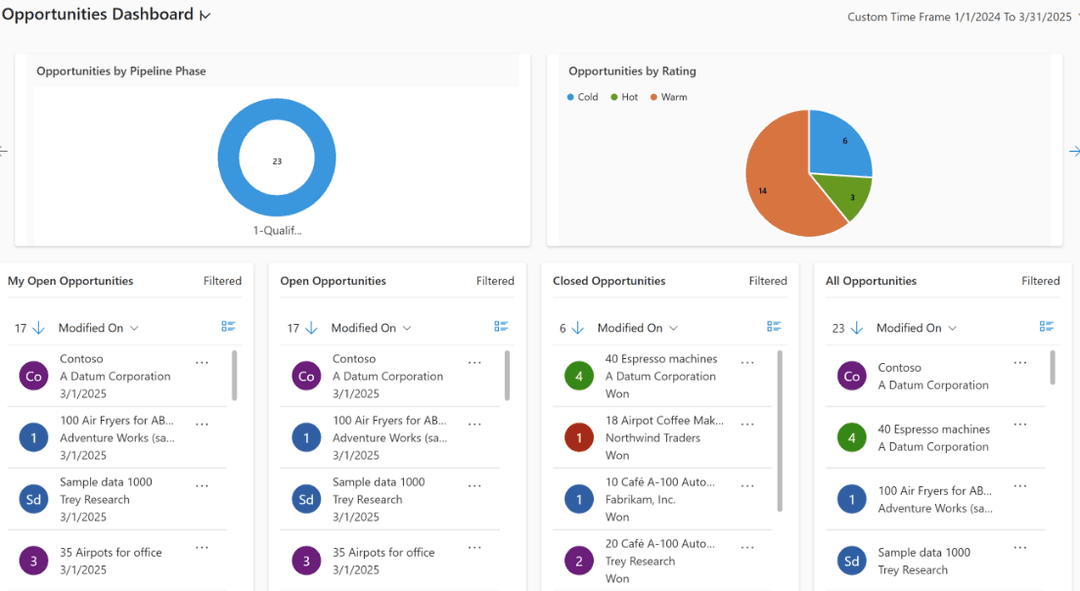
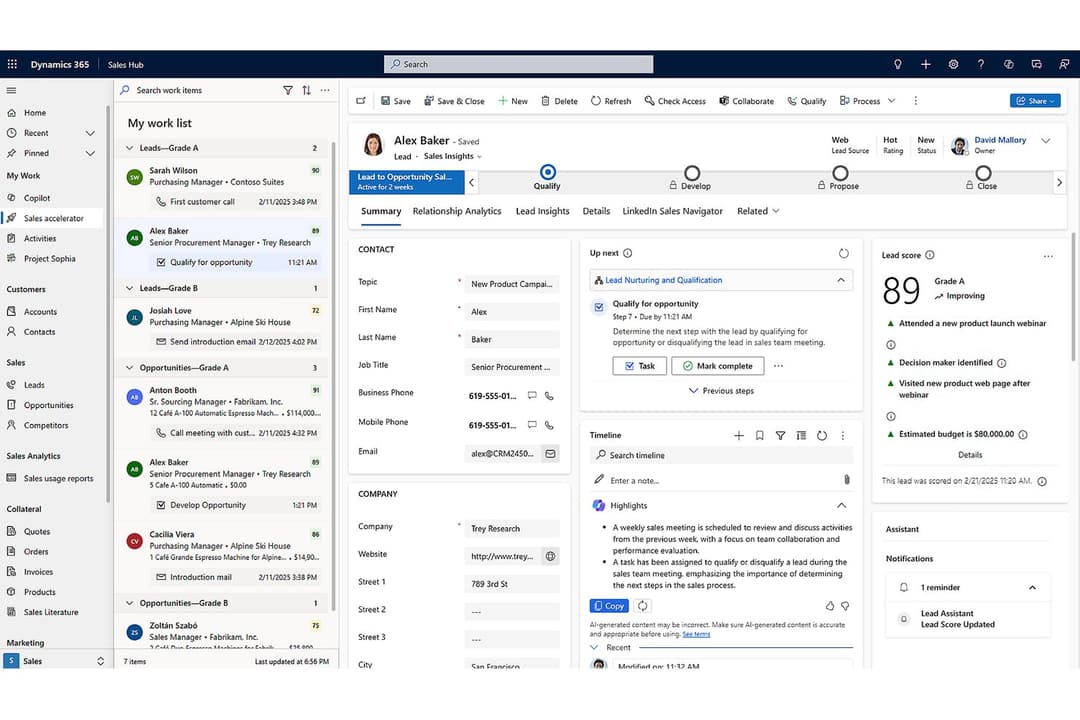
| Lead & Opportunity Management | Both support lead qualification, opportunity tracking, pipeline stages, and sales activity management to help teams move deals from initial interest through close. |
| Mobile CRM Access | Both offer mobile access to customer data, sales activity, and service workflows, making them suitable for remote teams and employees who need CRM access away from their desks. |
| Sales Forecasting & Analytics | Both provide forecasting, dashboards, and reporting tools that help CROs monitor pipeline health, identify risks, and make decisions based on current sales performance. |