



Nutshell kontra Pipedrive CRM: Jämförelse och expertomdömen för 2026


Sales teams can only move so fast when their CRM is buried under confusing workflows, scattered customer data, and endless manual updates. What should be a tool for closing deals often turns into another obstacle slowing reps down at every stage of the pipeline.
Choosing between Nutshell and Pipedrive CRM can feel tough when you want CRM software that actually fits how your team works. Maybe you need smoother sales processes, better reporting, or just something that’s simple to roll out. You’re probably weighing flexibility, integrations, cost, and whether these platforms solve your everyday pain points.
In this article, you’ll find a clear, honest comparison of the two—including pros and cons, use cases, pricing details, security features, and how easy each platform is to use. I’ll break down what you need to know so you can pick the best fit for your team’s goals.
Nutshell vs. Pipedrive CRM: An Overview
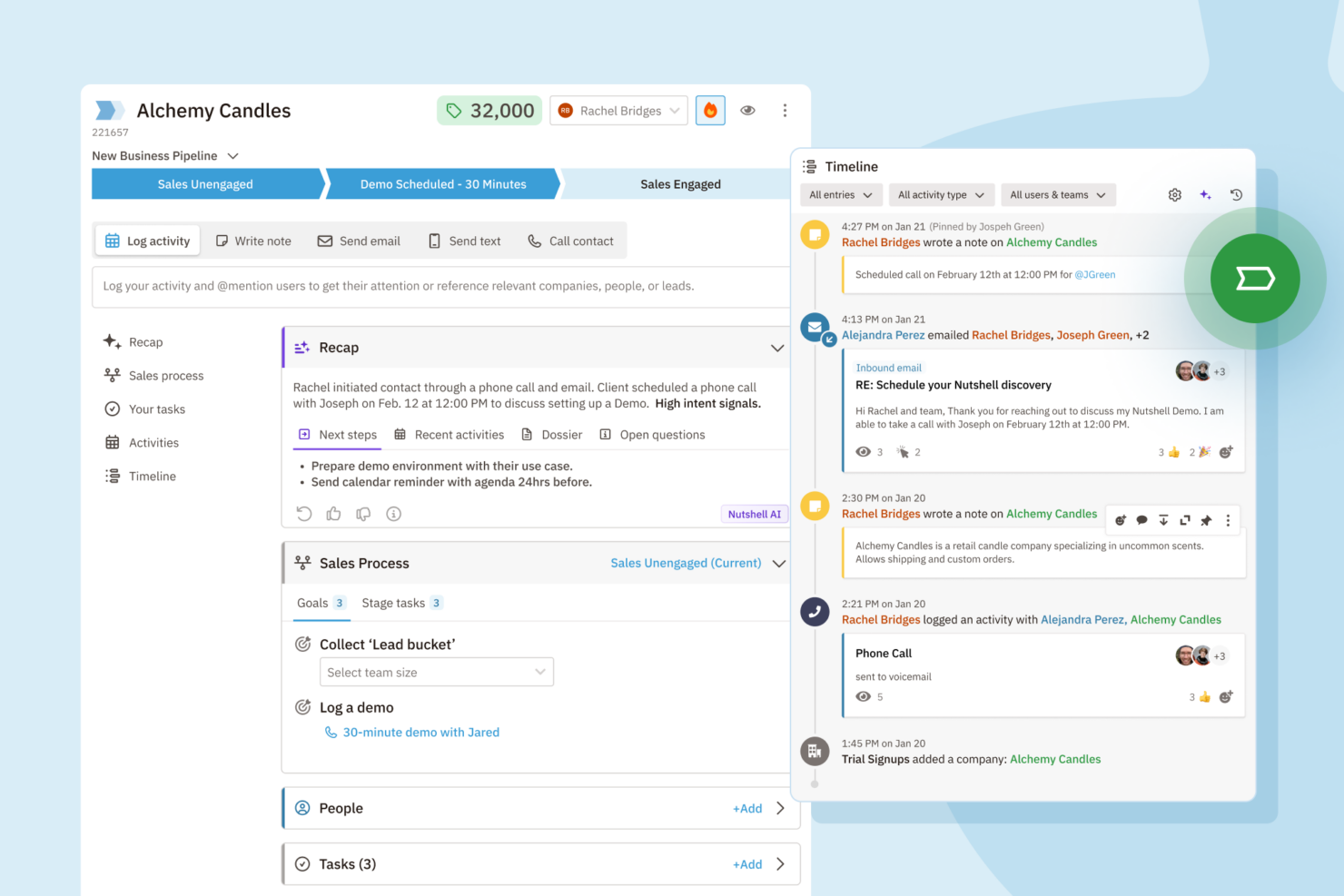
Nutshell
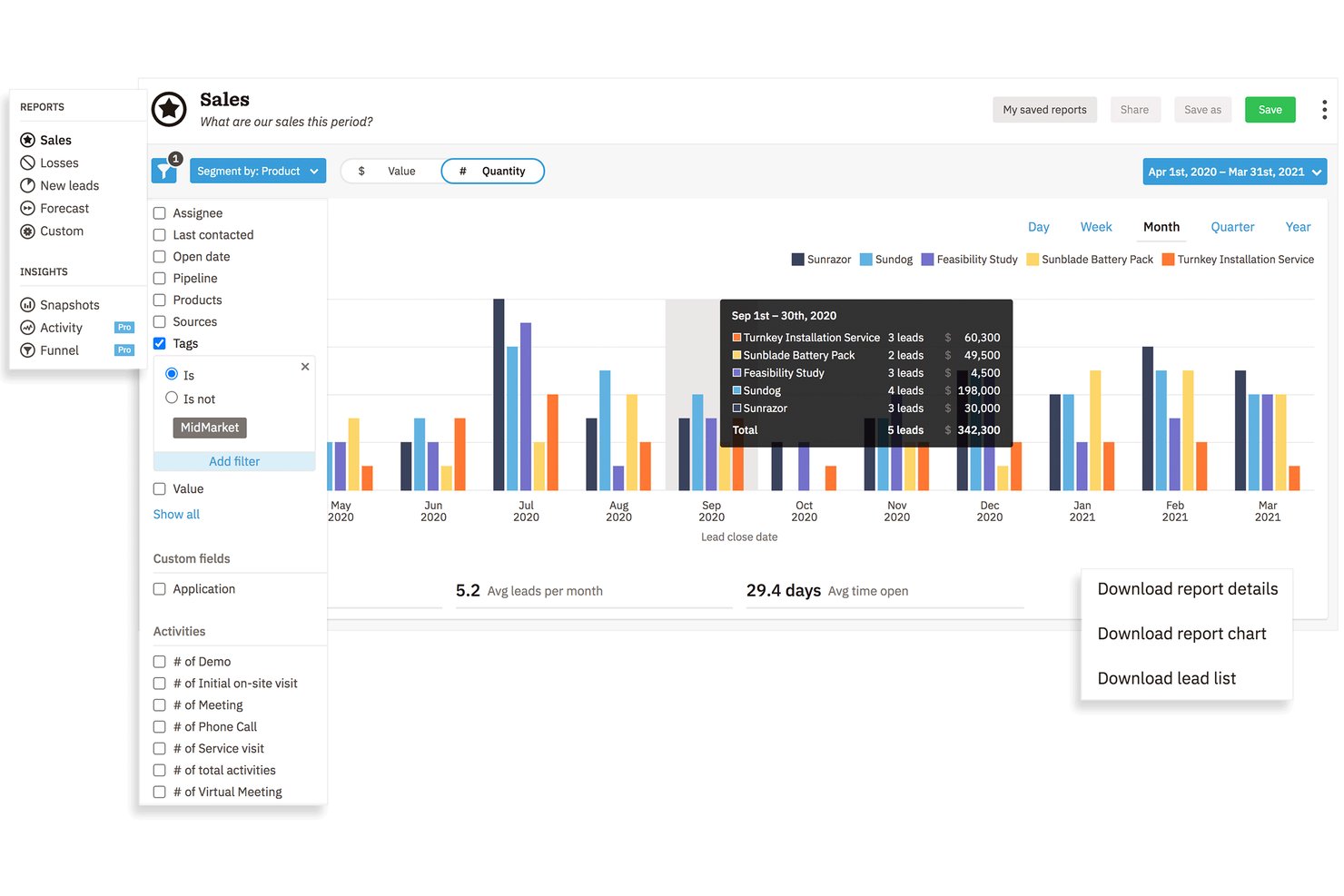
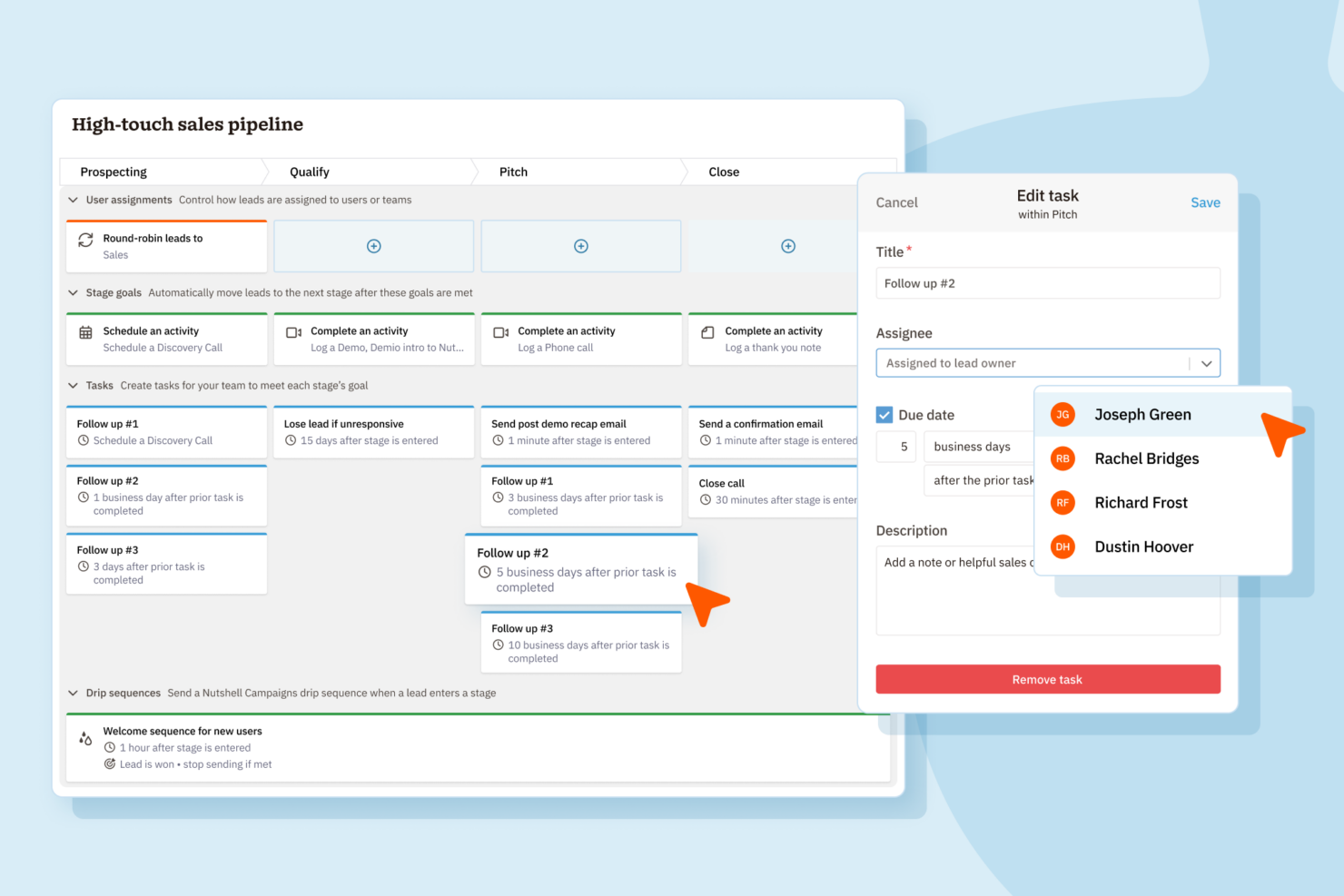
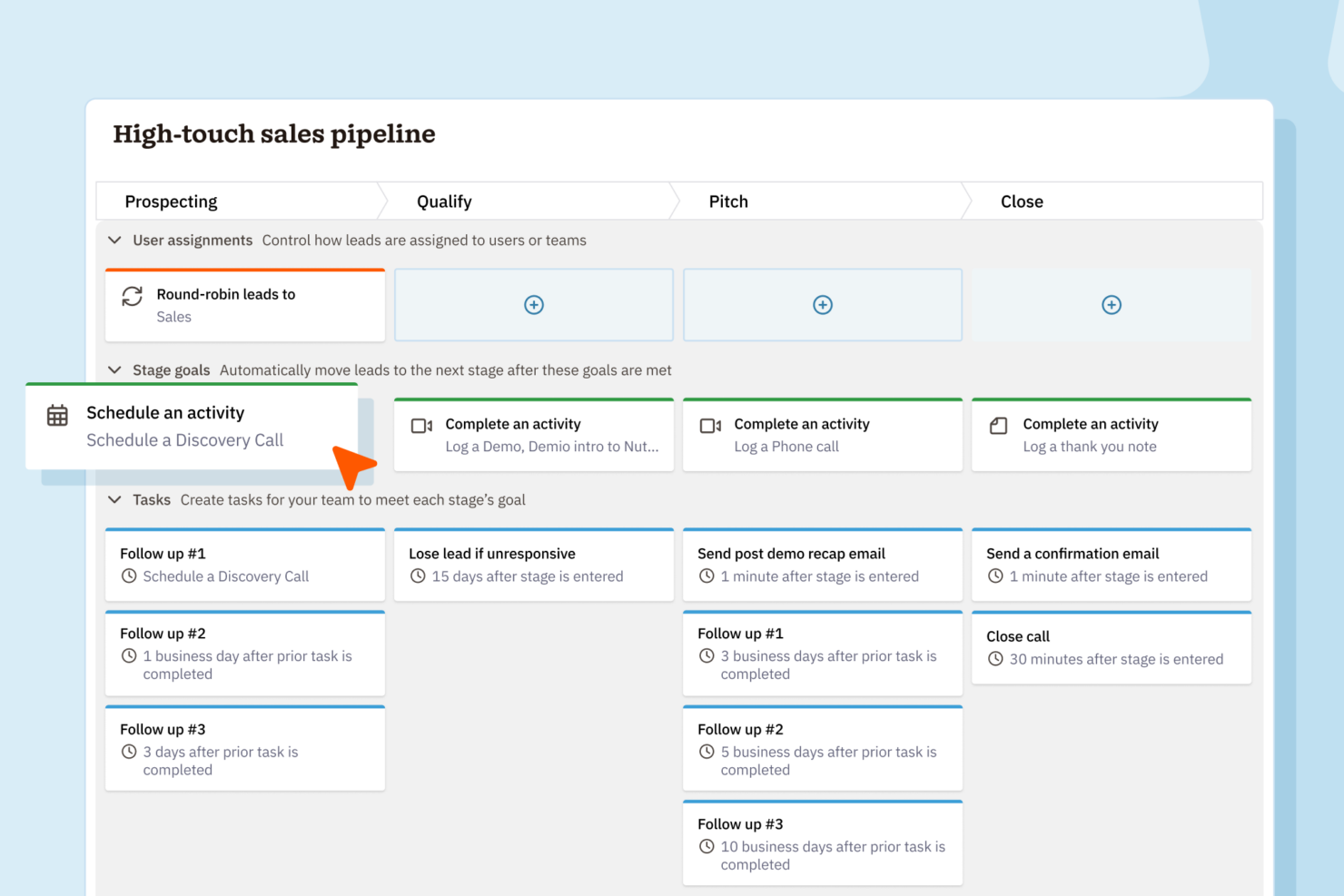
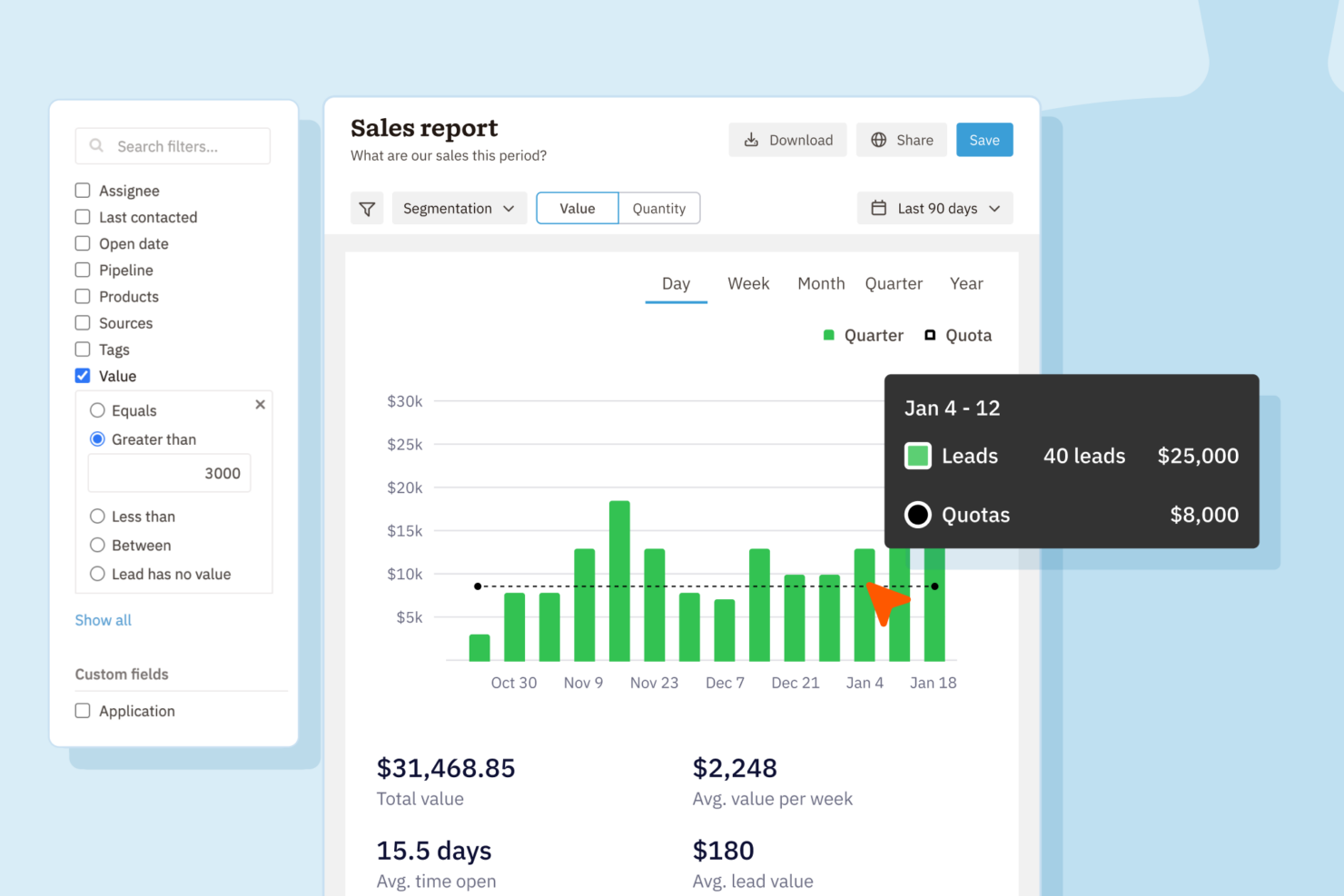
Pipedrive CRM
Why Trust Our Software Reviews
We’ve been testing and reviewing RevOps software since 2022. As RevOps leaders ourselves, we know how critical and difficult it is to make the right decision when selecting software.
We invest in deep research to help our audience make better software purchasing decisions. We’ve tested more than 2,000 tools for different RevOps use cases and written over 1,000 comprehensive software reviews. Learn how we stay transparent & our software review methodology.
Nutshell vs. Pipedrive CRM Pricing Comparison
| Nutshell | Pipedrive CRM | |
|---|---|---|
| Free Trial | 14-day free trial + free demo available | 14-day free trial |
| Pricing | From $13/user/month (billed annually) | From $14/user/month (billed annually) |
Priser och dolda kostnader för Nutshell jämfört med Pipedrive CRM
Både Nutshell och Pipedrive CRM erbjuder abonnemangsbaserad prissättning med flera nivåer baserat på funktionstillgång och teamstorlek. Även om båda plattformarna håller grundplanerna enkla får du räkna med extra kostnader för tillägg, avancerade funktioner eller fler användarplatser. Var uppmärksam på eventuella kostnader för integrationer eller premiumsupport, eftersom de kan öka dina månadskostnader över tid.
För att välja rätt leverantör bör du gå igenom vad som faktiskt ingår på varje prisnivå och vad som räknas som ett tillägg. Matcha teamets specifika behov – som arbetsflödesautomatisering eller rapportering – mot vad du får på varje nivå. Det är en god idé att inte bara ta hänsyn till licenskostnader, utan även kostnader för introduktion, datamigrering och långsiktig skalning. På så sätt undviker du överraskningar och väljer ett CRM som passar dina nuvarande behov och dina tillväxtplaner.
Nutshell vs. Pipedrive CRM Feature Comparison
| Nutshell | Pipedrive CRM | |
|---|---|---|
| 2-Factor Authentication | ||
| API | ||
| Calendar Management | ||
| Call Tracking | ||
| Campaign Management | ||
| Click-to-Dial | ||
| Contact Management | ||
| Contact Sharing | ||
| Custom Data Forms | ||
| Customer Management | ||
| Dashboard | ||
| Data Export | ||
| Data Import | ||
| Data Visualization | ||
| Email Integration | ||
| External Integrations | ||
| File Sharing | ||
| File Transfer | ||
| Google Apps Integration | ||
| Lead Management | ||
| Lead Scoring | ||
| Marketing Automation | ||
| Mobile App | ||
| Multi-User | ||
| Notifications | ||
| Pipeline Management | ||
| Sales Automation | ||
| Scheduling | ||
| Social-Media Integration | ||
| Task Scheduling/Tracking | ||
| Third-Party Plugins/Add-Ons |
Nutshell jämfört med Pipedrive CRM: integrationer
| Integration | Nutshell | Pipedrive CRM |
| Google Workspace | ✅ | ✅ |
| Microsoft 365 | ✅ | ✅ |
| Slack | ✅ | ✅ |
| Mailchimp | ✅ | ✅ |
| QuickBooks Online | ✅ | ❌ |
| Trello | ❌ | ✅ |
| PandaDoc | ✅ | ✅ |
| Xero | ❌ | ✅ |
| API | ✅ | ✅ |
| Zapier | ✅ | ✅ |
Både Nutshell och Pipedrive CRM täcker de viktigaste integrationerna som de flesta team förlitar sig på, till exempel Google Workspace, Slack, Mailchimp och Zapier. Pipedrive CRM har ett försprång med ett bredare utbud och fler nischade alternativ, men med API:er och Zapier täcker båda alternativen nästan alla arbetsflöden du kan behöva.
Nutshell jämfört med Pipedrive CRM: säkerhet, efterlevnad & tillförlitlighet
| Faktor | Nutshell | Pipedrive CRM |
| Datakryptering | Använder TLS 1.2 för kryptering under överföring och AES-256-kryptering vid lagring. | Använder TLS/SSL för data under överföring och AES för data vid lagring. |
| Regelefterlevnad | Följer GDPR, PCI DSS, SOC 2 Type 1 och amerikanska integritetslagar med tydliga användarkontroller. | Är helt GDPR-kompatibelt med ytterligare integritetskontroller. |
| Drifttidsgaranti | Ger hög drifttid men publicerar inget SLA. | Erbjuder ett SLA med 99,9 % drifttid och transparent statusinformation. |
| Åtkomstkontroller | Rollbaserade behörigheter och tvåfaktorsautentisering. | Anpassade roller, tvåfaktorsautentisering och granskningsloggar. |
| Säkerhetskopiering & återställning | Dagliga säkerhetskopior med inbyggd katastrofåterställning. | Automatiska dagliga säkerhetskopior och robust dataåterställning. |
Nutshell erbjuder bredare inbyggda säkerhets- och administrationskontroller, medan Pipedrive CRM täcker de grundläggande skydd som de flesta team förväntar sig. Båda plattformarna är tillförlitliga, men Nutshell ger större flexibilitet för team som prioriterar starkare åtkomsthantering och kontosäkerhetsfunktioner.
Nutshell jämfört med Pipedrive CRM: användarvänlighet
| Faktor | Nutshell | Pipedrive CRM |
|---|---|---|
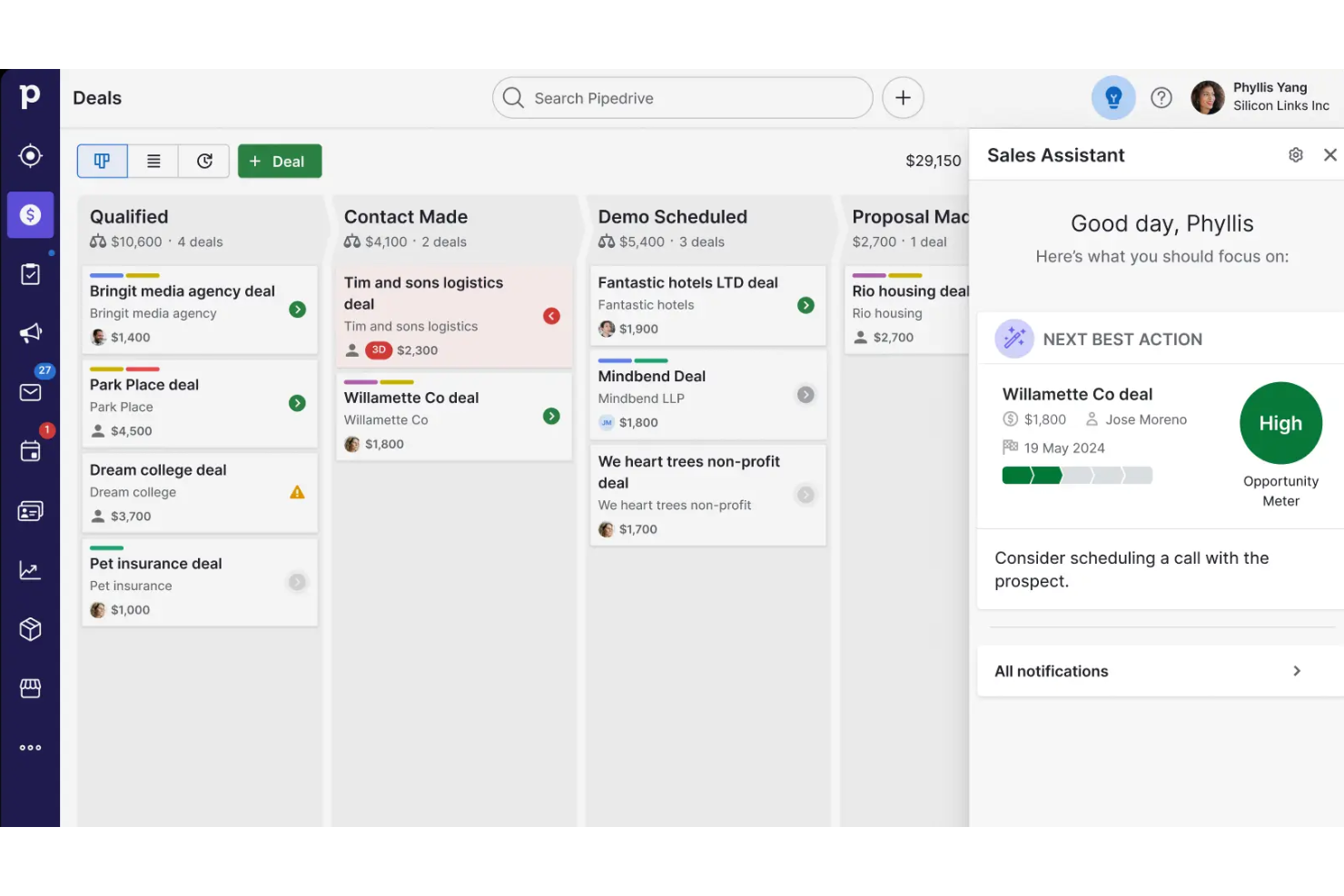
| Användargränssnitt | Ren och lättöverskådlig instrumentpanel med snabb åtkomst till säljverktyg. | Intuitiv, visuell pipeline-layout med dra-och-släpp för affärer. |
| Introduktion | Guidad introduktion och hjälpsamma handledningar i appen. | Effektiv installation med personligt anpassade introduktionsresurser. |
| Anpassning | Enkla anpassade fält och redigering av pipelines. | Mycket flexibel anpassning av pipelines och arbetsflöden. |
| Supportåtkomst | Snabb support via e-post och chatt under kontorstid. | Livechatt dygnet runt och omfattande resurser för självbetjäning. |
| Mobilupplevelse | Fullutrustad mobilapp för Android och iOS. | Mobilappar med höga betyg och synkronisering i realtid. |
Pipedrive CRM utmärker sig genom sitt visuella gränssnitt och sin snabbare inlärningskurva, men båda plattformarna är enkla att komma igång med – även för CRM-användare som använder systemet för första gången. Jag skulle säga att Nutshell håller det enkelt för mindre team, medan Pipedrive CRM passar utmärkt för användare som vill ha mer anpassning och flexibilitet i sina arbetsflöden.
Nutshell vs Pipedrive CRM: Pros & Cons
Nutshell
- Sales automation workflows handle multi-step processes effectively
- Implementation and onboarding are streamlined for rapid deployment and adoption.
- Responsive support team resolves most issues promptly
- Nutshell isn’t as customizable as other enterprise solutions
- Marketing capabilities isn’t as robust as a dedicated marketing platform
- Limited native enterprise integrations
Pipedrive CRM
- You’ll find the visual sales pipeline easy to navigate and understand.
- The customization options let your team tailor the CRM to fit your workflow.
- Automated follow-up reminders help you stay on top of your sales tasks.
- You might need more advanced reporting features for detailed analytics.
- Limited email tracking could be a hurdle for teams heavily reliant on email campaigns.
- Few native options for generating new leads directly within the software.
Best Use Cases for Nutshell and Pipedrive CRM
Nutshell
- Small Sales Teams Setup is fast, automation reduces manual work, and unlimited contacts keep costs predictable as you scale.
- B2B Services Customizable pipelines and integrations with email and scheduling tools help manage leads from discovery through close.
- SaaS Startups Easy-to-tweak workflows and email campaign features fit short sales cycles and lean teams.
- Agencies Pipeline views, contact segmentation, and shared activity histories help handle multiple client accounts.
- Distributed Teams Cloud access, mobile app, and straightforward collaboration features suit remote and hybrid work cultures.
- Nonprofits Simple donor management, bulk emailing, and custom fields support relationship-building without CRM complexity.
Pipedrive CRM
- Real Estate Pipedrive’s visual pipeline helps you track leads and manage client interactions effectively.
- Tech Startups You’ll benefit from its customization options that adapt to fast-changing sales processes.
- Consulting Firms The CRM’s automated reminders keep your team on schedule with client follow-ups.
- Small Businesses Its ease of use makes it accessible for teams without a dedicated IT department.
- Sales Departments You’ll find the focus on sales pipeline management boosts your team’s productivity.
- Freelancers The straightforward interface allows you to manage client relationships without complexity.
Vem bör använda Nutshell och vem bör använda Pipedrive CRM?
Nutshell passar små och medelstora företag samt växande säljteam som vill ha ett lättöverskådligt verktyg med snabb introduktion och robust, allt-i-ett-funktionalitet. Om ditt team värdesätter enkelhet, smidig installation och förutsägbara priser kommer du sannolikt att uppskatta Nutshells raka och okomplicerade tillvägagångssätt. Pipedrive CRM passar bättre för team som behöver flexibla pipelines, ett stort utbud av integrationer och djupare anpassningsmöjligheter – särskilt i branscher med mer komplexa eller snabbt föränderliga säljprocesser. Jag rekommenderar Pipedrive CRM för växande intäktsteam som förväntar sig att deras CRM ska anpassas när arbetsflöden och verksamhetsbehov utvecklas.
Differences Between Nutshell and Pipedrive CRM
| Nutshell | Pipedrive CRM | |
|---|---|---|
| Communication Tools | Built-in Engagement Suite allows you to connect with customers and leads at every touch point. | Limited built-in and engagement tools. |
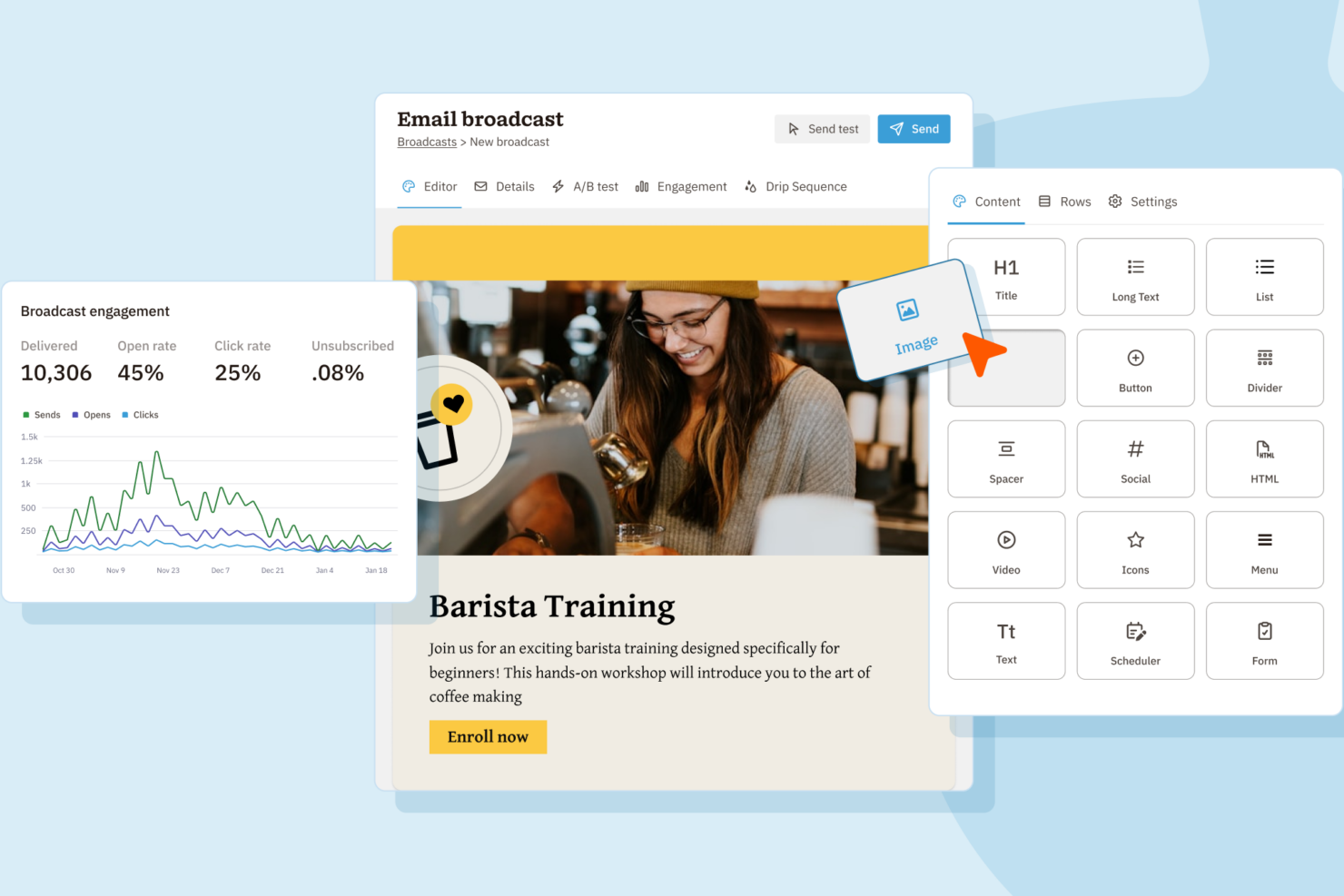
| Email Marketing | Built-in email marketing and campaign tools included. | No built-in email marketing; relies on integrations. |
| Integration Depth | Covers core integrations, fewer advanced options. | Wider selection of integrations. |
| Pipeline Flexibility | Fewer customization options for pipeline stages. | Highly customizable pipelines for multiple sales flows. |
| Visit NutshellOpens new window | Read Pipedrive CRM ReviewOpens new window |
Similarities Between Nutshell and Pipedrive CRM
| Contact Management | Both provide a unified space to organize, segment, and track contacts and communication history. |
|---|---|
| Deal Tracking | Each lets teams build and follow sales pipelines, moving deals through custom stages to close sales. |
| Mobile Access | Each offers a well-rated mobile app for managing sales, contacts, and deals on the go. |
| Reporting & Analytics | Both dashboards surface sales activity, deal progress, and pipeline insights to help teams improve. |
| Task Automation | Both automate repetitive follow-up and workflow tasks, reducing manual work and saving time. |
| Visit NutshellOpens new window Read Pipedrive CRM ReviewOpens new window | |