


Nutshell vs. Copper CRM: Comparison and Expert Reviews for 2026
I break down Nutshell and Copper CRM head-to-head, showing you which one fits your workflow best—and pinpointing what really sets each apart in 2026.

We review tools independently, and commissions help fund our testing. See our transparency policy, our methodology, or suggest a tool.
Nutshell
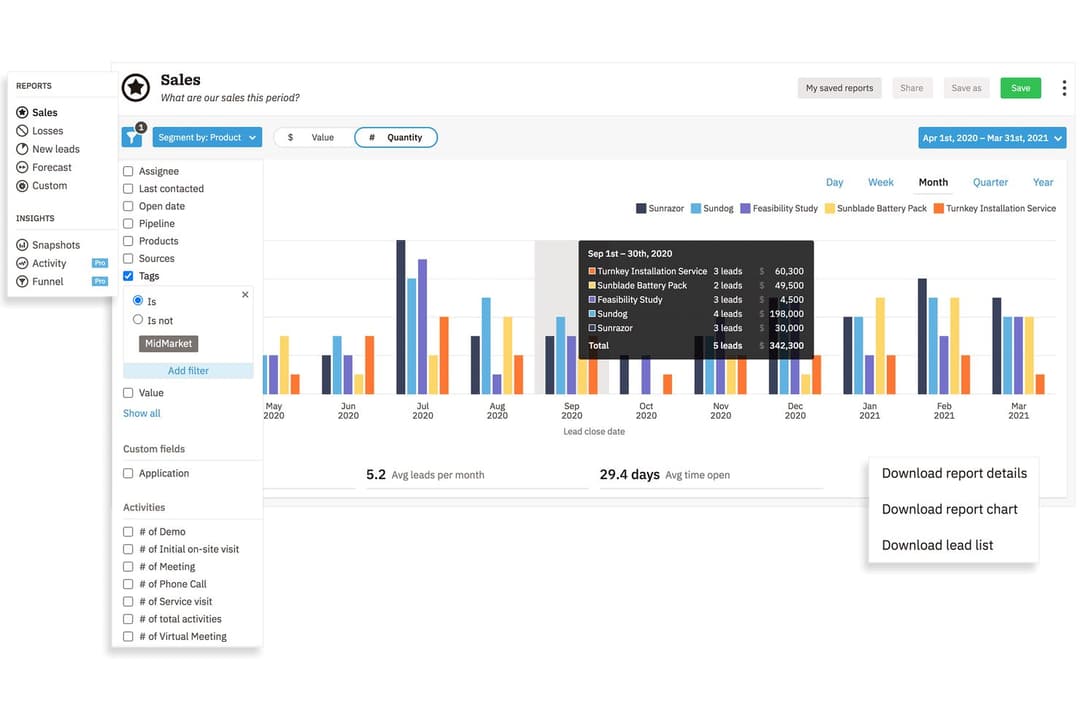
4.3/5
- 14-day free trial + free demo available
- From $13/user/month (billed annually)
Copper CRM
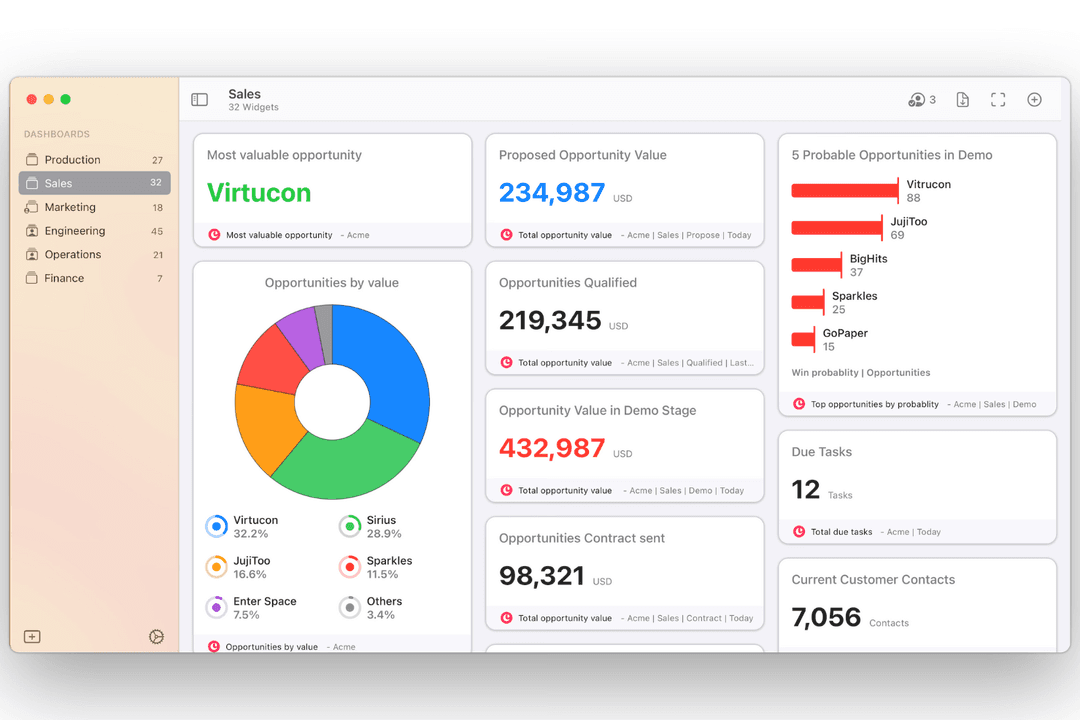
4.5/5
- 14-day free trial
- From $12/user/month
Why Trust Our Software Recommendations
6,700+
Reviews
20
Industry experts
16+
Evaluation factors
14
Years
Our reviews reflect our independent judgment—not a sales pitch. Learn how we stay transparent.
For this guide, we evaluated tools using hands-on testing and independent research, scoring tools using our selection criteria.
Our reviews reflect our human editorial judgment, not a sales pitch.
| Nutshell | Copper CRM | |
|---|---|---|
| Free Trial | 14-day free trial + free demo available | 14-day free trial |
| Pricing | From $13/user/month (billed annually) | From $12/user/month |
Nutshell vs. Copper CRM Pricing & Hidden Costs
Nutshell uses a tiered subscription model with feature sets expanding at higher levels, while Copper CRM’s pricing is also tier-based but focused around user roles and integration depth. Both offer monthly or annual billing, and you might run into extra charges for add-ons, implementation, or advanced integrations—especially if your team needs more automation or support.
To choose the best value, map your current and future process needs to each vendor’s tiered features, checking where your must-have tools or integrations fall. I recommend looking closely at the fine print for seat minimums, setup fees, or limits on support because those details can make a real difference as your team grows or shifts.
| Nutshell | Copper CRM | |
|---|---|---|
| API | Yes | Yes |
| Data Export | Yes | Yes |
| Data Import | Yes | Yes |
| External Integrations | Yes | Yes |
| Multi-User | Yes | Yes |
| Notifications | Yes | Yes |
| Third-Party Plugins/Add-Ons | Yes | Yes |
| Integration | Nutshell | Copper CRM |
| Google Workspace | ✅ | ✅ |
| Microsoft 365 | ✅ | ❌ |
| QuickBooks Online | ✅ | ✅ |
| Slack | ✅ | ✅ |
| Mailchimp | ✅ | ✅ |
| HubSpot | ❌ | ✅ |
| ❌ | ✅ | |
| Xero | ❌ | ✅ |
| API | ✅ | ✅ |
| Zapier | ✅ | ✅ |
Both tools cover the essentials like Google Workspace, QuickBooks, Mailchimp, Zapier, and offer API access, making them solid choices for common workflows. Copper CRM edges ahead with more specialized integrations for Google-first and Xero users, while Nutshell stands out for Microsoft 365 and custom connections through its app marketplace and API.
| Factor | Nutshell | Copper CRM |
| Data Encryption | Uses TLS 1.2 for in-transit encryption and AES-256 encryption at rest. | Encrypts data in transit and at rest using industry standards. |
| Regulatory Compliance | Follows GDPR, PCI DSS, SOC 2 Type 1, and U.S. privacy laws with clear user controls. | GDPR-compliant with additional SOC 2 certification for added assurance. |
| Access Controls | Offers customizable user roles and permissions. | Provides granular permission settings and team-sharing controls. |
| Backup & Recovery | Daily automated backups with multi-region redundancy. | Regular data backups with robust disaster recovery processes. |
| Activity Logging | Tracks user activity and access logs for audit purposes. | Maintains detailed user activity logs for system audits. |
Nutshell and Copper CRM are largely comparable when it comes to security, reliability, and administrative controls, with both offering the protections most businesses expect from a modern CRM platform. The overall experience and level of control feel very similar across both systems.
| Factor | Nutshell | Copper CRM |
|---|---|---|
| FactorUser Interface | NutshellClean, intuitive dashboard with drag-and-drop pipelines. | Copper CRMGoogle-like, minimal design that feels native to Workspace. |
| FactorOnboarding | NutshellGuided setup, easy import options, and helpful tooltips. | Copper CRMSeamless with Gmail, plus in-app walk-throughs for setup. |
| FactorCustomization | NutshellFlexible pipelines and fields without a steep learning curve. | Copper CRMSimple customization with a strong focus on Google integrations. |
| FactorMobile Experience | NutshellFull-featured apps for iOS and Android. | Copper CRMMobile app is tightly integrated with Google tools. |
| FactorCustomer Support | NutshellFast email/chat support and a detailed help center. | Copper CRMResponsive support with extra resources for Workspace users. |
Both tools are easy to get up and running, but Copper CRM wins users who want a Google-native feel, while Nutshell shines with its friendly onboarding and approachable customization. I recommend Copper CRM if your team lives in Gmail, but Nutshell feels easier for teams who want quick wins and less tech overhead.
Nutshell
- Sales automation workflows handle multi-step processes effectively
- Implementation and onboarding are streamlined for rapid deployment and adoption.
- Responsive support team resolves most issues promptly
- Nutshell isn’t as customizable as other enterprise solutions
- Marketing capabilities isn’t as robust as a dedicated marketing platform
- Limited native enterprise integrations
Copper CRM
- It integrates seamlessly with Google Workspace, making it easy for your team to manage communication.
- The user interface is intuitive, reducing the learning curve for your team.
- It offers strong automation features that can simplify your workflow.
- Customization options are limited compared to other CRMs.
- Reporting capabilities might not meet the needs of data-driven teams.
- It lacks some advanced features that larger organizations might require.
Nutshell
- Small Sales TeamsSetup is fast, automation reduces manual work, and unlimited contacts keep costs predictable as you scale.
- B2B ServicesCustomizable pipelines and integrations with email and scheduling tools help manage leads from discovery through close.
- SaaS StartupsEasy-to-tweak workflows and email campaign features fit short sales cycles and lean teams.
- AgenciesPipeline views, contact segmentation, and shared activity histories help handle multiple client accounts.
- Distributed TeamsCloud access, mobile app, and straightforward collaboration features suit remote and hybrid work cultures.
- NonprofitsSimple donor management, bulk emailing, and custom fields support relationship-building without CRM complexity.
Copper CRM
- Tech StartupsCopper CRM is ideal for tech startups using Google Workspace, providing seamless integration with Google tools.
- Small BusinessesFor small businesses, Copper CRM simplifies customer management with an easy-to-use interface and strong automation features.
- Sales TeamsSales teams benefit from Copper CRM's automation, reducing manual data entry and improving communication.
- Marketing DepartmentsMarketing departments find value in Copper CRM's ability to integrate with Google tools, enhancing collaboration and efficiency.
- Remote TeamsRemote teams thrive with Copper CRM's cloud-based access and integration with Google Workspace, enabling seamless collaboration.
- Project ManagementProject management teams use Copper CRM to streamline tasks with its intuitive interface and Google Drive integration.
Who Should Use Nutshell, and Who Should Use Copper CRM?
Nutshell is perfect for SMBs and growing sales teams that need flexible pipelines, all-in-one functionality, and a setup that’s fast to learn. Copper CRM is the hands-down choice for Google Workspace-centric teams—especially agencies, consultancies, and startups—who want their CRM to blend right into Gmail and Google Calendar. Go with Nutshell if you value approachable pricing and robust functionality, or pick Copper CRM if your business lives and breathes Google tools every day.
| Nutshell | Copper CRM | |
|---|---|---|
| Automation | Nutshell Robust workflow automation with sales triggers. | Copper CRM Automated data entry and updates via Google tool integration. |
| Email Marketing | Nutshell Built-in email marketing tools for campaigns. | Copper CRM No integrated marketing, relies on third-party apps. |
| Google Integration | Nutshell Limited to basic sync features. | Copper CRM Deep, native integration with Gmail and Google Calendar. |
| Pricing Flexibility | Nutshell Straightforward, feature-based tier options. | Copper CRM Role-based tiers, pricing varies by integration depth. |
| Reporting | Nutshell Flexible, customizable reports suitable for sales ops. | Copper CRM Streamlined, automated reports focused on Google-centric data. |
| API Access | Each allows users and developers to build custom integrations or connect to additional tools via API. |
|---|---|
| Email Integration | Both sync with major email platforms to log conversations and trigger follow-ups right from the CRM dashboard. |
| Mobile Apps | Each provides mobile apps for iOS and Android, so sales teams can manage leads and updates on the go. |
| Pipeline Management | Both tools offer visual sales pipelines with drag-and-drop stage management, helping teams track deals easily. |
| User Permissions | Both include robust role-based permissions, letting admins control who sees and edits different records. |