
Recensione Housecall Pro: Pro, Contro, Caratteristiche e Prezzi
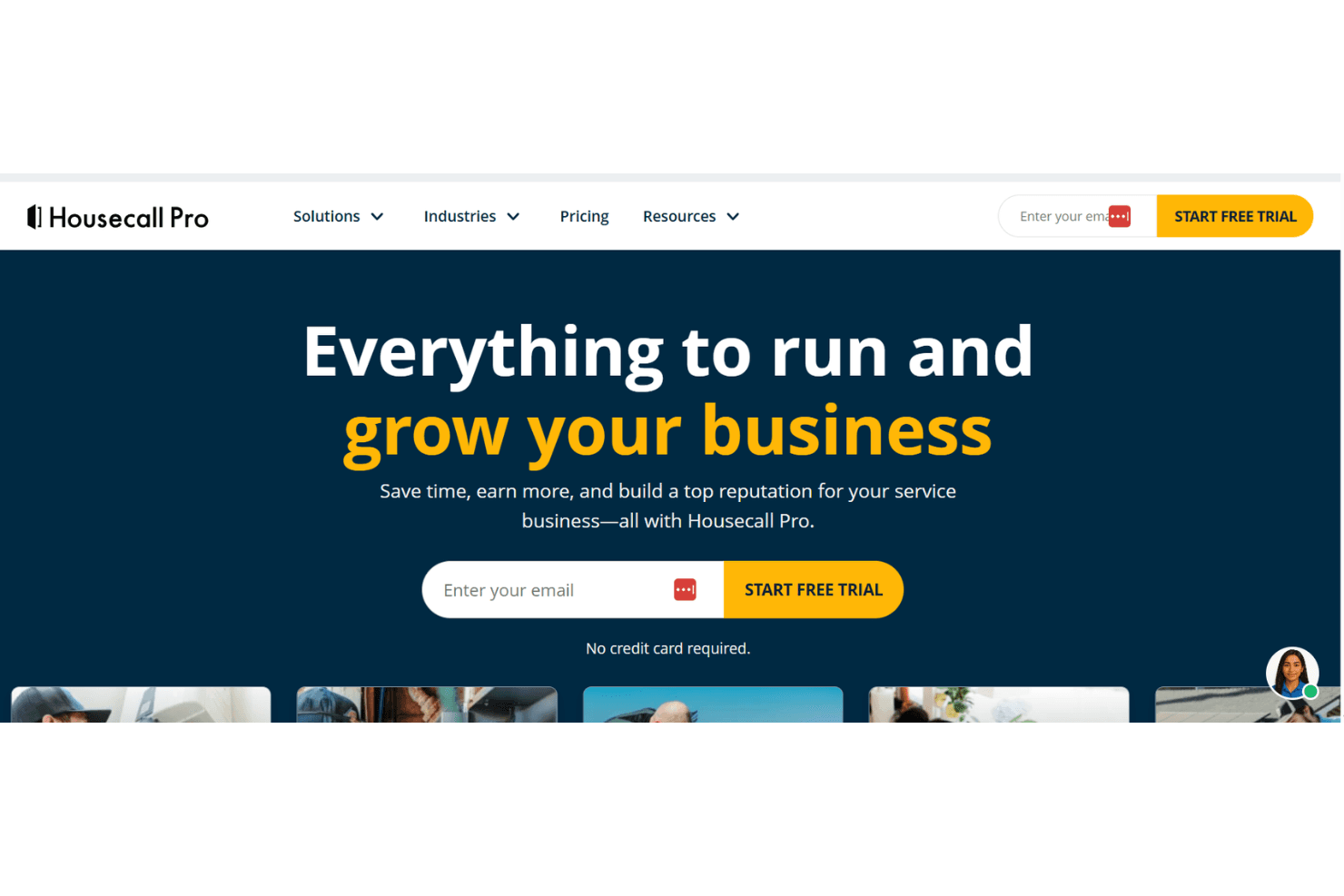
Housecall Pro eccelle nel semplificare la gestione dei servizi sul campo grazie a funzionalità intuitive che aumentano l'efficienza del tuo team.

Recensiamo gli strumenti in modo indipendente e le commissioni aiutano a finanziare i nostri test. Consulta la nostra politica sulla trasparenza, la nostra metodologia o suggerisci uno strumento.
Housecall Pro is a sales and marketing software built for home service businesses that need to manage estimates, customer communication, and follow-ups alongside their day-to-day field operations. I'd mainly consider it if you're running a small to mid-sized service business and want a faster, more accessible setup than ServiceTitan, without giving up core marketing features like automated follow-up campaigns and review request tools.
Housecall Pro Evaluation Summary
4.3/5
- From $59/month (billed annually)
- 14-day free trial + free demo available
Perché fidarsi dei nostri consigli sui software
6,700+
Reviews
20
Industry experts
16+
Evaluation factors
14
Years
Le nostre recensioni riflettono il nostro giudizio indipendente, non un discorso di vendita. Scopri come manteniamo la trasparenza.
Per questa guida, abbiamo valutato gli strumenti attraverso test pratici e ricerche indipendenti, assegnando un punteggio agli strumenti in base ai nostri criteri di selezione.
Le nostre recensioni riflettono il nostro giudizio editoriale umano, non un discorso di vendita.
Housecall Pro Overview
In my opinion, Housecall Pro is a solid choice for small to medium-sized service companies needing efficient field service management software. Its user-friendly interface and strong customer support make it a favorite for providers of HVAC, plumbing, and electrical services. While it excels in ease of use and core features, the pricing might be steep for some, especially given the limited integrations. Compared to similar software, such as Service Titan, it stands out for its customer support but falls short on integration capabilities. If your team prioritizes ease of use and strong field management features over extensive integrations, Housecall Pro is worth considering.
Pros
- Your team will find its scheduling and dispatching features easy to use.
- The Android and iOS mobile apps let you manage work on the go.
- Customer support is responsive and helpful when you need it.
Cons
- Your team might miss having more advanced reporting features.
- The software can be slow at times, affecting your workflow.
- You might find the customization options limited for specific needs.
Is Housecall Pro Right For Your Needs?
Who Would be a Good Fit for Housecall Pro?
Housecall Pro suits small businesses and field service professionals, including HVAC technicians, plumbers, and electricians, who need efficient scheduling and dispatching. It's perfect for teams that want a user-friendly mobile app to manage work on the go and require responsive customer support. If your team values simplicity and ease of use in managing field operations, Housecall Pro's functionalities, such as job tracking, GPS tracking, and invoicing, make it a solid choice.
- HVAC ServicesHousecall Pro's scheduling and dispatching features help your HVAC team manage appointments efficiently.
- Plumbing CompaniesIts mobile app lets your plumbing team handle jobs and invoices from anywhere.
- Electrical ServicesThe key features and extensive customer support options ensure your electrical team gets the help they need quickly.
- Lawn CareFor lawn care, Housecall Pro's easy job tracking and job templates keep your team on schedule.
- Cleaning ServicesYour cleaning team will benefit from Housecall Pro's straightforward invoicing and payment processing.
- Appliance RepairAppliance repair teams find the email marketing feature effective for generating repeat business.
Who Would be a Bad Fit for Housecall Pro?
Housecall Pro isn't ideal for large enterprises needing advanced reporting and customization options. If your team relies on extensive integrations with other software, you'll find Housecall Pro's capabilities limited. It's also not suited for industries where complex data analysis is integral since its reporting features might not meet your needs. If your work demands high levels of customization, you'll likely be disappointed with what Housecall Pro offers.
- Large EnterprisesYour large enterprise team will find Housecall Pro's reporting and customization options lacking for complex needs.
- Data-Driven TeamsFor data-driven teams, the limited reporting features won't support your analytical work.
- Tech CompaniesTech companies needing extensive integrations will find Housecall Pro's capabilities insufficient.
- Manufacturing FirmsMost manufacturing firms require more advanced features than Housecall Pro provides.
- Marketing AgenciesYour marketing agency's complex analytics needs won't be met by Housecall Pro's basic reports.
- Financial ServicesFinancial services need a high level of customization, which Housecall Pro doesn't offer.
Come Testiamo e Valutiamo gli Strumenti
Abbiamo trascorso anni a costruire, perfezionare e migliorare il nostro sistema di valutazione e test dei software. Il nostro metodo è pensato per cogliere le sfumature della selezione software e ciò che rende uno strumento efficace, concentrandosi sugli aspetti critici del processo decisionale. Qui sotto puoi vedere esattamente come funzionano i nostri test e la valutazione sui sette criteri. Ci permette di fornire una valutazione imparziale del software in base alla funzionalità principale, alle caratteristiche distintive, facilità d’uso, onboarding, assistenza clienti, integrazioni, recensioni degli utenti e rapporto qualità-prezzo.
Funzionalità Principali (25% del punteggio finale)
Il punto di partenza per la nostra valutazione è sempre la funzionalità di base dello strumento. Possiede le caratteristiche e le funzioni che un utente si aspetterebbe di trovare? Alcune di queste funzioni di base sono limitate ai piani tariffari più costosi? Per noi uno strumento deve almeno essere alla pari con le capacità minime offerte dai concorrenti.
Caratteristiche Distintive (25% del punteggio finale)
Successivamente, valutiamo le funzionalità insolite o esclusive che vanno oltre le funzioni core normalmente presenti in strumenti simili. Un punteggio elevato riflette una presenza di caratteristiche particolari o uniche che rendono il prodotto più veloce, efficace o danno un valore aggiunto all’utente. Valutiamo anche la facilità di integrazione con altri strumenti tipici del tech stack per espanderne funzionalità e utilità. Gli strumenti che offrono numerose integrazioni native, connessioni di terze parti e accesso API per costruire integrazioni personalizzate ottengono i punteggi migliori.
Facilità d’Uso (10% del punteggio finale)
Consideriamo quanto sia rapido e intuitivo svolgere le attività fondamentali tramite lo strumento. I software con i punteggi più alti hanno un design ben pensato, sono intuitivi, offrono app mobili, forniscono modelli predefiniti e semplificano anche le attività più complesse.
Onboarding (10% del punteggio finale)
Sappiamo quanto sia importante che un nuovo strumento venga rapidamente adottato dal team, quindi valutiamo la facilità di apprendimento con un minimo di formazione. Valutiamo quanto velocemente un membro del team può iniziare a usare lo strumento senza esperienza. Le soluzioni con i punteggi più alti richiedono poco o nessun supporto iniziale.
Assistenza Clienti (10% del punteggio finale)
Analizziamo quanto sia facile e veloce risolvere problemi e ricevere assistenza tramite telefono, chat dal vivo o knowledge base. Gli strumenti e le aziende che offrono supporto in tempo reale ottengono i punteggi migliori, mentre i chatbot ottengono i peggiori.
Recensioni dei Clienti (10% del punteggio finale)
Oltre ai nostri test, consideriamo il net promoter score da clienti attuali e passati. Valutiamo la probabilità che gli utenti sceglierebbero nuovamente lo strumento per le funzionalità principali. Un punteggio elevato riflette un alto net promoter score da parte dei clienti.
Rapporto Qualità-Prezzo (10% del punteggio finale)
Infine, considerando tutti gli altri criteri, esaminiamo il prezzo medio dei piani base rispetto alle funzionalità principali e agli altri fattori valutativi. I software che offrono di più a un costo inferiore ottengono un punteggio più alto.
Core Features
Scheduling and Dispatching: Your team can quickly schedule work with the job templates, reducing confusion and improving efficiency. It's simple to assign tasks, helping you stay organized.
Invoicing and Payments: Housecall Pro lets you send invoices and accept payments quickly via credit card. This feature speeds up your cash flow and keeps your finances in check.
Job Management: Track your work from start to finish with ease. The tool lets you update job details on the fly, ensuring nothing gets missed.
Customer Management: Keep all your customer details in one place for easy access, including addresses and phone numbers. This helps you maintain strong relationships and deliver better service.
Mobile App: Manage your work on the go with Housecall Pro's mobile app. It's handy for field teams needing real-time notifications and information.
Estimates and Quotes: Quickly create and send estimates to your customers. This feature makes it easier to win new business by showing your professionalism.
Ease of Use
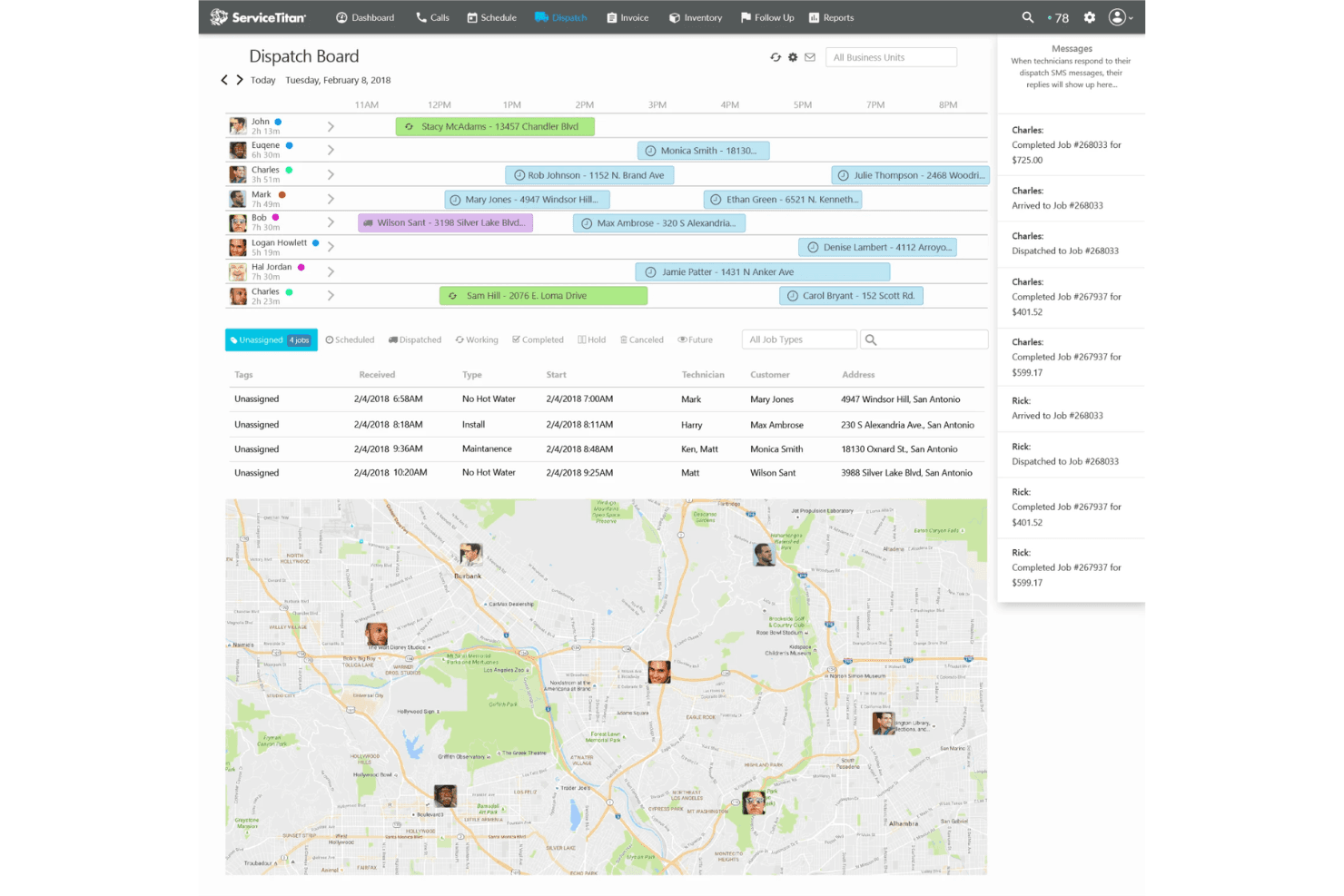
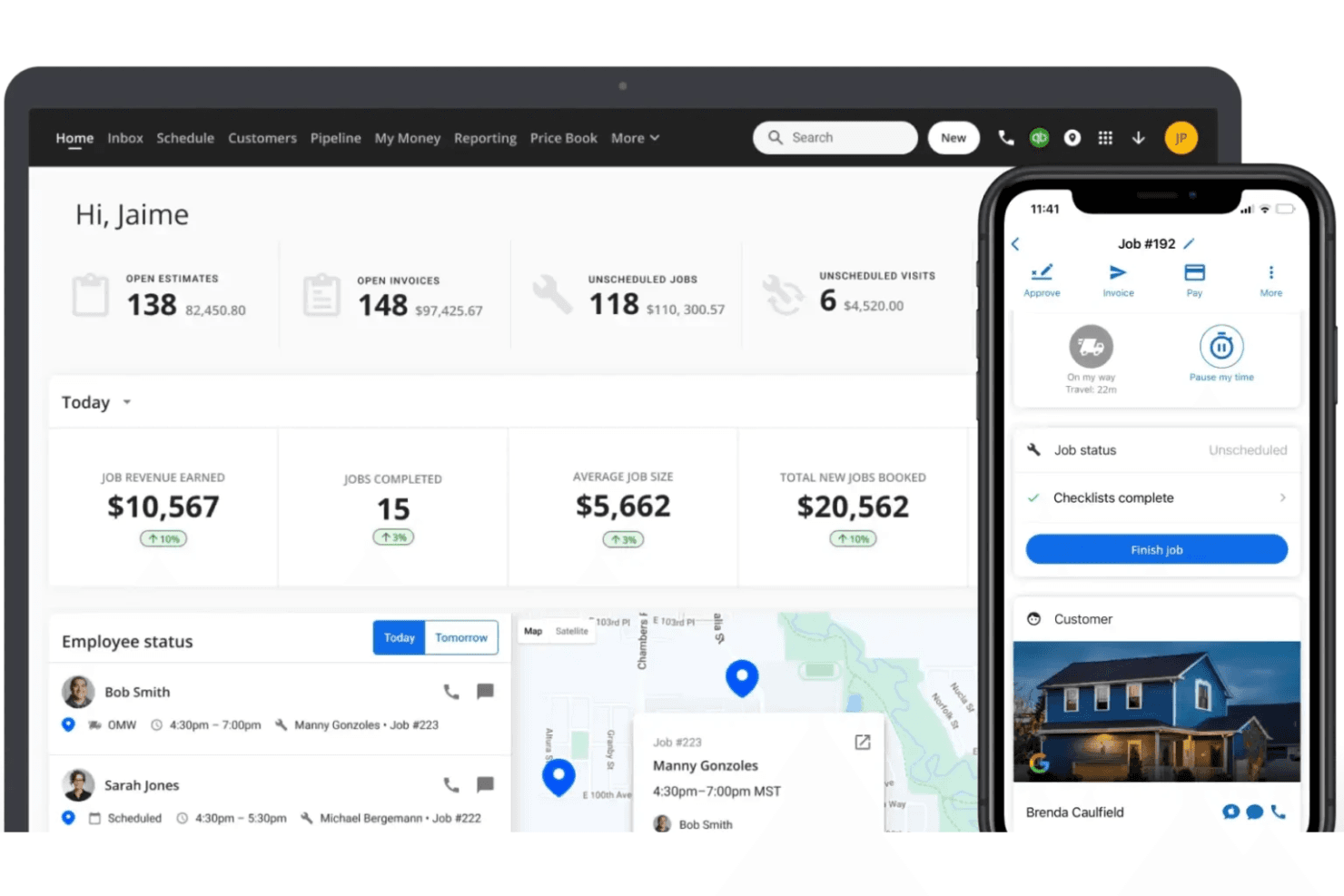
Housecall Pro stands out for its user-friendly dashboards, making it easy for your team to navigate and use daily. The intuitive interface simplifies scheduling and dispatching, letting you focus on your work rather than figuring out the software. Users appreciate the straightfoward mobile app for managing jobs on the go. Compared to other tools, Housecall Pro’s simplicity, accessibility, and positive user experience make it a preferred choice for teams needing a quick and hassle-free field service management solution.
Integrations
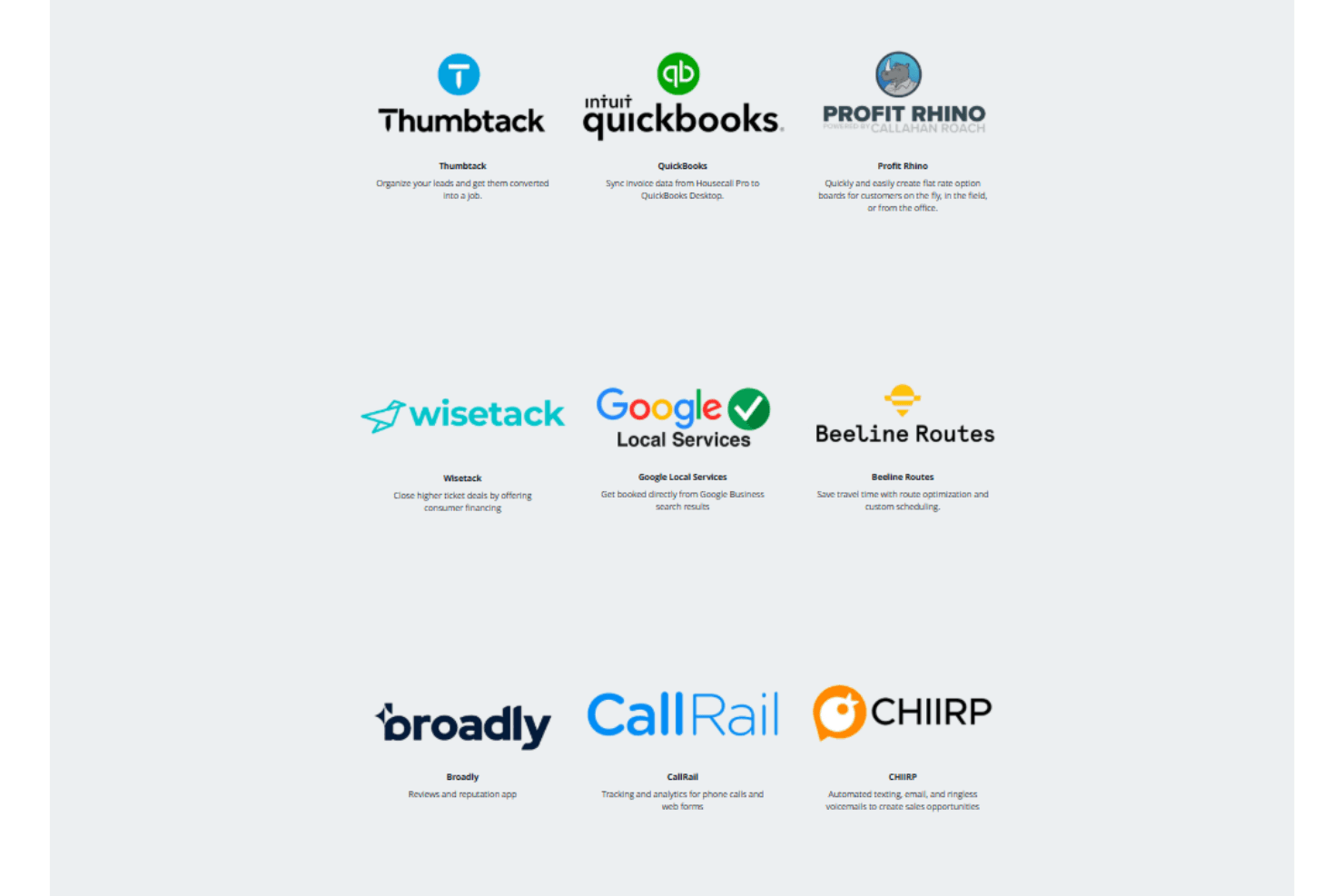
Housecall Pro integrates with QuickBooks, Mailchimp, Google Local Services, and Yelp.
Housecall Pro also has a public API for custom integrations and connects with third-party integration tools like Zapier.
Housecall Pro Specs
- API: No
- Appointment Scheduling: No
- Calendar Management: Yes
- Contact Management: Yes
- Customer Management: Yes
- Data Export: Yes
- Data Import: Yes
- External Integrations: Yes
- Fleet Management: No
- Lead Management: No
- Map Visualization: No
- Mobile App: Yes
- Multi-User: Yes
- Notifications: Yes
- Route Optimization: Yes
- Scheduling: Yes
- Task Scheduling/Tracking: Yes
- Timesheets: No
- Travel Management: Yes


