
Avis sur Housecall Pro : avantages, inconvénients, fonctionnalités et tarifs
Housecall Pro excelle dans la simplification de la gestion des services sur le terrain grâce à des fonctionnalités conviviales qui augmentent l'efficacité de votre équipe.

Nous évaluons les outils de manière indépendante, et les commissions contribuent au financement de nos tests. Consultez notre politique de transparence, notre méthodologie, ou suggérez un outil.
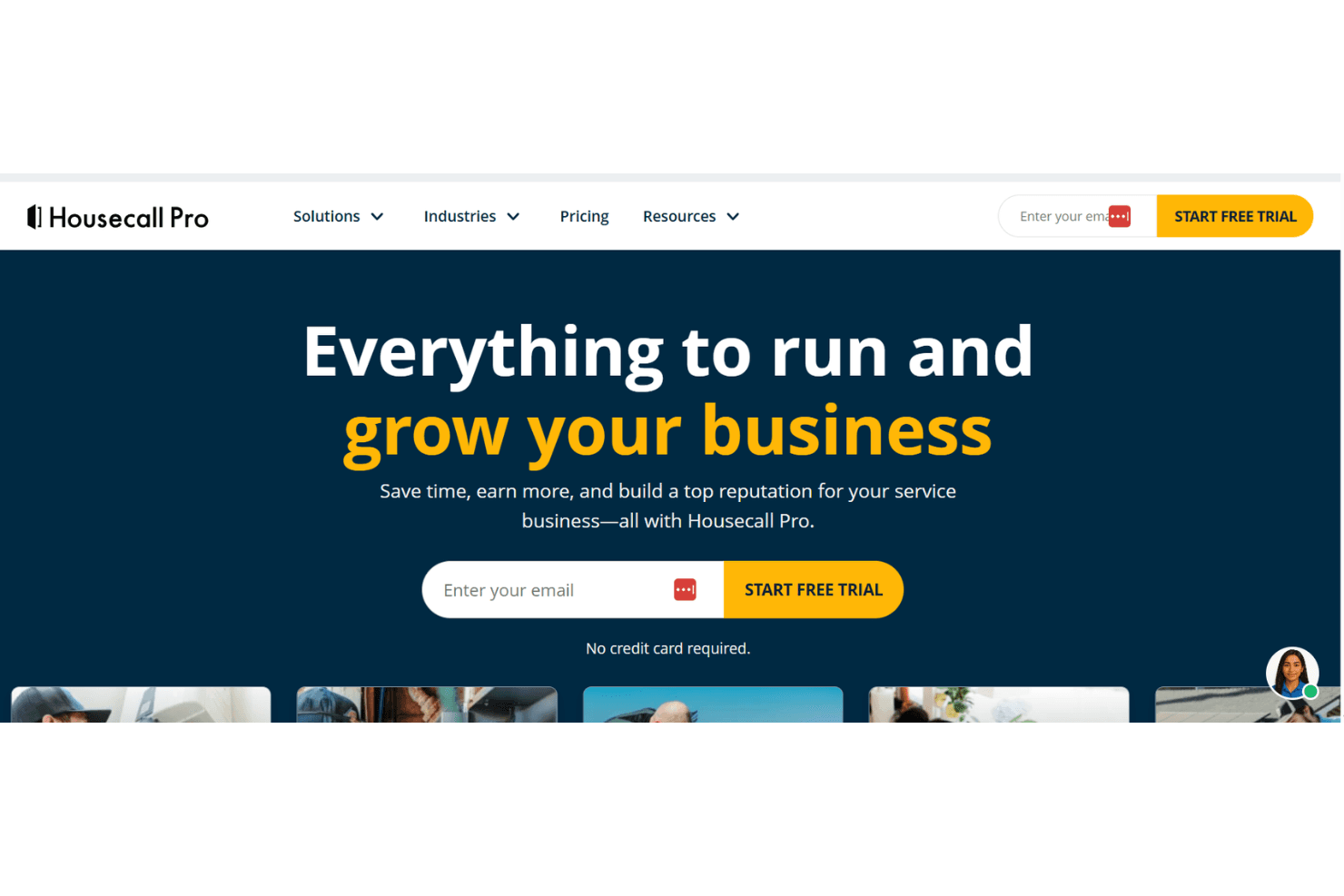
Housecall Pro is a sales and marketing software built for home service businesses that need to manage estimates, customer communication, and follow-ups alongside their day-to-day field operations. I'd mainly consider it if you're running a small to mid-sized service business and want a faster, more accessible setup than ServiceTitan, without giving up core marketing features like automated follow-up campaigns and review request tools.
Housecall Pro Evaluation Summary
4.3/5
- From $59/month (billed annually)
- 14-day free trial + free demo available
Pourquoi faire confiance à nos recommandations de logiciels
6,700+
Reviews
20
Industry experts
16+
Evaluation factors
14
Years
Nos avis reflètent notre jugement indépendant — et non un argumentaire de vente. Découvrez comment nous restons transparents.
Pour ce guide, nous avons évalué les outils grâce à des tests pratiques et une recherche indépendante, en notant les outils selon nos critères de sélection.
Nos avis reflètent notre jugement éditorial humain, et non un argumentaire de vente.
Housecall Pro Overview
In my opinion, Housecall Pro is a solid choice for small to medium-sized service companies needing efficient field service management software. Its user-friendly interface and strong customer support make it a favorite for providers of HVAC, plumbing, and electrical services. While it excels in ease of use and core features, the pricing might be steep for some, especially given the limited integrations. Compared to similar software, such as Service Titan, it stands out for its customer support but falls short on integration capabilities. If your team prioritizes ease of use and strong field management features over extensive integrations, Housecall Pro is worth considering.
Pros
- Your team will find its scheduling and dispatching features easy to use.
- The Android and iOS mobile apps let you manage work on the go.
- Customer support is responsive and helpful when you need it.
Cons
- Your team might miss having more advanced reporting features.
- The software can be slow at times, affecting your workflow.
- You might find the customization options limited for specific needs.
Is Housecall Pro Right For Your Needs?
Who Would be a Good Fit for Housecall Pro?
Housecall Pro suits small businesses and field service professionals, including HVAC technicians, plumbers, and electricians, who need efficient scheduling and dispatching. It's perfect for teams that want a user-friendly mobile app to manage work on the go and require responsive customer support. If your team values simplicity and ease of use in managing field operations, Housecall Pro's functionalities, such as job tracking, GPS tracking, and invoicing, make it a solid choice.
- HVAC ServicesHousecall Pro's scheduling and dispatching features help your HVAC team manage appointments efficiently.
- Plumbing CompaniesIts mobile app lets your plumbing team handle jobs and invoices from anywhere.
- Electrical ServicesThe key features and extensive customer support options ensure your electrical team gets the help they need quickly.
- Lawn CareFor lawn care, Housecall Pro's easy job tracking and job templates keep your team on schedule.
- Cleaning ServicesYour cleaning team will benefit from Housecall Pro's straightforward invoicing and payment processing.
- Appliance RepairAppliance repair teams find the email marketing feature effective for generating repeat business.
Who Would be a Bad Fit for Housecall Pro?
Housecall Pro isn't ideal for large enterprises needing advanced reporting and customization options. If your team relies on extensive integrations with other software, you'll find Housecall Pro's capabilities limited. It's also not suited for industries where complex data analysis is integral since its reporting features might not meet your needs. If your work demands high levels of customization, you'll likely be disappointed with what Housecall Pro offers.
- Large EnterprisesYour large enterprise team will find Housecall Pro's reporting and customization options lacking for complex needs.
- Data-Driven TeamsFor data-driven teams, the limited reporting features won't support your analytical work.
- Tech CompaniesTech companies needing extensive integrations will find Housecall Pro's capabilities insufficient.
- Manufacturing FirmsMost manufacturing firms require more advanced features than Housecall Pro provides.
- Marketing AgenciesYour marketing agency's complex analytics needs won't be met by Housecall Pro's basic reports.
- Financial ServicesFinancial services need a high level of customization, which Housecall Pro doesn't offer.
Comment nous testons et notons les outils
Nous avons passé des années à construire, affiner et améliorer notre système de test et de notation des logiciels. La grille d’évaluation est conçue pour saisir toutes les nuances dans le choix d’un logiciel et pour identifier ce qui rend un outil efficace, en mettant l’accent sur les aspects essentiels du processus de décision. Vous trouverez ci-dessous le détail exact de notre méthode de test et de notation selon sept critères. Cela nous permet de fournir une évaluation impartiale des logiciels basée sur la fonctionnalité principale, les fonctionnalités remarquables, la facilité d’utilisation, l’onboarding, le support client, les intégrations, les avis clients et le rapport qualité-prix.
Fonctionnalités principales (25 % de la note finale)
Le point de départ de notre évaluation est toujours la fonctionnalité principale de l’outil. Dispose-t-il des fonctions et caractéristiques de base auxquelles un utilisateur peut s’attendre ? Certaines de ces fonctionnalités de base sont-elles réservées à des formules plus onéreuses ? Nous attendons d’un outil qu’il tienne la comparaison avec les capacités minimales de ses concurrents.
Fonctionnalités remarquables (25 % de la note finale)
Nous évaluons ensuite les fonctionnalités remarquables, rares ou originales, qui vont au-delà des fonctionnalités principales habituellement trouvées dans ce type d’outils. Un score élevé reflète des fonctionnalités spécialisées ou innovantes qui accélèrent le produit, l’optimisent ou apportent une valeur ajoutée à l’utilisateur. Nous évaluons également la facilité d’intégration de l’outil aux autres logiciels généralement présents dans l’écosystème technologique, afin d’étendre ses fonctionnalités et son utilité. Les outils qui offrent de nombreuses intégrations natives, connexions tierces et accès API pour des intégrations personnalisées obtiennent la meilleure note.
Facilité d’utilisation (10 % de la note finale)
Nous évaluons la rapidité et la facilité d’exécution des tâches principales à l’aide de l’outil. Les logiciels les mieux notés sont bien conçus, intuitifs, proposent des applis mobiles, fournissent des modèles et facilitent la réalisation de tâches complexes.
Onboarding (10 % de la note finale)
Nous savons combien il est important d’adopter rapidement une nouvelle plateforme en équipe. Nous évaluons donc la facilité de prise en main de l’outil avec un minimum de formation. Nous étudions la rapidité avec laquelle un membre peut être opérationnel et commencer à utiliser l’outil sans expérience préalable. Un score élevé indique qu’aucun ou très peu de support est requis.
Support client (10 % de la note finale)
Nous examinons la rapidité et la facilité avec lesquelles il est possible de sortir d’une impasse et de trouver de l’aide par téléphone, chat en direct ou base de connaissances. Les outils et entreprises qui proposent une assistance en temps réel obtiennent la meilleure note, tandis que les chatbots sont les moins bien notés.
Avis clients (10 % de la note finale)
Au-delà de nos propres tests et évaluations, nous prenons en compte le score net d’appréciation des clients actuels et passés. Nous examinons la probabilité qu’ils choisissent à nouveau l’outil pour ses fonctionnalités principales. Un score élevé reflète une forte satisfaction des clients actuels ou passés.
Rapport qualité-prix (10 % de la note finale)
Enfin, en tenant compte de tous les autres critères, nous comparons le prix moyen des forfaits d’entrée de gamme avec les fonctionnalités de base et évaluons la valeur ajoutée selon les autres critères. Un logiciel offrant plus pour moins sera mieux noté.
Core Features
Scheduling and Dispatching: Your team can quickly schedule work with the job templates, reducing confusion and improving efficiency. It's simple to assign tasks, helping you stay organized.
Invoicing and Payments: Housecall Pro lets you send invoices and accept payments quickly via credit card. This feature speeds up your cash flow and keeps your finances in check.
Job Management: Track your work from start to finish with ease. The tool lets you update job details on the fly, ensuring nothing gets missed.
Customer Management: Keep all your customer details in one place for easy access, including addresses and phone numbers. This helps you maintain strong relationships and deliver better service.
Mobile App: Manage your work on the go with Housecall Pro's mobile app. It's handy for field teams needing real-time notifications and information.
Estimates and Quotes: Quickly create and send estimates to your customers. This feature makes it easier to win new business by showing your professionalism.
Ease of Use
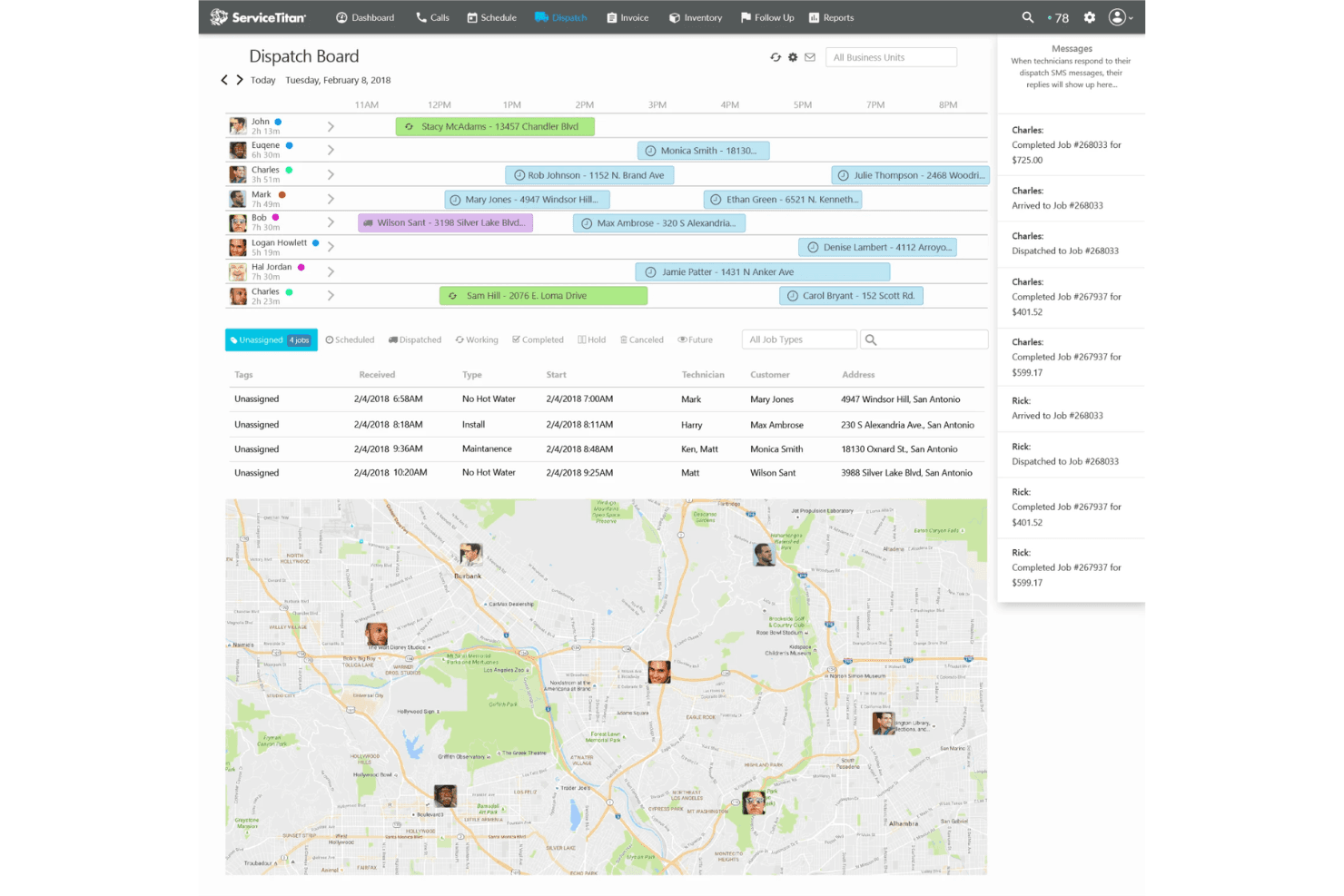
Housecall Pro stands out for its user-friendly dashboards, making it easy for your team to navigate and use daily. The intuitive interface simplifies scheduling and dispatching, letting you focus on your work rather than figuring out the software. Users appreciate the straightfoward mobile app for managing jobs on the go. Compared to other tools, Housecall Pro’s simplicity, accessibility, and positive user experience make it a preferred choice for teams needing a quick and hassle-free field service management solution.
Integrations
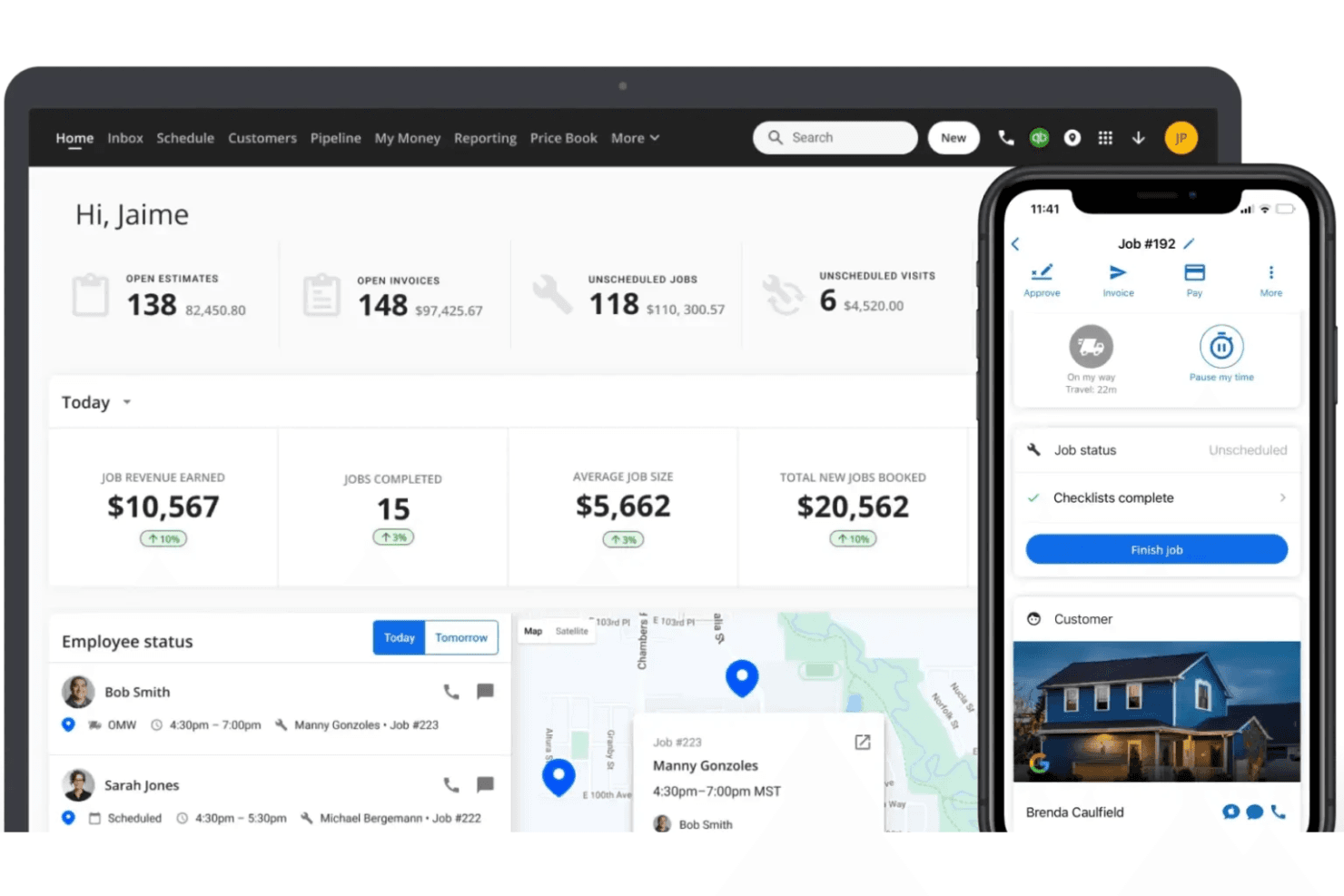
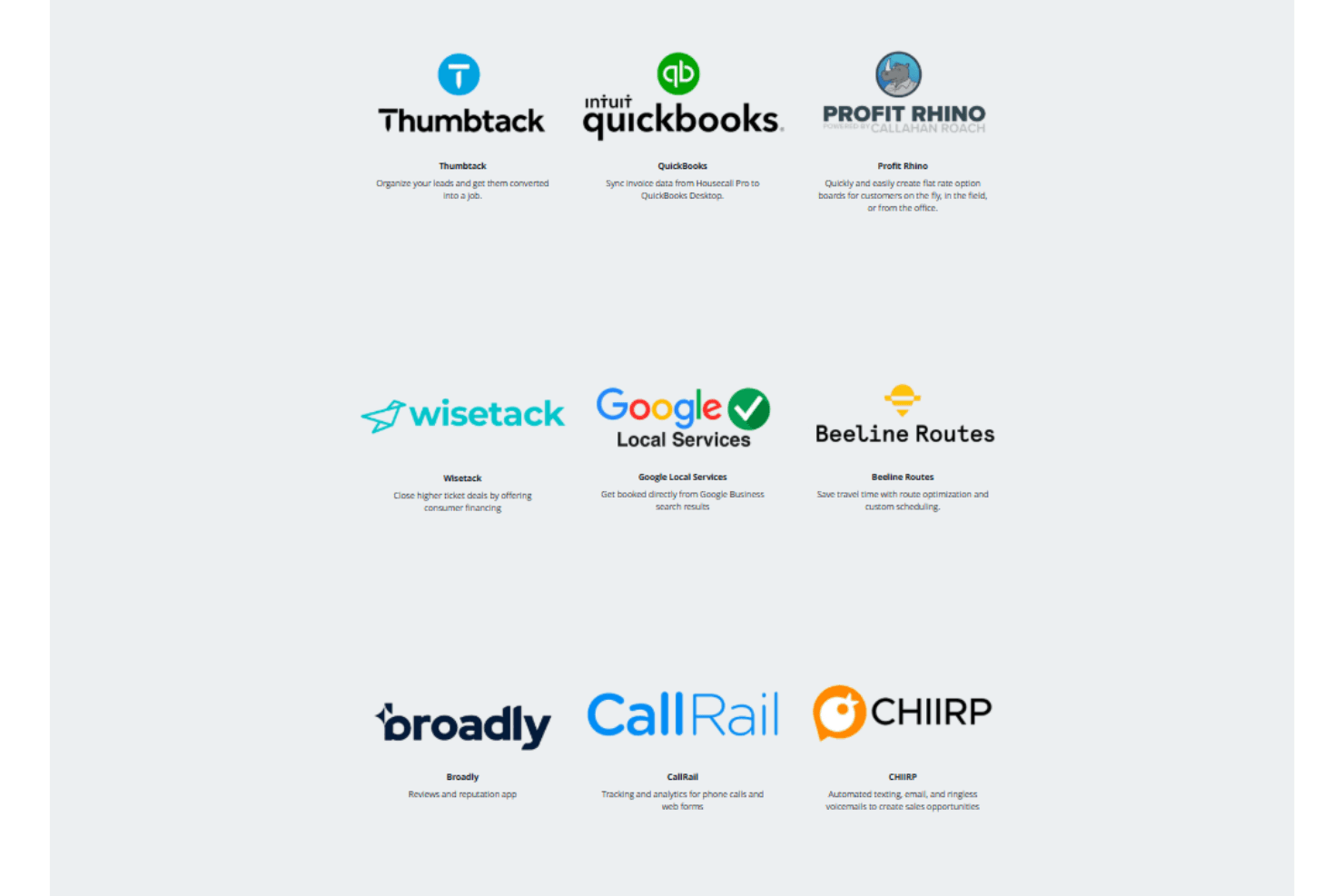
Housecall Pro integrates with QuickBooks, Mailchimp, Google Local Services, and Yelp.
Housecall Pro also has a public API for custom integrations and connects with third-party integration tools like Zapier.
Housecall Pro Specs
- API: No
- Appointment Scheduling: No
- Calendar Management: Yes
- Contact Management: Yes
- Customer Management: Yes
- Data Export: Yes
- Data Import: Yes
- External Integrations: Yes
- Fleet Management: No
- Lead Management: No
- Map Visualization: No
- Mobile App: Yes
- Multi-User: Yes
- Notifications: Yes
- Route Optimization: Yes
- Scheduling: Yes
- Task Scheduling/Tracking: Yes
- Timesheets: No
- Travel Management: Yes


