

Reseña de FluentStream: Ventajas, Desventajas, Características y Precios
FluentStream destaca por su interfaz fácil de usar y su precio flexible, lo que la convierte en una de las mejores opciones para equipos que buscan mejorar la eficiencia de su seguimiento de llamadas.

Analizamos las herramientas de forma independiente, y las comisiones ayudan a financiar nuestras pruebas. Consulta nuestra política de transparencia, nuestra metodología, o sugiere una herramienta.
FluentStream is a sales call tracking software built for sales teams that need call recording, routing, and analytics inside a single phone system. I'd consider it over a tool like Aircall if your team wants both the telephony infrastructure and the call tracking layer in one platform—rather than pairing a standalone tracker with a separate VoIP provider. It's a practical fit when your goal is tighter control over call flows without managing multiple vendors.
FluentStream Evaluation Summary
4.8/5
- From $5/month
- Free demo available
Por qué confiar en nuestras recomendaciones de software
6,700+
Reviews
20
Industry experts
16+
Evaluation factors
14
Years
Nuestras reseñas reflejan nuestro criterio independiente, no un discurso de ventas. Descubra cómo mantenemos la transparencia.
Para esta guía, evaluamos las herramientas mediante pruebas prácticas e investigación independiente, puntuando las herramientas según nuestros criterios de selección.
Nuestras reseñas reflejan nuestro criterio editorial humano, no un discurso de ventas.
FluentStream Overview
In my opinion, FluentStream is a solid choice for small to medium-sized businesses looking for reliable call tracking. It offers a user-friendly interface and good support, though its pricing may not suit everyone. It excels in providing clear call quality and flexible functionality but falls short on integrations compared to some competitors. If your team prioritizes ease of use and effective customer support, FluentStream could be a wise choice, especially for remote work environments.
Pros
- It offers a user-friendly interface that your team can navigate easily.
- The call quality is consistently clear, enhancing your communications.
- Customer support is responsive and helpful when you need assistance.
Cons
- It lacks advanced integration options for some specialized tools.
- Onboarding can be a bit challenging for new users.
- The feature set might not be as extensive as some competitors.
Is FluentStream Right For Your Needs?
Who Would be a Good Fit for FluentStream?
FluentStream is ideal for small to medium businesses, especially those with remote teams, due to its easy navigation and reliable call quality. Customer service departments benefit from its responsive support, ensuring issues are resolved quickly. It's also well-suited for tech startups that need flexible call management without complex integrations. These functionalities make FluentStream a practical choice for teams prioritizing user-friendly interfaces and efficient communication tools.
- Remote TeamsFluentStream supports remote work with its user-friendly interface and clear call quality, making communication seamless for your team.
- Customer ServiceIts reliable call quality and responsive customer support ensure smooth interactions with your clients and quick problem resolution.
- Tech StartupsFluentStream's flexibility and easy-to-use system cater to startups needing effective call tracking without extensive setup.
- Sales DepartmentsThe straightforward interface helps your sales team focus on closing deals rather than navigating complex software.
- SMBsFluentStream offers the essential features small businesses need, without overwhelming them with unnecessary options.
- Education ProvidersFluentStream's clear communication tools facilitate effective interactions between educators and students, enhancing the learning experience.
Who Would be a Bad Fit for FluentStream?
FluentStream isn't ideal for large enterprises requiring complex integrations and extensive feature sets. Its basic functionalities may not meet the demands of industries needing specialized call tracking solutions, like finance or healthcare, where compliance and security are paramount. If your team relies heavily on advanced integrations with other enterprise software, FluentStream might not offer the connectivity you need. It's also less suited for departments that require detailed analytics and reporting capabilities beyond basic call tracking.
- Large EnterprisesFluentStream's lack of complex integrations and advanced features may not satisfy the needs of large corporations.
- Finance IndustryWithout specialized compliance features, FluentStream doesn't align with the stringent requirements of financial institutions.
- Healthcare ProvidersThe absence of robust security features makes FluentStream unsuitable for healthcare with strict privacy regulations.
- Enterprise IT TeamsFluentStream's limited integration options don't support the complex ecosystems often managed by large IT departments.
- Marketing AgenciesIf your agency needs detailed analytics and custom reporting, FluentStream's basic tracking features might fall short.
- Legal FirmsFluentStream's lack of advanced call recording and documentation features may not meet the needs of legal professionals.
Cómo Probamos y Evaluamos Herramientas
Hemos pasado años construyendo, refinando y mejorando nuestro sistema de pruebas y evaluación de software. La rúbrica está diseñada para capturar las complejidades de la selección de software y lo que hace que una herramienta sea efectiva, centrándose en aspectos críticos del proceso de toma de decisiones. A continuación, puede ver exactamente cómo funcionan nuestras pruebas y evaluación a través de siete criterios. Esto nos permite ofrecer una evaluación imparcial del software basada en la funcionalidad principal, características destacadas, facilidad de uso, incorporación, soporte al cliente, integraciones, opiniones de los clientes y relación calidad-precio.
Funcionalidad Principal (25% de la puntuación final)
El punto de partida de nuestra evaluación es siempre la funcionalidad principal de la herramienta. ¿Tiene las características y funciones básicas que un usuario esperaría ver? ¿Alguna de esas funciones principales está restringida a planes de precios superiores? En esencia, esperamos que una herramienta cumpla con las capacidades básicas de sus competidores.
Características Destacadas (25% de la puntuación final)
A continuación, evaluamos características poco comunes que van más allá de la funcionalidad principal que suelen ofrecer herramientas similares. Una puntuación alta refleja funciones especializadas o únicas que hacen que el producto sea más rápido, eficiente o aporte un valor adicional al usuario. También evaluamos lo fácil que es integrar la herramienta con las demás del stack tecnológico para ampliar la utilidad y el alcance del software. Las herramientas que ofrecen integraciones nativas, conexiones de terceros y acceso API para crear integraciones personalizadas reciben las mejores puntuaciones.
Facilidad de Uso (10% de la puntuación final)
Consideramos qué tan rápido y fácil es realizar las tareas definidas en la funcionalidad principal usando la herramienta. El software que obtiene una alta puntuación está bien diseñado, es intuitivo de usar, ofrece aplicaciones móviles, proporciona plantillas y hace que tareas relativamente complejas parezcan sencillas.
Incorporación (10% de la puntuación final)
Sabemos lo importante que es la rápida adopción por parte del equipo de una nueva plataforma, por lo que evaluamos lo fácil que es aprender y utilizar una herramienta con una formación mínima. Evaluamos qué tan rápido un miembro del equipo puede configurarse y empezar a usar la herramienta sin experiencia previa. Las soluciones con puntuación alta indican que se requiere poco o ningún soporte.
Soporte al Cliente (10% de la puntuación final)
Revisamos cuán rápido y sencillo es encontrar ayuda y resolver problemas a través de teléfono, chat en vivo o base de conocimientos. Las herramientas y compañías que brindan soporte en tiempo real obtienen las mejores puntuaciones, mientras que los chatbots reciben las peores.
Opiniones de Clientes (10% de la puntuación final)
Además de nuestras propias pruebas y evaluaciones, consideramos el puntaje neto de promotores de los clientes actuales y anteriores. Revisamos su probabilidad, si tuvieran la opción, de volver a elegir la herramienta para la funcionalidad principal. Un software con puntuación alta refleja un puntaje neto de promotores elevado por parte de clientes actuales o anteriores.
Relación Calidad-Precio (10% de la puntuación final)
Por último, considerando todos los demás criterios, revisamos el precio promedio de los planes de nivel inicial frente a las funciones principales y consideramos el valor de los otros criterios de evaluación. El software que ofrece más, por menos, obtendrá una puntuación más alta.
Core Features
Call Management
FluentStream lets you manage calls with ease, providing tools for call routing, forwarding, and queuing. You can assign a phone number to different departments to handle calls efficiently.
Voicemail Transcription
This feature converts voicemails into text, allowing you to read messages at your convenience. It saves time and ensures you don't miss important details.
Call Recording
Record calls for quality assurance and training purposes. You can revisit conversations to ensure accuracy and improve your team's performance.
Customizable Call Flows
Design call flows that suit your business needs, directing calls to the right team members. This customization enhances caller experience and operational efficiency.
Call Logs and Usage Reporting
Access call data and metrics to track performance and identify trends. Use this information to make informed decisions and optimize your team's productivity.
Multi-Device Support
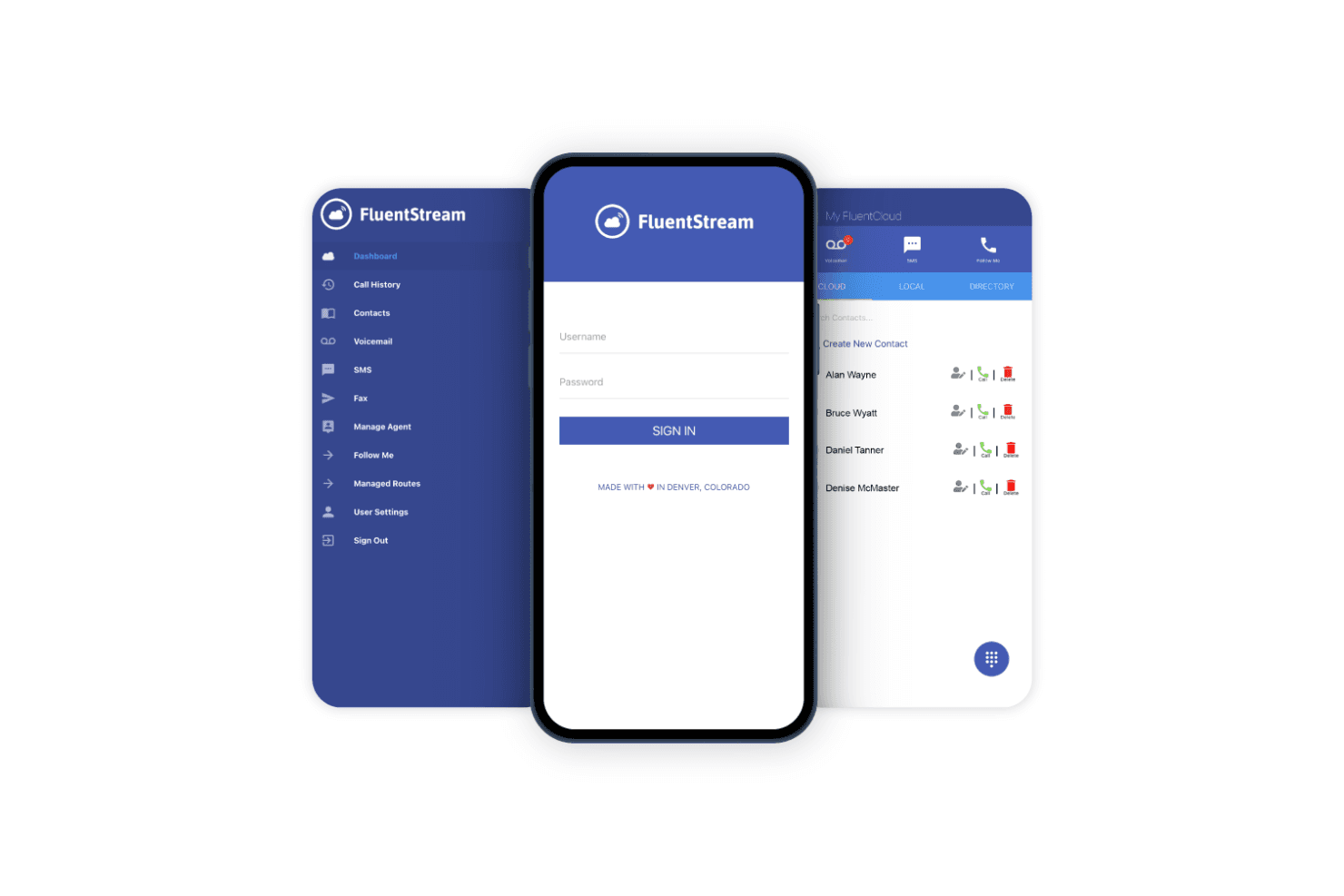
FluentStream works across various devices through its mobile app, enabling your team to stay connected on the go. This flexibility supports remote work and mobility.
Ease of Use
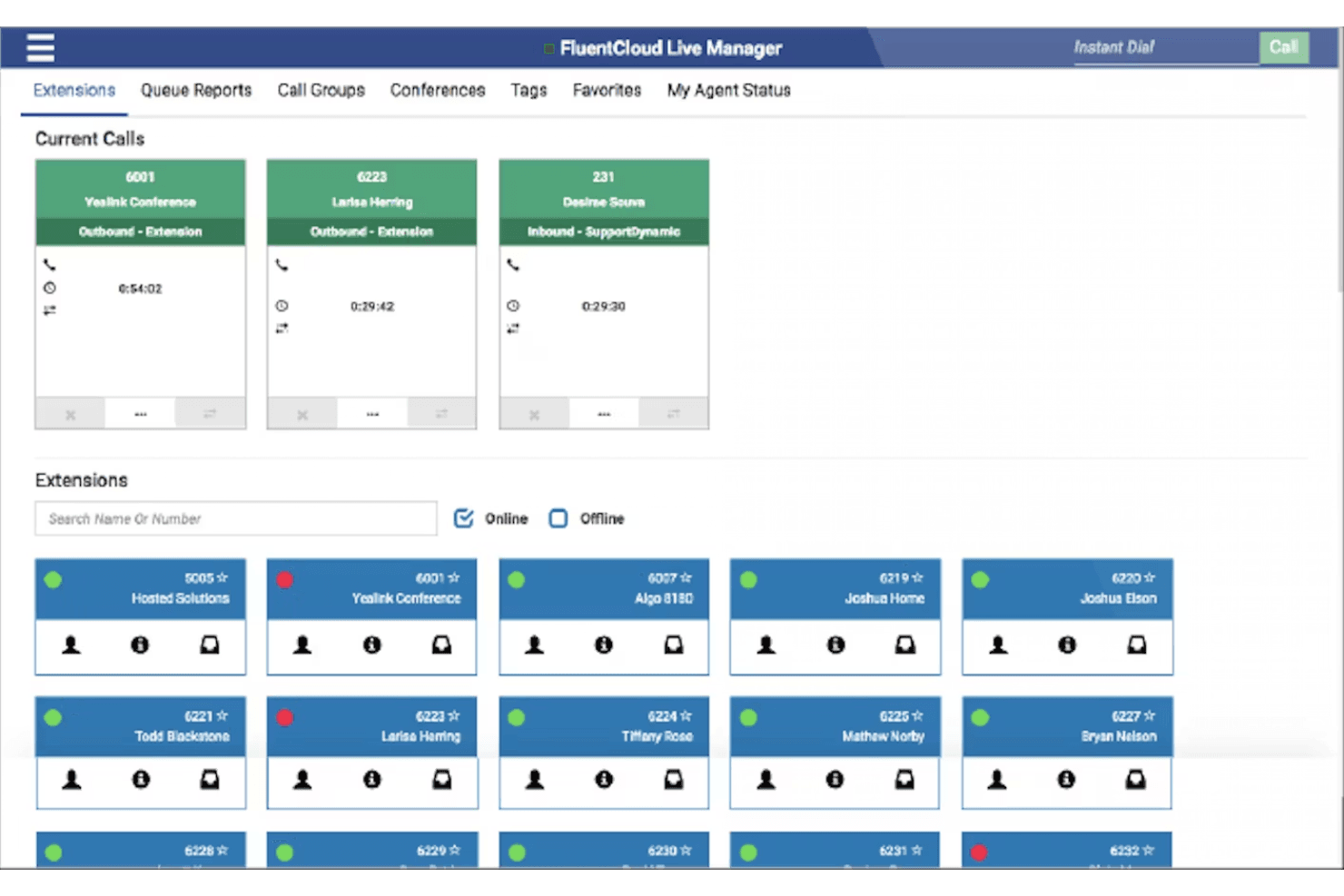
FluentStream is fairly user-friendly, with an intuitive interface that makes it simple for your team to start using quickly. While it may not be the most advanced, its straightforward design minimizes the learning curve. Features like customizable call flows and voicemail transcription are easy to navigate, enhancing daily operations. Some users may find onboarding a bit challenging, but once set up, the system's efficiency improves communication and productivity for your team.
Integrations
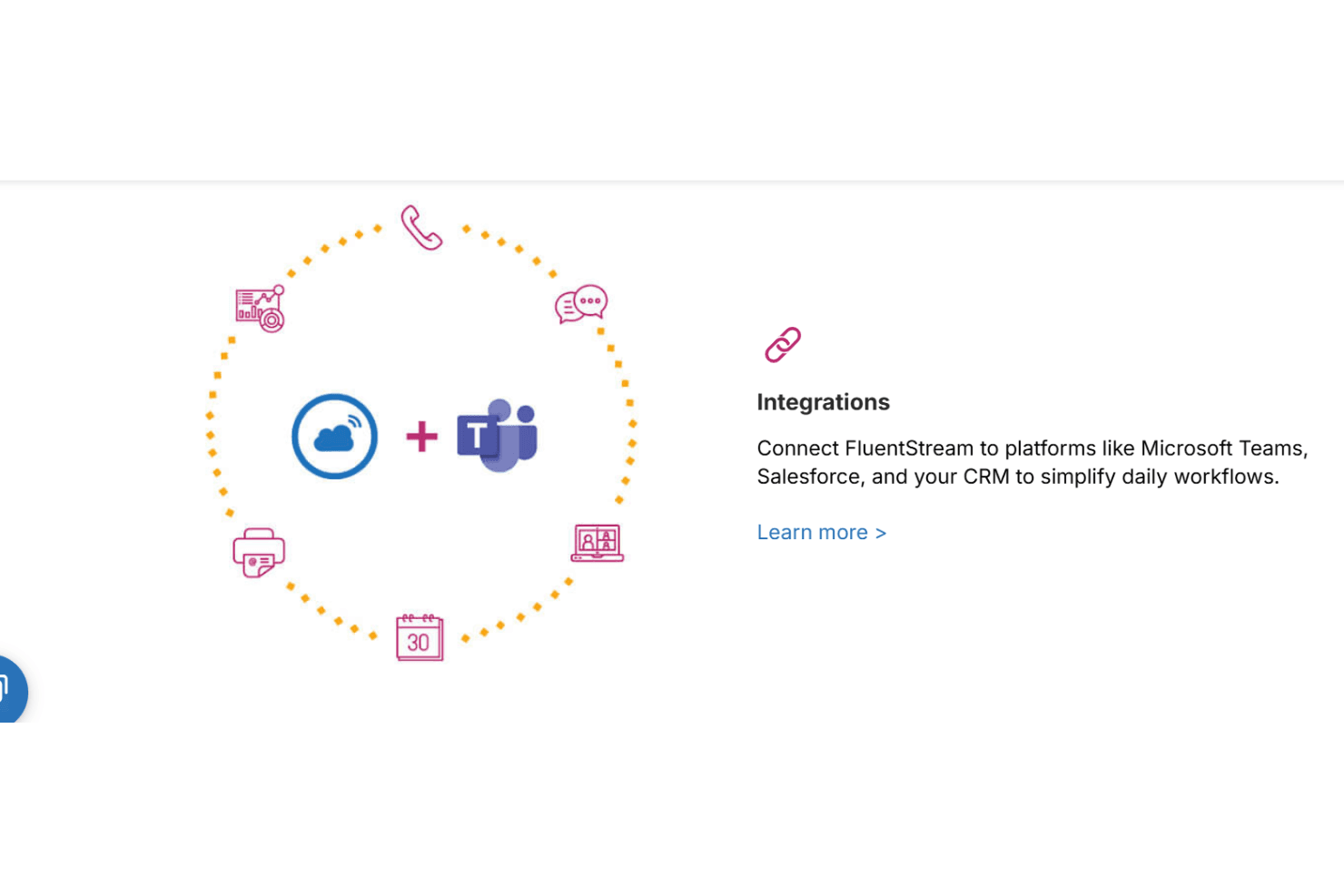
FluentStream integrates with Microsoft Teams, Salesforce, HubSpot, Zendesk, Microsoft Outlook, and Microsoft Dynamics 365 to connect calling workflows with CRM and productivity tools.
FluentStream also provides API access and supports automation through Zapier, enabling custom integrations and extended workflows.
FluentStream Specs
- 2-Factor Authentication: Yes
- API: Yes
- Audio Recording: Yes
- Calendar Management: No
- Call Integration: Yes
- Call Recording: Yes
- Chat: Yes
- Collaboration Support: Yes
- Contact Management: Yes
- Contact Sharing: Yes
- CRM Integration: Yes
- Email Integration: Yes
- External Integrations: Yes
- File Sharing: Yes
- Google Apps Integration: No
- Instant Chat Integration: No
- Mobile App: Yes
- Multi-User: Yes
- Notifications: Yes
- Project Management: No
- Scheduling: No
- SMS: Yes
- Softphone: Yes
- Video: Yes