
OptinMonster Review: Pros, Cons, Features & Pricing
In my career, I have used many lead generation tools, including OptinMonster. In this review, I’ll break down the platform's features, strengths, and limitations so you can decide if it fits in your lead gen strategy.

We review tools independently, and commissions help fund our testing. See our transparency policy, our methodology, or suggest a tool.
OptinMonster is a B2B lead generation software built around on-site conversion tools—exit-intent popups, slide-ins, and embedded forms with behavioral targeting rules. I'd consider it if you want to capture leads from your existing web traffic without building out separate campaign pages. If you've looked at Unbounce, that's the stronger fit for dedicated landing page campaigns, but OptinMonster is the better call when your goal is converting visitors who are already on your site.
OptinMonster Evaluation Summary
0/5
- From $7/month (billed annually)
- Free demo + 14-day money-back guarantee available
Why Trust Our Software Recommendations
6,700+
Reviews
20
Industry experts
16+
Evaluation factors
14
Years
Our reviews reflect our independent judgment—not a sales pitch. Learn how we stay transparent.
For this guide, we evaluated tools using hands-on testing and independent research, scoring tools using our selection criteria.
Our reviews reflect our human editorial judgment, not a sales pitch.
OptinMonster Overview
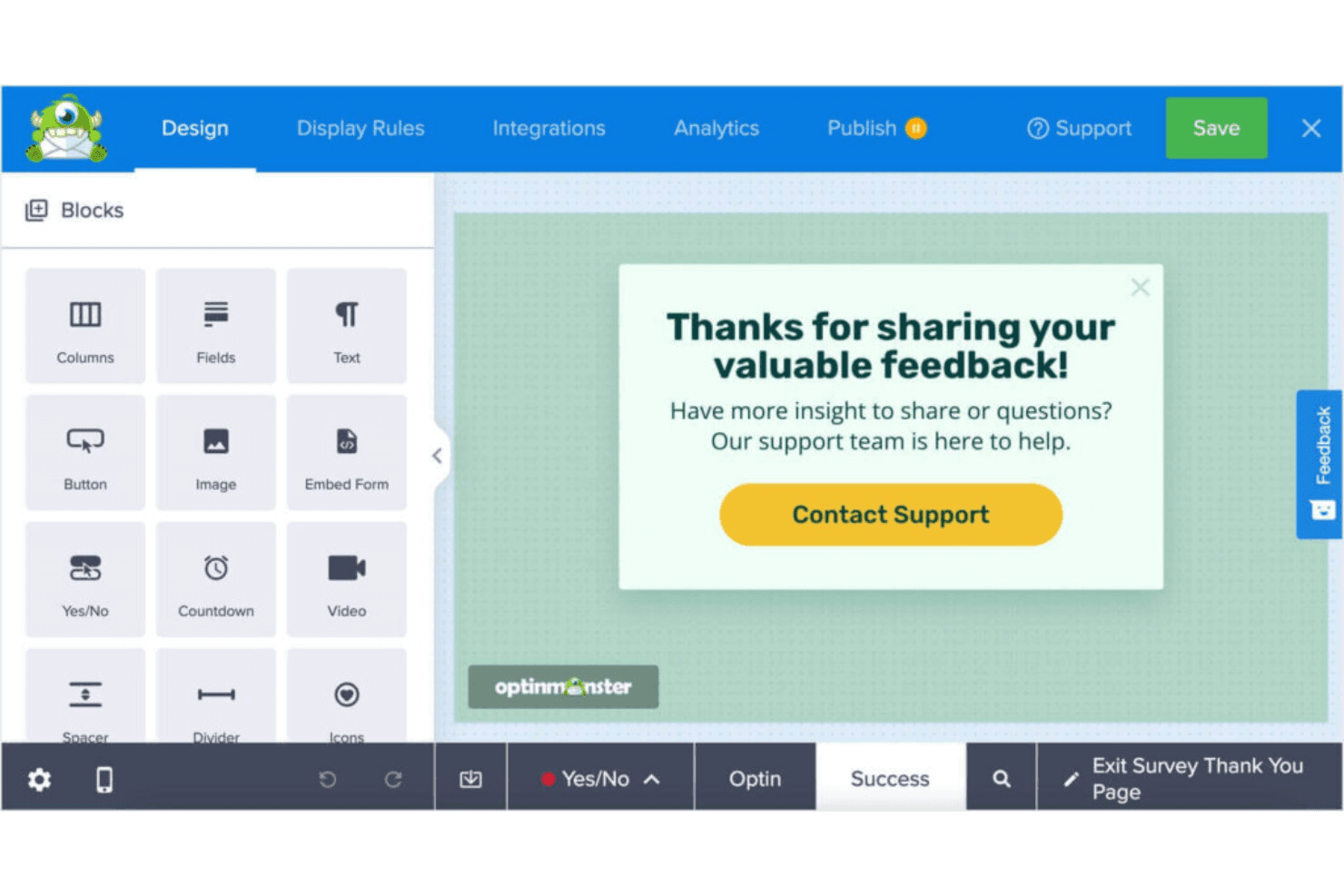
What makes OptinMonster valuable isn’t just ease of use—it’s the ability to create highly targeted, behavior-driven campaigns without needing a developer. From exit-intent popups to advanced A/B testing and analytics, it gives teams the tools to optimize every stage of the lead capture process and continuously improve conversion performance.
Pros
- You can easily create eye-catching pop-ups with its intuitive drag-and-drop builder.
- It offers advanced targeting rules to reach the right audience at the right time.
- You get access to detailed analytics to track and optimize your campaigns.
Cons
- No native email functionality—it only capture leads.
- You might find the customization options limited compared to some competitors.
- Key e-commerce integrations are limited to higher-tier plans.
Is OptinMonster Right For Your Needs?
Who Would be a Good Fit for OptinMonster?
OptinMonster is ideal for small businesses, e-commerce sites, and marketing teams that want to enhance their lead generation efforts. If you’re running an online store or work in a digital marketing agency, OptinMonster’s advanced targeting and analytics tools can boost your conversion rates. It’s also well-suited for content creators who need to grow their email lists quickly, thanks to its user-friendly pop-up builder and customizable templates.
- E-commerce SitesOptinMonster’s exit-intent pop-ups help you recover abandoned carts and increase sales.
- Digital AgenciesYour team can leverage its targeting features to drive more qualified leads for clients.
- Content CreatorsGrow your email list with OptinMonster’s effective sign-up forms and templates.
- Small BusinessesUse its easy-to-use builder to create pop-ups without needing a developer.
- Marketing TeamsGain insights with its analytics to fine-tune your campaigns and maximize impact.
- Online RetailersBoost your promotions by capturing leads with OptinMonster’s targeted campaigns.
Who Would be a Bad Fit for OptinMonster?
OptinMonster may not be the best fit for large enterprises with complex CRM needs or businesses seeking extensive customization options. If your team requires highly tailored solutions or advanced integrations with custom-built systems, OptinMonster’s capabilities might fall short. Additionally, companies with limited lead gen expertise might struggle with the initial setup and learning curve, making it less ideal for those without dedicated marketing resources.
- Large EnterprisesOptinMonster lacks the deep customization and complex integrations large companies might need.
- Tech-Savvy TeamsYour team might find OptinMonster’s customization options limited compared to other platforms.
- Custom CRM UsersIf you’re using a unique CRM, OptinMonster’s integration capabilities might not meet your needs.
- Non-Marketing DepartmentsTeams without marketing expertise might find the setup and learning curve challenging.
- Highly Regulated IndustriesIndustries with strict compliance needs might require more robust data handling features.
- Advanced Analytics NeedsOptinMonster’s analytics might not suffice if you need in-depth, custom reporting capabilities.
How We Test & Score Tools
We’ve spent years building, refining, and improving our software testing and scoring system. The rubric is designed to capture the nuances of software selection and what makes a tool effective, focusing on critical aspects of the decision-making process.
Below, you can see exactly how our testing and scoring works across seven criteria. It allows us to provide an unbiased evaluation of the software based on core functionality, standout features, ease of use, onboarding, customer support, integrations, customer reviews, and value for money.
Core Functionality (25% of final scoring)
The starting point of our evaluation is always the core functionality of the tool. Does it have the basic features and functions that a user would expect to see? Are any of those core features locked to higher-tiered pricing plans? At its core, we expect a tool to stand up against the baseline capabilities of its competitors.
Standout Features (25% of final scoring)
Next, we evaluate uncommon standout features that go above and beyond the core functionality typically found in tools of its kind. A high score reflects specialized or unique features that make the product faster, more efficient, or offer additional value to the user.
We also evaluate how easy it is to integrate with other tools typically found in the tech stack to expand the functionality and utility of the software. Tools offering plentiful native integrations, 3rd party connections, and API access to build custom integrations score best.
Ease of Use (10% of final scoring)
We consider how quick and easy it is to execute the tasks defined in the core functionality using the tool. High scoring software is well designed, intuitive to use, offers mobile apps, provides templates, and makes relatively complex tasks seem simple.
Onboarding (10% of final scoring)
We know how important rapid team adoption is for a new platform, so we evaluate how easy it is to learn and use a tool with minimal training. We evaluate how quickly a team member can get set up and start using the tool with no experience. High scoring solutions indicate little or no support is required.
Customer Support (10% of final scoring)
We review how quick and easy it is to get unstuck and find help by phone, live chat, or knowledge base. Tools and companies that provide real-time support score best, while chatbots score worst.
Customer Reviews (10% of final scoring)
Beyond our own testing and evaluation, we consider the net promoter score from current and past customers. We review their likelihood, given the option, to choose the tool again for the core functionality. A high scoring software reflects a high net promoter score from current or past customers.
Value for Money (10% of final scoring)
Lastly, in consideration of all the other criteria, we review the average price of entry level plans against the core features and consider the value of the other evaluation criteria. Software that delivers more, for less, will score higher.
Core Features
Drag-and-Drop Builder
Create custom pop-ups with ease using OptinMonster's intuitive builder. It lets you design without coding, making it accessible for everyone on your team.
Exit-Intent Technology
Capture leaving visitors by triggering pop-ups as they navigate away. This feature helps you recover potential lost leads and boost conversions.
Targeting Rules
Reach the right audience with advanced targeting options like page-level targeting. Tailor your campaigns to specific visitor behaviors and preferences.
A/B Testing
Optimize your campaigns by testing different pop-up variations. You can see what works best and make data-driven decisions to improve results.
Analytics Dashboard
Gain insights into your campaigns with OptinMonster's analytics. Track performance metrics and make informed adjustments to enhance your strategies.
Mobile-Friendly Pop-Ups
Ensure your pop-ups look great on any device. OptinMonster's responsive design helps you engage users on mobile without compromising experience.
Customizable CTAs
You can create tailored calls-to-action that resonate with their audience, increasing the likelihood of conversion.
Email Integration
Easy sync with email marketing services means you can grow your lists and segment subscribers.
Standout Features
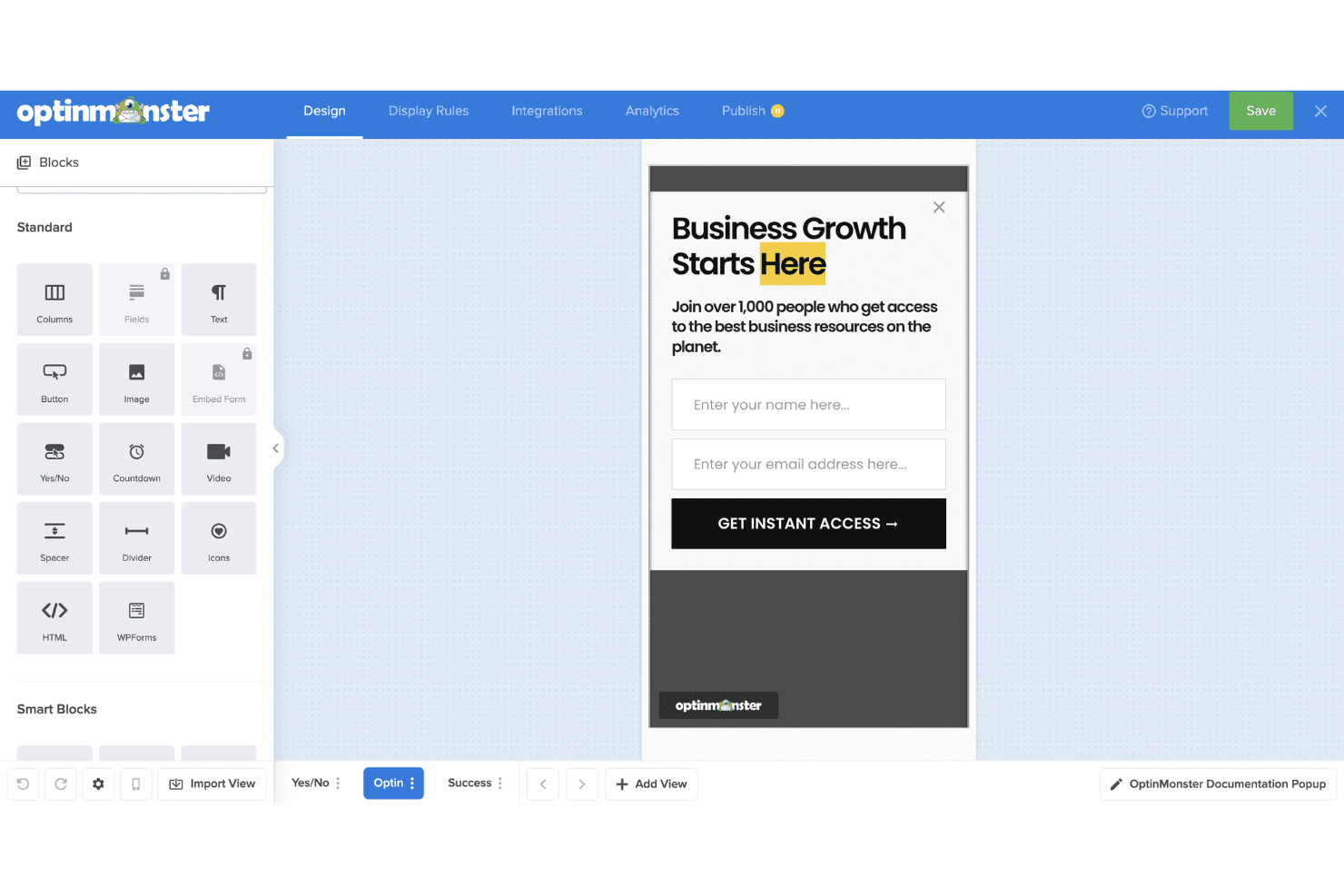
Geo-Location Targeting
Deliver personalized content based on a user's location. This feature allows you to tailor offers and messages for specific regions, enhancing relevance and engagement.
MonsterLinks™ 2-Step Opt-Ins
Turn any link or image into a 2-step opt-in process. This feature increases conversions by engaging users through interactive elements before they see the sign-up form.
Ease of Use
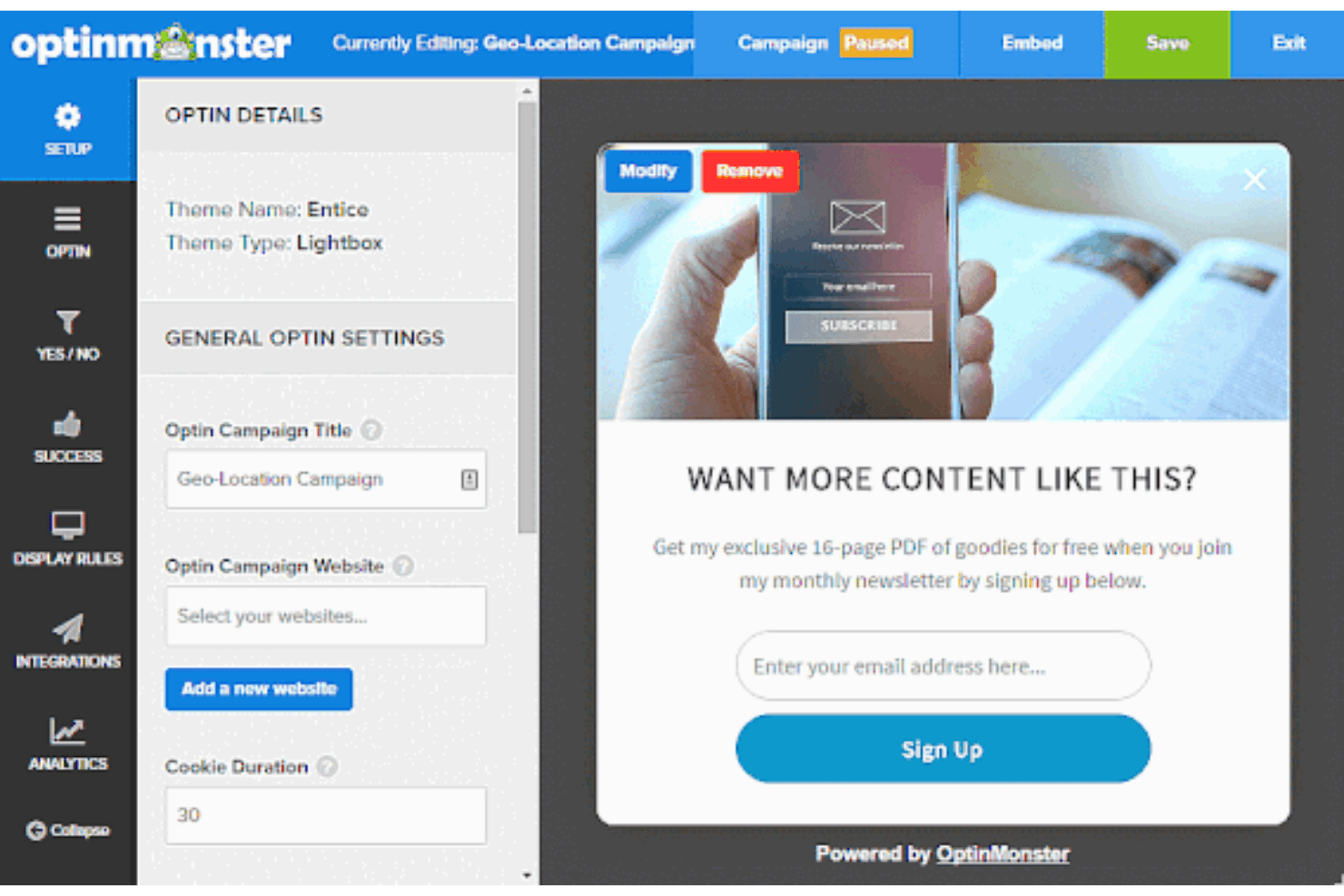
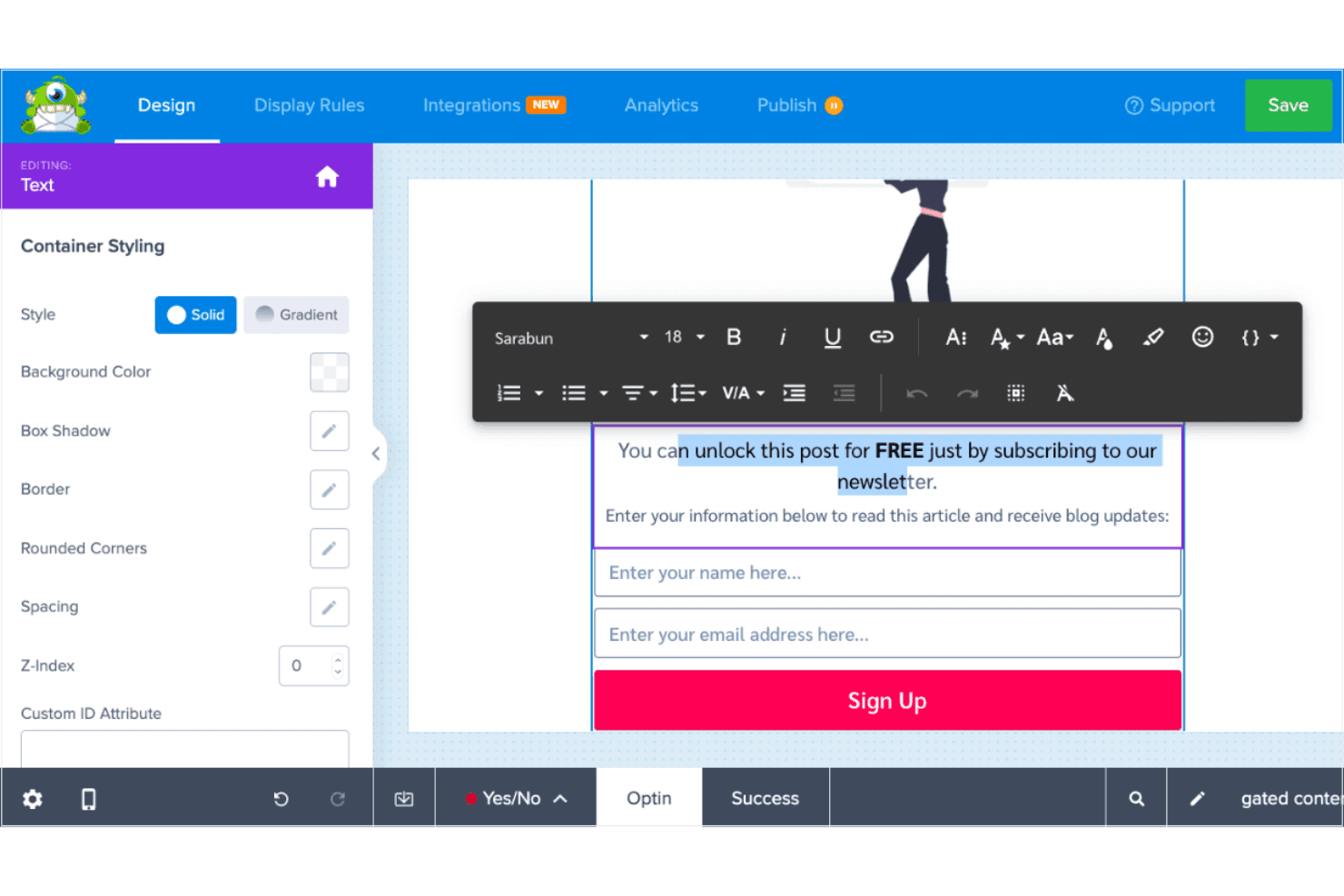
OptinMonster is user-friendly, thanks to its intuitive drag-and-drop builder that makes creating popups and forms easy—even without coding experience. The interface is straightforward, and most users can launch their first campaign quickly. While the range of features can feel a bit overwhelming at first, the learning curve is manageable. Once you're familiar with the layout, using the platform becomes second nature. Compared to other tools, OptinMonster strikes a good balance between power and simplicity, so your team can focus on optimizing conversions instead of wrestling with the software.
Onboarding
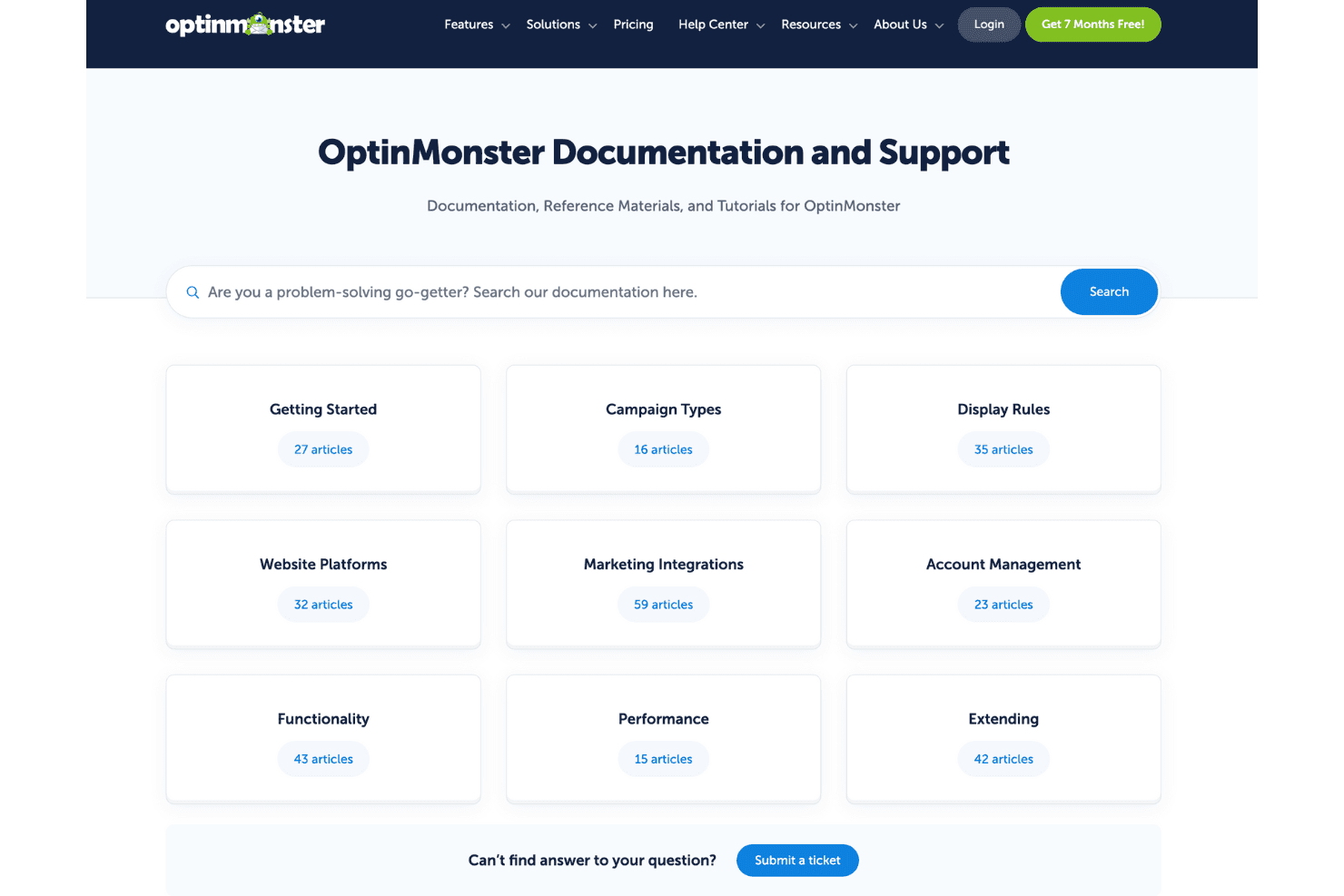
OptinMonster offers a decent onboarding experience with clear guides and tutorials to help you get started. While the initial setup might seem daunting, the wealth of resources, including video tutorials and a comprehensive knowledge base, eases the learning curve. Support is responsive, ensuring your team can resolve issues quickly. Compared to others, OptinMonster provides a solid foundation for new users to achieve value without unnecessary delays.
Customer Support
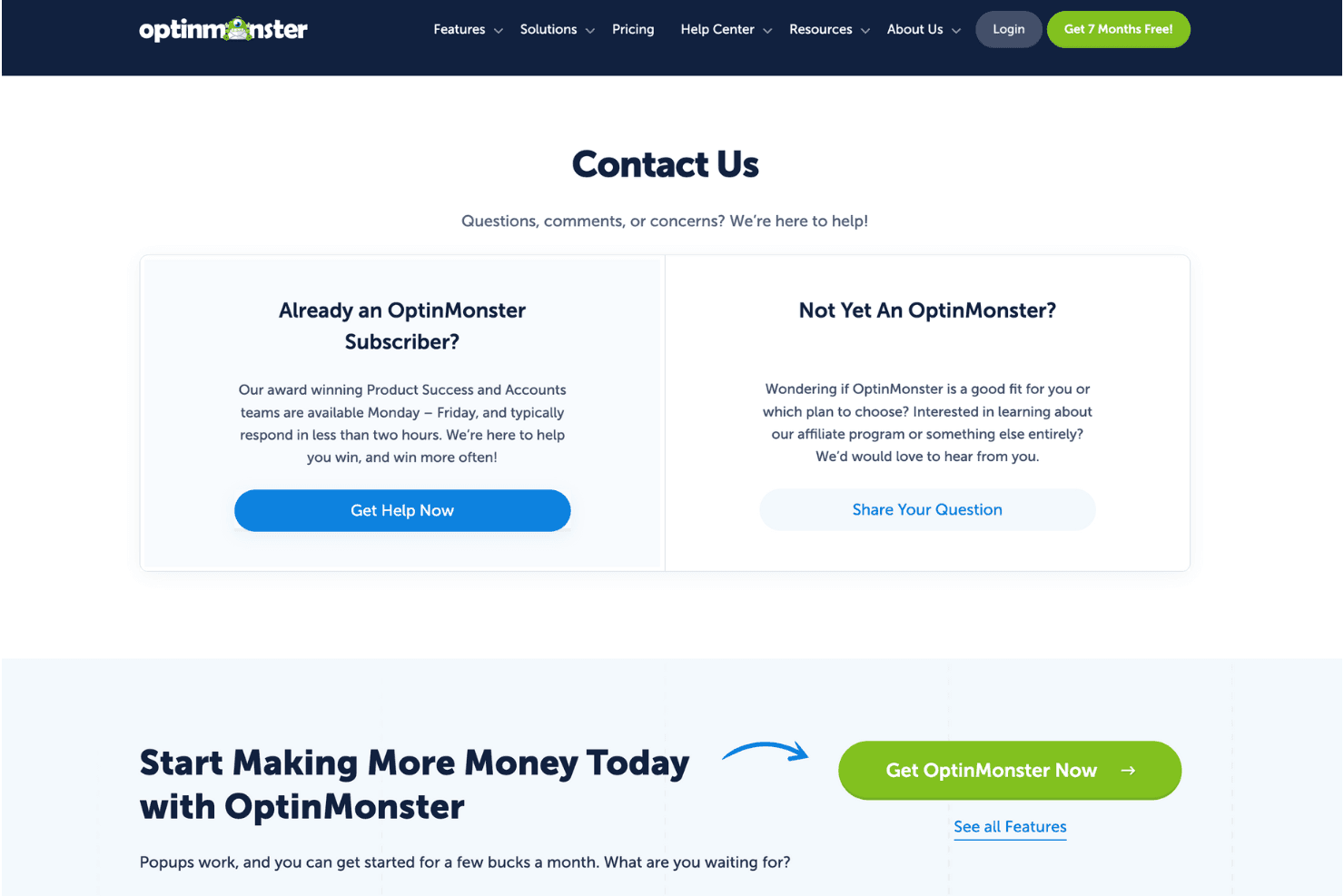
OptinMonster provides reliable customer support with responsive service that helps resolve issues quickly. Users appreciate the live chat and email support options, which ensure your team gets timely assistance. The comprehensive knowledge base and detailed tutorials offer additional self-help resources. Compared to others, OptinMonster’s support channels make it easier for your team to navigate challenges and get the most out of the software with minimal downtime.
Integrations
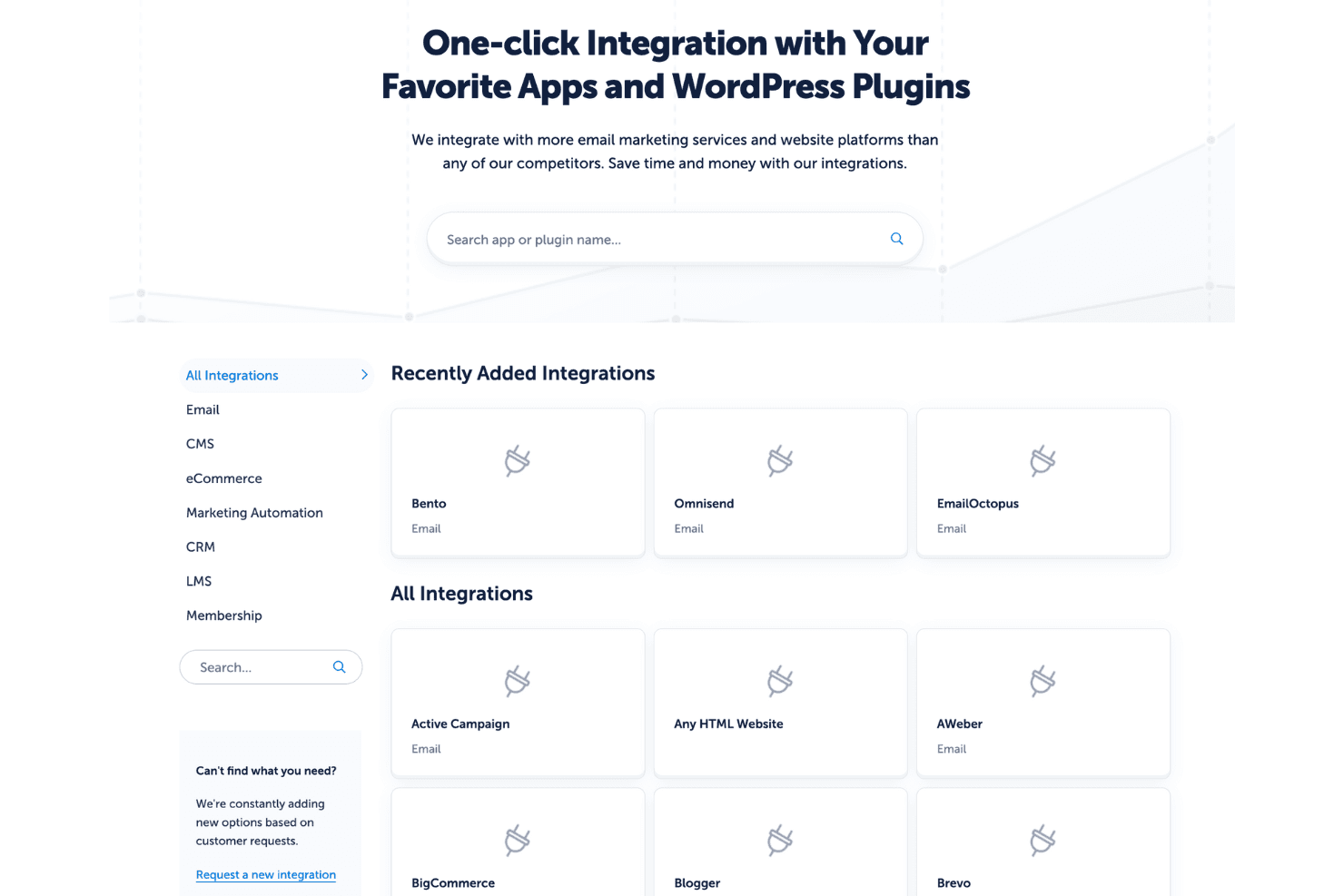
Integrations include Mailchimp, AWeber, Constant Contact, GetResponse, HubSpot, ActiveCampaign, Zapier, Salesforce, WooCommerce, Shopify, Drip, and ConvertKit.
Value for Money
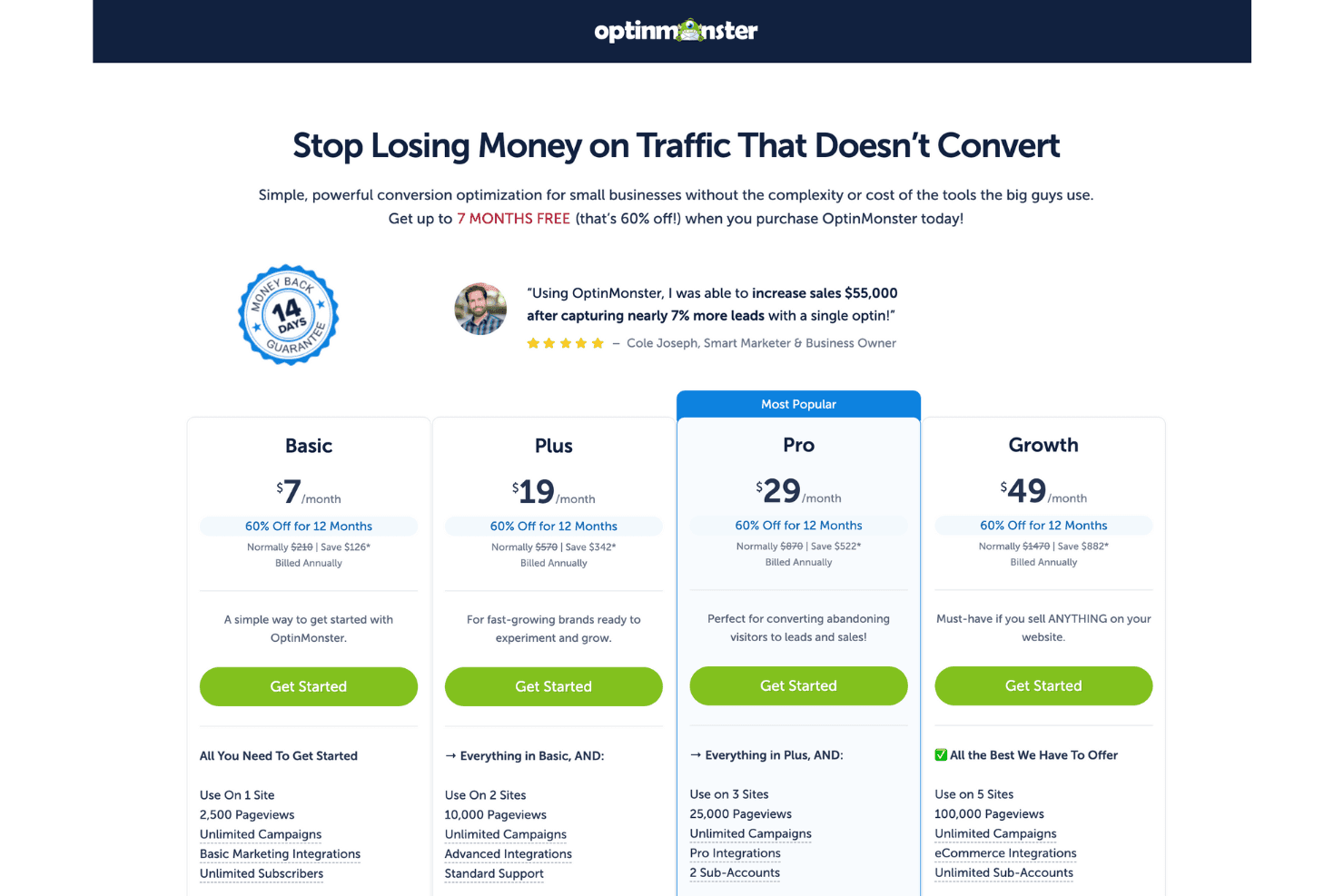
OptinMonster’s pricing offers solid value, with flexible plans designed to suit different business sizes and marketing goals. Many users find the cost justified by the range of features and level of support, particularly in the higher-tier plans that unlock more advanced functionality. Whether you're just starting out or scaling up, the pricing structure gives you access to powerful lead generation tools tailored to your needs.
- Basic: Essential tools for beginners.
- Plus: Adds advanced targeting and A/B testing.
- Pro: Includes exit intent technology and webhooks.
- Growth: Full access to all features and e-commerce integrations.
OptinMonster Specs
- 2-Factor Authentication: No
- A/B Testing: No
- Analytics: No
- API: No
- BitCoin: No
- Conversion Tracking: No
- Dashboard: No
- Data Export: No
- Data Import: No
- Data Visualization: No
- Design Templates: No
- External Integrations: No
- Inventory Tracking: No
- Keyword Tracking: No
- Marketing Automation: No
- Multi-User: No
- Notifications: No
- Order Management: No
- Payment Gateway Integration: No
- Payment Processor: No
- PayPal: No
- Product Catalog: No
- Review Monitoring: No
- SAP Integration: No
- Scheduling: No
- Stripe: No
- Third-Party Plugins/Add-Ons: No
OptinMonster FAQs
OptinMonster Company Overview & History
OptinMonster is a lead‑generation tool founded in 2013 by Syed Balkhi and Thomas Griffin, with its HQ in West Palm Beach, Florida. It helps you convert website visitors into subscribers using smart popups and exit‑intent targeting. Today it’s used on over 1 million sites, serving billions of opt‑ins each month, and earned multiple G2 awards for ease‑of‑use and ROI. The company has around 28 employees and reported $3M in revenue in 2024 with no outside funding.
OptinMonster Major Milestones
- 2013: founded and WordPress plugin launched in September
- 2015: re‑launched as a full SaaS app platform
- 2018: leadership restructure as Thomas Griffin became president
- 2021–2024: revenue grew from $1.5M to $3M per year
- 2025: platform used on over 1 million sites, billions of opt‑ins served
What's Next?
Want to learn more about the latest sales insights and tech from experts in the industry? Sign up for our newsletter.