

beqom Review 2026: Pros, Cons, Features and Pricing
I see beqom as a powerful fit for complex sales compensation—not a lightweight fix. This review weighs its flexibility against the setup and cost trade-offs to help you decide if it fits.

We review tools independently, and commissions help fund our testing. See our transparency policy, our methodology, or suggest a tool.
beqom is sales compensation software for configuring incentive plans, objectives, contests, awards, and payouts. If your team needs to manage sales incentives alongside merit, bonuses, and long-term incentives, I’d choose beqom over Xactly Incent for its broader compensation-management scope.
beqom Evaluation Summary
4.4/5
- Pricing upon request
- Free demo available
Why Trust Our Software Recommendations
6,700+
Reviews
20
Industry experts
16+
Evaluation factors
14
Years
Our reviews reflect our independent judgment—not a sales pitch. Learn how we stay transparent.
For this guide, we evaluated tools using hands-on testing and independent research, scoring tools using our selection criteria.
Our reviews reflect our human editorial judgment, not a sales pitch.
beqom Overview
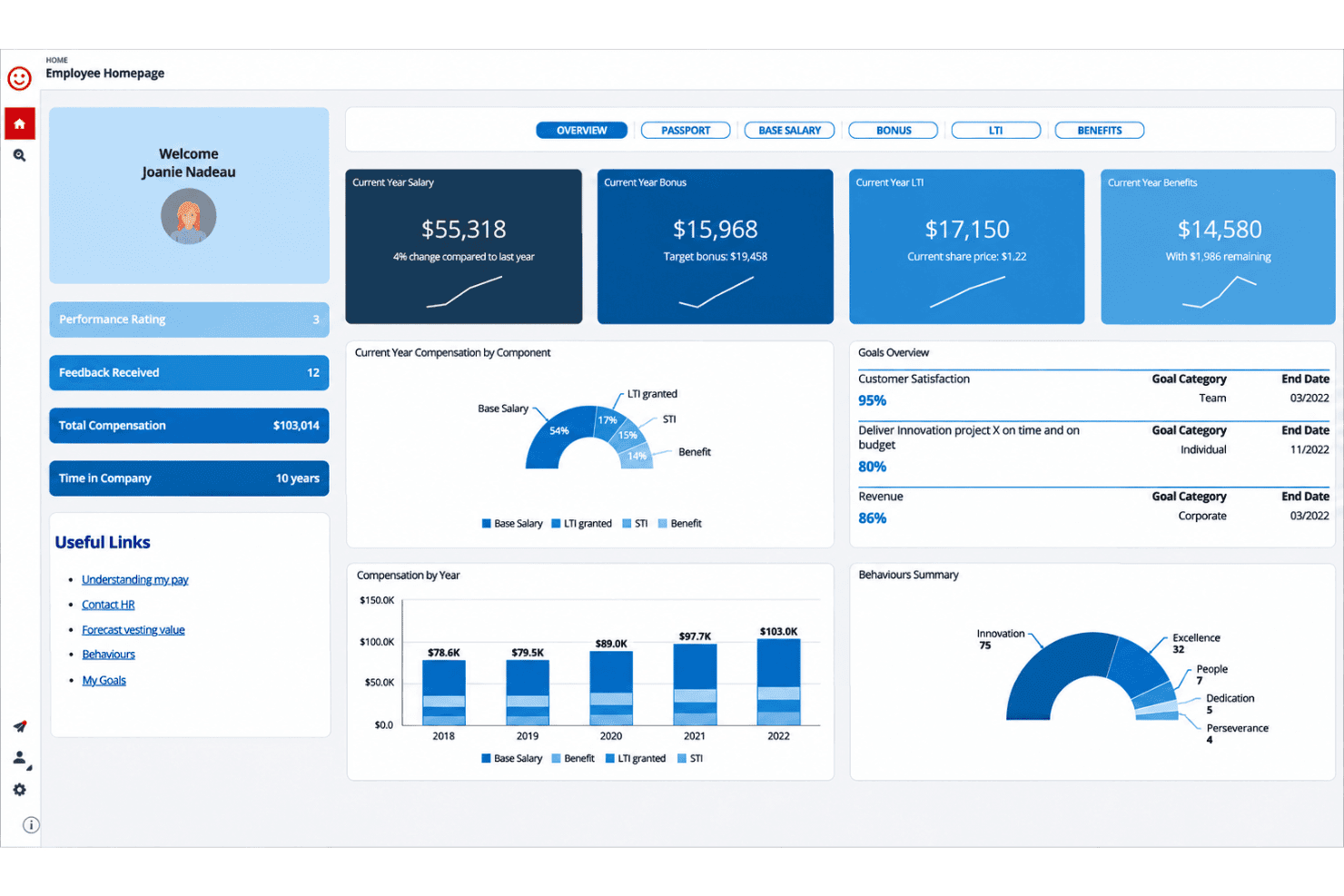
I’d choose beqom when sales incentives need to sit alongside merit, bonuses, and long-term incentives. Its configurable plans, approval workflows, and no-code Calculation Workspace handle complex rules better than a narrower tool, while HRIS, payroll, and business-system integrations support connected compensation data. The interface offers control, though setup isn’t lightweight: enterprise implementations can take three to nine months. Pricing isn’t published by beqom, and a third-party listing puts its basic plan at CHF 50,000 yearly, so compare quotes carefully. Support includes live and self-service channels. For example, Lowe’s used beqom to reward 300,000 frontline employees, making it a strong fit for large, complex organizations.
Pros
- Configurable rules support complex commission and incentive models.
- Users praise reliable sales calculations and adaptable reporting.
- It combines sales incentives with merit, bonuses, and long-term awards.
Cons
- Enterprise implementations can take three to nine months.
- Complex configurations can raise user-error and maintenance risks.
- Users report recurring regressions and gaps in out-of-box reporting.


How We Test & Score Tools
We’ve spent years building, refining, and improving our software testing and scoring system. The rubric is designed to capture the nuances of software selection and what makes a tool effective, focusing on critical aspects of the decision-making process.
Below, you can see exactly how our testing and scoring works across seven criteria. It allows us to provide an unbiased evaluation of the software based on core functionality, standout features, ease of use, onboarding, customer support, integrations, customer reviews, and value for money.
Core Functionality (25% of final scoring)
The starting point of our evaluation is always the core functionality of the tool. Does it have the basic features and functions that a user would expect to see? Are any of those core features locked to higher-tiered pricing plans? At its core, we expect a tool to stand up against the baseline capabilities of its competitors.
Standout Features (25% of final scoring)
Next, we evaluate uncommon standout features that go above and beyond the core functionality typically found in tools of its kind. A high score reflects specialized or unique features that make the product faster, more efficient, or offer additional value to the user.
We also evaluate how easy it is to integrate with other tools typically found in the tech stack to expand the functionality and utility of the software. Tools offering plentiful native integrations, 3rd party connections, and API access to build custom integrations score best.
Ease of Use (10% of final scoring)
We consider how quick and easy it is to execute the tasks defined in the core functionality using the tool. High scoring software is well designed, intuitive to use, offers mobile apps, provides templates, and makes relatively complex tasks seem simple.
Onboarding (10% of final scoring)
We know how important rapid team adoption is for a new platform, so we evaluate how easy it is to learn and use a tool with minimal training. We evaluate how quickly a team member can get set up and start using the tool with no experience. High scoring solutions indicate little or no support is required.
Customer Support (10% of final scoring)
We review how quick and easy it is to get unstuck and find help by phone, live chat, or knowledge base. Tools and companies that provide real-time support score best, while chatbots score worst.
Customer Reviews (10% of final scoring)
Beyond our own testing and evaluation, we consider the net promoter score from current and past customers. We review their likelihood, given the option, to choose the tool again for the core functionality. A high scoring software reflects a high net promoter score from current or past customers.
Value for Money (10% of final scoring)
Lastly, in consideration of all the other criteria, we review the average price of entry level plans against the core features and consider the value of the other evaluation criteria. Software that delivers more, for less, will score higher.
Core Features
Incentive Plan Design
Define incentive plans, objectives, contests, and non-cash awards in one system. You can set different rewards for new sales and renewals, then simulate plan changes before launch.
Incentive Calculations and Payouts
A business-user-driven rules engine processes sales transactions and performance data into earnings and payments. For example, you can apply tiered commission rules to transaction volumes without relying on manual spreadsheet calculations.
Sales Crediting
Assign sales credit across multidimensional territories and multiple levels, while accounting for participant moves and role changes. This helps you handle split credit when several sellers contribute to one deal.
Quota Management
Set sales objectives and targets with top-down or bottom-up planning, using basic rules or advanced algorithms. You can tailor quotas to teams or individuals instead of applying one target across the sales organization.
Territory Management
Plan and simulate assignments across geographic or other business dimensions. For example, you can assess how account assignments affect territory coverage before changing seller portfolios.
Analytics and Reporting
Use real-time reporting and ad hoc analysis to review plans, performance, payouts, costs, and fairness. You can examine whether a plan’s payout distribution matches your intended sales incentives.
Ease of Use
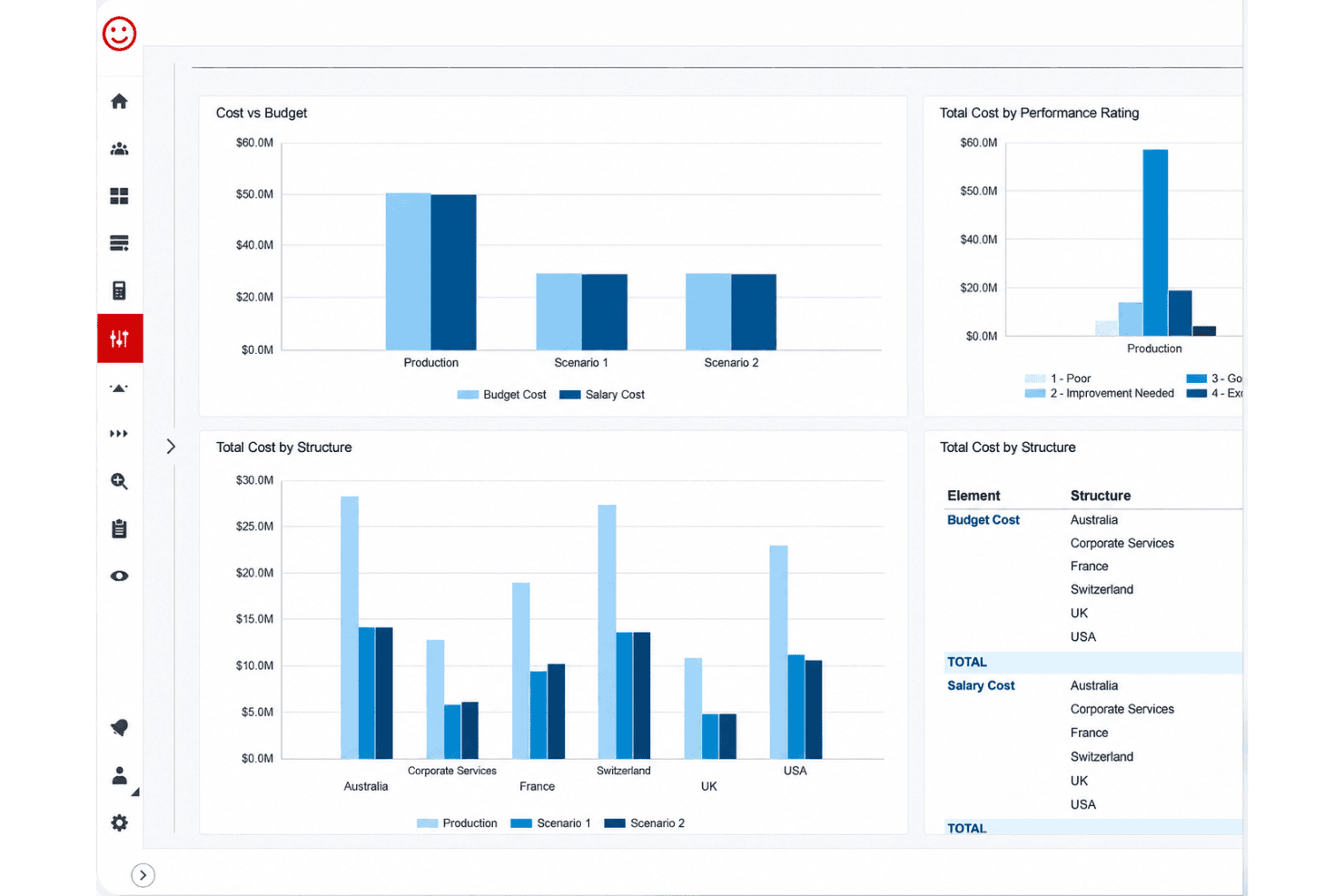
beqom is usable once configured, but it isn’t a lightweight tool to learn or maintain. Its no-code Calculation Workspace lets business users manage complex commission rules, and reviewers praise calculation reliability and adaptable reporting. However, the many configuration options can increase user-error risk, while reviewers report recurring regressions and gaps in out-of-box reports. I’d expect a steeper learning curve than with simpler sales compensation software, especially during implementation and plan changes.
Integrations
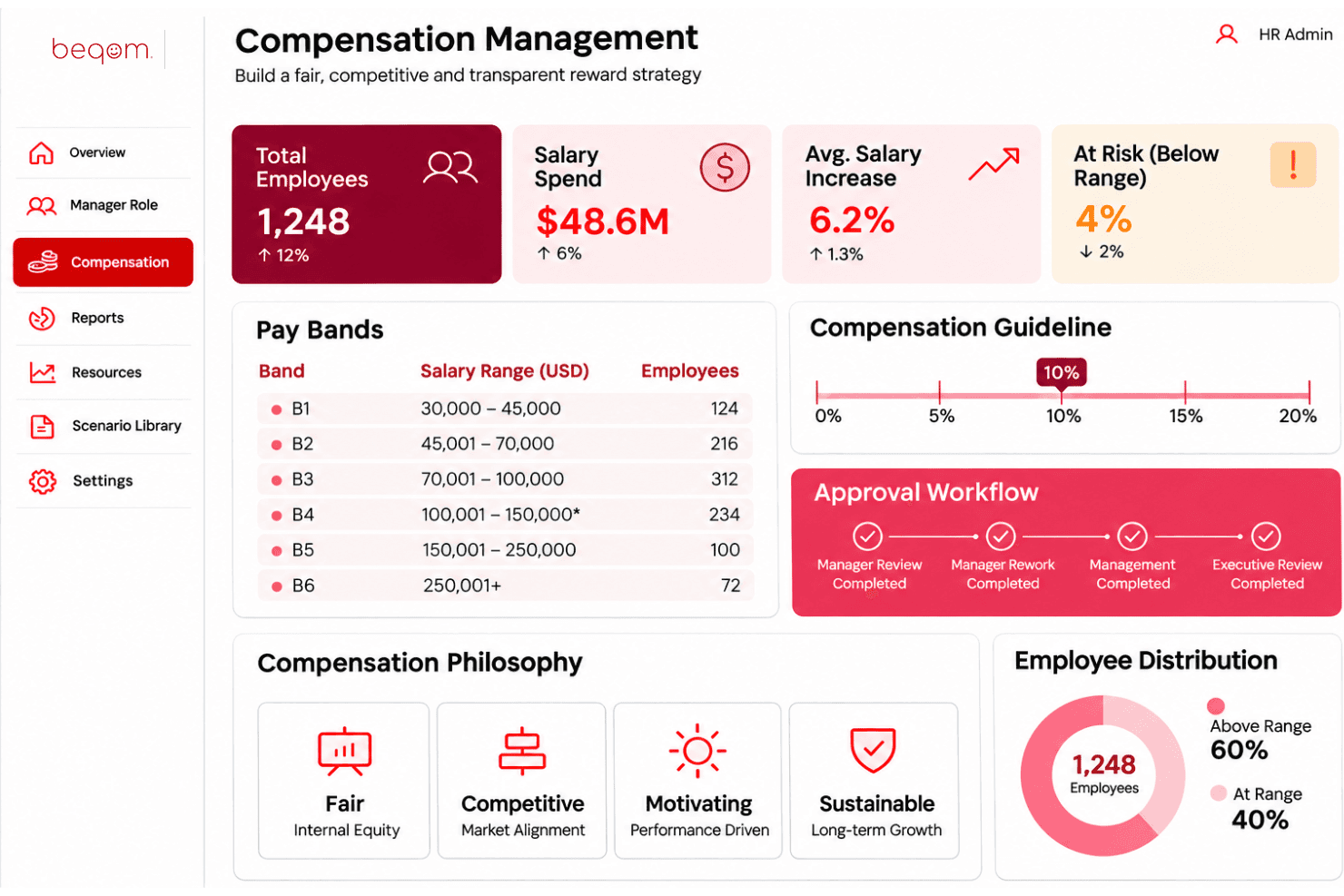
beqom integrates with Workday, SAP SuccessFactors, Oracle, ADP, UKG, and Dayforce.
beqom also supports API-based integrations and connects with HR systems through third-party integration providers such as Flexspring (formerly Modulus Data).
beqom Specs
- 360 Degree Feedback: Yes
- API: Yes
- Budgeting: Yes
- Comparative Reporting: Yes
- Competency Assessment: Yes
- Competency Scale: Yes
- Custom Assessments: Yes
- Dashboard: Yes
- Data Export: Yes
- Data Import: Yes
- Data Visualization: Yes
- Employee Database: Yes
- Employee Engagement: Yes
- Employee Incentive Management: Yes
- Employee Onboarding: No
- Expense Tracking: Yes
- External Integrations: Yes
- Feedback Management: Yes
- Forecasting: Yes
- Multi-Account: No
- Multi-Currency: Yes
- Multi-User: Yes
- Notifications: Yes
- Objectives Tracking: Yes
- Onboarding: No
- Online Surveys: Yes
- P&L: No
- Paper Surveys: No
- Payroll: No
- PDF Export: No
- Performance Appraisal: Yes
- Performance Reviews: Yes
- Report & Compliance: Yes
- Self-service Portal: Yes
- Tax Management: No
- Travel Management: No


