
Airtable-recension: Fördelar, nackdelar, funktioner och priser förklarade


Airtable is a sales database software built for revenue operations teams who want more control, customization, and real-time visibility than traditional CRMs allow. If your team is frustrated by rigid workflows, scattered data, or disconnected tools, you might be looking for a database tool that doesn’t box you in. Airtable lets your team—whether startups or established orgs—design tailored pipelines, centralize deal activity, and adapt processes fast without deep technical skills.
In this in-depth review, I’ll walk you through Airtable’s key features for project management and sales ops, what it does well, the types of teams it fits best, and what you can expect to pay.
Airtable Evaluation Summary
- From $20/user/month
- Free plan + free demo + 14-day trial available
Varför du kan lita på våra programvarurekommendationer
Våra recensioner speglar vårt oberoende omdöme — inte ett säljbudskap. Läs mer om hur vi förblir transparenta.
För den här guiden utvärderade vi verktyg genom praktisk testning och oberoende research, och betygsatte verktygen enligt våra urvalskriterier.
Våra recensioner speglar vårt mänskliga redaktionella omdöme, inte ett säljbudskap.
Airtable Overview
I think Airtable stands out for flexibility, AI features, and user-friendly interface, letting you create sales pipelines that fit your exact process. When comparing pricing, you’ll find it’s affordable for small teams but can add up with advanced automation or integrations. In judging performance, custom views, fast onboarding, and a strong template library make a difference, but native reporting and deep support options lag behind the competition. I’d select Airtable for sales orgs that value process adaptability and want to link data from marketing or customer success without coding—especially those building unique workflows or experimenting with go-to-market models.
pros
-
Customizable pipelines and automation features fit unique sales processes and objects
-
Automations handle repetitive lead tracking and follow-up
-
Fast collaboration makes Airtable ideal for small businesses where sales, marketing, and CS teams work closely together
cons
-
Native reporting options are limited for pipeline analytics
-
No built-in advanced forecasting or quota management tools
-
Scaling to large teams can increase costs quickly beyond the free plan or team plan tier
-

Prisync
Visit WebsiteThis rating combines scores from multiple user review sites to reflect overall customer sentiment about the product.4.7 -
Expedite Commerce
Visit Website -
QuickBooks Online
Visit WebsiteThis rating combines scores from multiple user review sites to reflect overall customer sentiment about the product.4




How We Test & Score Tools
We’ve spent years building, refining, and improving our software testing and scoring system. The rubric is designed to capture the nuances of software selection and what makes a tool effective, focusing on critical aspects of the decision-making process.
Below, you can see exactly how our testing and scoring works across seven criteria. It allows us to provide an unbiased evaluation of the software based on core functionality, standout features, ease of use, onboarding, customer support, integrations, customer reviews, and value for money.
Core Functionality (25% of final scoring)
The starting point of our evaluation is always the core functionality of the tool. Does it have the basic features and functions that a user would expect to see? Are any of those core features locked to higher-tiered pricing plans? At its core, we expect a tool to stand up against the baseline capabilities of its competitors.
Standout Features (25% of final scoring)
Next, we evaluate uncommon standout features that go above and beyond the core functionality typically found in tools of its kind. A high score reflects specialized or unique features that make the product faster, more efficient, or offer additional value to the user.
We also evaluate how easy it is to integrate with other tools typically found in the tech stack to expand the functionality and utility of the software. Tools offering plentiful native integrations, 3rd party connections, and API access to build custom integrations score best.
Ease of Use (10% of final scoring)
We consider how quick and easy it is to execute the tasks defined in the core functionality using the tool. High scoring software is well designed, intuitive to use, offers mobile apps, provides templates, and makes relatively complex tasks seem simple.
Onboarding (10% of final scoring)
We know how important rapid team adoption is for a new platform, so we evaluate how easy it is to learn and use a tool with minimal training. We evaluate how quickly a team member can get set up and start using the tool with no experience. High scoring solutions indicate little or no support is required.
Customer Support (10% of final scoring)
We review how quick and easy it is to get unstuck and find help by phone, live chat, or knowledge base. Tools and companies that provide real-time support score best, while chatbots score worst.
Customer Reviews (10% of final scoring)
Beyond our own testing and evaluation, we consider the net promoter score from current and past customers. We review their likelihood, given the option, to choose the tool again for the core functionality. A high scoring software reflects a high net promoter score from current or past customers.
Value for Money (10% of final scoring)
Lastly, in consideration of all the other criteria, we review the average price of entry level plans against the core features and consider the value of the other evaluation criteria. Software that delivers more, for less, will score higher.
Core Features
Customizable Sales Pipelines
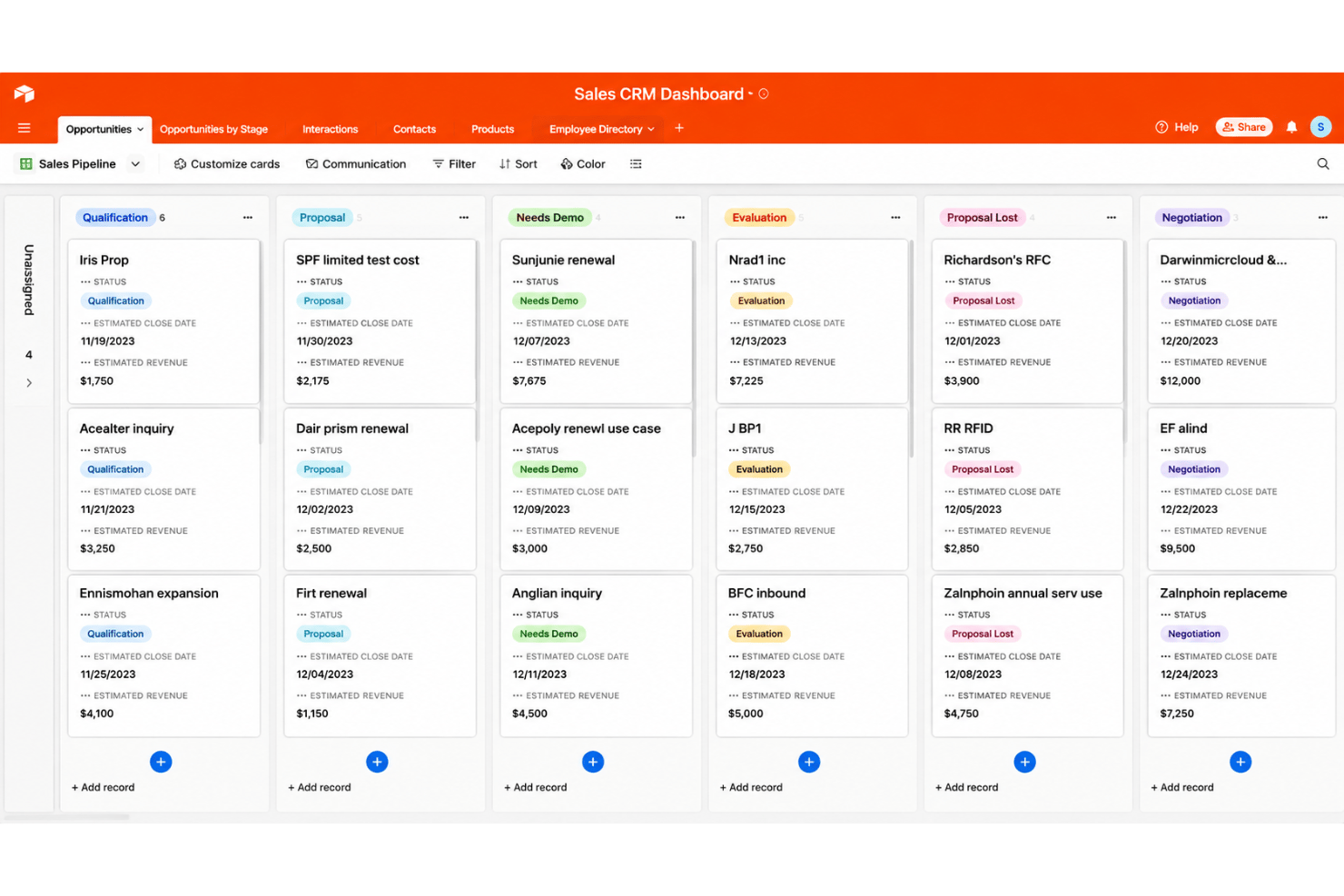
Design custom stages, fields, Gantt charts, gallery view, and Kanban board layouts for every sales cycle. Visualize deal flow in grid, kanban, or calendar layouts.
Automations for Lead Management
Trigger follow-ups, notifications, or record updates based on sales activity. Automate repetitive tasks with no-code rules.
Record Linking Across Departments
Connect sales records to marketing campaigns, customer success data, or service tickets. Keep customer context and data management unified without duplicating records.
Real-Time Collaboration and Comments
Assign, comment, and tag team members directly on records. Coordinate outreach and deal updates across collaborators without switching tools.
Custom Form Builders
Create branded forms for lead capture or qualification that route details straight into your database. Instantly notify stakeholders or trigger tasks from submitted form data.
Reporting Dashboards
Build dashboards with charts, summary blocks, and key sales metrics using live data. Track pipeline health, win rates, and rep activity at a glance.
AI-Powered Workflows
Use Airtable AI to summarize information, categorize data, and automate repetitive tasks directly within your workflows. Turn existing data into actionable insights while reducing manual work.
Ease of Use
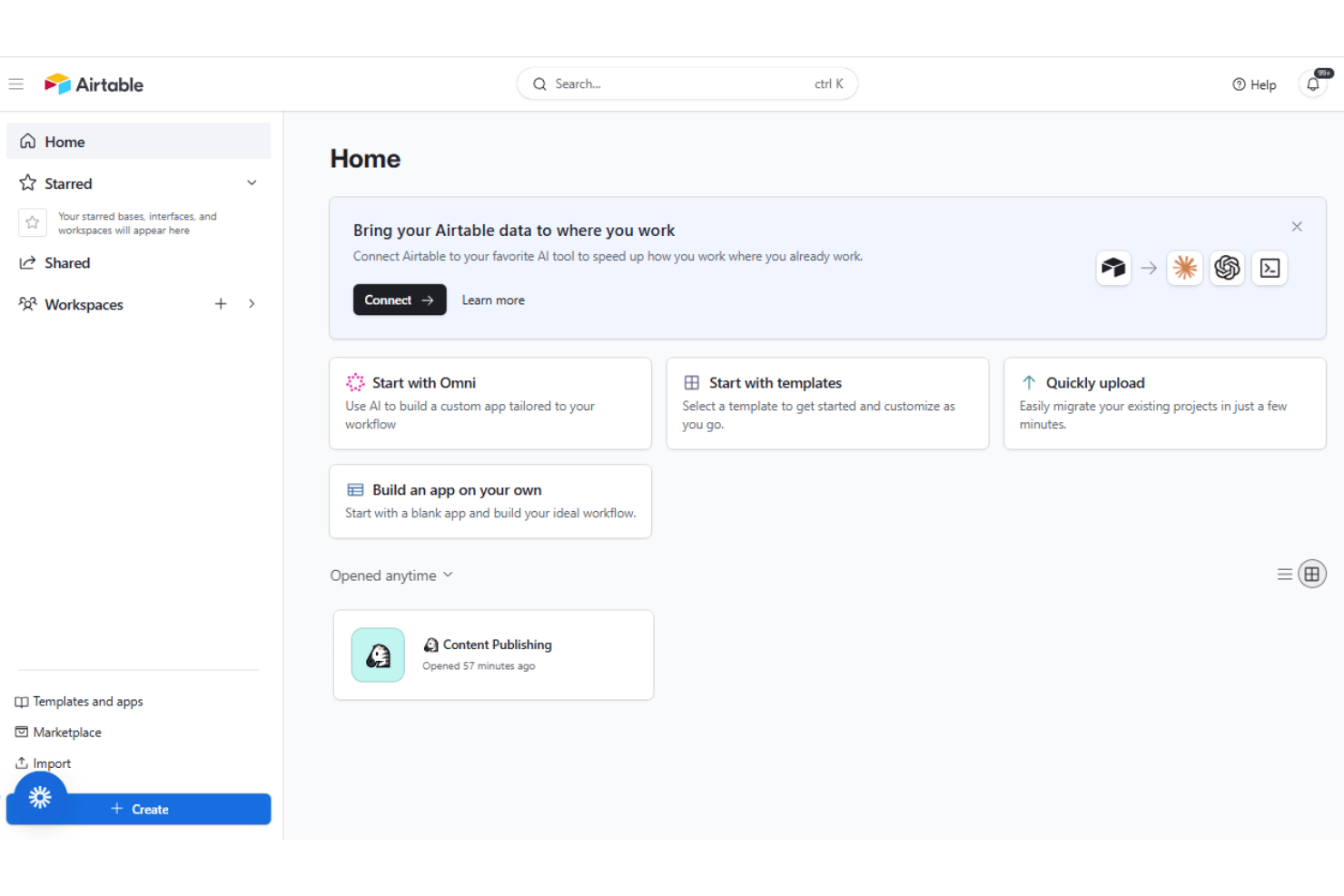
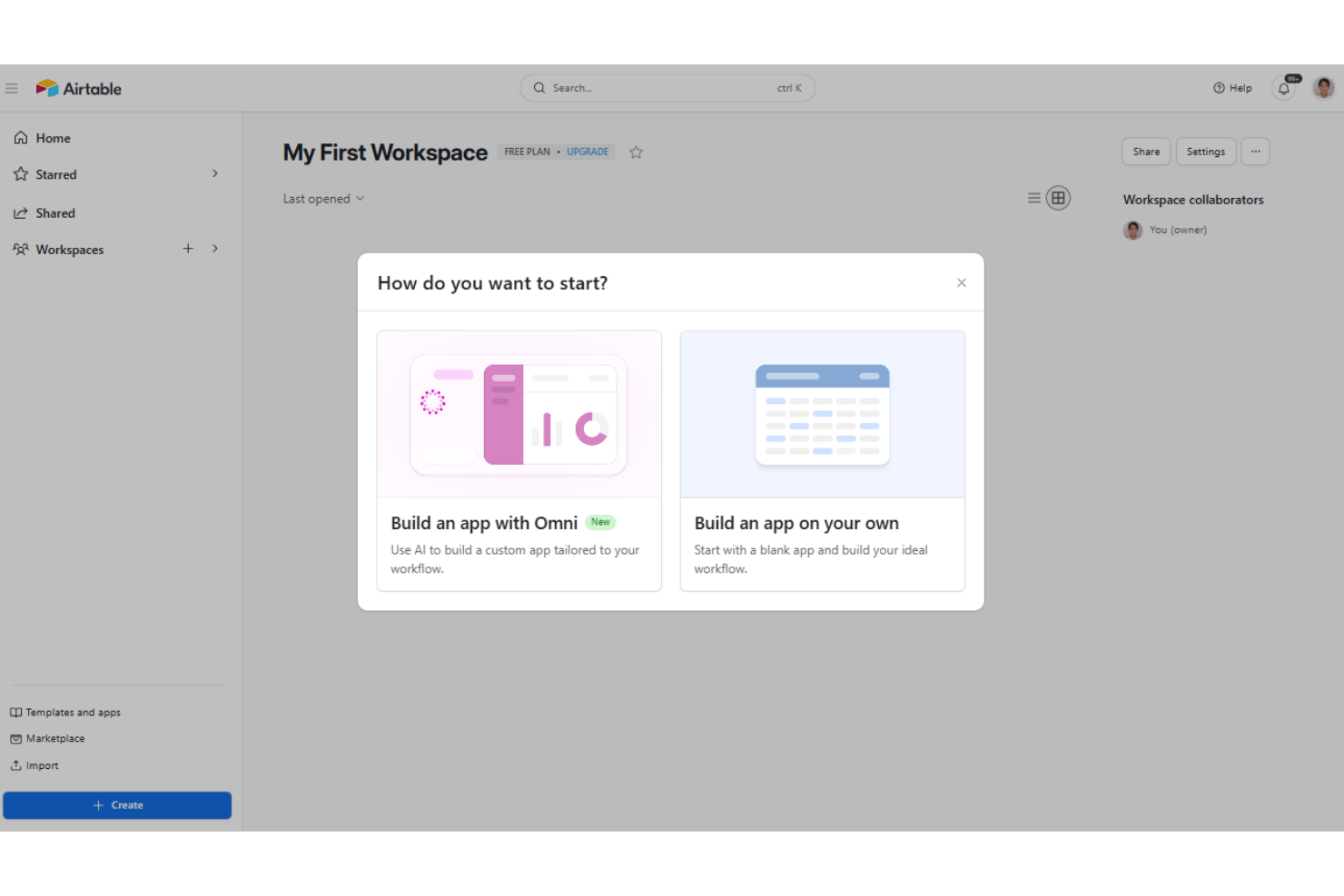
Airtable’s usability impresses me—especially for sales teams upgrading from Microsoft Excel, Google Sheets, or basic spreadsheets—despite a sometimes steep learning curve for more advanced configuration. You can drag-and-drop to build custom views, automate outreach, and link records without code, making it approachable for non-admins. Users mention the platform’s learning curve feels fast, driven by templates and clear documentation. I’d judge Airtable easier to master for teams who want to tweak sales processes and collaborate in one workspace, but advanced reporting can feel less intuitive for pipeline-heavy teams.
Integrations
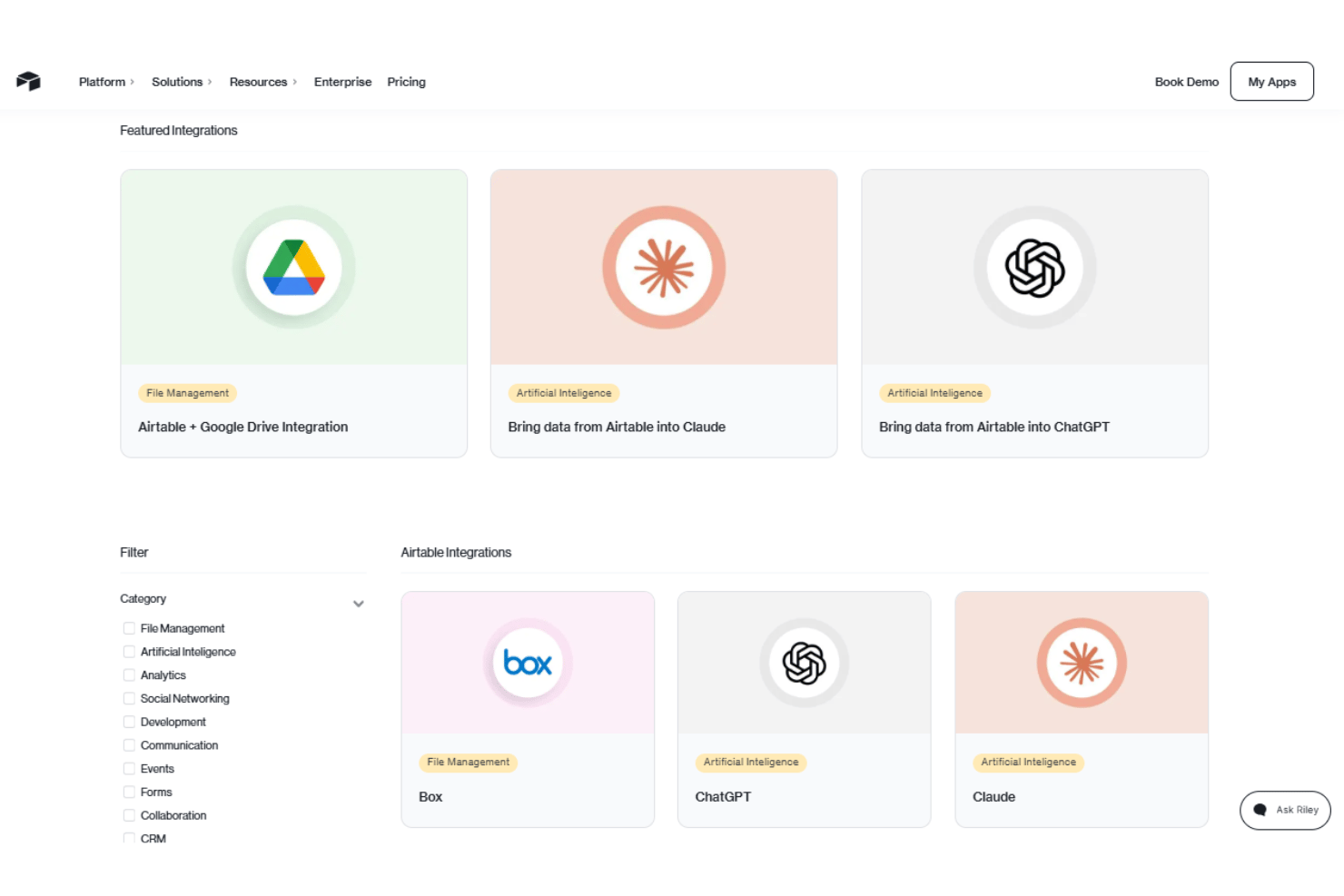
Airtable integrates with Box, ChatGPT, Claude, Dropbox, Databricks, GitHub, Google Workspace, Snowflake, Stripe, Slack, Salesforce, and Tableau, among others.
Airtable also offers a robust API and connects with third-party integration tools like Zapier.
Airtable Specs
- 2-Factor Authentication
- API
- Batch Permissions & Access
- Budgeting
- Calendar Management
- Contact Management
- Contact Sharing
- Customer Management
- Dashboard
- Data Export
- Data Import
- Data Visualization
- Email Integration
- Expense Tracking
- External Integrations
- Gantt Charts
- Google Apps Integration
- Multi-User
- Notifications
- Project Management
- Resource Management
- Scheduling
- Task Scheduling/Tracking
- Third-Party Plugins/Add-Ons
- Travel Management