

Accord-recension: Fördelar, nackdelar, funktioner och priser
Accord utmärker sig inom digital försäljning genom att erbjuda intuitiva samarbetsfunktioner som förbättrar teamets kundinteraktioner och effektivitet vid avslut.

We review tools independently, and commissions help fund our testing. See our transparency policy, our methodology, or suggest a tool.
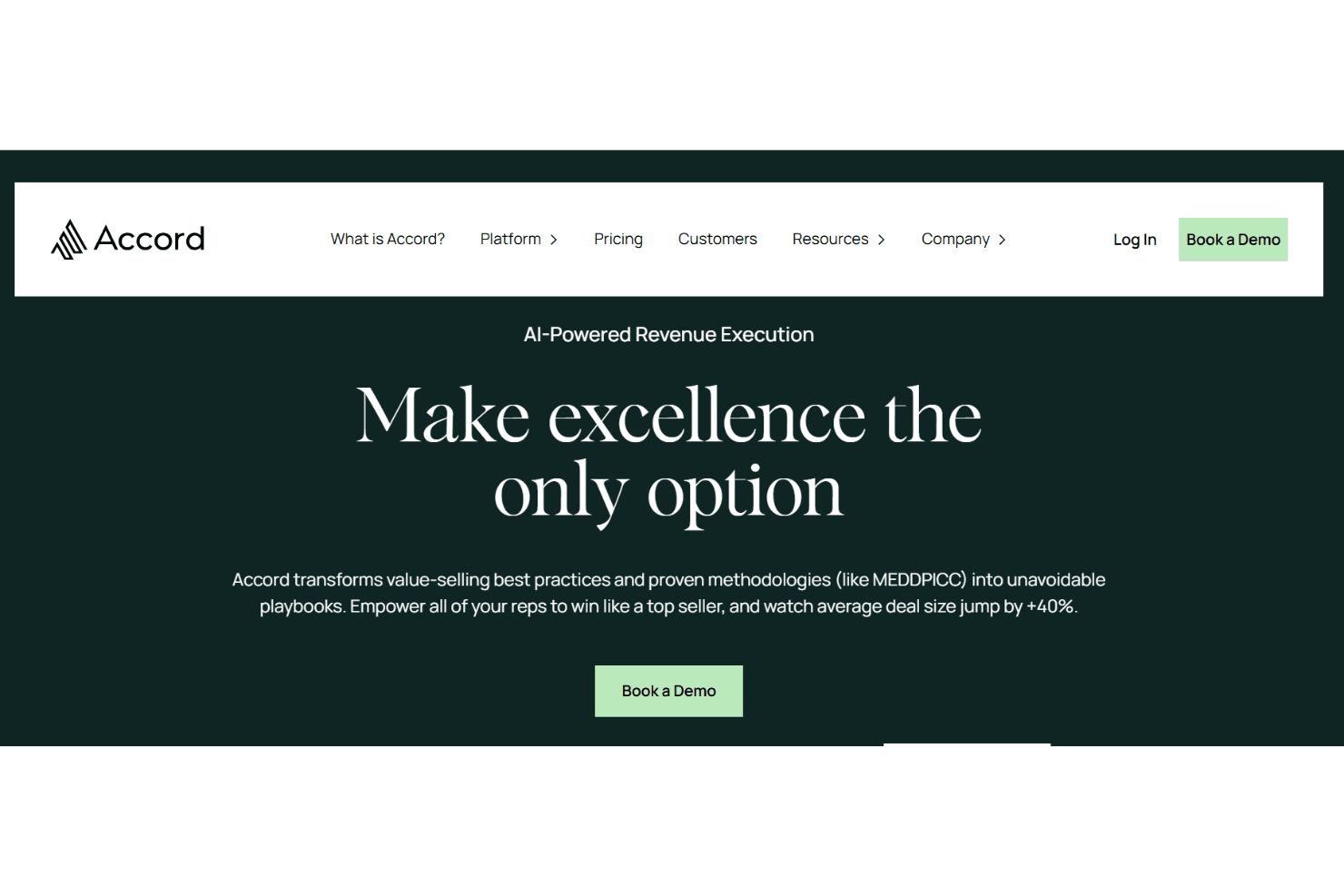
Accord is a digital sales room software built for revenue teams that need a structured way to manage complex, multi-stakeholder deals. It gives buyers and sellers a shared workspace with mutual action plans, deal timelines, and resource hubs that keep everyone aligned from first meeting to close. I'd consider it over something like Highspot if your priority is deal execution and buyer collaboration rather than content management—Accord is purpose-built around the buying journey, not retrofitted from a sales enablement tool.
Accord Evaluation Summary
4.9/5
- From $899/month
- Free demo + free plan available
Varför du kan lita på våra programvarurekommendationer
6,700+
Reviews
20
Industry experts
16+
Evaluation factors
14
Years
Våra recensioner speglar vårt oberoende omdöme — inte ett säljbudskap. Läs mer om hur vi förblir transparenta.
För den här guiden utvärderade vi verktyg genom praktisk testning och oberoende research, och betygsatte verktygen enligt våra urvalskriterier.
Våra recensioner speglar vårt mänskliga redaktionella omdöme, inte ett säljbudskap.
Accord Overview
From my perspective, Accord stands out in its category with a user-friendly interface and solid core features. It excels in enabling teams to collaborate effectively, although onboarding could be smoother. In my opinion, it's a strong choice for B2B sales teams, especially in tech and finance, who need reliable digital sales room software. It offers good value for money compared to similar products, though its customer support isn't the top in the market. If you're deciding on a digital sales platform, consider Accord for its standout features and ease of use.
Pros
- Your team can collaborate effectively with Accord's intuitive tools.
- The user-friendly interface makes it easy for your team to navigate.
- Accord's standout features enhance your team's productivity.
Cons
- Onboarding isn't as smooth as some other platforms.
- Customer support could be more responsive for your team.
- Some users find the workflow management features lacking.
Is Accord Right For Your Needs?
Who Would be a Good Fit for Accord?
Accord is a great fit for B2B sales teams in sectors like tech and finance. If your team needs to manage complex sales processes, Accord's intuitive tools make collaboration easier and boost your productivity. Its user-friendly interface helps your team navigate the software without hassle, making it ideal for sales and customer success departments. The platform serves as an effective workspace for stakeholder engagement and sales execution. It's particularly useful if your team values clear communication and efficient client interaction.
- Tech Sales TeamsAccord's features help your team manage complex client interactions and close deals efficiently.
- Finance DepartmentsYour team benefits from Accord's intuitive tools that enhance collaboration and productivity.
- B2B CompaniesIf you're in B2B sales, Accord helps streamline your sales processes with its effective management tools.
- Customer Success TeamsAccord supports your team in maintaining clear communication and efficient workflows.
- Mid-Sized EnterprisesYour company can leverage Accord's functionalities to handle intricate sales operations effectively.
- Sales ManagersAccord aids your work by providing tools that simplify team collaboration and client management.
Who Would be a Bad Fit for Accord?
Accord might not be the best fit for small businesses or startups with limited resources, as its onboarding process can be challenging without dedicated support. If your team relies heavily on workflow management features, Accord may not meet your expectations since some users find these features lacking. Teams that require highly responsive customer support might also find Accord less suitable, as its support isn't the most responsive compared to other platforms.
- Small StartupsYour team might struggle with the onboarding process without substantial resources or support.
- Retail IndustriesIf your work involves extensive workflow management, Accord's features might not meet your needs.
- FreelancersAccord's functionalities might be too complex for solo work or small-scale operations.
- Non-Technical TeamsTeams unfamiliar with digital tools might find Accord's interface challenging without proper guidance.
- Customer Service TeamsIf your team needs quick support, Accord's customer service might not be responsive enough.
- Large EnterprisesLarge-scale operations might require more advanced features than Accord currently offers.
How We Test & Score Tools
We’ve spent years building, refining, and improving our software testing and scoring system. The rubric is designed to capture the nuances of software selection and what makes a tool effective, focusing on critical aspects of the decision-making process.
Below, you can see exactly how our testing and scoring works across seven criteria. It allows us to provide an unbiased evaluation of the software based on core functionality, standout features, ease of use, onboarding, customer support, integrations, customer reviews, and value for money.
Core Functionality (25% of final scoring)
The starting point of our evaluation is always the core functionality of the tool. Does it have the basic features and functions that a user would expect to see? Are any of those core features locked to higher-tiered pricing plans? At its core, we expect a tool to stand up against the baseline capabilities of its competitors.
Standout Features (25% of final scoring)
Next, we evaluate uncommon standout features that go above and beyond the core functionality typically found in tools of its kind. A high score reflects specialized or unique features that make the product faster, more efficient, or offer additional value to the user.
We also evaluate how easy it is to integrate with other tools typically found in the tech stack to expand the functionality and utility of the software. Tools offering plentiful native integrations, 3rd party connections, and API access to build custom integrations score best.
Ease of Use (10% of final scoring)
We consider how quick and easy it is to execute the tasks defined in the core functionality using the tool. High scoring software is well designed, intuitive to use, offers mobile apps, provides templates, and makes relatively complex tasks seem simple.
Onboarding (10% of final scoring)
We know how important rapid team adoption is for a new platform, so we evaluate how easy it is to learn and use a tool with minimal training. We evaluate how quickly a team member can get set up and start using the tool with no experience. High scoring solutions indicate little or no support is required.
Customer Support (10% of final scoring)
We review how quick and easy it is to get unstuck and find help by phone, live chat, or knowledge base. Tools and companies that provide real-time support score best, while chatbots score worst.
Customer Reviews (10% of final scoring)
Beyond our own testing and evaluation, we consider the net promoter score from current and past customers. We review their likelihood, given the option, to choose the tool again for the core functionality. A high scoring software reflects a high net promoter score from current or past customers.
Value for Money (10% of final scoring)
Lastly, in consideration of all the other criteria, we review the average price of entry level plans against the core features and consider the value of the other evaluation criteria. Software that delivers more, for less, will score higher.
Core Features
Client Interaction Management
Accord helps your team manage client interactions efficiently with tools that track and organize communications. This ensures nothing falls through the cracks.
Deal Tracking
You can easily monitor deals through every stage with Accord's intuitive tracking system, keeping your team aligned on progress.
Document Sharing
Accord allows seamless document sharing within the platform, so your team can collaborate on proposals and contracts in real time.
Mutual Action Plans
Your team can assign and track tasks, making sure everyone knows their responsibilities and deadlines.
Analytics and Reporting
Accord provides insightful analytics and reporting to help your team make data-driven decisions and improve sales strategies.
Collaboration Tools
Your team can work together effectively with Accord's built-in collaboration features, ensuring everyone stays on the same page.

Ease of Use
Accord is fairly user-friendly, making it easy for your team to navigate its features without a steep learning curve. Its intuitive interface helps your team quickly access tools like deal tracking and client management. While some users find onboarding a bit challenging, the overall layout simplifies daily tasks. Accord's customizable dashboards enhance usability by letting your team focus on what's most important. Compared to others, it stands out for its straightforward approach to managing sales processes.

Integrations
Accord integrates with Salesforce, HubSpot, Slack, Google, and Gong, among others. It also offers an open API and connects with third-party integration tools like Zapier.

Accord Specs
- API: Yes
- Class Management: No
- Comparative Reporting: Yes
- Corporate/Business: No
- Dashboards: Yes
- Data Export: Yes
- Data Import: Yes
- Data Visualization: Yes
- Document Comparison: No
- Employee Training: No
- External Integrations: Yes
- Feedback Management: Yes
- Gamification: No
- Gradebook: No
- Mobile App: Yes
- Multi-User: Yes
- Notifications: Yes
- Personal Learning: No
- Report & Compliance: Yes
- Report Cards: No
- Scheduling: Yes
- SCORM: No
- Student Registration: No
- Video Courses: Yes


