


Nutshell versus Pipedrive CRM: Vergelijking en deskundige beoordelingen voor 2026
Krijg inzicht in hoe Nutshell en Pipedrive zich tot elkaar verhouden—wat hen onderscheidt, waar elk systeem in uitblinkt en welke CRM-oplossing dit jaar 2026 het verschil kan maken voor jouw bedrijf.

We review tools independently, and commissions help fund our testing. See our transparency policy, our methodology, or suggest a tool.
Sales teams can only move so fast when their CRM is buried under confusing workflows, scattered customer data, and endless manual updates. What should be a tool for closing deals often turns into another obstacle slowing reps down at every stage of the pipeline.
Choosing between Nutshell and Pipedrive CRM can feel tough when you want CRM software that actually fits how your team works. Maybe you need smoother sales processes, better reporting, or just something that’s simple to roll out. You’re probably weighing flexibility, integrations, cost, and whether these platforms solve your everyday pain points.
In this article, you’ll find a clear, honest comparison of the two—including pros and cons, use cases, pricing details, security features, and how easy each platform is to use. I’ll break down what you need to know so you can pick the best fit for your team’s goals.
Nutshell
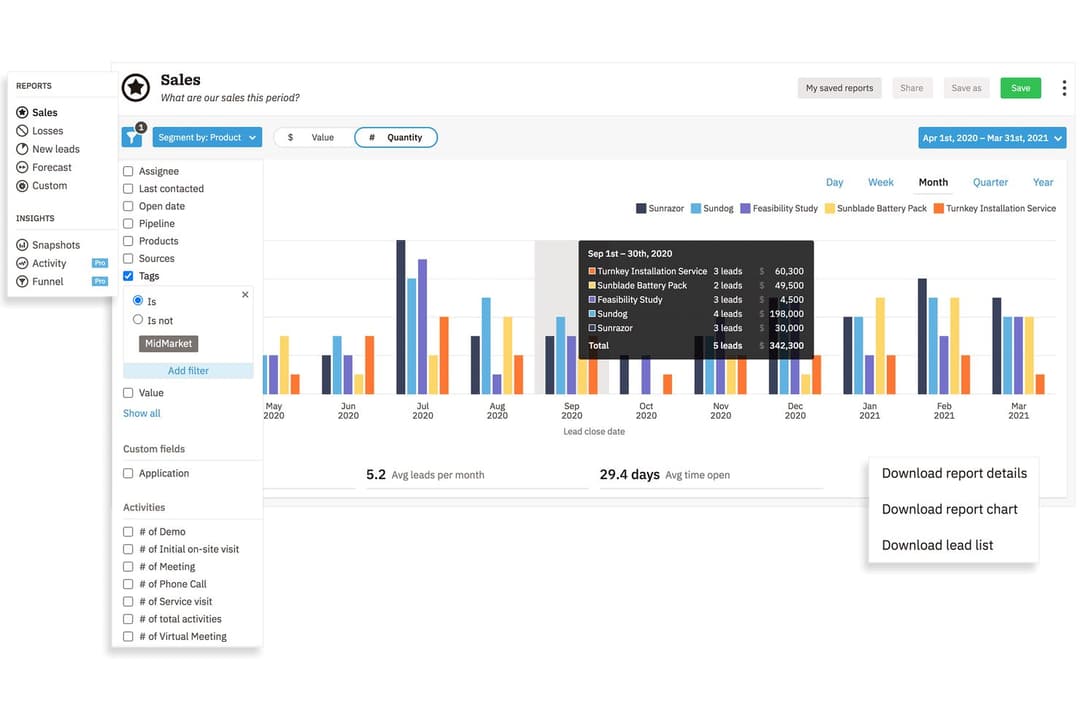
4.3/5
- 14-day free trial + free demo available
- From $13/user/month (billed annually)
Pipedrive CRM
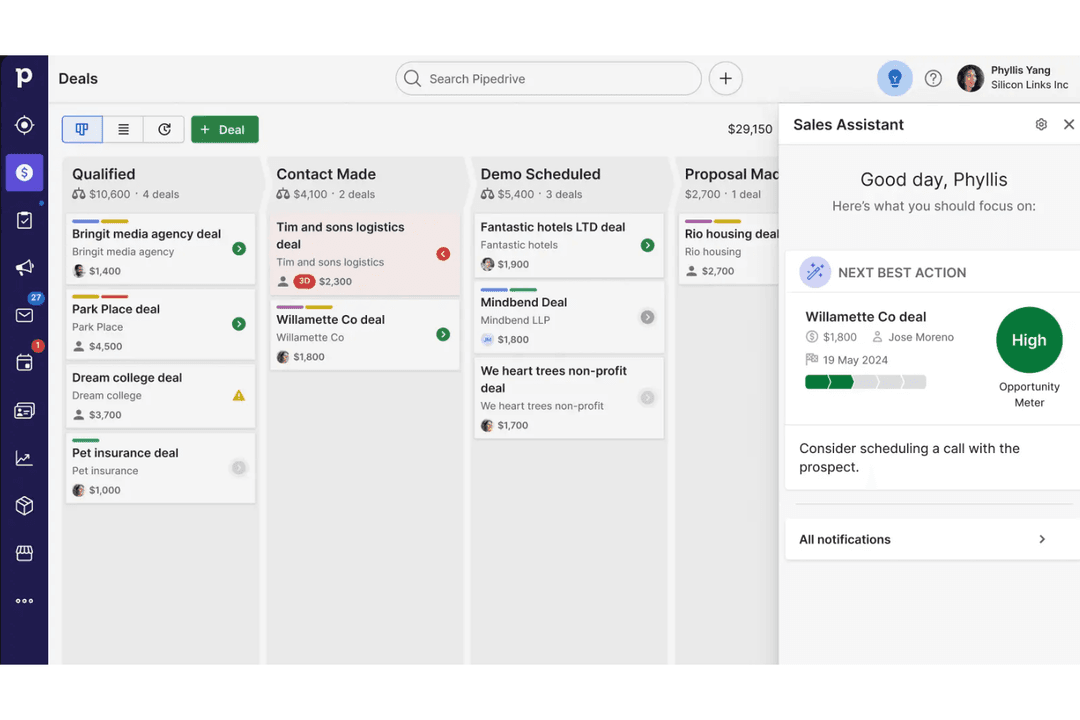
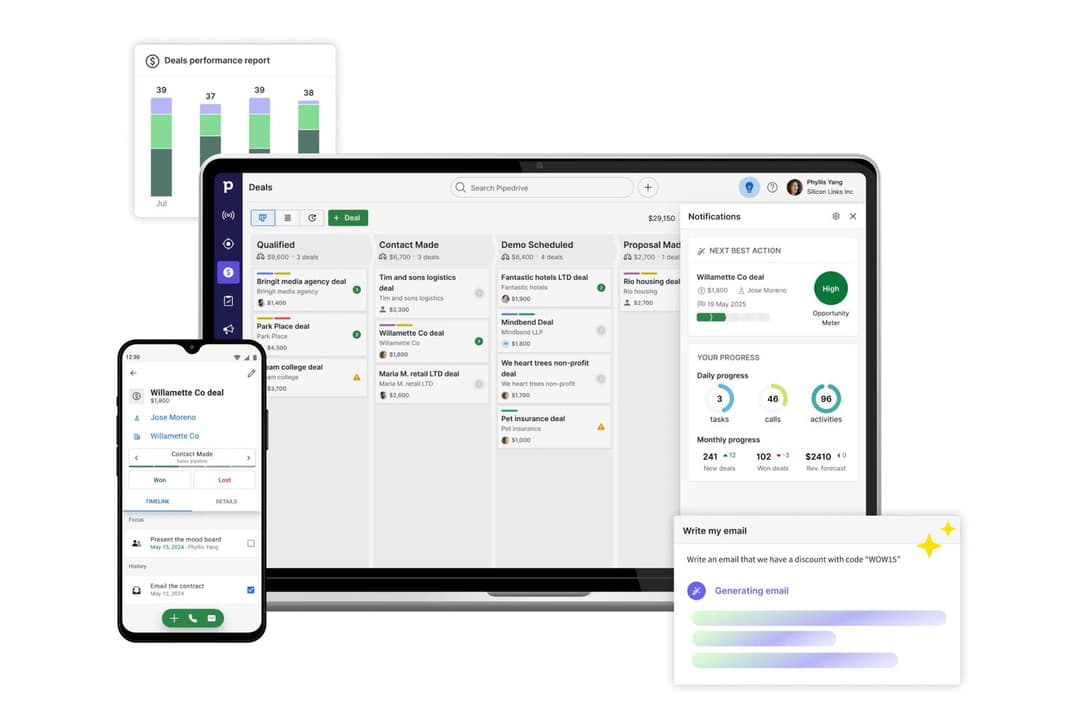
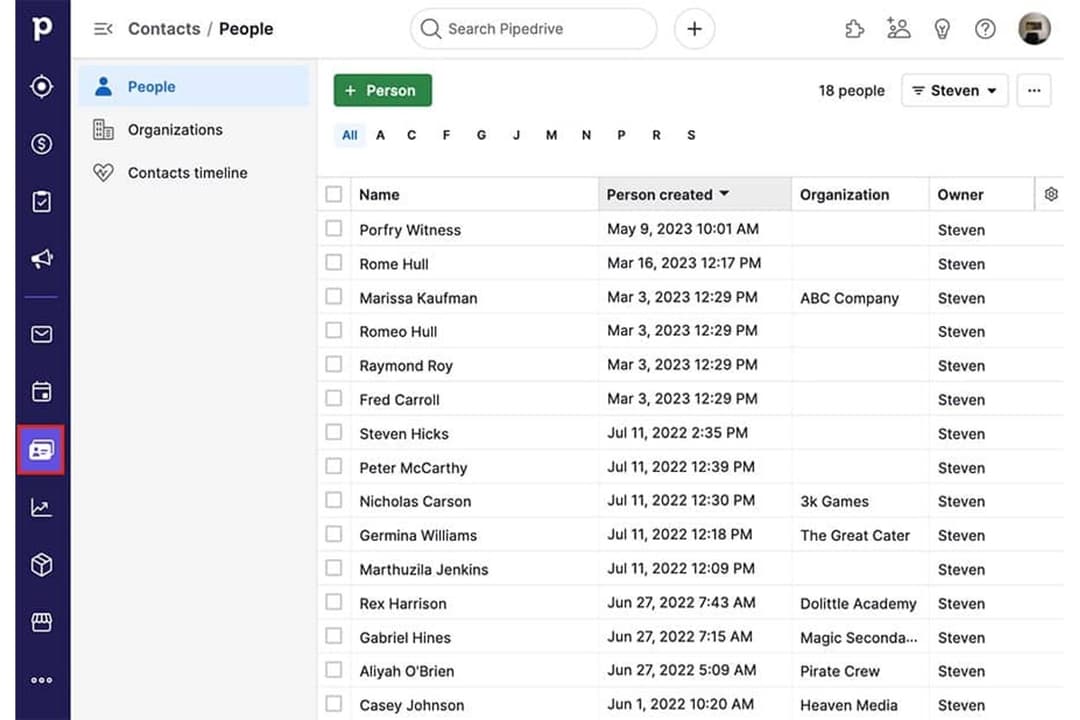
4.5/5
- 14-day free trial
- From $14/user/month (billed annually)
Waarom u onze softwareaanbevelingen kunt vertrouwen
6,700+
Reviews
20
Industry experts
16+
Evaluation factors
14
Years
Onze reviews weerspiegelen ons onafhankelijke oordeel — geen verkooppraatje. Ontdek hoe we transparant blijven.
Voor deze gids hebben we tools geëvalueerd met behulp van praktijktests en onafhankelijk onderzoek, waarbij we tools beoordeelden aan de hand van onze selectiecriteria.
Onze reviews weerspiegelen ons menselijke redactionele oordeel, geen verkooppraatje.
| Nutshell | Pipedrive CRM | |
|---|---|---|
| Free Trial | 14-day free trial + free demo available | 14-day free trial |
| Pricing | From $13/user/month (billed annually) | From $14/user/month (billed annually) |
Nutshell versus Pipedrive CRM: prijzen en verborgen kosten
Nutshell en Pipedrive CRM bieden beide abonnementsprijzen met verschillende niveaus, gebaseerd op toegang tot functies en teamgrootte. Hoewel beide platforms de basisplannen eenvoudig houden, krijg je te maken met extra kosten voor add-ons, geavanceerde functies of extra gebruikersplaatsen. Let op mogelijke kosten voor integraties of premiumondersteuning, die je maandelijkse uitgaven na verloop van tijd kunnen verhogen.
Om de juiste leverancier te kiezen, moet je goed bekijken wat er op elk prijsniveau daadwerkelijk is inbegrepen en wat als add-on geldt. Stem de specifieke behoeften van je team—zoals workflowautomatisering of rapportage—af op wat je op elk niveau krijgt. Het is verstandig om niet alleen rekening te houden met licentiekosten, maar ook met kosten voor onboarding, datamigratie en groei op de lange termijn. Zo voorkom je verrassingen en kies je een CRM dat past bij je huidige behoeften en je groeiplannen.
| Nutshell | Pipedrive CRM | |
|---|---|---|
| 2-Factor Authentication | Yes | No |
| API | Yes | Yes |
| Calendar Management | Yes | Yes |
| Call Tracking | Yes | Yes |
| Campaign Management | Yes | No |
| Click-to-Dial | Yes | Yes |
| Contact Management | Yes | Yes |
| Contact Sharing | Yes | Yes |
| Custom Data Forms | Yes | No |
| Customer Management | Yes | Yes |
| Dashboard | Yes | Yes |
| Data Export | Yes | Yes |
| Data Import | Yes | Yes |
| Data Visualization | Yes | Yes |
| Email Integration | Yes | Yes |
| External Integrations | Yes | Yes |
| File Sharing | Yes | Yes |
| File Transfer | Yes | Yes |
| Google Apps Integration | Yes | Yes |
| Lead Management | Yes | Yes |
| Lead Scoring | Yes | Yes |
| Marketing Automation | Yes | No |
| Mobile App | Yes | Yes |
| Multi-User | Yes | Yes |
| Notifications | Yes | Yes |
| Pipeline Management | Yes | Yes |
| Sales Automation | Yes | Yes |
| Scheduling | Yes | Yes |
| Social-Media Integration | Yes | No |
| Task Scheduling/Tracking | Yes | Yes |
| Third-Party Plugins/Add-Ons | Yes | Yes |
| Integratie | Nutshell | Pipedrive CRM |
| Google Workspace | ✅ | ✅ |
| Microsoft 365 | ✅ | ✅ |
| Slack | ✅ | ✅ |
| Mailchimp | ✅ | ✅ |
| QuickBooks Online | ✅ | ❌ |
| Trello | ❌ | ✅ |
| PandaDoc | ✅ | ✅ |
| Xero | ❌ | ✅ |
| API | ✅ | ✅ |
| Zapier | ✅ | ✅ |
Nutshell en Pipedrive CRM bieden beide de belangrijkste integraties waarop de meeste teams vertrouwen, zoals Google Workspace, Slack, Mailchimp en Zapier. Pipedrive CRM loopt voorop met een breder aanbod en meer gespecialiseerde opties, maar met API's en Zapier dekt elke keuze vrijwel elke workflow die je nodig hebt.
| Factor | Nutshell | Pipedrive CRM |
| Gegevensversleuteling | Gebruikt TLS 1.2 voor versleuteling tijdens de overdracht en AES-256-versleuteling voor gegevens in rust. | Gebruikt TLS/SSL voor gegevens tijdens de overdracht en AES voor gegevens in rust. |
| Naleving van regelgeving | Voldoet aan de AVG, PCI DSS, SOC 2 Type 1 en Amerikaanse privacywetten, met duidelijke gebruikersinstellingen. | Volledig AVG-conform, met aanvullende privacyinstellingen. |
| Uptimegarantie | Biedt een hoge uptime, maar publiceert geen SLA. | Biedt een uptime-SLA van 99,9% met transparante statusinformatie. |
| Toegangsbeheer | Op rollen gebaseerde machtigingen en tweefactorauthenticatie. | Aangepaste rollen, tweefactorauthenticatie en auditlogboeken. |
| Back-up & herstel | Dagelijkse back-ups met ingebouwd herstel na calamiteiten. | Geautomatiseerde dagelijkse back-ups en robuust gegevensherstel. |
Nutshell biedt bredere ingebouwde beveiligings- en beheermogelijkheden, terwijl Pipedrive CRM de belangrijkste beveiligingen biedt die de meeste teams verwachten. Beide platforms zijn betrouwbaar, maar Nutshell biedt meer flexibiliteit voor teams die prioriteit geven aan sterker toegangsbeheer en betere accountbeveiligingsfuncties.
| Factor | Nutshell | Pipedrive CRM |
|---|---|---|
| FactorGebruikersinterface | NutshellOverzichtelijk, eenvoudig dashboard met snelle toegang tot verkooptools. | Pipedrive CRMIntuïtieve, visuele indeling van het verkooptraject met versleepbare transacties. |
| FactorInwerken | NutshellBegeleide rondleiding voor het inwerken en handige handleidingen in de app. | Pipedrive CRMGestroomlijnde installatie met gepersonaliseerd inwerkmateriaal. |
| FactorAanpasbaarheid | NutshellEenvoudige aangepaste velden en bewerking van verkooptrajecten. | Pipedrive CRMUiterst flexibele aanpassing van verkooptrajecten en werkprocessen. |
| FactorToegang tot ondersteuning | NutshellResponsieve ondersteuning via e-mail en chat tijdens kantooruren. | Pipedrive CRM24/7 livechat en uitgebreide zelfbedieningsinformatie. |
| FactorMobiele ervaring | NutshellVolledig uitgeruste mobiele app voor Android en iOS. | Pipedrive CRMHooggewaardeerde mobiele apps met realtime synchronisatie. |
Pipedrive CRM onderscheidt zich door de visuele interface en snellere ingebruikname, maar beide platforms zijn eenvoudig om mee te beginnen—even voor gebruikers die voor het eerst met een CRM werken. Ik zou zeggen dat Nutshell het eenvoudig houdt voor kleinere teams, terwijl Pipedrive CRM geweldig is voor gebruikers die meer aanpasbaarheid en flexibiliteit in hun werkprocessen willen.
Nutshell
- Sales automation workflows handle multi-step processes effectively
- Implementation and onboarding are streamlined for rapid deployment and adoption.
- Responsive support team resolves most issues promptly
- Nutshell isn’t as customizable as other enterprise solutions
- Marketing capabilities isn’t as robust as a dedicated marketing platform
- Limited native enterprise integrations
Pipedrive CRM
- You’ll find the visual sales pipeline easy to navigate and understand.
- The customization options let your team tailor the CRM to fit your workflow.
- Automated follow-up reminders help you stay on top of your sales tasks.
- You might need more advanced reporting features for detailed analytics.
- Limited email tracking could be a hurdle for teams heavily reliant on email campaigns.
- Few native options for generating new leads directly within the software.
Nutshell
- Small Sales TeamsSetup is fast, automation reduces manual work, and unlimited contacts keep costs predictable as you scale.
- B2B ServicesCustomizable pipelines and integrations with email and scheduling tools help manage leads from discovery through close.
- SaaS StartupsEasy-to-tweak workflows and email campaign features fit short sales cycles and lean teams.
- AgenciesPipeline views, contact segmentation, and shared activity histories help handle multiple client accounts.
- Distributed TeamsCloud access, mobile app, and straightforward collaboration features suit remote and hybrid work cultures.
- NonprofitsSimple donor management, bulk emailing, and custom fields support relationship-building without CRM complexity.
Pipedrive CRM
- Real EstatePipedrive’s visual pipeline helps you track leads and manage client interactions effectively.
- Tech StartupsYou’ll benefit from its customization options that adapt to fast-changing sales processes.
- Consulting FirmsThe CRM’s automated reminders keep your team on schedule with client follow-ups.
- Small BusinessesIts ease of use makes it accessible for teams without a dedicated IT department.
- Sales DepartmentsYou’ll find the focus on sales pipeline management boosts your team’s productivity.
- FreelancersThe straightforward interface allows you to manage client relationships without complexity.
Wie zou Nutshell moeten gebruiken en wie Pipedrive CRM?
Nutshell is geschikt voor mkb-bedrijven en groeiende verkoopteams die een eenvoudige tool willen met een snelle inwerkperiode en robuuste alles-in-éénfunctionaliteit. Als je team waarde hecht aan eenvoud, een gemakkelijke installatie en voorspelbare prijzen, zul je de no-nonsensebenadering van Nutshell waarschijnlijk waarderen. Pipedrive CRM is beter geschikt voor teams die flexibele verkooptrajecten, een breed scala aan integraties en uitgebreidere aanpassingsmogelijkheden nodig hebben—vooral in sectoren met complexere of snel veranderende verkoopprocessen. Ik zou Pipedrive CRM aanbevelen voor opschalende omzetteams die verwachten dat hun CRM zich aanpast naarmate werkprocessen en zakelijke behoeften groeien.
| Nutshell | Pipedrive CRM | |
|---|---|---|
| Communication Tools | Nutshell Built-in Engagement Suite allows you to connect with customers and leads at every touch point. | Pipedrive CRM Limited built-in and engagement tools. |
| Email Marketing | Nutshell Built-in email marketing and campaign tools included. | Pipedrive CRM No built-in email marketing; relies on integrations. |
| Integration Depth | Nutshell Covers core integrations, fewer advanced options. | Pipedrive CRM Wider selection of integrations. |
| Pipeline Flexibility | Nutshell Fewer customization options for pipeline stages. | Pipedrive CRM Highly customizable pipelines for multiple sales flows. |
| Contact Management | Both provide a unified space to organize, segment, and track contacts and communication history. |
|---|---|
| Deal Tracking | Each lets teams build and follow sales pipelines, moving deals through custom stages to close sales. |
| Mobile Access | Each offers a well-rated mobile app for managing sales, contacts, and deals on the go. |
| Reporting & Analytics | Both dashboards surface sales activity, deal progress, and pipeline insights to help teams improve. |
| Task Automation | Both automate repetitive follow-up and workflow tasks, reducing manual work and saving time. |