


Nutshell mot Pipedrive CRM: Sammenligning og ekspertanmeldelser for 2026
Få innsikten i hvordan Nutshell og Pipedrive står seg mot hverandre – hva som skiller dem, hvor hver av dem utmerker seg, og hvilket CRM-system som kan bli den store forskjellen for virksomheten din i 2026.

We review tools independently, and commissions help fund our testing. See our transparency policy, our methodology, or suggest a tool.
Sales teams can only move so fast when their CRM is buried under confusing workflows, scattered customer data, and endless manual updates. What should be a tool for closing deals often turns into another obstacle slowing reps down at every stage of the pipeline.
Choosing between Nutshell and Pipedrive CRM can feel tough when you want CRM software that actually fits how your team works. Maybe you need smoother sales processes, better reporting, or just something that’s simple to roll out. You’re probably weighing flexibility, integrations, cost, and whether these platforms solve your everyday pain points.
In this article, you’ll find a clear, honest comparison of the two—including pros and cons, use cases, pricing details, security features, and how easy each platform is to use. I’ll break down what you need to know so you can pick the best fit for your team’s goals.
Nutshell
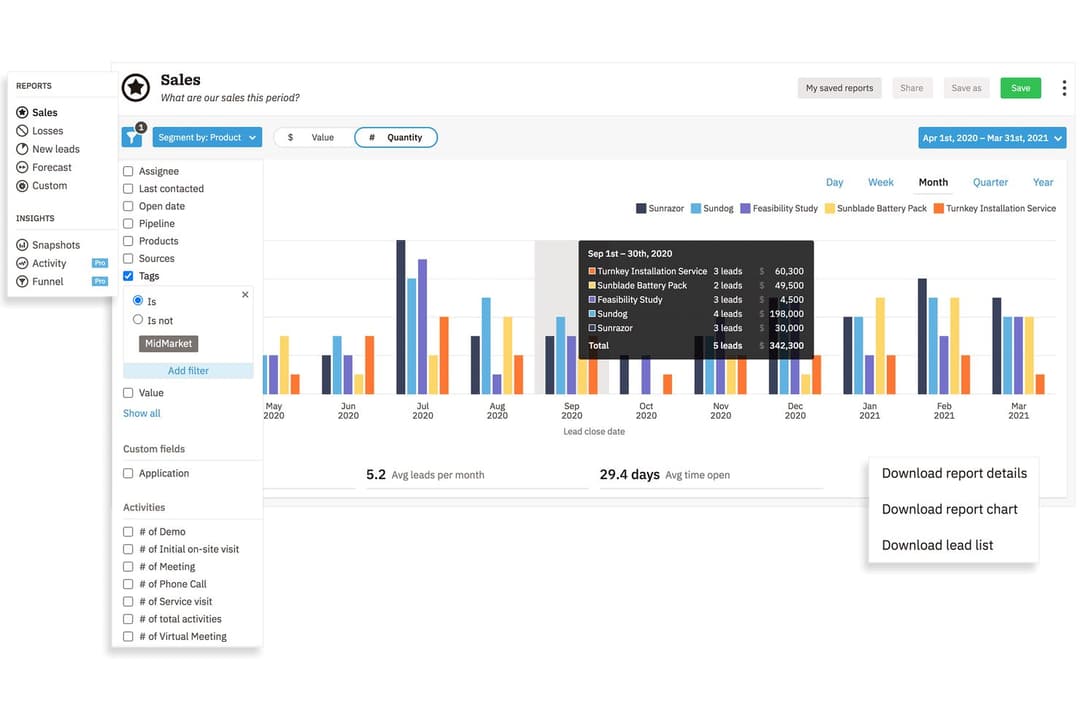
4.3/5
- 14-day free trial + free demo available
- From $13/user/month (billed annually)
Pipedrive CRM
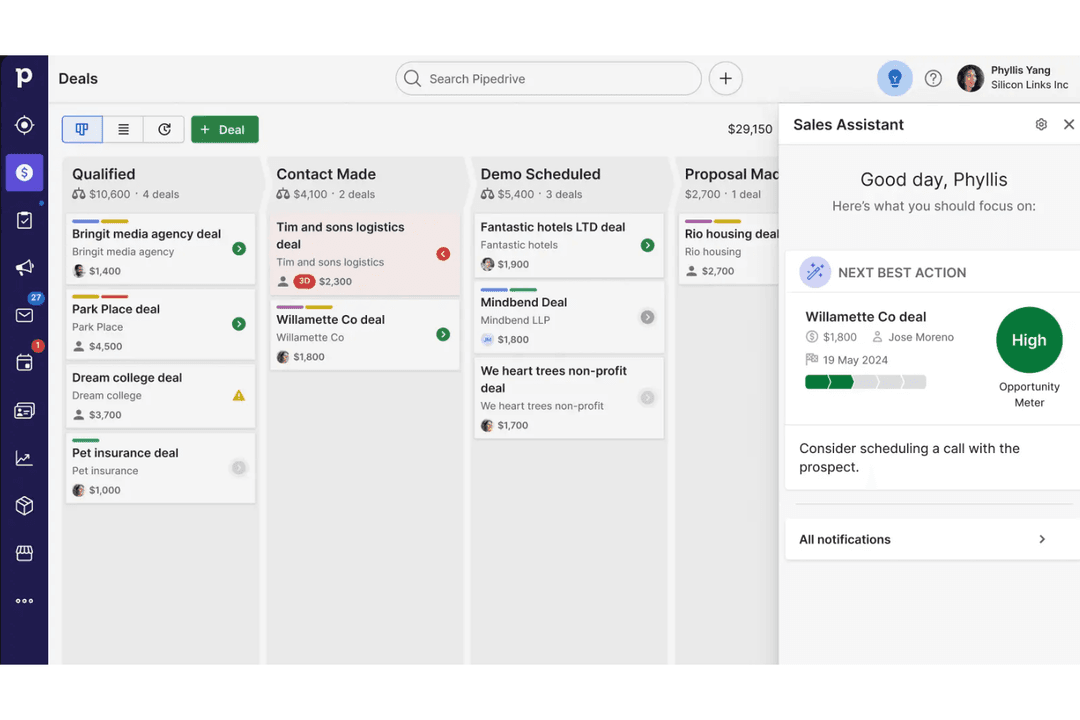
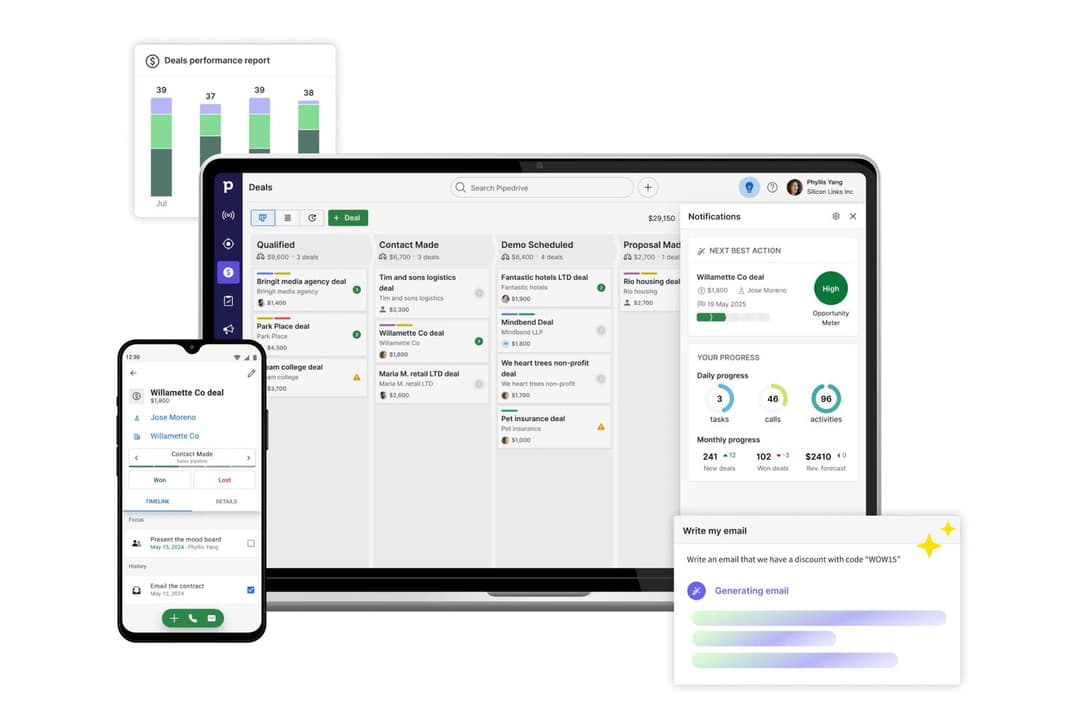
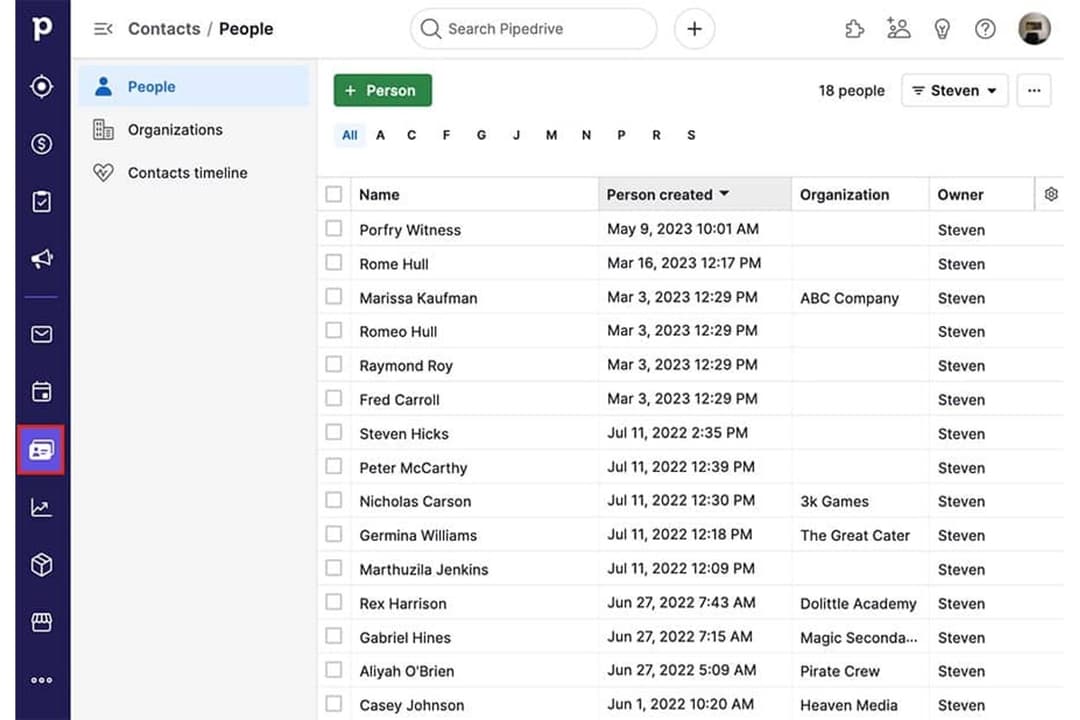
4.5/5
- 14-day free trial
- From $14/user/month (billed annually)
Why Trust Our Software Recommendations
6,700+
Reviews
20
Industry experts
16+
Evaluation factors
14
Years
Our reviews reflect our independent judgment—not a sales pitch. Learn how we stay transparent.
For this guide, we evaluated tools using hands-on testing and independent research, scoring tools using our selection criteria.
Our reviews reflect our human editorial judgment, not a sales pitch.
| Nutshell | Pipedrive CRM | |
|---|---|---|
| Free Trial | 14-day free trial + free demo available | 14-day free trial |
| Pricing | From $13/user/month (billed annually) | From $14/user/month (billed annually) |
Priser og skjulte kostnader for Nutshell og Pipedrive CRM
Både Nutshell og Pipedrive CRM tilbyr abonnementsbaserte priser med flere nivåer basert på funksjonstilgang og teamstørrelse. Selv om hver plattform holder grunnabonnementene oversiktlige, vil du møte ekstra kostnader for tillegg, avanserte funksjoner eller flere brukerplasser. Vær oppmerksom på mulige kostnader knyttet til integrasjoner eller premium kundestøtte, som kan øke de månedlige utgiftene over tid.
For å velge riktig leverandør bør du undersøke hva som faktisk er inkludert på hvert prisnivå, og hva som regnes som et tillegg. Kartlegg teamets konkrete behov – som arbeidsflytautomatisering eller rapportering – opp mot det du får på hvert nivå. Det er lurt å ta hensyn ikke bare til lisenskostnader, men også kostnader for implementering, datamigrering og langsiktig skalering. På denne måten unngår du overraskelser og velger et CRM-system som passer både dagens behov og vekstplanene dine.
| Nutshell | Pipedrive CRM | |
|---|---|---|
| 2-Factor Authentication | Yes | No |
| API | Yes | Yes |
| Calendar Management | Yes | Yes |
| Call Tracking | Yes | Yes |
| Campaign Management | Yes | No |
| Click-to-Dial | Yes | Yes |
| Contact Management | Yes | Yes |
| Contact Sharing | Yes | Yes |
| Custom Data Forms | Yes | No |
| Customer Management | Yes | Yes |
| Dashboard | Yes | Yes |
| Data Export | Yes | Yes |
| Data Import | Yes | Yes |
| Data Visualization | Yes | Yes |
| Email Integration | Yes | Yes |
| External Integrations | Yes | Yes |
| File Sharing | Yes | Yes |
| File Transfer | Yes | Yes |
| Google Apps Integration | Yes | Yes |
| Lead Management | Yes | Yes |
| Lead Scoring | Yes | Yes |
| Marketing Automation | Yes | No |
| Mobile App | Yes | Yes |
| Multi-User | Yes | Yes |
| Notifications | Yes | Yes |
| Pipeline Management | Yes | Yes |
| Sales Automation | Yes | Yes |
| Scheduling | Yes | Yes |
| Social-Media Integration | Yes | No |
| Task Scheduling/Tracking | Yes | Yes |
| Third-Party Plugins/Add-Ons | Yes | Yes |
| Integrasjon | Nutshell | Pipedrive CRM |
| Google Workspace | ✅ | ✅ |
| Microsoft 365 | ✅ | ✅ |
| Slack | ✅ | ✅ |
| Mailchimp | ✅ | ✅ |
| QuickBooks Online | ✅ | ❌ |
| Trello | ❌ | ✅ |
| PandaDoc | ✅ | ✅ |
| Xero | ❌ | ✅ |
| API | ✅ | ✅ |
| Zapier | ✅ | ✅ |
Både Nutshell og Pipedrive CRM dekker de viktigste integrasjonene de fleste team er avhengige av, som Google Workspace, Slack, Mailchimp og Zapier. Pipedrive CRM har et forsprang med et bredere utvalg og flere nisjealternativer, men med API-er og Zapier dekker begge alternativene nesten enhver arbeidsflyt du trenger.
| Faktor | Nutshell | Pipedrive CRM |
| Datakryptering | Bruker TLS 1.2 for kryptering under overføring og AES-256-kryptering i hvile. | Bruker TLS/SSL for data under overføring og AES for data i hvile. |
| Regulatorisk samsvar | Følger GDPR, PCI DSS, SOC 2 Type 1 og amerikanske personvernlovgivninger, med tydelige brukerkontroller. | Fullt i samsvar med GDPR, med ytterligere personvernkontroller. |
| Oppetidsgaranti | Leverer høy oppetid, men oppgir ikke offentlig noen SLA. | Tilbyr en SLA med 99,9 % oppetid og åpenhet om status. |
| Tilgangskontroller | Rollebaserte tillatelser og tofaktorautentisering. | Tilpassede roller, tofaktorautentisering og revisjonslogger. |
| Sikkerhetskopiering & gjenoppretting | Daglige sikkerhetskopier med innebygd katastrofegjenoppretting. | Automatiserte daglige sikkerhetskopier og robust datagjenoppretting. |
Nutshell tilbyr bredere innebygde sikkerhets- og administrasjonskontroller, mens Pipedrive CRM dekker de grunnleggende beskyttelsestiltakene de fleste team forventer. Begge plattformene er pålitelige, men Nutshell gir større fleksibilitet for team som prioriterer bedre tilgangsstyring og sikkerhetsfunksjoner for kontoer.
| Faktor | Nutshell | Pipedrive CRM |
|---|---|---|
| FaktorBrukergrensesnitt | NutshellOversiktlig og enkel kontrollflate med rask tilgang til salgsverktøy. | Pipedrive CRMIntuitiv, visuell salgsprosess med dra-og-slipp-avtaler. |
| FaktorInnføring | NutshellVeiledet introduksjon og nyttige veiledninger i appen. | Pipedrive CRMEffektivt oppsett med tilpassede ressurser for innføring. |
| FaktorTilpasning | NutshellEnkle tilpassede felt og redigering av salgsprosesser. | Pipedrive CRMSvært fleksibel tilpasning av salgsprosesser og arbeidsflyter. |
| FaktorTilgang til kundestøtte | NutshellRask støtte via e-post og chat i åpningstiden. | Pipedrive CRMDirektechat døgnet rundt og omfattende ressurser for selvbetjening. |
| FaktorMobilopplevelse | NutshellFullt utstyrt mobilapp for Android og iOS. | Pipedrive CRMHøyt vurderte mobilapper med synkronisering i sanntid. |
Pipedrive CRM skiller seg ut med sitt visuelle grensesnitt og en raskere innlæringskurve, men begge plattformene er enkle å komme i gang med – selv for CRM-brukere som ikke har brukt slike systemer før. Jeg vil si at Nutshell holder ting enkelt for mindre team, mens Pipedrive CRM er utmerket for brukere som ønsker mer tilpasning og fleksibilitet i arbeidsflytene sine.
Nutshell
- Sales automation workflows handle multi-step processes effectively
- Implementation and onboarding are streamlined for rapid deployment and adoption.
- Responsive support team resolves most issues promptly
- Nutshell isn’t as customizable as other enterprise solutions
- Marketing capabilities isn’t as robust as a dedicated marketing platform
- Limited native enterprise integrations
Pipedrive CRM
- You’ll find the visual sales pipeline easy to navigate and understand.
- The customization options let your team tailor the CRM to fit your workflow.
- Automated follow-up reminders help you stay on top of your sales tasks.
- You might need more advanced reporting features for detailed analytics.
- Limited email tracking could be a hurdle for teams heavily reliant on email campaigns.
- Few native options for generating new leads directly within the software.
Nutshell
- Small Sales TeamsSetup is fast, automation reduces manual work, and unlimited contacts keep costs predictable as you scale.
- B2B ServicesCustomizable pipelines and integrations with email and scheduling tools help manage leads from discovery through close.
- SaaS StartupsEasy-to-tweak workflows and email campaign features fit short sales cycles and lean teams.
- AgenciesPipeline views, contact segmentation, and shared activity histories help handle multiple client accounts.
- Distributed TeamsCloud access, mobile app, and straightforward collaboration features suit remote and hybrid work cultures.
- NonprofitsSimple donor management, bulk emailing, and custom fields support relationship-building without CRM complexity.
Pipedrive CRM
- Real EstatePipedrive’s visual pipeline helps you track leads and manage client interactions effectively.
- Tech StartupsYou’ll benefit from its customization options that adapt to fast-changing sales processes.
- Consulting FirmsThe CRM’s automated reminders keep your team on schedule with client follow-ups.
- Small BusinessesIts ease of use makes it accessible for teams without a dedicated IT department.
- Sales DepartmentsYou’ll find the focus on sales pipeline management boosts your team’s productivity.
- FreelancersThe straightforward interface allows you to manage client relationships without complexity.
Hvem bør bruke Nutshell, og hvem bør bruke Pipedrive CRM?
Nutshell passer for små og mellomstore bedrifter og voksende salgsteam som ønsker et enkelt verktøy med rask innføring og omfattende, samlet funksjonalitet. Hvis teamet ditt setter pris på enkelhet, lett oppsett og forutsigbare priser, vil du sannsynligvis like Nutshells ukompliserte tilnærming. Pipedrive CRM passer bedre for team som trenger fleksible salgsprosesser, et bredt utvalg integrasjoner og mer omfattende tilpasningsmuligheter – særlig i bransjer med mer komplekse eller raskt skiftende salgsprosesser. Jeg vil anbefale Pipedrive CRM for inntektsteam i vekst som forventer at CRM-systemet tilpasser seg etter hvert som arbeidsflyter og forretningsbehov utvikler seg.
| Nutshell | Pipedrive CRM | |
|---|---|---|
| Communication Tools | Nutshell Built-in Engagement Suite allows you to connect with customers and leads at every touch point. | Pipedrive CRM Limited built-in and engagement tools. |
| Email Marketing | Nutshell Built-in email marketing and campaign tools included. | Pipedrive CRM No built-in email marketing; relies on integrations. |
| Integration Depth | Nutshell Covers core integrations, fewer advanced options. | Pipedrive CRM Wider selection of integrations. |
| Pipeline Flexibility | Nutshell Fewer customization options for pipeline stages. | Pipedrive CRM Highly customizable pipelines for multiple sales flows. |
| Contact Management | Both provide a unified space to organize, segment, and track contacts and communication history. |
|---|---|
| Deal Tracking | Each lets teams build and follow sales pipelines, moving deals through custom stages to close sales. |
| Mobile Access | Each offers a well-rated mobile app for managing sales, contacts, and deals on the go. |
| Reporting & Analytics | Both dashboards surface sales activity, deal progress, and pipeline insights to help teams improve. |
| Task Automation | Both automate repetitive follow-up and workflow tasks, reducing manual work and saving time. |