

Avis sur Nimble CRM : Avantages, Inconvénients, Fonctionnalités et Tarifs


Nimble CRM is a simple CRM built for small teams and solopreneurs who need contact management, pipeline tracking, and social profile enrichment without a steep setup curve. I'd consider it if you're managing relationships across email and social channels and want a tool that stays out of your way. If you've looked at HubSpot CRM but found the feature depth overkill for your team size, Nimble gives you the core contact and deal management you actually need without the added complexity.
Nimble CRM Evaluation Summary
- From $24.90/user/month
- 14-day free trial
Pourquoi faire confiance à nos avis logiciels
Nous testons et évaluons les logiciels RevOps depuis 2022. En tant que leaders RevOps nous-mêmes, nous savons combien il est crucial et difficile de faire le bon choix lors de la sélection d’un logiciel. Nous investissons dans une recherche approfondie afin d’aider notre audience à prendre de meilleures décisions en matière d’achat logiciel. Nous avons testé plus de 2 000 outils pour différents cas d’usage RevOps et rédigé plus de 1 000 avis complets sur des logiciels. Découvrez comment nous restons transparents & notre méthodologie d’évaluation logicielle.
Nimble CRM Overview
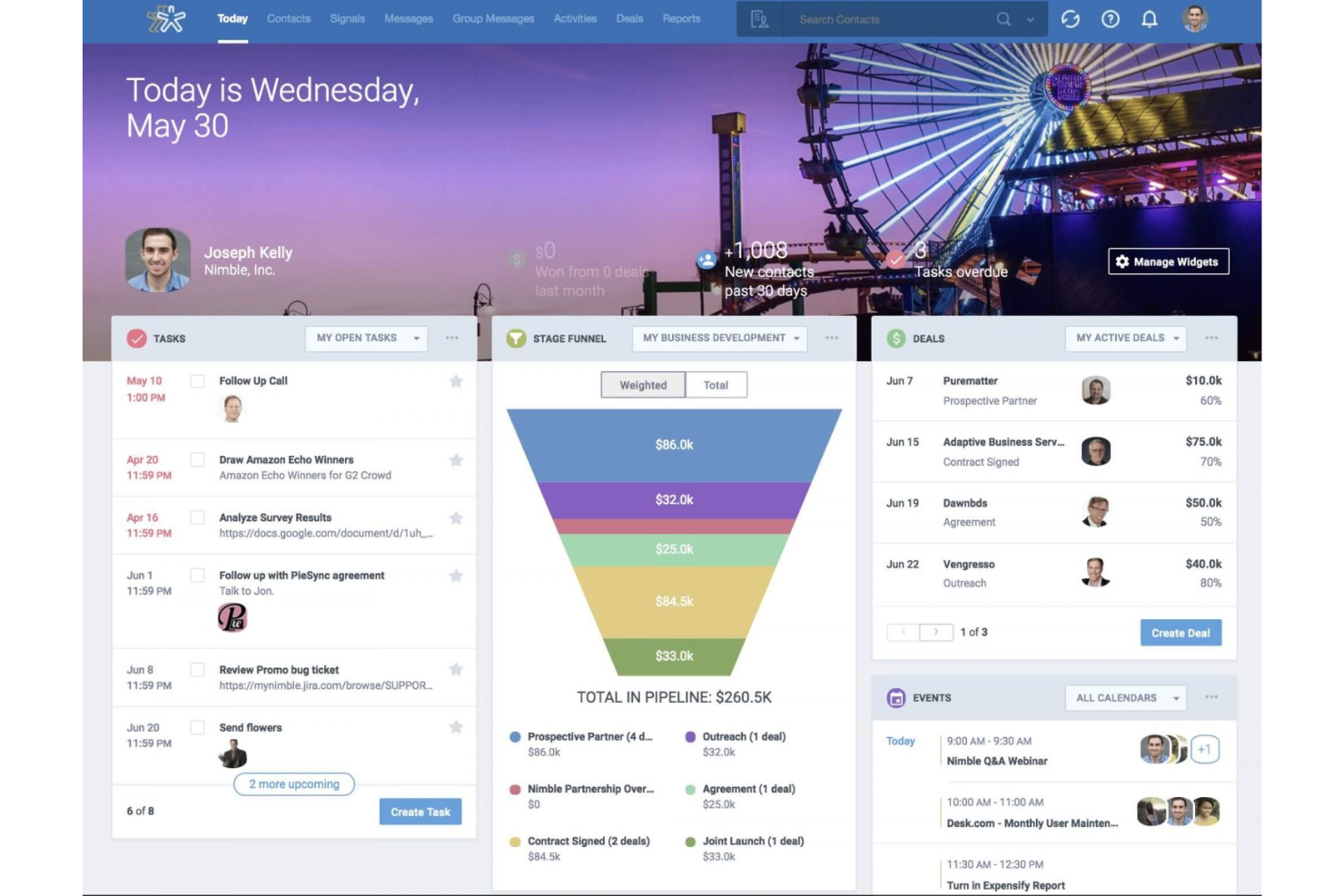
In my opinion, Nimble CRM is a solid choice for small businesses and teams wanting a straightforward CRM solution. Its standout feature is the social media integration, which helps in maintaining customer relationships effectively. The ease of use and onboarding process are impressive, making it suitable for teams that want to get up and running quickly. However, it might lack some advanced features that larger enterprises need.
Compared to other CRM software, Nimble offers good value for money with its intuitive interface and reliable support. If your team values ease of use and social media integration, Nimble could be the right pick.
pros
-
You can easily track customer interactions through its intuitive interface
-
Social media integration helps your team engage with clients effectively.
-
Onboarding is quick, getting your team started without hassle.
cons
-
It may lack some advanced features needed by larger teams.
-
Customization options could be limited for specific business needs.
-
Reporting capabilities might not be as detailed as competitors.
-

Prisync
Visit WebsiteThis rating combines scores from multiple user review sites to reflect overall customer sentiment about the product.4.7 -
Expedite Commerce
Visit Website -
QuickBooks Online
Visit WebsiteThis rating combines scores from multiple user review sites to reflect overall customer sentiment about the product.4





Comment nous testons et notons les outils
Nous avons passé des années à construire, affiner et améliorer notre système de test et de notation des logiciels. La grille d’évaluation est conçue pour saisir toutes les nuances dans le choix d’un logiciel et pour identifier ce qui rend un outil efficace, en mettant l’accent sur les aspects essentiels du processus de décision. Vous trouverez ci-dessous le détail exact de notre méthode de test et de notation selon sept critères. Cela nous permet de fournir une évaluation impartiale des logiciels basée sur la fonctionnalité principale, les fonctionnalités remarquables, la facilité d’utilisation, l’onboarding, le support client, les intégrations, les avis clients et le rapport qualité-prix.
Fonctionnalités principales (25 % de la note finale)
Le point de départ de notre évaluation est toujours la fonctionnalité principale de l’outil. Dispose-t-il des fonctions et caractéristiques de base auxquelles un utilisateur peut s’attendre ? Certaines de ces fonctionnalités de base sont-elles réservées à des formules plus onéreuses ? Nous attendons d’un outil qu’il tienne la comparaison avec les capacités minimales de ses concurrents.
Fonctionnalités remarquables (25 % de la note finale)
Nous évaluons ensuite les fonctionnalités remarquables, rares ou originales, qui vont au-delà des fonctionnalités principales habituellement trouvées dans ce type d’outils. Un score élevé reflète des fonctionnalités spécialisées ou innovantes qui accélèrent le produit, l’optimisent ou apportent une valeur ajoutée à l’utilisateur. Nous évaluons également la facilité d’intégration de l’outil aux autres logiciels généralement présents dans l’écosystème technologique, afin d’étendre ses fonctionnalités et son utilité. Les outils qui offrent de nombreuses intégrations natives, connexions tierces et accès API pour des intégrations personnalisées obtiennent la meilleure note.
Facilité d’utilisation (10 % de la note finale)
Nous évaluons la rapidité et la facilité d’exécution des tâches principales à l’aide de l’outil. Les logiciels les mieux notés sont bien conçus, intuitifs, proposent des applis mobiles, fournissent des modèles et facilitent la réalisation de tâches complexes.
Onboarding (10 % de la note finale)
Nous savons combien il est important d’adopter rapidement une nouvelle plateforme en équipe. Nous évaluons donc la facilité de prise en main de l’outil avec un minimum de formation. Nous étudions la rapidité avec laquelle un membre peut être opérationnel et commencer à utiliser l’outil sans expérience préalable. Un score élevé indique qu’aucun ou très peu de support est requis.
Support client (10 % de la note finale)
Nous examinons la rapidité et la facilité avec lesquelles il est possible de sortir d’une impasse et de trouver de l’aide par téléphone, chat en direct ou base de connaissances. Les outils et entreprises qui proposent une assistance en temps réel obtiennent la meilleure note, tandis que les chatbots sont les moins bien notés.
Avis clients (10 % de la note finale)
Au-delà de nos propres tests et évaluations, nous prenons en compte le score net d’appréciation des clients actuels et passés. Nous examinons la probabilité qu’ils choisissent à nouveau l’outil pour ses fonctionnalités principales. Un score élevé reflète une forte satisfaction des clients actuels ou passés.
Rapport qualité-prix (10 % de la note finale)
Enfin, en tenant compte de tous les autres critères, nous comparons le prix moyen des forfaits d’entrée de gamme avec les fonctionnalités de base et évaluons la valeur ajoutée selon les autres critères. Un logiciel offrant plus pour moins sera mieux noté.
Core Features
Contact & Company Management
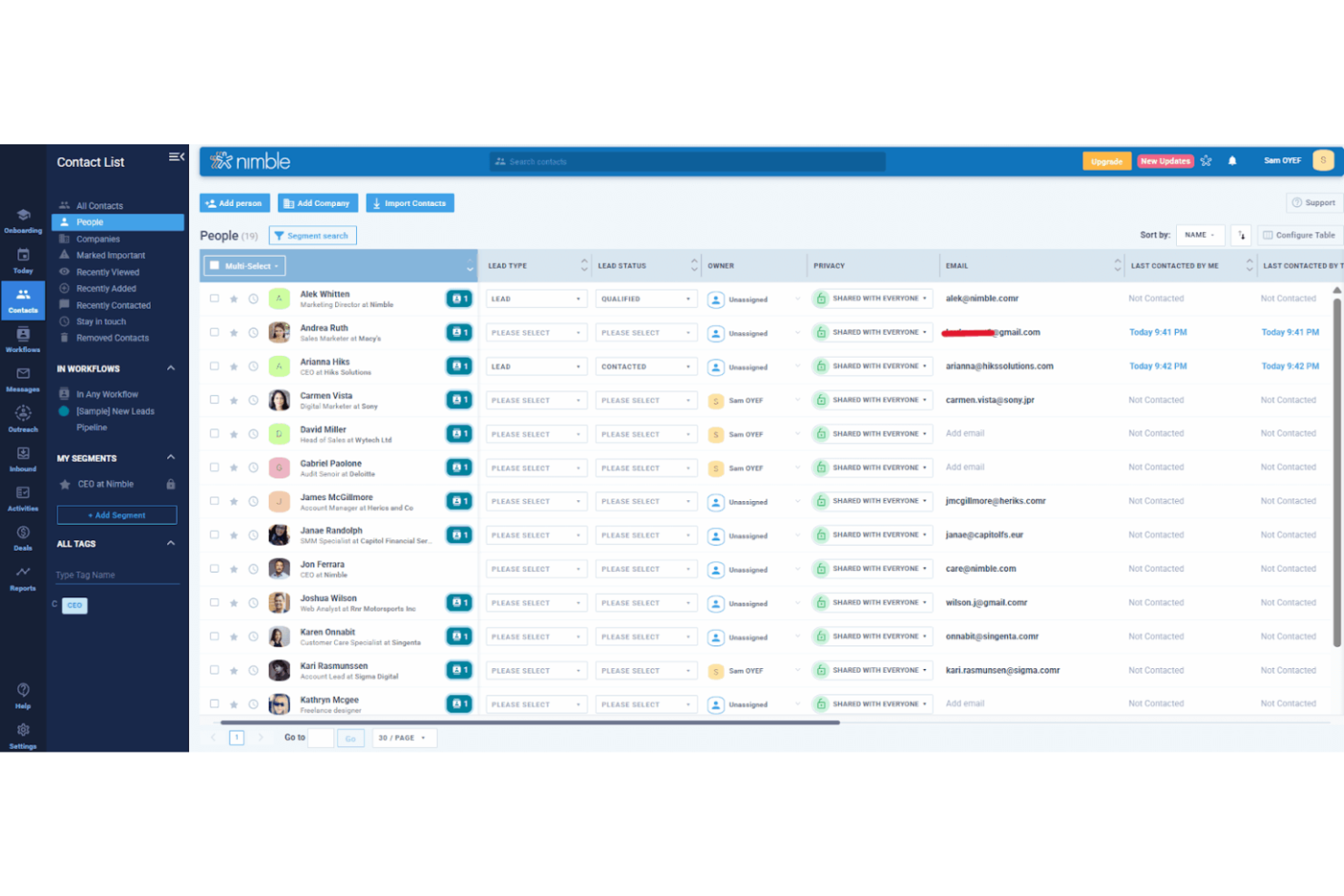
Centralizes contact data and company records with full interaction history, so your team always has context. Built for relationship tracking, not just data storage.
Contact Enrichment
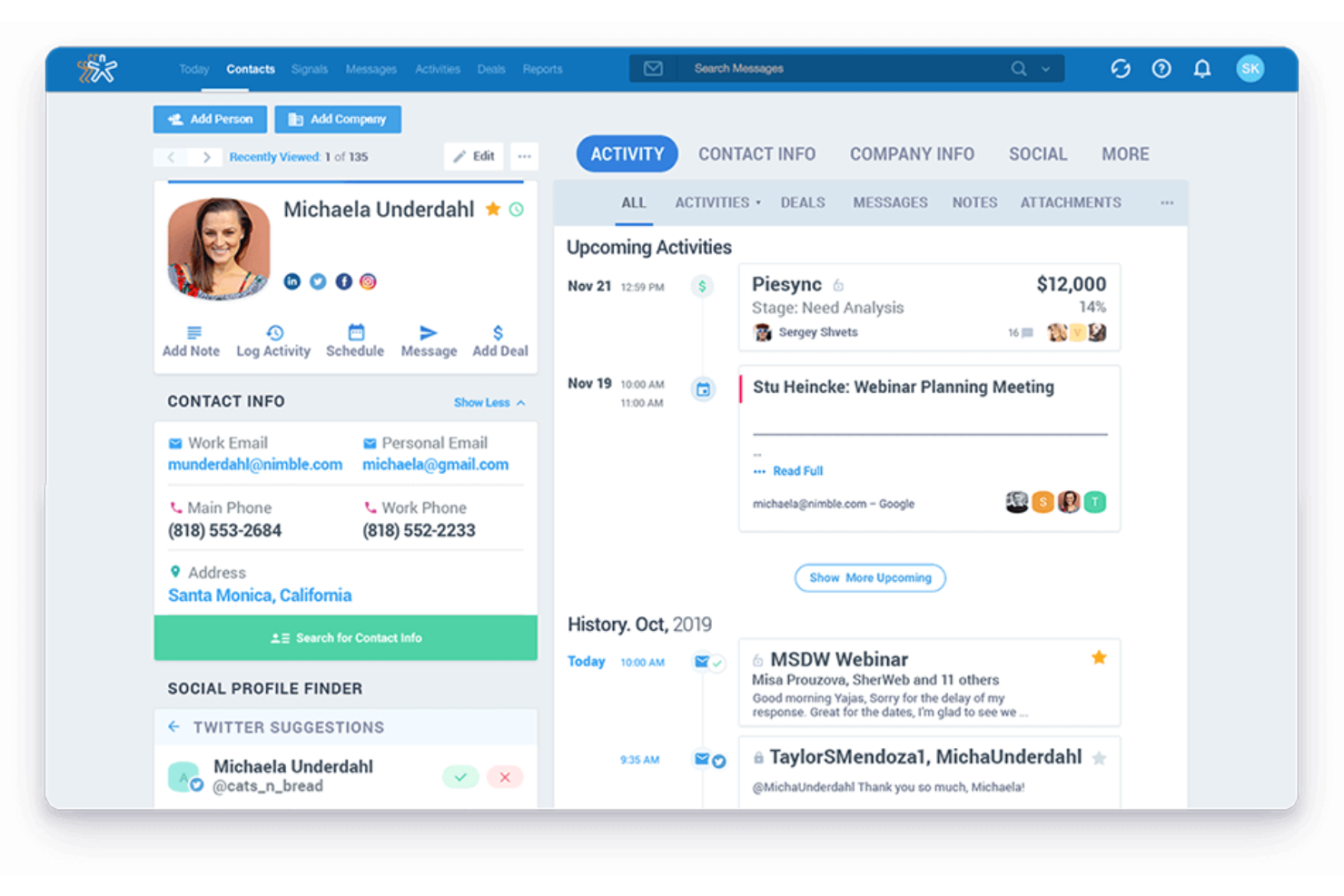
Provides data enrichment by enriching profiles with business details and social data to reduce manual research. Great for keeping records fresh and usable.
Deal Pipeline Management
The visual pipeline dashboard helps you track opportunities and move deals through stages without messy spreadsheets. Keeps sales activity structured and easy to review.
Workflow Tracking
Helps prioritize who to contact next with task-based lists and reminders. Keeps reps consistent on follow-ups.
Email Sync
Connects with your inbox so conversations and full communication history stay tied to the right contact record. Adds tracking so reps can follow engagement better.
Email Outreach
Send personalized outreach at scale with group messaging and automated email sequences. Useful for nurturing leads without blasting generic emails.
Lead Capture Tools
Capture leads through web forms and tools like business card scanning, so contacts don’t get stuck in notes apps forever.
Ease of Use
Nimble CRM is user-friendly, making it easy for your team to navigate and manage customer relationships. Its intuitive interface and straightforward design mean you won't waste time figuring things out. The onboarding process is quick, allowing you to start managing contacts and tasks almost immediately. Compared to other CRM tools, Nimble stands out for its simplicity and ease of use, which helps your team focus on what matters most: engaging with clients effectively.
Integrations
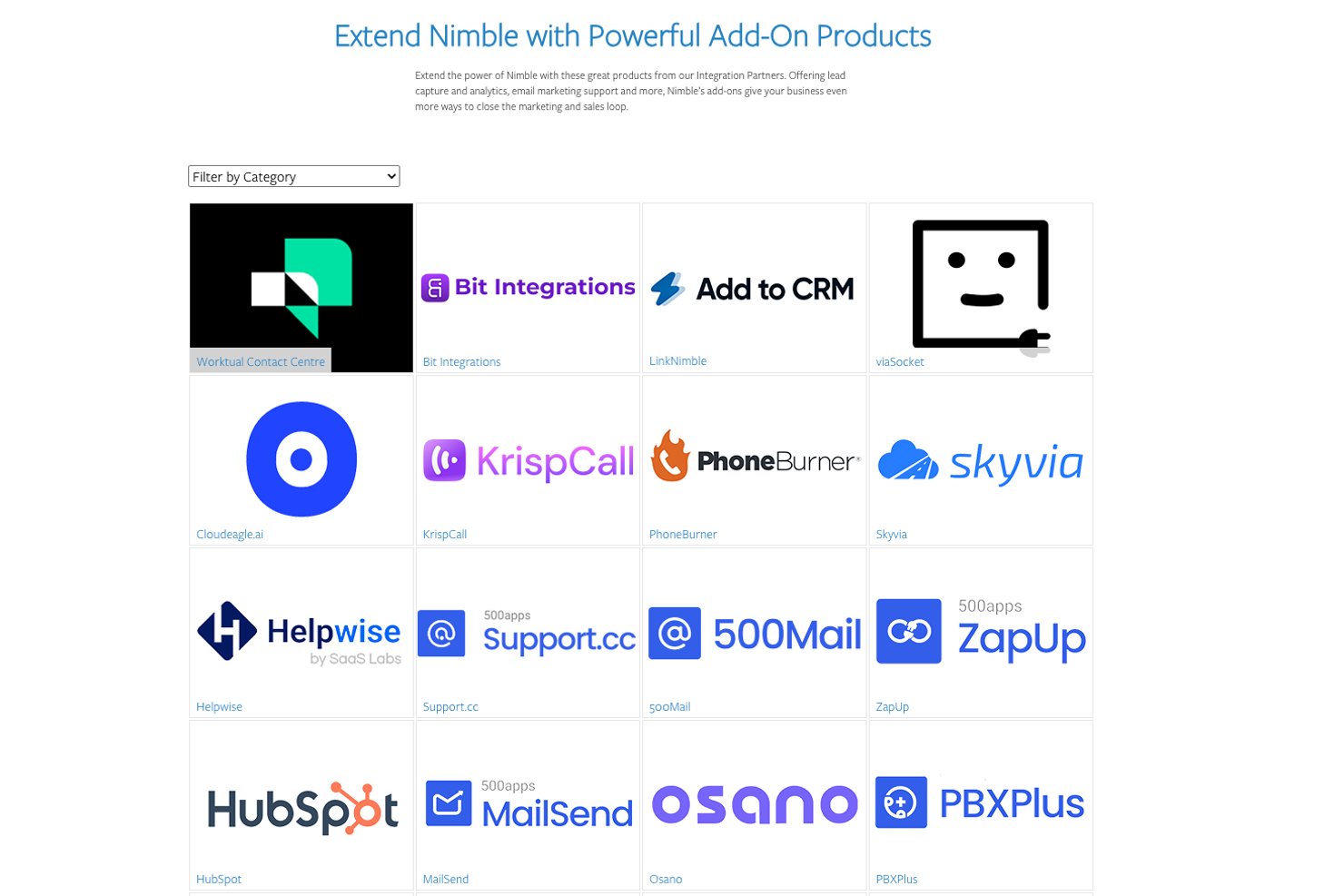
Nimble CRM integrates with Microsoft 365, Google Workspace, QuickBooks, Mailchimp, Zoom, Pabbly, Integromat, Salesforce, FunnelFLARE, and ActiveDEMAND. Nimble CRM also offers an API and connects with third-party integration tools like Zapier for additional functionality.
Nimble CRM Specs
- 2-Factor Authentication
- Analytics
- API
- Batch Permissions & Access
- Collaboration Support
- CRM Integration
- Customer Service
- Dashboard
- Data Export
- Data Import
- Data Visualization
- Developer Tools
- Email Integration
- External Integrations
- File Sharing
- Forecasting
- Marketing Automation
- Multi-User
- Notifications
- Project Management
- Resource Management
- Sales Automation
- Task Scheduling/Tracking
- Third-Party Plugins/Add-Ons
- Time Management
- Visualization