

Qobran arvostelu: hyvät ja huonot puolet, ominaisuudet ja hinnoittelukatsaus
Raivaan markkinointihypen tieltä paljastaakseni, miten Qobra uudistaa myynnin palkitsemista – tarjoten tärkeää automaatiota, joustavia suunnitelmia ja syvällistä analytiikkaa, jota et löydä tavanomaisista ohjelmistoista.

We review tools independently, and commissions help fund our testing. See our transparency policy, our methodology, or suggest a tool.
Qobra is a sales compensation software built for revenue teams that need to automate commission calculations and give reps real-time visibility into their earnings. I'd put it on your shortlist if you're outgrowing spreadsheets or find a tool like Xactly too complex for your current scale. Qobra delivers commission automation and rep-facing dashboards without the configuration overhead that enterprise platforms typically require.
Qobra Evaluation Summary
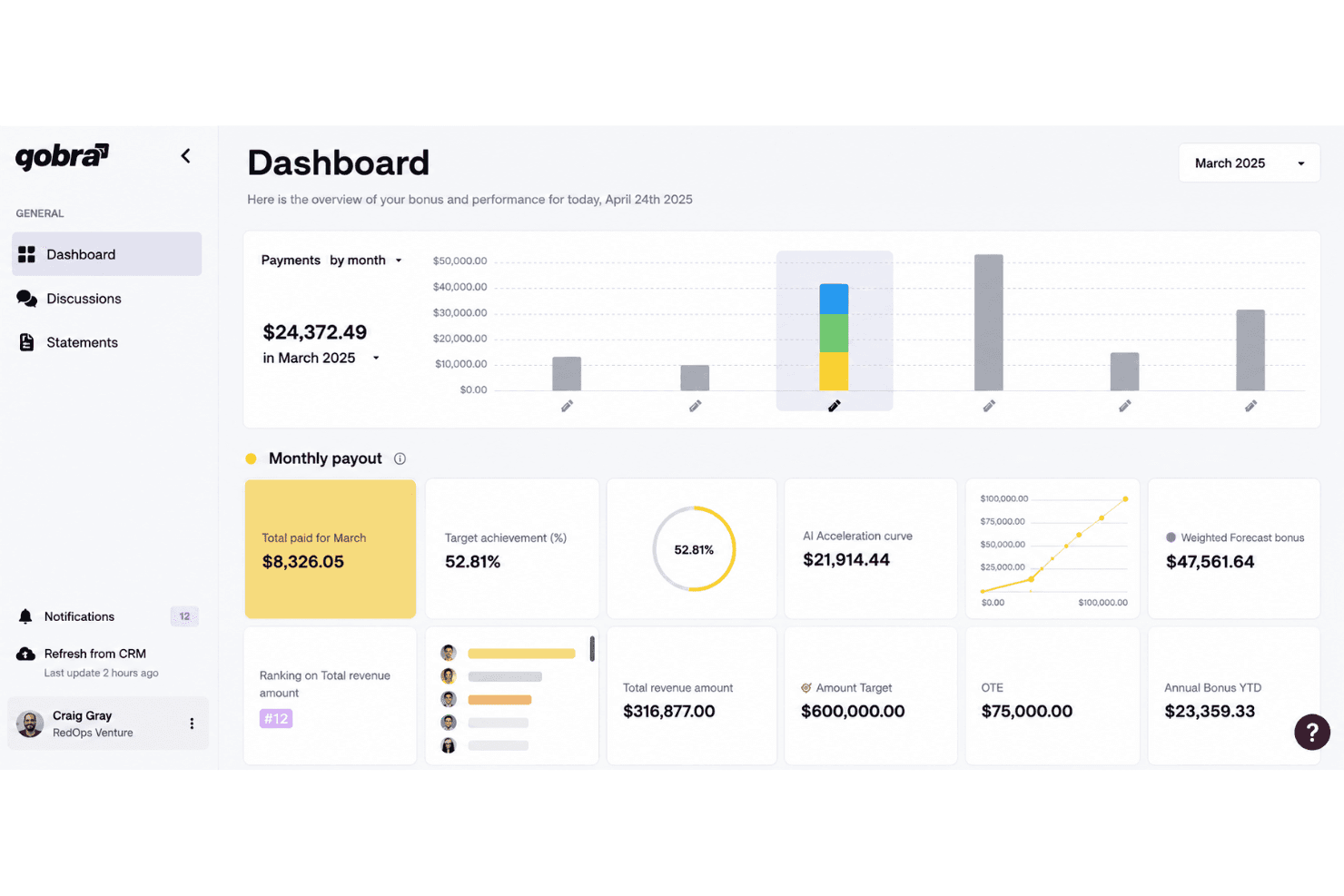
4.8/5
- Pricing upon request
- Free demo available
Why Trust Our Software Recommendations
6,700+
Reviews
20
Industry experts
16+
Evaluation factors
14
Years
Our reviews reflect our independent judgment—not a sales pitch. Learn how we stay transparent.
For this guide, we evaluated tools using hands-on testing and independent research, scoring tools using our selection criteria.
Our reviews reflect our human editorial judgment, not a sales pitch.
Qobra Overview
In my judgment, Qobra stands out for its commission automation, intuitive interface, and flexible plan builder, which makes configuring complex commission processes far easier than with most tools. I think it’s a smart choice if you want real-time dashboards and automated workflows without heavy consulting or delayed implementations. Qobra does lag behind some competitors on deep native integrations, but its transparent pricing and responsive support offset that for most teams. I’d recommend it for high-growth sales organizations who want fast value and clear oversight as they scale.
Pros
- Automates complex commission plan calculations for sales teams
- Real-time dashboards boost visibility into payouts for reps and managers
- Custom approval workflows support sales, finance, and leadership needs
Cons
- Lacks advanced territory management or quota modeling features
- Multi-currency support is limited compared to some competitors
- API capabilities for custom automations are still developing
Is Qobra Right For Your Needs?
Who Would be a Good Fit for Qobra?
Qobra makes the most sense for revenue teams, midsize to large businesses, finance teams, and companies with complex commission structures who need automation and transparency. You’ll get the most value if you have sales, account management, or customer success teams that need real-time dashboards, streamlined commission workflows, and rule-based automation. These users will appreciate Qobra’s CRM integrations and strong reporting features, especially if accuracy and transparency are top priorities.
- SaaS Sales TeamsQobra handles complex, multi-tiered commission plans with recurring revenue and is built to sync easily with CRMs like Salesforce.
- Financial Services FirmsYou’ll benefit from detailed audit logs, regulatory compliance support, and advanced reporting to manage compensation in highly regulated sectors.
- Enterprise Account ManagementLarge teams need approval workflows, customizable dashboards, and scalable plan management—which Qobra offers with advanced integration options.
- High-Growth StartupsGrowing companies get fast onboarding, user-friendly plan editing, and the flexibility to adapt commission rules as you scale up.
- B2B Customer SuccessManagers can design compensation plans tied to retention and expansion targets, with real-time visibility for every team member.
- Remote-First OrganizationsDistributed teams benefit from Qobra’s cloud-based access, clear payout tracking, and collaborative plan management across locations.
Who Would be a Bad Fit for Qobra?
Qobra is less suitable for solo entrepreneurs, companies with tiny sales teams, businesses outside traditional sales models, organizations with simple flat-rate commissions, or teams primarily using niche industry-specific tools Qobra doesn’t support. If your compensation needs are basic or you lack the need for real-time data and integration, you probably won’t see justified value from Qobra’s full feature set.
- Solo Sales ProfessionalsThe setup and breadth of features are overkill if you process commissions for just one person.
- Retail StoresQobra targets B2B and inside sales use cases, so traditional retail commission schemes are not its strength.
- Small NonprofitsIf you don’t run incentive-based sales, Qobra’s automation and integrations go unused.
- Manufacturing Assembly RolesNon-sales operational teams with hourly or fixed-wage models won’t need sales commission workflows or CRM integrations.
- Flat-Rate Commission StructuresBusinesses paying standard, unchanging commissions can use much simpler (and cheaper) alternatives.
- Niche Industry ToolsIf your teams rely on purpose-built vertical market CRMs or ERPs not natively supported, integrations may be lacking.
How We Test & Score Tools
We’ve spent years building, refining, and improving our software testing and scoring system. The rubric is designed to capture the nuances of software selection and what makes a tool effective, focusing on critical aspects of the decision-making process.
Below, you can see exactly how our testing and scoring works across seven criteria. It allows us to provide an unbiased evaluation of the software based on core functionality, standout features, ease of use, onboarding, customer support, integrations, customer reviews, and value for money.
Core Functionality (25% of final scoring)
The starting point of our evaluation is always the core functionality of the tool. Does it have the basic features and functions that a user would expect to see? Are any of those core features locked to higher-tiered pricing plans? At its core, we expect a tool to stand up against the baseline capabilities of its competitors.
Standout Features (25% of final scoring)
Next, we evaluate uncommon standout features that go above and beyond the core functionality typically found in tools of its kind. A high score reflects specialized or unique features that make the product faster, more efficient, or offer additional value to the user.
We also evaluate how easy it is to integrate with other tools typically found in the tech stack to expand the functionality and utility of the software. Tools offering plentiful native integrations, 3rd party connections, and API access to build custom integrations score best.
Ease of Use (10% of final scoring)
We consider how quick and easy it is to execute the tasks defined in the core functionality using the tool. High scoring software is well designed, intuitive to use, offers mobile apps, provides templates, and makes relatively complex tasks seem simple.
Onboarding (10% of final scoring)
We know how important rapid team adoption is for a new platform, so we evaluate how easy it is to learn and use a tool with minimal training. We evaluate how quickly a team member can get set up and start using the tool with no experience. High scoring solutions indicate little or no support is required.
Customer Support (10% of final scoring)
We review how quick and easy it is to get unstuck and find help by phone, live chat, or knowledge base. Tools and companies that provide real-time support score best, while chatbots score worst.
Customer Reviews (10% of final scoring)
Beyond our own testing and evaluation, we consider the net promoter score from current and past customers. We review their likelihood, given the option, to choose the tool again for the core functionality. A high scoring software reflects a high net promoter score from current or past customers.
Value for Money (10% of final scoring)
Lastly, in consideration of all the other criteria, we review the average price of entry level plans against the core features and consider the value of the other evaluation criteria. Software that delivers more, for less, will score higher.
Core Features
Automated Commission Calculation
Qobra calculates commissions automatically using live sales and CRM data. Teams eliminate spreadsheet errors and manual work every pay cycle.
Real-Time Dashboards
Everyone gets up-to-date visibility on pending, approved, and paid commissions. Sales reps and managers can track performance to targets at a glance.
Custom Plan Designer
Easily build and adjust variable compensation schemes and rules. Configure splits, bonuses, tiers, and exceptions to match varied roles.
Secure Approval Workflows
Route commission approvals through tailored workflows for sales, finance, and leadership. Add transparency and accountability for every payout.
Audit and Dispute Management
Track every change and flag disputes directly in the platform. Reps can initiate payout reviews for swift resolution and shared trust.
Compensation Analytics and Reporting
Analyze compensation spend, attainment, and plan effectiveness with built-in reporting. Make informed decisions about incentives and budgets faster.
Ease of Use
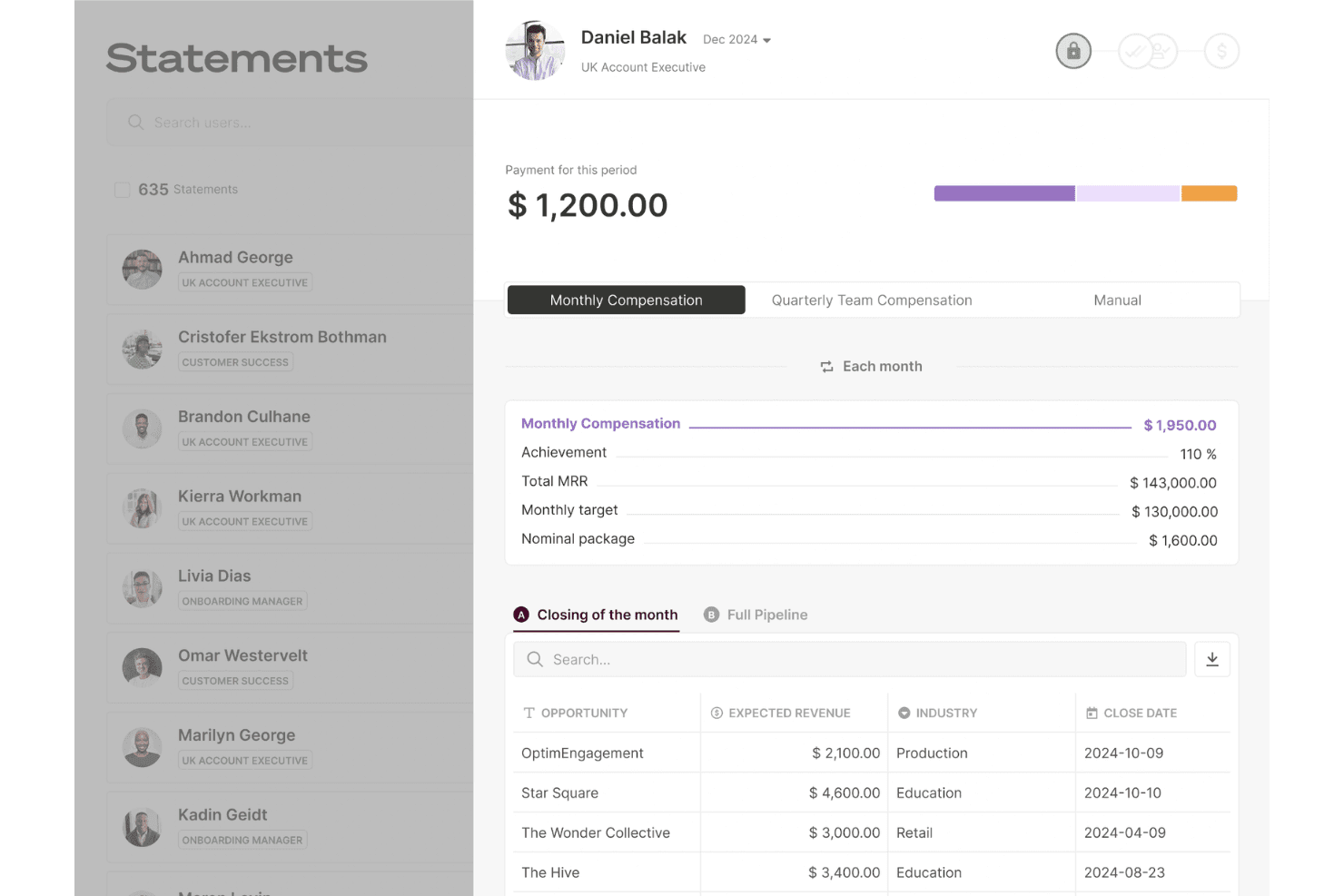
Qobra sets itself apart with a clean interface and guided workflows that help even first-time users configure complex plans quickly. I’ve seen users call out the clarity of its dashboards and how plan changes sync instantly with payout reports. Features like built-in approval flows and dispute tools make day-to-day use straightforward, cutting down on manual errors and unnecessary support tickets.
Integrations
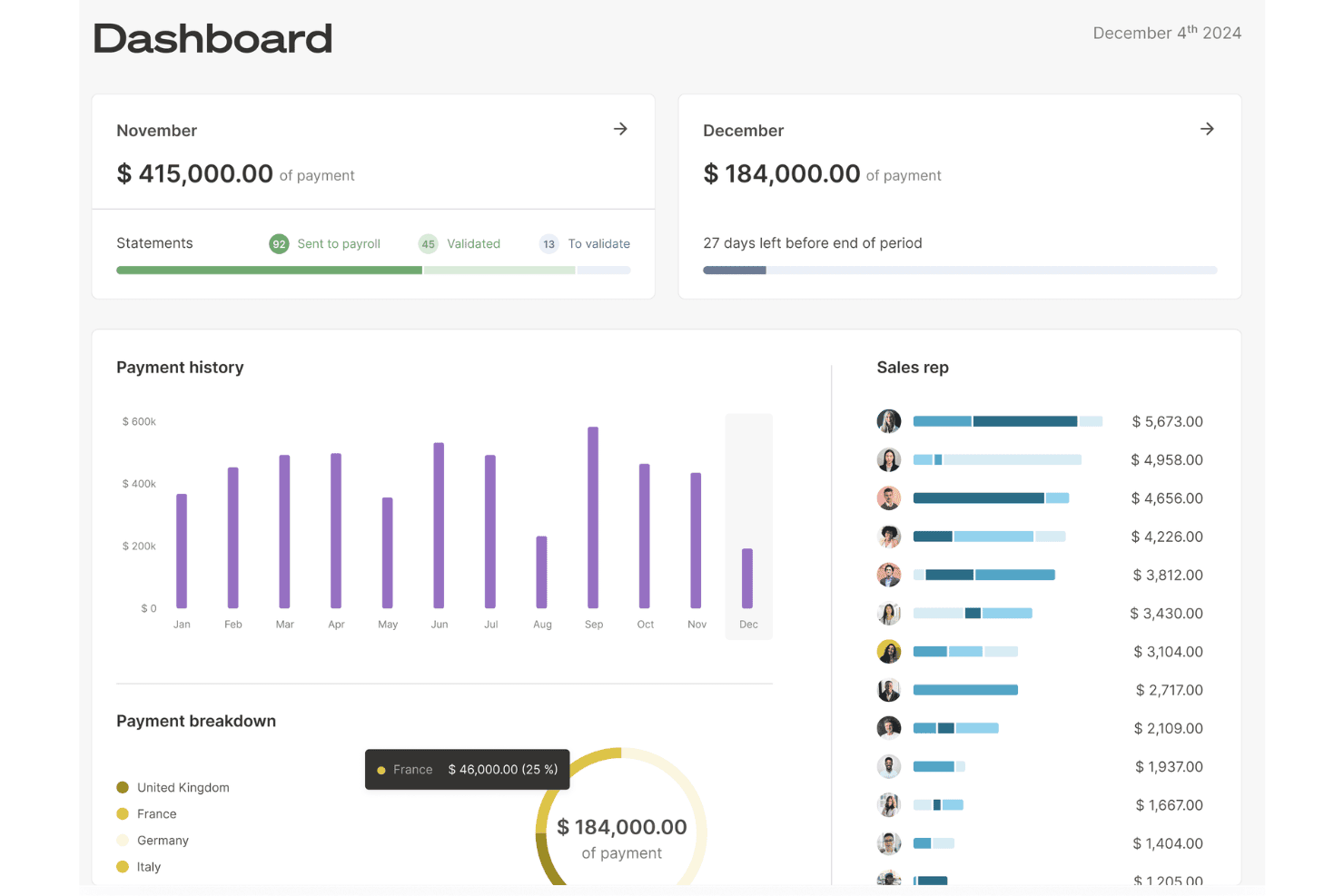
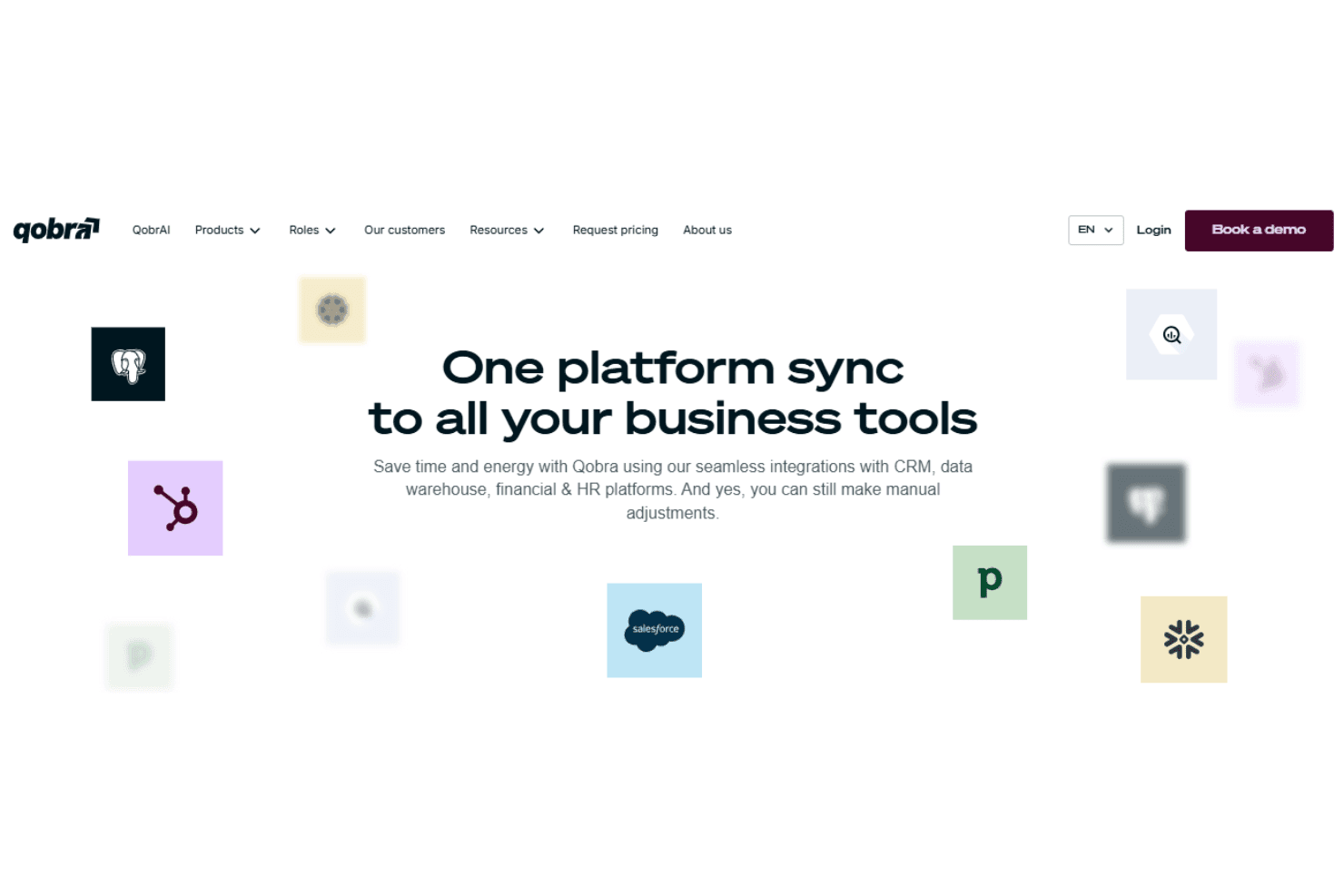
Qobra has seamless integrations with Salesforce, HubSpot CRM, Pipedrive, Odoo, Zoho CRM, Snowflake, Google BigQuery, and PostgreSQL, among others.
Qobra also offers a public API access and supports connections to databases, data warehouses, and HR platforms, letting you automate data syncs or set up custom integrations as needed.
Qobra Specs
- 2-Factor Authentication: Yes
- API: Yes
- Audience Targeting: Yes
- Budgeting: Yes
- Calendar Management: Yes
- Call Recording: Yes
- Click-to-Dial: Yes
- Contact Management: Yes
- Contact Sharing: Yes
- Conversion Tracking: Yes
- Customer Management: Yes
- Dashboard: Yes
- Data Export: Yes
- Data Import: Yes
- Data Visualization: Yes
- Email Integration: Yes
- Expense Tracking: Yes
- External Integrations: Yes
- Forecasting: Yes
- Google Apps Integration: Yes
- Inventory Tracking: Yes
- Lead Management: Yes
- Lead Scoring: Yes
- Marketing Automation: Yes
- Multi-User: Yes
- Notifications: Yes
- Payroll: Yes
- Project Management: Yes
- Referral Tracking: Yes
- Sales Motivator: Yes
- Scheduling: Yes
- Social-Media Integration: Yes
- Supplier Management: Yes
- Tax Management: Yes
- Third-Party Plugins/Add-Ons: Yes
- Travel Management: Yes


