
Reseña de OptinMonster: Pros, Contras, Características y Precios
En mi carrera, he utilizado muchas herramientas de generación de leads, incluido OptinMonster. En esta reseña, analizaré las características, fortalezas y limitaciones de la plataforma para que puedas decidir si encaja en tu estrategia de captación de leads.

Analizamos las herramientas de forma independiente, y las comisiones ayudan a financiar nuestras pruebas. Consulta nuestra política de transparencia, nuestra metodología, o sugiere una herramienta.
OptinMonster is a B2B lead generation software built around on-site conversion tools—exit-intent popups, slide-ins, and embedded forms with behavioral targeting rules. I'd consider it if you want to capture leads from your existing web traffic without building out separate campaign pages. If you've looked at Unbounce, that's the stronger fit for dedicated landing page campaigns, but OptinMonster is the better call when your goal is converting visitors who are already on your site.
OptinMonster Evaluation Summary
0/5
- From $7/month (billed annually)
- Free demo + 14-day money-back guarantee available
Por qué confiar en nuestras recomendaciones de software
6,700+
Reviews
20
Industry experts
16+
Evaluation factors
14
Years
Nuestras reseñas reflejan nuestro criterio independiente, no un discurso de ventas. Descubra cómo mantenemos la transparencia.
Para esta guía, evaluamos las herramientas mediante pruebas prácticas e investigación independiente, puntuando las herramientas según nuestros criterios de selección.
Nuestras reseñas reflejan nuestro criterio editorial humano, no un discurso de ventas.
OptinMonster Overview
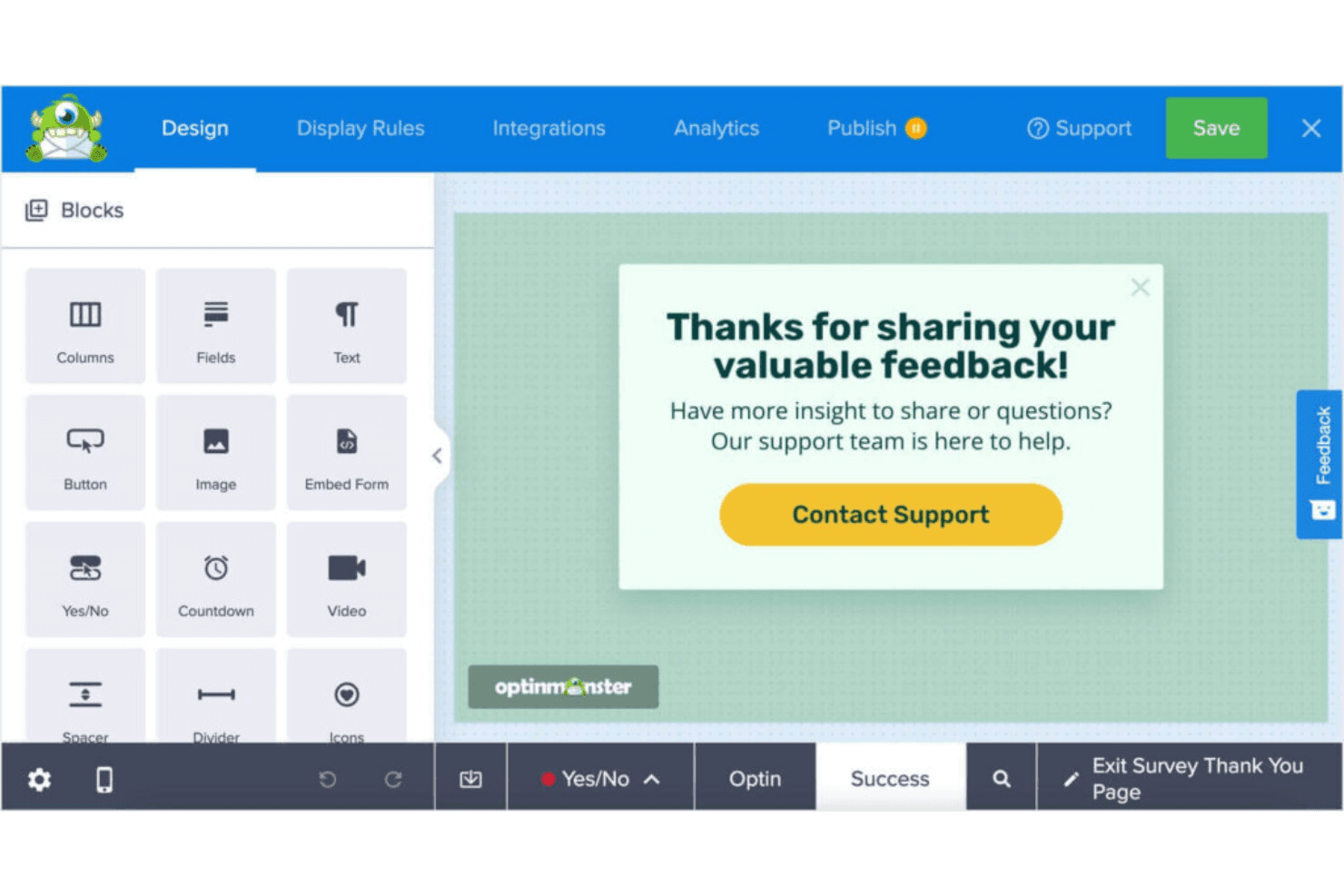
What makes OptinMonster valuable isn’t just ease of use—it’s the ability to create highly targeted, behavior-driven campaigns without needing a developer. From exit-intent popups to advanced A/B testing and analytics, it gives teams the tools to optimize every stage of the lead capture process and continuously improve conversion performance.
Pros
- You can easily create eye-catching pop-ups with its intuitive drag-and-drop builder.
- It offers advanced targeting rules to reach the right audience at the right time.
- You get access to detailed analytics to track and optimize your campaigns.
Cons
- No native email functionality—it only capture leads.
- You might find the customization options limited compared to some competitors.
- Key e-commerce integrations are limited to higher-tier plans.
Is OptinMonster Right For Your Needs?
Who Would be a Good Fit for OptinMonster?
OptinMonster is ideal for small businesses, e-commerce sites, and marketing teams that want to enhance their lead generation efforts. If you’re running an online store or work in a digital marketing agency, OptinMonster’s advanced targeting and analytics tools can boost your conversion rates. It’s also well-suited for content creators who need to grow their email lists quickly, thanks to its user-friendly pop-up builder and customizable templates.
- E-commerce SitesOptinMonster’s exit-intent pop-ups help you recover abandoned carts and increase sales.
- Digital AgenciesYour team can leverage its targeting features to drive more qualified leads for clients.
- Content CreatorsGrow your email list with OptinMonster’s effective sign-up forms and templates.
- Small BusinessesUse its easy-to-use builder to create pop-ups without needing a developer.
- Marketing TeamsGain insights with its analytics to fine-tune your campaigns and maximize impact.
- Online RetailersBoost your promotions by capturing leads with OptinMonster’s targeted campaigns.
Who Would be a Bad Fit for OptinMonster?
OptinMonster may not be the best fit for large enterprises with complex CRM needs or businesses seeking extensive customization options. If your team requires highly tailored solutions or advanced integrations with custom-built systems, OptinMonster’s capabilities might fall short. Additionally, companies with limited lead gen expertise might struggle with the initial setup and learning curve, making it less ideal for those without dedicated marketing resources.
- Large EnterprisesOptinMonster lacks the deep customization and complex integrations large companies might need.
- Tech-Savvy TeamsYour team might find OptinMonster’s customization options limited compared to other platforms.
- Custom CRM UsersIf you’re using a unique CRM, OptinMonster’s integration capabilities might not meet your needs.
- Non-Marketing DepartmentsTeams without marketing expertise might find the setup and learning curve challenging.
- Highly Regulated IndustriesIndustries with strict compliance needs might require more robust data handling features.
- Advanced Analytics NeedsOptinMonster’s analytics might not suffice if you need in-depth, custom reporting capabilities.
Cómo Probamos y Evaluamos Herramientas
Hemos pasado años construyendo, refinando y mejorando nuestro sistema de pruebas y evaluación de software. La rúbrica está diseñada para capturar las complejidades de la selección de software y lo que hace que una herramienta sea efectiva, centrándose en aspectos críticos del proceso de toma de decisiones. A continuación, puede ver exactamente cómo funcionan nuestras pruebas y evaluación a través de siete criterios. Esto nos permite ofrecer una evaluación imparcial del software basada en la funcionalidad principal, características destacadas, facilidad de uso, incorporación, soporte al cliente, integraciones, opiniones de los clientes y relación calidad-precio.
Funcionalidad Principal (25% de la puntuación final)
El punto de partida de nuestra evaluación es siempre la funcionalidad principal de la herramienta. ¿Tiene las características y funciones básicas que un usuario esperaría ver? ¿Alguna de esas funciones principales está restringida a planes de precios superiores? En esencia, esperamos que una herramienta cumpla con las capacidades básicas de sus competidores.
Características Destacadas (25% de la puntuación final)
A continuación, evaluamos características poco comunes que van más allá de la funcionalidad principal que suelen ofrecer herramientas similares. Una puntuación alta refleja funciones especializadas o únicas que hacen que el producto sea más rápido, eficiente o aporte un valor adicional al usuario. También evaluamos lo fácil que es integrar la herramienta con las demás del stack tecnológico para ampliar la utilidad y el alcance del software. Las herramientas que ofrecen integraciones nativas, conexiones de terceros y acceso API para crear integraciones personalizadas reciben las mejores puntuaciones.
Facilidad de Uso (10% de la puntuación final)
Consideramos qué tan rápido y fácil es realizar las tareas definidas en la funcionalidad principal usando la herramienta. El software que obtiene una alta puntuación está bien diseñado, es intuitivo de usar, ofrece aplicaciones móviles, proporciona plantillas y hace que tareas relativamente complejas parezcan sencillas.
Incorporación (10% de la puntuación final)
Sabemos lo importante que es la rápida adopción por parte del equipo de una nueva plataforma, por lo que evaluamos lo fácil que es aprender y utilizar una herramienta con una formación mínima. Evaluamos qué tan rápido un miembro del equipo puede configurarse y empezar a usar la herramienta sin experiencia previa. Las soluciones con puntuación alta indican que se requiere poco o ningún soporte.
Soporte al Cliente (10% de la puntuación final)
Revisamos cuán rápido y sencillo es encontrar ayuda y resolver problemas a través de teléfono, chat en vivo o base de conocimientos. Las herramientas y compañías que brindan soporte en tiempo real obtienen las mejores puntuaciones, mientras que los chatbots reciben las peores.
Opiniones de Clientes (10% de la puntuación final)
Además de nuestras propias pruebas y evaluaciones, consideramos el puntaje neto de promotores de los clientes actuales y anteriores. Revisamos su probabilidad, si tuvieran la opción, de volver a elegir la herramienta para la funcionalidad principal. Un software con puntuación alta refleja un puntaje neto de promotores elevado por parte de clientes actuales o anteriores.
Relación Calidad-Precio (10% de la puntuación final)
Por último, considerando todos los demás criterios, revisamos el precio promedio de los planes de nivel inicial frente a las funciones principales y consideramos el valor de los otros criterios de evaluación. El software que ofrece más, por menos, obtendrá una puntuación más alta.
Core Features
Drag-and-Drop Builder
Create custom pop-ups with ease using OptinMonster's intuitive builder. It lets you design without coding, making it accessible for everyone on your team.
Exit-Intent Technology
Capture leaving visitors by triggering pop-ups as they navigate away. This feature helps you recover potential lost leads and boost conversions.
Targeting Rules
Reach the right audience with advanced targeting options like page-level targeting. Tailor your campaigns to specific visitor behaviors and preferences.
A/B Testing
Optimize your campaigns by testing different pop-up variations. You can see what works best and make data-driven decisions to improve results.
Analytics Dashboard
Gain insights into your campaigns with OptinMonster's analytics. Track performance metrics and make informed adjustments to enhance your strategies.
Mobile-Friendly Pop-Ups
Ensure your pop-ups look great on any device. OptinMonster's responsive design helps you engage users on mobile without compromising experience.
Customizable CTAs
You can create tailored calls-to-action that resonate with their audience, increasing the likelihood of conversion.
Email Integration
Easy sync with email marketing services means you can grow your lists and segment subscribers.
Ease of Use
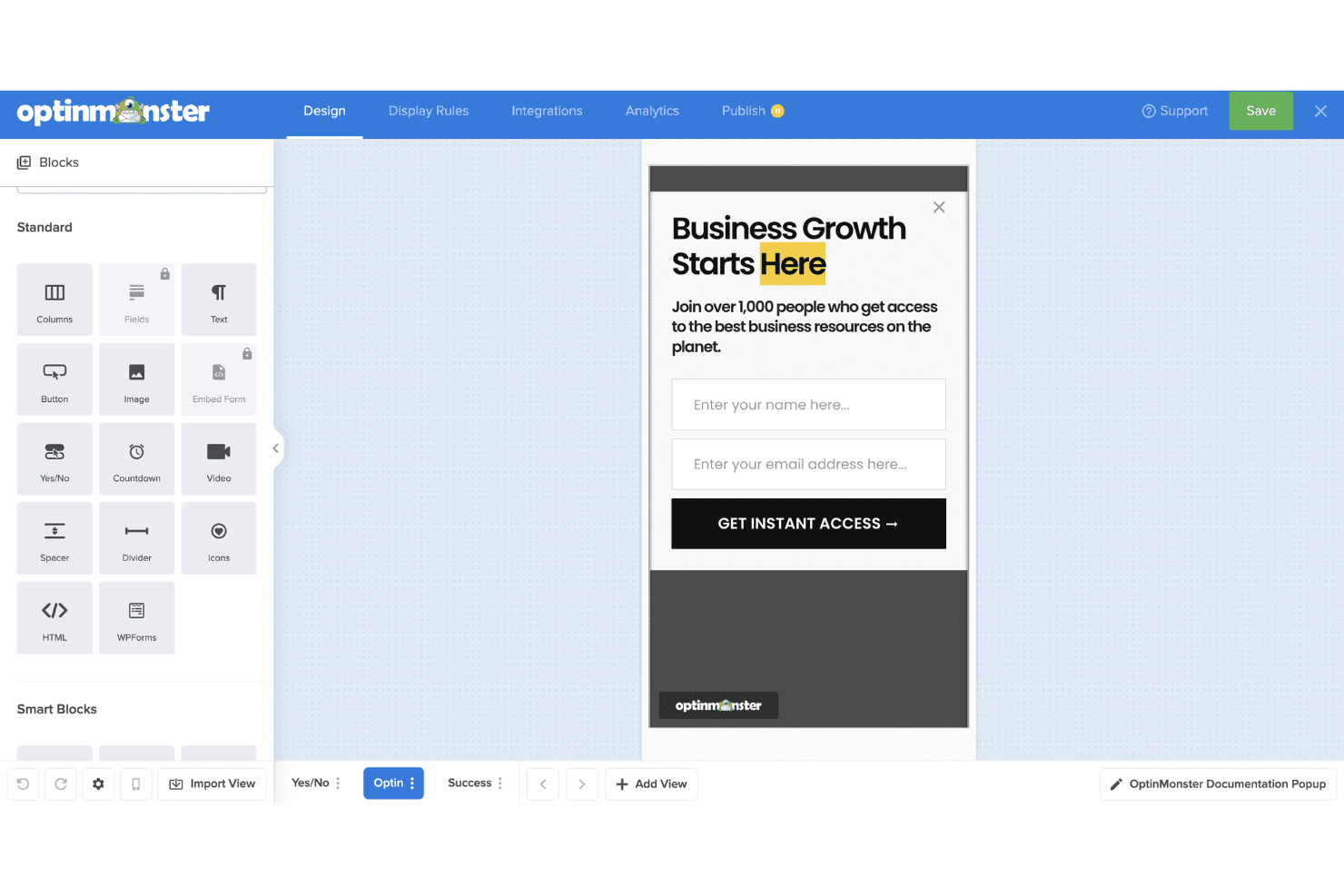
OptinMonster is user-friendly, thanks to its intuitive drag-and-drop builder that makes creating popups and forms easy—even without coding experience. The interface is straightforward, and most users can launch their first campaign quickly. While the range of features can feel a bit overwhelming at first, the learning curve is manageable. Once you're familiar with the layout, using the platform becomes second nature. Compared to other tools, OptinMonster strikes a good balance between power and simplicity, so your team can focus on optimizing conversions instead of wrestling with the software.
Integrations
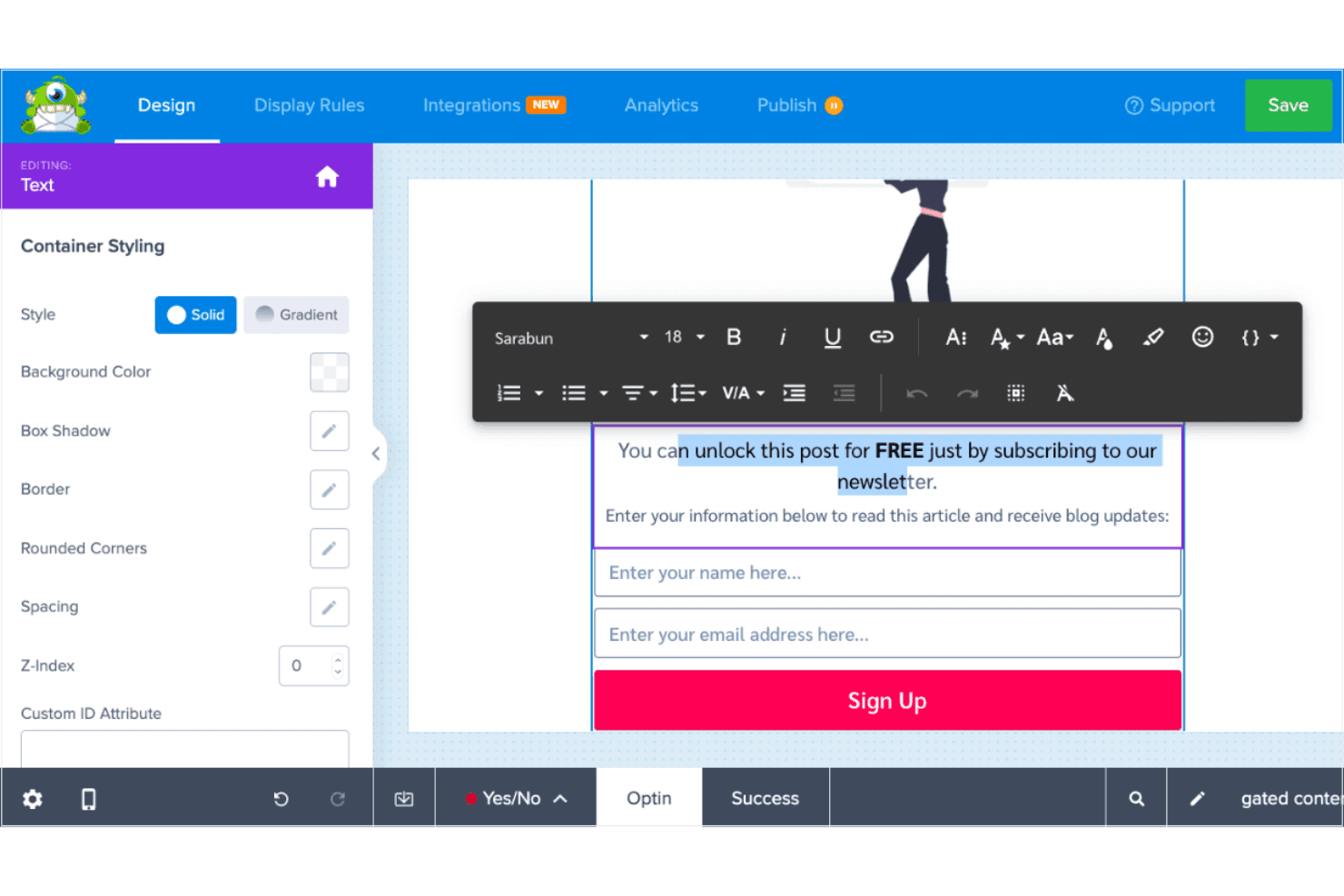
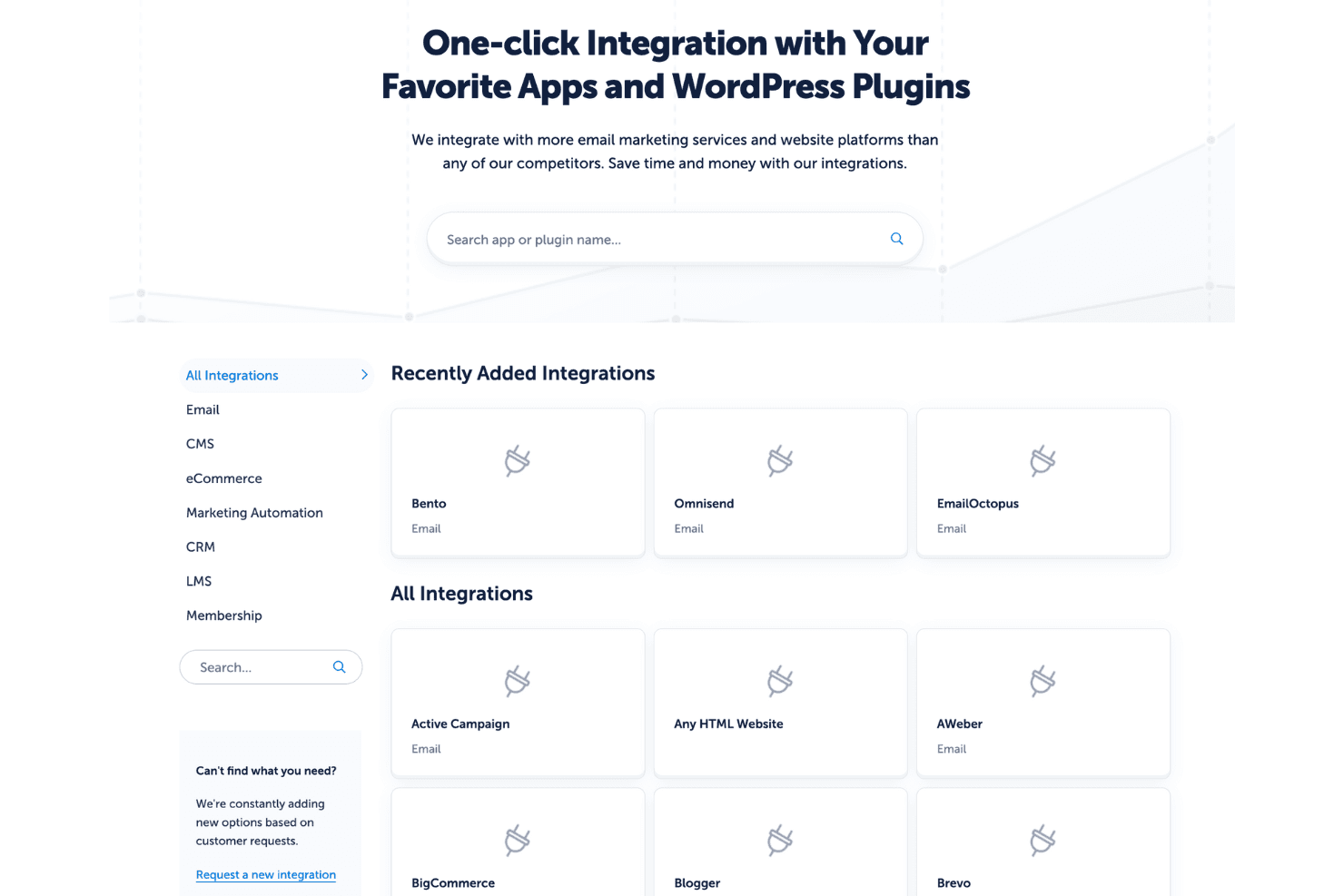
Integrations include Mailchimp, AWeber, Constant Contact, GetResponse, HubSpot, ActiveCampaign, Zapier, Salesforce, WooCommerce, Shopify, Drip, and ConvertKit.
OptinMonster Specs
- 2-Factor Authentication: No
- A/B Testing: No
- Analytics: No
- API: No
- BitCoin: No
- Conversion Tracking: No
- Dashboard: No
- Data Export: No
- Data Import: No
- Data Visualization: No
- Design Templates: No
- External Integrations: No
- Inventory Tracking: No
- Keyword Tracking: No
- Marketing Automation: No
- Multi-User: No
- Notifications: No
- Order Management: No
- Payment Gateway Integration: No
- Payment Processor: No
- PayPal: No
- Product Catalog: No
- Review Monitoring: No
- SAP Integration: No
- Scheduling: No
- Stripe: No
- Third-Party Plugins/Add-Ons: No
Alternatives to OptinMonster


OptinMonster FAQs
¿Qué sigue?
¿Quieres aprender más sobre las últimas novedades y conocimientos en ventas y tecnología de la mano de expertos de la industria? Suscríbete a nuestro boletín.